11 Best AI Tools for Businessesin 2026
The primary challenge for businesses scaling with AI is platform fragmentation. When writing, research, design, SEO, and marketing each run on separate platforms, teams spend more time managing subscriptions than extracting value from them. Workflows fragment, context gets lost between handoffs, and the productivity gains AI promises remain largely theoretical.
The downstream impact compounds quickly. Deadlines slip, output quality becomes inconsistent, and decision-makers operate from incomplete information because the systems holding it were never designed to communicate.
The best AI tools for businesses 2026 solve this by consolidating core functions, reducing platform dependencies, and giving teams a single environment where work can move from research to creation to publication without friction.
In this article, we have rounded up the 11 best AI tools for business owners. Each one solves an actual problem and has the potential to become a core part of your workflow.
Design and Visual AI Tools for Businesses
Strong visuals are no longer optional for businesses. From ads and social media to presentations and product marketing, visual content now shapes how brands get noticed and remembered.
These two AI design tools are our top picks for businesses that need to create professional visuals quickly, maintain brand consistency, and produce content at scale without relying heavily on design teams or agencies.
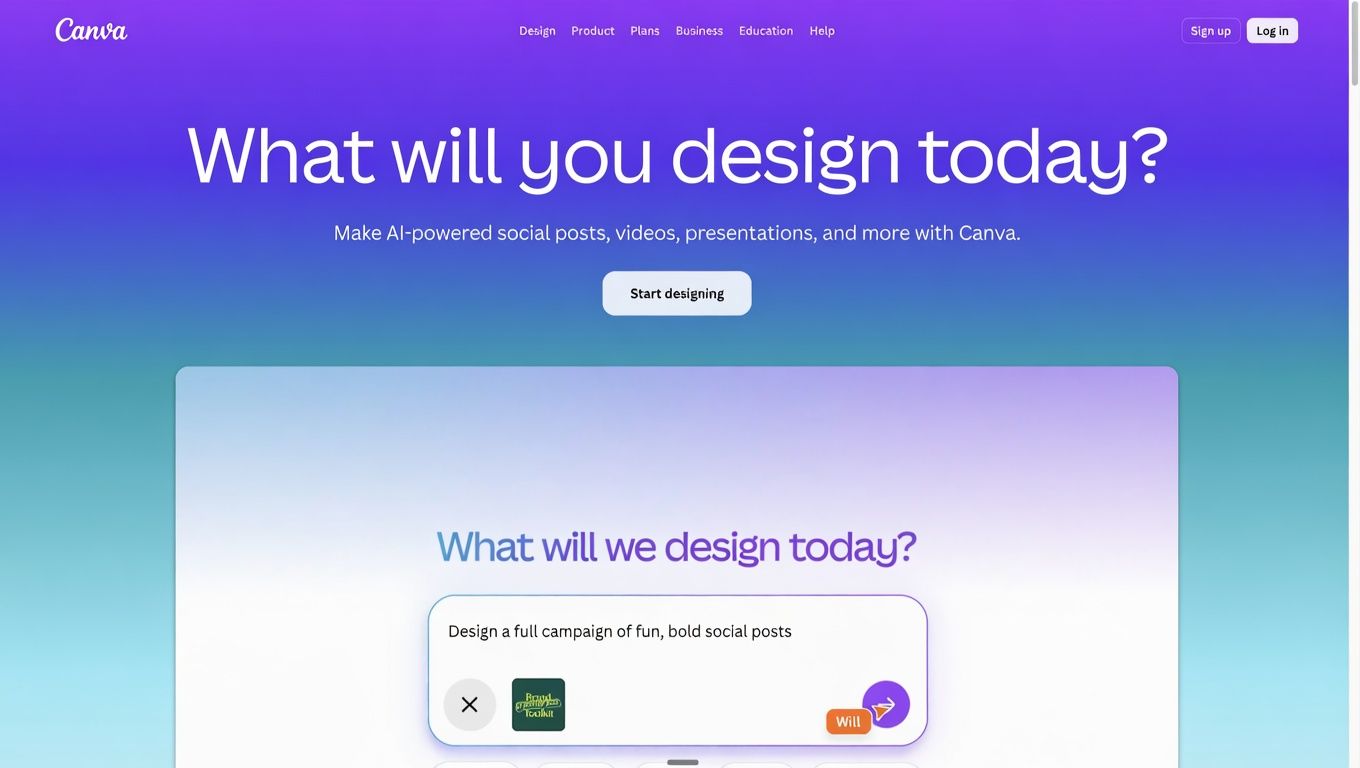
1. Canva
Canva makes professional design accessible to every person on the team, not just those who know Adobe Illustrator.
With over 150 million users globally, it's the default tool for small businesses and marketing teams that need to produce content fast. The AI features, including background remover, Magic Write, and a presentation builder, cut production time without requiring a creative brief.
What businesses use it for:
- Social media posts, ads, and branded templates
- Presentations and pitch decks
- Marketing collateral and print materials
For teams producing pitch decks regularly, AI presentation maker vs PowerPoint breaks down when each makes sense. The AI presentation maker handles prompt-to-slide generation if speed is the priority over design flexibility.
Best for: Small business teams, marketers, non-designers
Pricing
- Free plan: Unlimited designs with access to basic templates; limited brand kit and no background remover
- Paid plans: Canva Pro at $15/month for the full template library, brand kit, background remover, and AI features
- Teams: Canva Business at $20/person/month with shared brand controls and admin tools; Enterprise available at custom pricing
2. ImagineArt
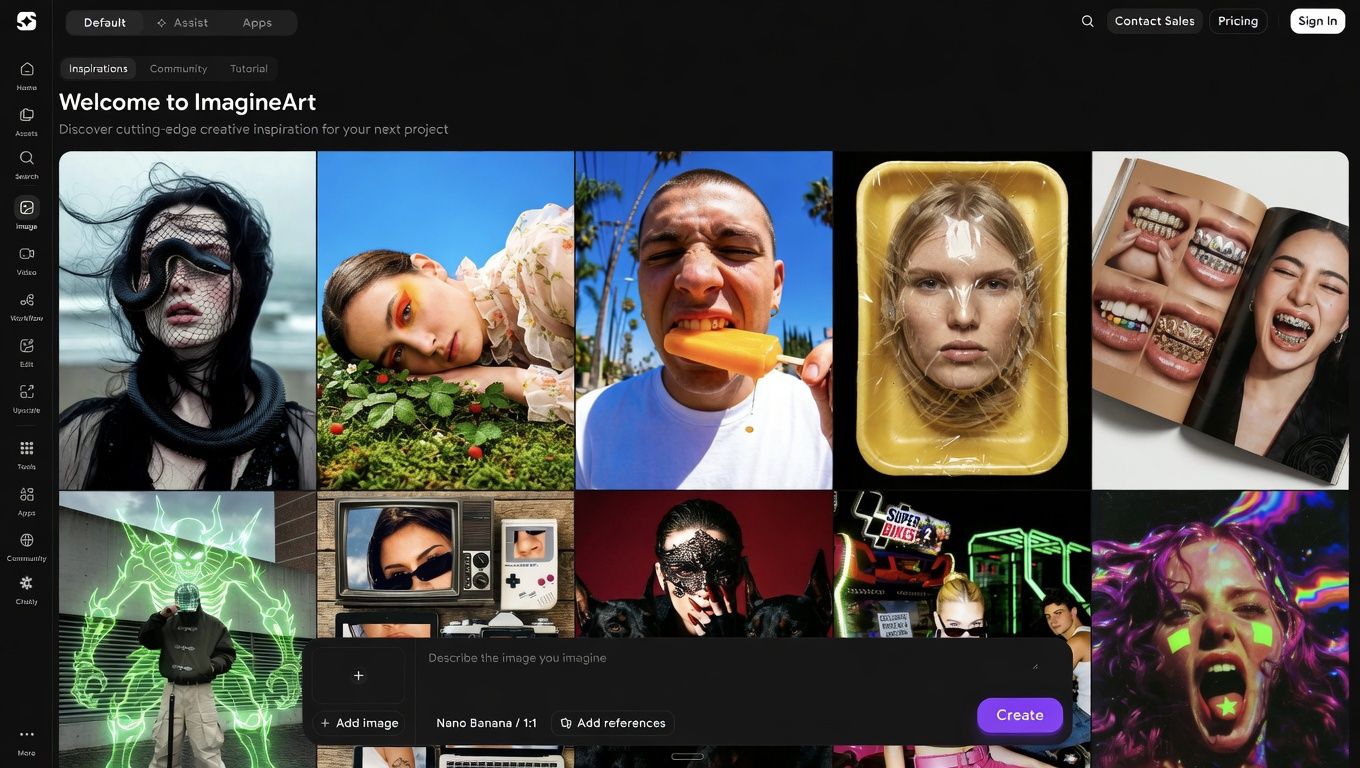
ImagineArt turns a text prompt into production-ready visuals in seconds, with no design background required.
Business teams use it to generate branded graphics, product mockups, and campaign imagery without waiting on a designer or paying agency rates. The output quality rivals dedicated design software, and teams can iterate through multiple visual directions in minutes rather than days.
What businesses use it for:
- Social media graphics and ad creatives
- Product visualization and mockups
- Brand imagery and campaign assets
The free plan limits generation credits, which becomes a real constraint for high-volume teams. ImagineArt supports over 20 image styles, giving marketing teams enough range to maintain visual consistency across channels.
For teams building a visual identity from scratch, " How to create a brand identity with AI covers the strategy behind the visuals. The brand identity prompt library has ready-to-use prompts for consistent output. Start generating with the AI image generator.
Best for: Marketing teams, content creators, small business owners
Pricing
- Free plan: 100 image credits per day with access to basic styles and standard resolution
- Paid plans: Basic at $9/month for higher credit limits and premium styles; team bundles start at $30/month for 3 seats, $50/month for 6 seats, and $250/month for 20 seats
- Enterprise: Custom pricing — contact ImagineArt sales for volume and white-label options
Best AI Content Generation Tools for Businesses
Content is now part of almost every business workflow, whether that is marketing campaigns, sales proposals, client communication, internal documentation, or social media. These are the best AI content generation tools in 2026 for faster writing, long-form content, and high-volume content production.
3. Claude
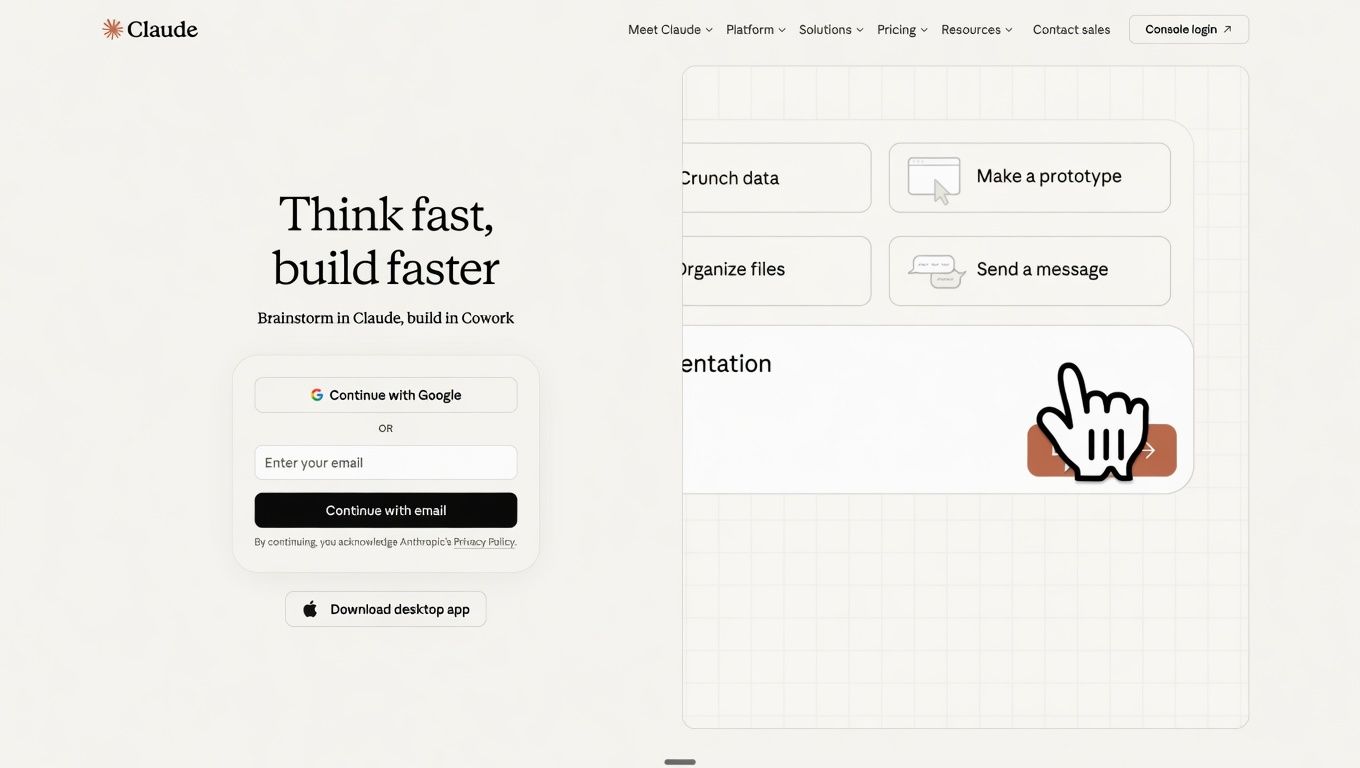
Claude handles long-form content, complex reasoning, and nuanced business writing better than most AI tools on the market.
Its context window processes up to 1 million tokens, equivalent to a full book, which makes it the right tool for reviewing lengthy contracts, analyzing research documents, or drafting detailed reports without losing context. It also follows tone and formatting instructions more precisely than other models.
What businesses use it for:
- Long-form reports, proposals, and internal documentation
- Analyzing contracts, research papers, and dense legal text
- Drafting internal communications that require a specific voice
The paid plan is required for access to the most capable models. The free tier handles short tasks but falls short on extended reasoning or multi-part documents.
Claude Opus 4.7 is the current flagship model. The system prompts guide for Claude Opus 4.7 explains how to get consistent, high-quality output for business-specific tasks.
Best for: Legal teams, finance, operations, research-heavy roles
Pricing
- Free plan: Access to Claude with daily usage limits and no access to the most advanced models
- Paid plans: Pro at $20/month with priority access to Claude Opus 4.7 and higher usage limits
- Teams/Enterprise: Standard seats at $25/seat/month; Premium seats at $125/seat/month; Enterprise at $20/seat/month plus usage at API rates
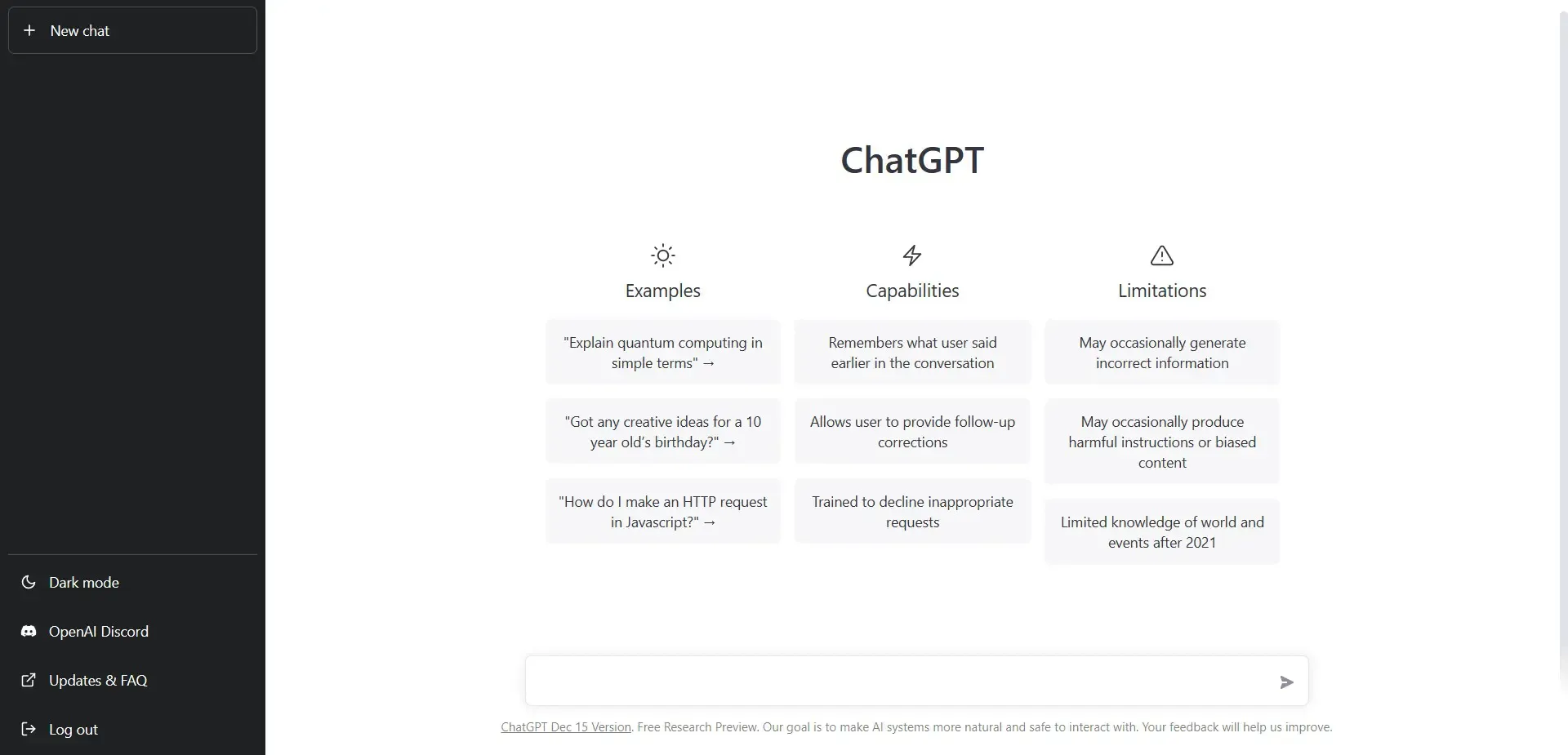
4. ChatGPT
ChatGPT is the starting point for most business teams adopting AI, and the breadth of tasks it handles keeps the adoption curve low.
With over 300 million weekly active users as of early 2026, it covers the widest range of everyday business writing: emails, proposals, reports, scripts, and customer communication. As one of the best AI content generation tools for businesses, it produces output that needs minimal editing when the prompt is structured well.
What businesses use it for:
- Drafting emails, proposals, and client reports
- Summarizing long documents and meeting notes
- Generating first drafts for content and copy
The free tier runs on an older model, and the performance gap versus paid is noticeable for business tasks. It also hallucinates on factual claims, so every stat and named reference needs manual verification before anything goes public.
The latest capabilities are covered in the GPT-5 model overview. Teams producing written documents at volume should also look at the paraphrasing tool for reformatting drafts, and the AI resume generator for structured HR output.
Best for: Content teams, operations teams, business owners who write frequently
Pricing
- Free plan: Access to GPT-5.5 with usage limits on advanced features
- Paid plans: Go at $8/month for increased access; Plus at $20/month for priority access to the latest models and advanced tools
- Teams: Business plan at $25/seat/month, minimum 2 users; Enterprise available at custom pricing with data privacy guarantees
Best All-in-One AI Platform for Businesses
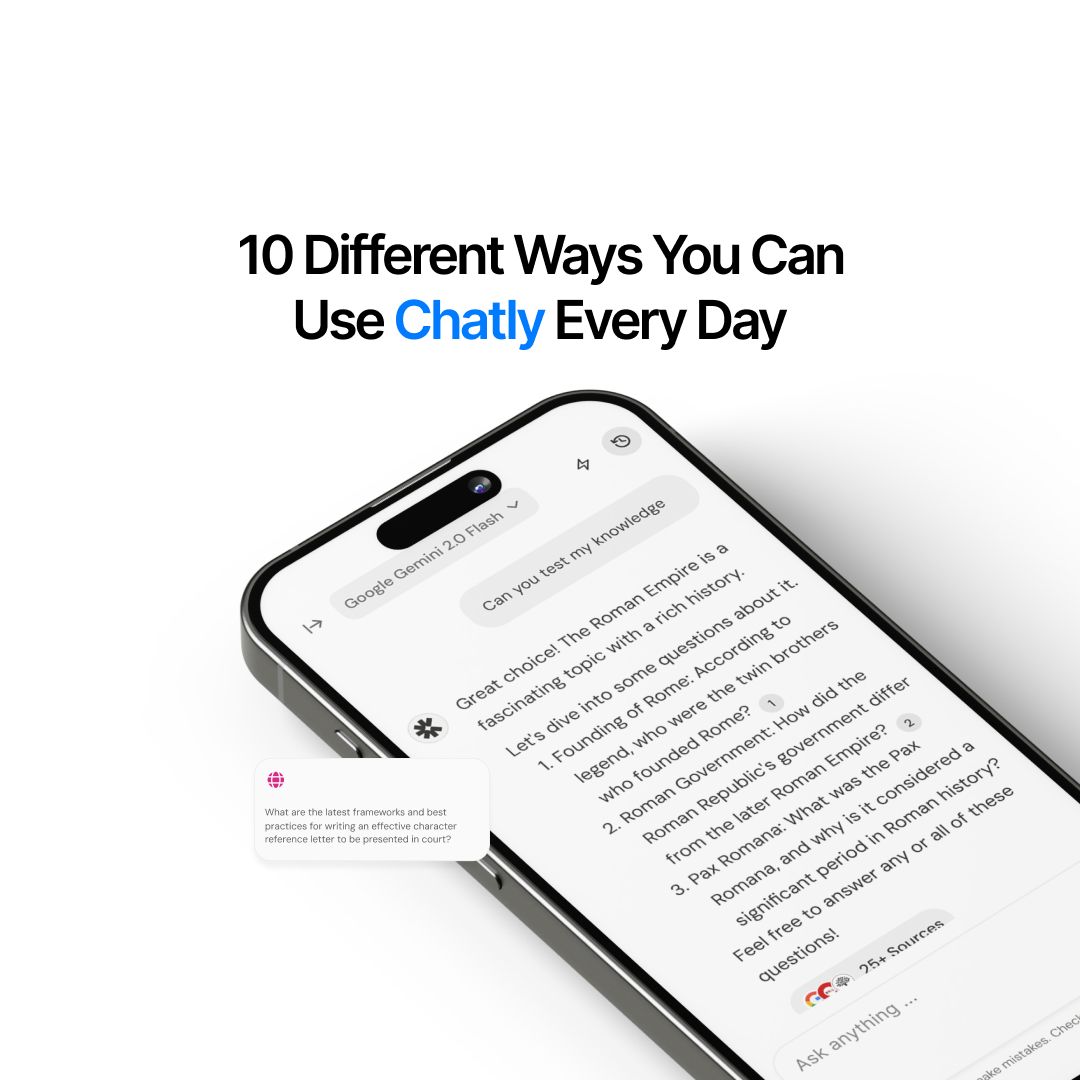
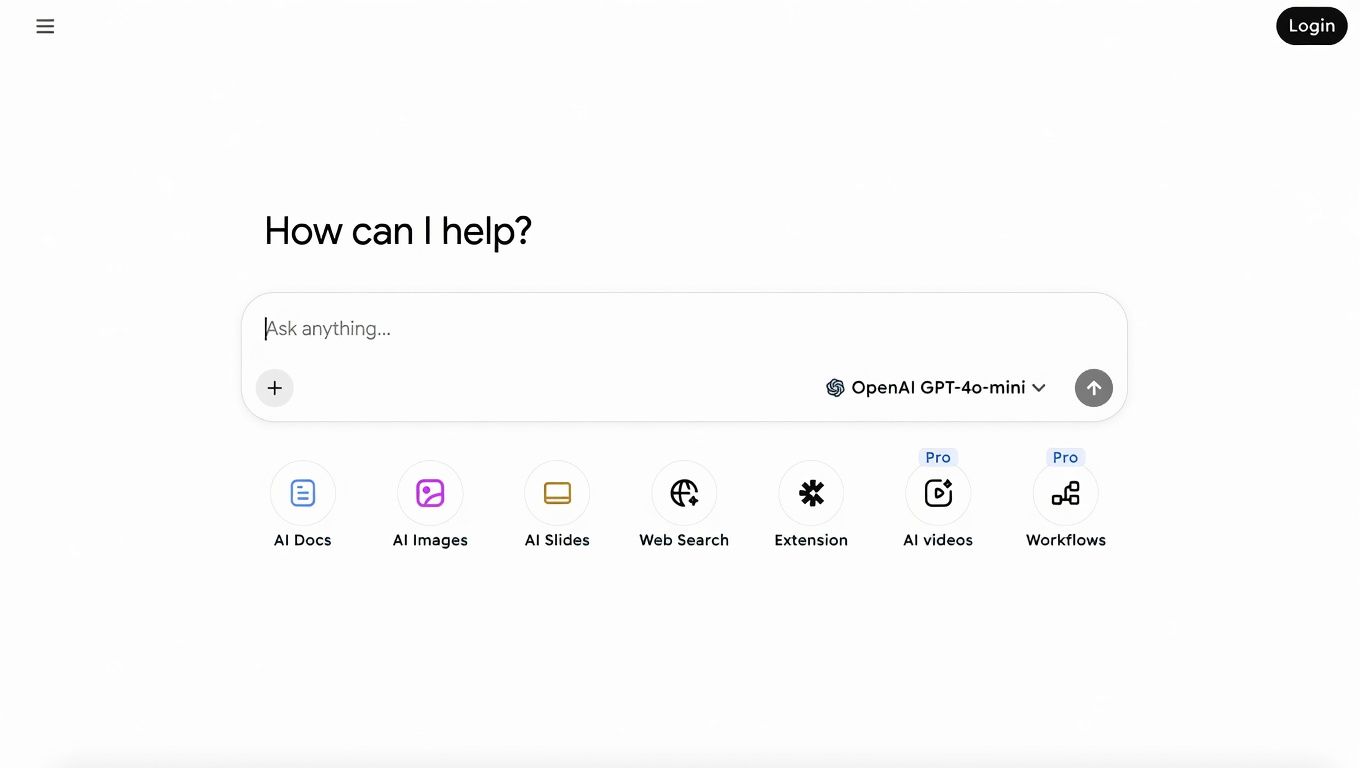
Some businesses prefer an all-in-one AI workspace instead of managing separate tools for writing, research, presentations, and content creation. Chatly stands out for bringing those workflows together in one platform.
5. Chatly
Chatly combines writing, research, image generation, and document creation into one workspace, one subscription instead of four.
As one of the best agentic AI tools for businesses, it runs on multiple models, including GPT-5 and Claude Opus, so teams aren't locked into a single engine. The built-in AI search surfaces real-time information without the hallucinations common in standalone chat tools, and the document generator produces business reports, emails, and marketing content in structured, ready-to-use formats.
What businesses use it for:
- AI writing, research, and image generation in one tab
- Generating structured business documents and reports
- Running real-time AI-powered searches for competitive and content research
The free plan covers core features, and the pricing undercuts running most individual tools on separate subscriptions.
What you can do with Chatly covers every major feature in detail. The AI workspace is the central entry point, the AI document generator handles structured output, including formatted business reports, and Ask AI powers the research layer.
Best for: Small teams, solopreneurs, businesses dealing with tool sprawl
Pricing
- Free plan: Limited daily usage across writing, search, and image generation features
- Paid plans: Standard at $20/month (billed monthly) or $7.50/month (billed annually) for full access to all core features
- Teams: Business plan at $30/seat/month (monthly) or approximately $24/seat/month (annually), minimum 3 seats; Enterprise available at custom pricing — contact Chatly for team onboarding
AI Marketing Tools for Small Businesses
Marketing moves fast, and the right AI tools help small businesses create, schedule, analyze, and optimize content without needing a full in-house team. These are some of the strongest picks for growing brands in 2026.
6. HubSpot
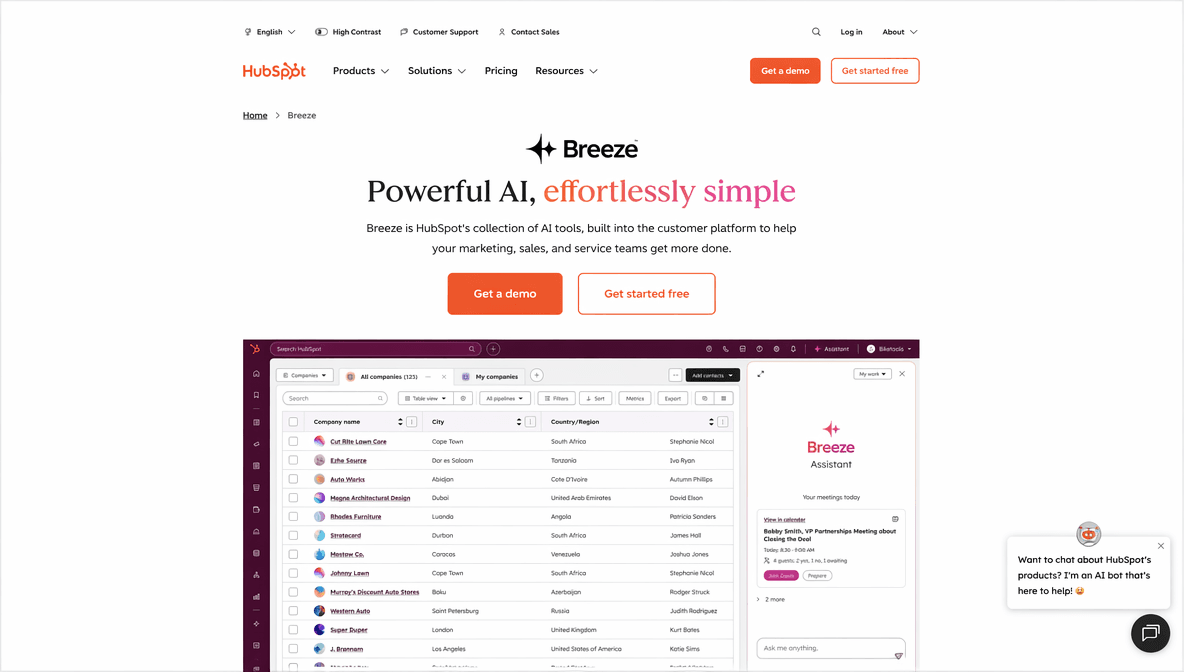
HubSpot combines CRM, email marketing, and sales automation into one platform, with the AI layer now built across all of it.
The free CRM tracks up to 1 million contacts, which means most small and mid-size businesses can manage their entire customer pipeline without paying upfront. AI features include email generation, subject line optimization, deal forecasting, and content suggestions that adapt based on audience data.
What businesses use it for:
- Managing customer pipelines and contact records
- AI-generated email campaigns and follow-up sequences
- Lead scoring and deal forecasting
The free tier has meaningful limits. Automation and reporting features that matter for scaling are locked behind paid plans, and teams using HubSpot for email and pipeline management will need at least the Starter plan.
The AI email generator handles individual email drafting without requiring a full CRM setup. For context on how AI fits into the broader marketing workflow, AI for customer feedback analysis is worth reading before building out HubSpot campaigns.
Best for: Sales teams, marketing teams, B2B businesses
Pricing
- Free plan: Free CRM forever with contact management for up to 1 million contacts, basic email tools, and limited reporting
- Paid plans: Starter at $15/seat/month with email automation, ad management, and basic pipeline tools
- Teams/Enterprise: Professional at $890/month (includes 3 core seats) with advanced automation and reporting; Enterprise from $3,600/month (includes 5 core seats) with custom objects, predictive scoring, and dedicated support
7. Hootsuite
Hootsuite schedules, publishes, and analyzes social media content across every major platform from one dashboard.
The AI layer now writes captions, suggests optimal posting times, and generates content ideas based on performance data from existing posts. For businesses managing multiple accounts or brands, the consolidated inbox and scheduling tools save significant time compared to managing each platform natively.
What businesses use it for:
- Scheduling and publishing across multiple social platforms
- AI-generated captions and content ideas based on past performance
- Monitoring engagement and tracking results across channels
The entry price is $99/month with no free plan, which puts it out of reach for solo operators and early-stage businesses. Teams publishing less than daily across multiple platforms will struggle to justify the cost.
For teams building a content strategy before committing to a tool this size, AI prompts for digital marketing cover how to structure the approach. The AI marketing document generator handles campaign content for teams that need a lighter solution first.
Best for: Marketing agencies, brands managing three or more social accounts
Pricing
- Free plan: No free plan, 30-day free trial available
- Paid plans: Standard at $99/month (billed annually) with up to 10 social accounts and basic AI features
- Teams/Enterprise: Advanced at $399/month with expanded accounts and team collaboration features; Enterprise available at custom pricing with dedicated onboarding and support
Best AI SEO Tools for Businesses
SEO is no longer just keyword stuffing and hoping for the best. The tools below help businesses research faster, track competitors, and build smarter content strategies with actual search data behind them.
8. Ahrefs
Ahrefs is the most complete SEO toolset available, covering keyword research, backlink analysis, site audits, and competitor tracking in one platform.
With an index of over 35 trillion backlinks and data on hundreds of billions of keywords, it delivers more reliable search data than any free alternative. Among the best AI SEO tools for businesses, its AI features now assist with content gap analysis and keyword clustering, cutting the time needed to build a topical authority strategy from days to hours.
What businesses use it for:
- Keyword research and content gap identification
- Backlink monitoring and competitor tracking
- Technical site audits and ranking reports
The Starter plan covers keyword and content research basics, but teams needing full site audit capabilities and historical data will need the Lite plan or above.
For context on how AI is reshaping search, what is an AI search engine covers the shift clearly. Why Ask AI is replacing Google Search is worth reading alongside it to understand where organic search strategy is heading.
Best for: SEO teams, content marketers, growth-focused businesses
Pricing
- Free plan: Limited access for verified site owners through Ahrefs Webmaster Tools, covering basic site audit and backlink data for owned domains only
- Paid plans: Starter at $29/month for keyword and content research basics; Lite at $129/month for full keyword explorer, site audit, and rank tracking
- Teams/Enterprise: Advanced plan at $449/month for multi-user access and additional data exports; Enterprise at custom pricing with unlimited seats, API access, and custom limits
AI Collaboration Tools for Businesses
The best productivity tools remove friction from daily work instead of adding another dashboard everyone ignores after two weeks. These picks help teams organize information, collaborate faster, and keep projects moving.
9. Notion
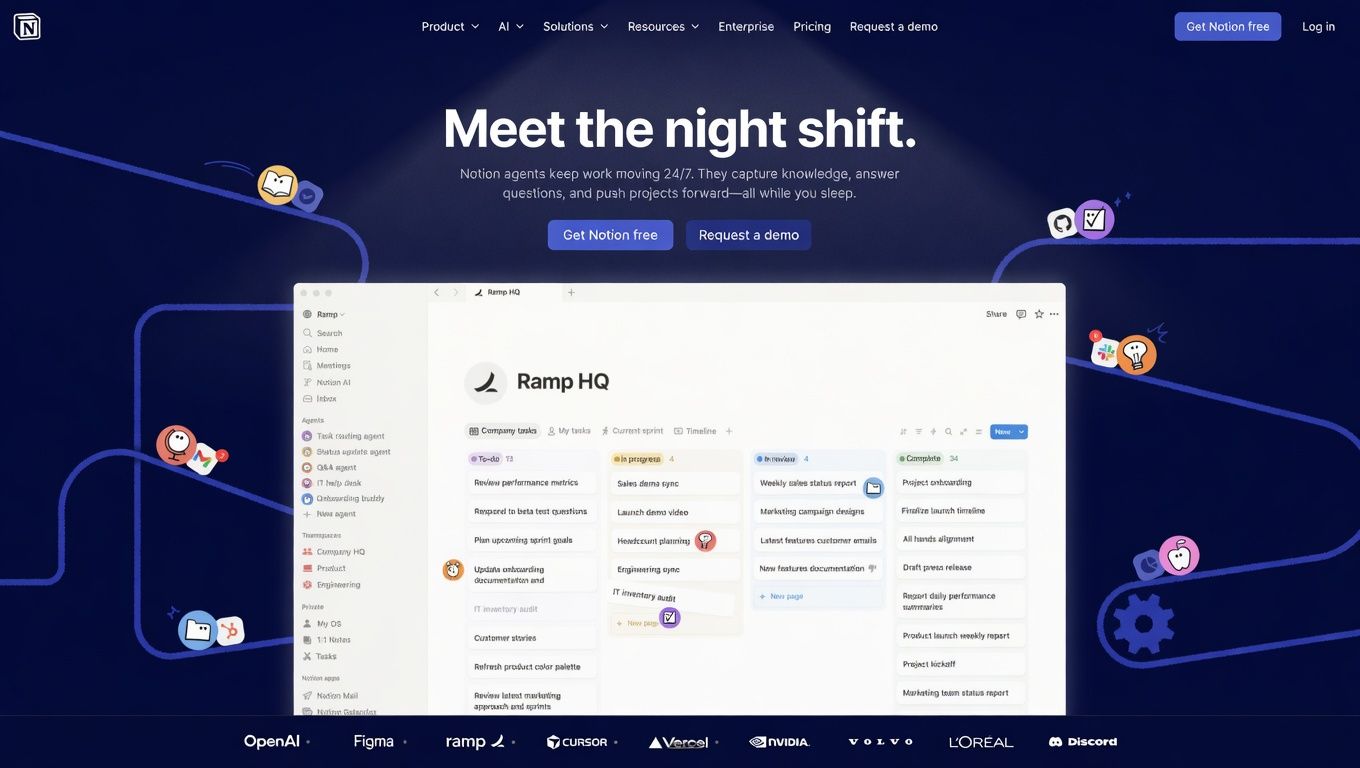
Notion has evolved from a notes app into a full business operating system, and the AI layer makes it significantly more capable.
With over 35 million users globally, it's become the default knowledge base for startups and remote teams. AI features include automatic summaries, writing assistance, database generation, and Q&A across the entire workspace, which means less time searching for information and more time acting on it.
What businesses use it for:
- Centralizing company knowledge, SOPs, and documentation
- AI-generated summaries of meeting notes and project updates
- Building internal wikis, product roadmaps, and team dashboards
Product and operations teams using Notion for planning should read AI for product managers for practical use cases. The summary generator is a fast standalone option for condensing documents without needing a full Notion setup.
Best for: Operations teams, startups, remote-first businesses
Pricing
- Free plan: Unlimited pages and blocks for individuals with basic collaboration features and limited file uploads
- Paid plans: Plus at $10/month with unlimited file uploads, version history, and guest access
- Teams/Enterprise: Business plan at $25/seat/month with advanced permissions, audit logs, and SAML SSO; Enterprise available at custom pricing
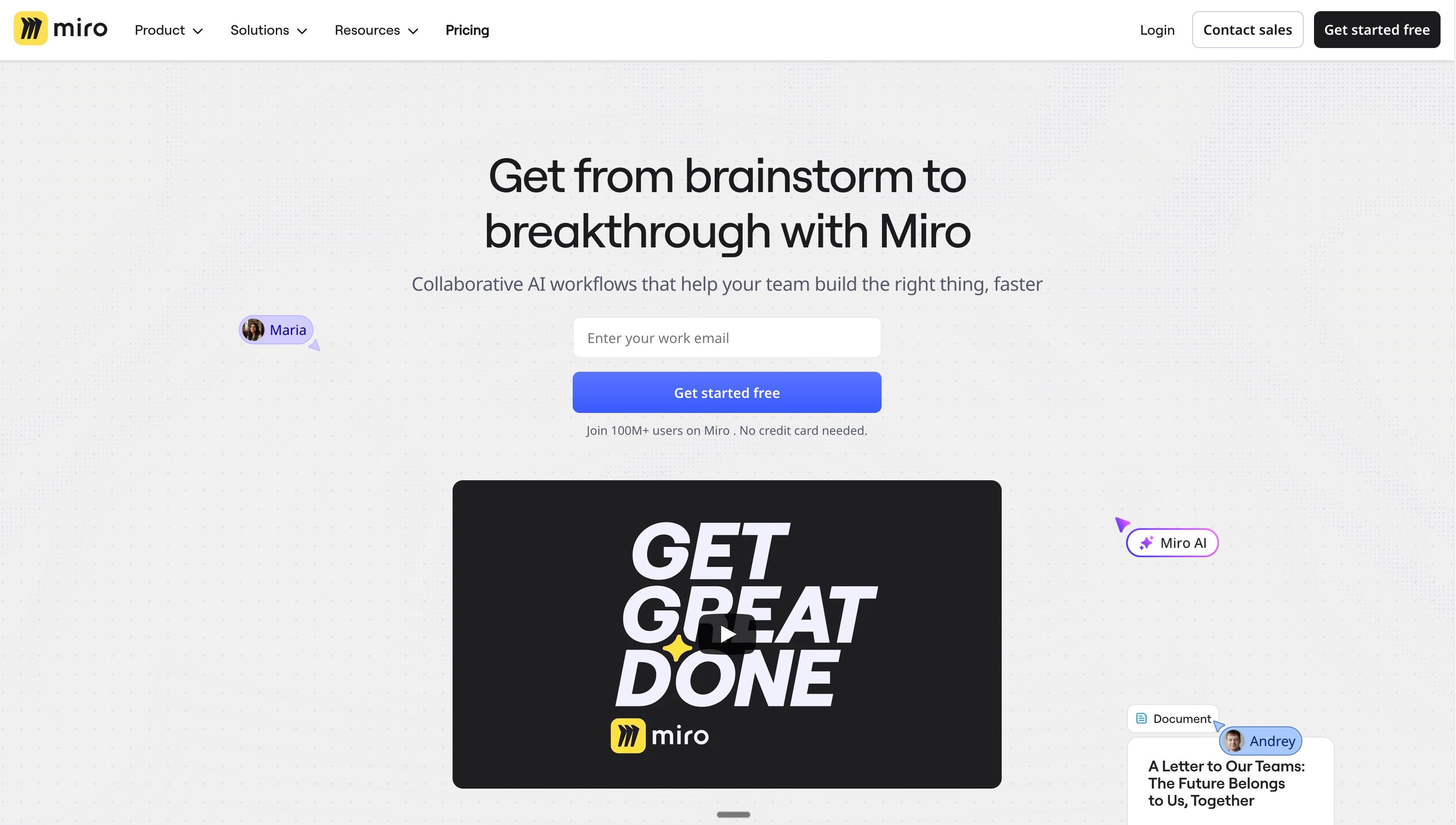
10. Miro
The platform's AI tools generate mind maps from topics, turn rough notes into structured diagrams, and summarize workshop outputs into prioritized action items. For product and strategy teams running remote sessions, this cuts facilitation time and produces cleaner documentation without a dedicated project manager.
What businesses use it for:
- Remote brainstorming, workshops, and planning sessions
- AI-generated diagrams, flowcharts, and mind maps
- Visual project planning and product roadmapping
With over 70 million users worldwide, Miro is well-established, but AI features are only available on paid plans, and the free tier limits real-time collaboration to three team members.
Product teams using Miro for feature planning should read how to write a PRD with AI to learn how to turn whiteboard output into a structured, usable product requirements document.
Best for: Product teams, strategy teams, remote-first businesses
Pricing
- Free plan: Three editable boards with unlimited team members and basic templates
- Paid plans: Starter at $8/seat/month (billed annually) or $10/seat/month (billed monthly) with unlimited boards and advanced collaboration tools
- Teams/Enterprise: Business plan at $25/seat/month with smart diagramming, advanced integrations, and admin controls; Enterprise available at custom pricing for teams of 30 or more
Best Conversational AI Tools for Businesses
Businesses are producing more voice and audio content than ever, from training videos to podcasts and marketing campaigns. ElevenLabs stands out as one of the strongest AI voice tools for generating realistic, scalable audio content.
11. ElevenLabs
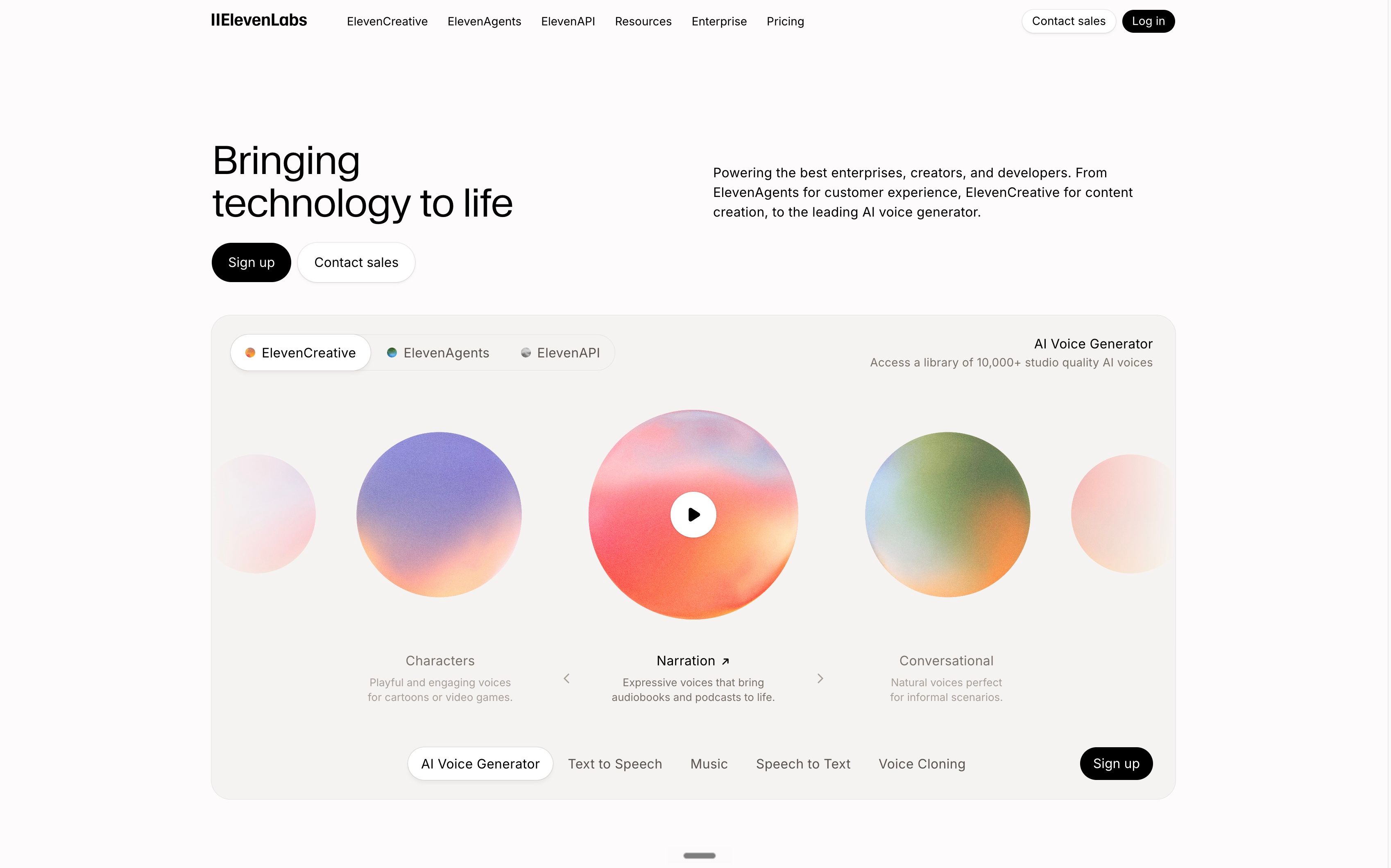
ElevenLabs converts text into natural-sounding speech in over 32 languages, making it the leading voice tool for businesses producing audio content at scale.
Marketing teams use it for voiceovers on product videos, explainer content, and podcast production. Training teams use it to narrate documentation and onboarding materials without booking studio time or hiring voice talent. The voice cloning feature lets businesses maintain a consistent audio identity across all content they produce.
What businesses use it for:
- Voiceovers for video, training, and marketing content
- Podcast production and audio content at scale
- Multilingual voice generation for global audiences
Quality can drop on longer scripts without careful prompt structuring, and the voice cloning feature requires a paid plan.
For businesses producing content for international markets, localizing content for international markets covers the full localization workflow. ElevenLabs fits directly into the voice layer of that process.
Best for: Video teams, training departments, global marketing teams
Pricing
- Free plan: 10,000 characters per month with access to standard voices and basic text-to-speech
- Paid plans: Starter at $6/month for 30,000 characters and voice cloning; Creator at $22/month for 100,000 characters and commercial licensing
- Teams/Enterprise: Scale at $299/month for 3 seats; Business at $990/month for 10 seats with higher character limits; Enterprise available at custom pricing with dedicated support
Which AI Tool Suits Which Business?
Not every business needs all 11 tools. Here is how to match the right tool to your business type without overbuilding the stack.
Solopreneurs and freelancers
Start with Chatly for an all-in-one workspace that covers writing, research, and document generation in one subscription. Add Canva if you produce visual content regularly. Both have free plans and entry prices under $15/month, which means you get coverage across most business functions without running multiple subscriptions.
Small businesses
Prioritize tools with free plans and low entry costs. ChatGPT for writing, Notion for internal documentation, and HubSpot's free CRM for sales tracking cover most early-stage needs. Chatly consolidates most of this into one workspace once the team outgrows managing separate tools.
Marketing teams
HubSpot for email and pipeline management, Hootsuite for multi-platform social scheduling, Ahrefs for keyword strategy, and ImagineArt or Canva for visual content. Most marketing teams need two or three of these, depending on whether SEO is handled in-house.
Agencies
Hootsuite for multi-account social management, Ahrefs for client SEO reporting, and Canva for client-facing design output. Claude or ChatGPT for writing at volume. Chatly works well as a central research and drafting hub that reduces the back-and-forth between tools.
Product and operations teams
Notion for documentation and knowledge management, Miro for visual planning and workshops, and Claude for analyzing complex documents or contracts. ChatGPT handles day-to-day writing tasks across the team.
Global and multilingual teams
ElevenLabs for voice content across languages. Chatly's AI search covers cross-market research. Claude handles translation-adjacent document work where accuracy matters more than speed.
Enterprise teams
Ahrefs, HubSpot, and Hootsuite at their paid tiers for full feature access. Claude for sensitive document work with enterprise privacy guarantees. Notion for company-wide knowledge bases and cross-department documentation.
Ready to Streamline Your Business With AI?
AI tools are advancing rapidly and reshaping how businesses operate. It helps teams move faster, automate repetitive work, improve customer engagement, and make more informed decisions using real-time information and AI-powered workflows. Capabilities that once required large teams and enterprise-level budgets are now accessible to smaller businesses as well.
Chatly provides scalable AI apps, models, and workflows for businesses looking to improve productivity and accelerate growth. By combining AI writing, search, document generation, image creation, and multi-model access in one workspace.
With the right AI setup in place, businesses can produce content faster, organize workflows more efficiently, improve internal communication, and scale output without constantly increasing operational overhead.
Frequently Asked Questions
What is a ChatGPT Workspace Agent in simple terms?
More topics you may like