AI for Product Managers: How to Use AI for PRDs, Research Synthesis, and Prioritisation?
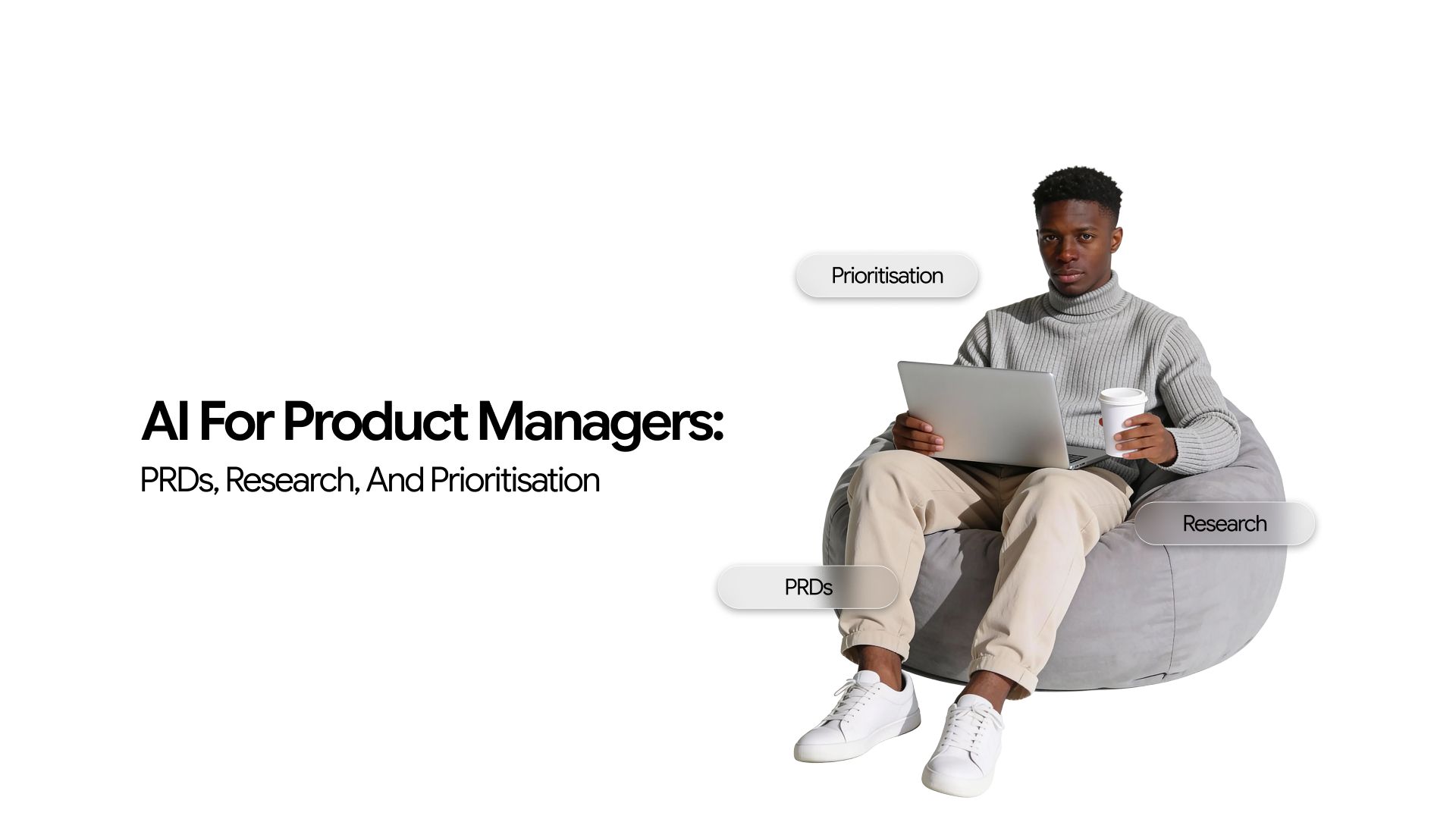
The gap between what a product manager knows and what they can actually act on in a given week is mostly an information problem. Too many inputs, not enough time to process them, and documentation that lags so far behind the decisions it is supposed to capture that it stops being useful. This guide looks at how AI fits into three parts of that problem — PRDs, research, and prioritisation.
How AI Fits Into Real PM Work?
PM work often breaks during handoffs, when the same idea is interpreted differently by design, engineering, and leadership. This creates alignment gaps that slow decisions down.
These are the areas where AI removes the most friction, not by replacing the thinking, but by handling the formatting and pattern-matching work that consumes hours without requiring the judgment that only a PM can apply.
The sections below cover each part of that workflow in the order most PMs encounter it.
Using AI to Draft Better PRDs
Turning Notes into a Structured First Draft
AI converts that input into a structured starting point rather than leaving you to format it from scratch.
A prompt that works consistently:
"Here are my rough notes for a feature: [paste notes]. Convert these into a structured PRD draft with the following sections: problem statement, goals and non-goals, user stories, functional requirements, acceptance criteria, and open questions. Flag anywhere the notes are ambiguous or where I have not provided enough detail to fill the section."
The "flag ambiguity" instruction matters. It turns the draft into a checklist of decisions you still need to make rather than a document that fills gaps with plausible-sounding assumptions.
Writing User Stories and Acceptance Criteria
Writing user stories often becomes slow and inconsistent when requirements are unclear or spread across multiple sources. Teams also struggle with missing edge cases, vague outcomes, and acceptance criteria that only describe the happy path instead of real-world scenarios. This usually leads to gaps that QA engineers and developers only discover late in the process.
AI helps reduce this friction by turning feature descriptions into structured user stories with clear outcomes and testable criteria.
"Write user stories for the following feature: [describe feature]. For each story, follow the format 'As a [user type], I want [action] so that [outcome].' Then write three to five acceptance criteria for each story in Given-When-Then format."
Once generated, review the output carefully for edge cases and error states. AI often focuses on ideal scenarios and may miss what should explicitly not happen. A simple way to validate quality is to check whether each acceptance criterion is specific enough for a QA engineer to test without additional clarification.
The AI chat app can speed up this process by structuring messy feature notes into clean user stories and acceptance criteria before refinement, making it easier to move from raw ideas to testable requirements.
Improving an Existing PRD
Asking AI to review a PRD for completeness produces more useful output than asking for a general review. Specific things worth asking about:
- Are the acceptance criteria testable, or are they descriptive?
- Are the non-goals clearly stated, or does the scope feel ambiguous?
- Are there open questions that should be answered before engineering starts?
- Does the success metric actually measure the stated goal?
A prompt that works: "Review this PRD for completeness and clarity. Identify any sections where the requirements are too vague to implement, any missing edge cases in the acceptance criteria, and any places where the success metrics do not map to the stated goals."
Using AI for User Research Synthesis
Writing a good PRD depends on understanding what users actually need. That understanding comes from research, and synthesising research is where a significant amount of PM time is lost. AI compresses it significantly without eliminating the judgment required to interpret what users actually mean.
Summarising Interview Notes
Use this approach for different types of interviews such as user interviews, customer calls, or conversations with internal teams like designers, engineers, or product stakeholders. The goal is to structure raw input so it becomes easier to compare across multiple interviews.
Break the interview into key points and list each important insight as a bullet. Add a short note under each bullet explaining why it matters, such as what problem it reveals, what decision it supports, or what assumption it challenges. This helps keep the notes focused on purpose instead of just recording information.
“Here are notes from an interview: [paste notes]. Summarise the key pain points mentioned, any workarounds described, and any direct quotes that illustrate the experience. Note anything unexpected or where expectations were not met.”
Use this approach for different types of interviews, such as user interviews, customer calls, or conversations with internal teams like designers, engineers, or product stakeholders. The goal is to structure raw input so it becomes easier to compare across multiple interviews.
Once you have individual summaries, paste them together and ask AI to cluster them:
"Here are summaries from [number] user interviews. Identify the recurring themes and pain points across all of them. For each theme, note how many interviews mentioned it, and list the specific examples or quotes that represent it."
This produces a thematic analysis that would take hours manually. The output is a useful first cut, not a final synthesis. Which themes are signal versus noise, and which pain points reflect genuine user needs versus edge cases, still require the judgment of the PM who ran the research.
For reading and querying lengthy research documents, uploaded transcripts, or PDFs of existing research, the Chat PDF feature lets you ask specific questions about the content rather than reading everything to find the relevant section.
Converting Raw Feedback into Structured Insights
Raw feedback from multiple channels contains a signal that most teams never have time to read systematically. The types worth running through AI include:
- Support tickets and customer service conversations
- NPS open-text responses and survey comments
- App store reviews and public reviews
- In-product feedback submissions
Paste a batch from any of these and ask AI to group it by theme, identify the most frequently mentioned issues, and flag any feedback that suggests a critical usability problem.
A useful prompt:
"Here is a batch of user feedback: [paste]. Group it into themes. For each theme, note how frequently it appears, provide representative examples, and indicate whether it suggests a usability problem, a missing feature, or a communication gap."
Always read the representative examples yourself before presenting findings. AI occasionally misclassifies feedback or groups things together that a PM who knows the product would separate.
For researching market context, competitor positioning, or category trends that add context to what users are saying, the AI search engine retrieves current information rather than relying on training data.
Recommended read: How AI Chat Helps with Survey & Feedback Collection
Using AI for Prioritisation
Once you have a clear picture of what users need, the next question is what to build first. Prioritisation is where the most important PM judgment lives, and where AI is most likely to be misused.
AI helps structure a scoring exercise, apply a framework consistently, and surface considerations that might have been missed. It cannot make the call on what to build, because that decision depends on strategy, team capacity, and business context that no prompt can fully encode.
Scoring Backlog Items with RICE or ICE
RICE (Reach, Impact, Confidence, Effort) and ICE (Impact, Confidence, Ease) create structure but require honest estimates. Running the scoring as an interactive session, rather than a one-shot prompt, forces you to think through each dimension.
A prompt for RICE scoring:
"Help me score the following feature ideas using the RICE framework. For each one, I will provide context. Ask me for Reach (how many users affected per quarter), Impact (scale of 0.25 to 3), Confidence (percentage), and Effort (person-weeks). After I answer, calculate the RICE score and rank the ideas."
Identifying High-Impact Quick Wins
Once you have a scored backlog, AI helps surface the items worth acting on first. Two useful passes to run:
- Paste the backlog and ask AI to identify items that are high-impact and low-effort based on the scores or descriptions provided
- Ask it to flag any item where there is a meaningful mismatch between the estimated effort and the size of the problem it solves
The Ask AI app is useful for targeted tradeoff questions without setting up a longer session. For example: "given these two features and these constraints, which has a stronger case for going next quarter?"
Recommended read: How to Use Chatly AI Chat?
Supporting Roadmap Planning
AI is useful for structuring the roadmap narrative rather than generating the roadmap itself. Once you have a prioritised list, ask AI to help you draft the reasoning behind the sequence. The written rationale should cover:
- Why are these items sequenced before others?
- What dependencies drove the ordering?
- How does the roadmap connect to the stated product goals for the quarter or half?
A roadmap that comes with written reasoning for each decision is significantly easier to defend in a stakeholder review than a list of items with dates.
For building reusable prompt templates across PM tasks, the system prompts guide covers how to structure prompts that produce consistent output.
The AI prompts for business guide includes prompt structures relevant to strategy and communication tasks.
Best AI Tools for Product Managers
The workflows above can run inside a general-purpose AI tool, a purpose-built PM tool, or a combination of both. The right choice depends on where your work already lives and what level of structured data the task requires. Different tools are better suited to different parts of the PM workflow.
For writing and drafting
ChatGPT, Claude and Chatly are the most capable general-purpose tools for PRD drafting, writing user stories, and producing structured documents. Claude tends to follow complex instructions more precisely and handles long documents well. ChatGPT's web browsing is useful for competitive research. Chatly gives access to both alongside other models in a single interface, which is practical when different tasks suit different models.
For research and synthesis
Notion AI is useful if your notes and documents already live in Notion. For broader research, Web Search helps gather and compare information from the web. Once the research is collected, the AI document generator can turn it into structured summaries and reports.
For dedicated user research workflows, Dovetail remains stronger with its tagging, insight generation, and research repository features.
For prioritisation
Productboard and Linear both have AI-assisted prioritisation features that work within their existing roadmap structures. These are more useful than trying to replicate the full workflow in a general-purpose chat tool.
For Jira users
Mistakes to Avoid Using AI In Product Management
The workflows above produce good results when they are run well. These are the patterns that consistently lead to output that looks useful but is not, and the corrections that prevent them.
- Trusting output without applying product context. AI does not know your users, your company's strategy, or the team constraints that affect what actually gets built. Review every significant output against what you know that the AI does not.
- Using weak prompts. A prompt that lacks the problem statement, user segment, specific pain point, and constraints produces generic output that needs more fixing than it saved. The quality of what AI gives you is a direct reflection of how specifically you asked.
- Skipping the review step for acceptance criteria and user stories. AI writes these for the happy path and tends to miss error states, edge cases, and what should explicitly not happen. Always review these sections before sharing the document with engineering.
- Using AI to replace stakeholder conversations. AI can help you prepare for a prioritisation conversation, but it cannot replace it. Priorities set without stakeholder input get relitigated in every sprint review.
- Ignoring nuance in qualitative feedback. A user who says "this feature is confusing" might mean the UI, the onboarding, or a mismatch between their mental model and the actual behaviour. Reading the original quotes yourself before concluding is what prevents misinterpretation from making it into a roadmap decision.
Conclusion
The PMs who get the most out of AI are the ones who use it for the right tasks: converting scattered notes into a structured draft, clustering feedback across dozens of sources, and applying a scoring framework without letting gut feel override the estimates. The judgment about what to build, what users actually need, and what tradeoffs to make stays with the PM.
That division of labour is what makes AI genuinely useful rather than a source of polished-sounding documents that do not reflect the product reality.
Frequently Asked Questions
Find out what product managers are asking about use of AI.
More topics you may like

AI for Developers: Code Review, Debugging, Documentation, and Integrated Workflows

Arooj Ishtiaq

AI for Frontend Engineers: Component Generation, Refactoring, and Accessibility
Arooj Ishtiaq
How to Onboard onto an Unfamiliar Codebase Using AI?
Arooj Ishtiaq

9 Best AI Image Generation Models for Your Every Need

Faisal Saeed