Free vs. Paid Ask AI Tools: Is It Worth Paying?
Most people start the same way. They find a free AI tool, use it for a few days, and think it is enough.
Then they hit a wall.
The free version cuts them off mid-research. The model downgrades. The feature they actually need is locked behind a paywall. And suddenly the question shifts from "should I pay?" to "what exactly am I paying for?"
This guide answers that question with clarity. We cover what the free tiers in Ask AI tools actually give you, where they fall short, and whether the paid upgrades deliver real value or just a more expensive version of the same experience.
Let us start with what you get for free.
The Free Tier Landscape
Free AI tools have improved dramatically. In 2026, you can accomplish serious work without spending a dollar. But the limits are real, and they show up exactly when you need the tool most.
Here is an honest look at each major free option.
The first category is general-purpose AI assistants. These are the tools most people use daily for writing, research, coding, and Q&A.
ChatGPT Free
ChatGPT's free tier gives you access to GPT-5.3, which is genuinely capable for everyday tasks. You can write, analyze documents, search the web, and run basic data analysis.
The hard limit is 10 messages every 5 hours. After that, the model automatically drops down to GPT-5.3 mini until the window resets.
For casual use, this is fine. For anyone trying to complete a real project in a single session, it is a recurring frustration. File uploads are capped at 3 per day, advanced data analysis runs twice a day, and Sora video generation is not available at all on the free plan.
ChatGPT Free is a genuinely strong entry point. It just cannot carry a professional workflow consistently.
Gemini Free (Google)
Google's free Gemini tier is one of the most generous available in 2026. The default model is Gemini 2.5 Flash, and you get roughly 5 to 10 uses of Gemini 3 Pro per day on top of that.
The context window sits at 32,000 tokens. That covers most normal conversations, but it becomes limiting when working with long documents or multi-step research workflows.
Deep Research, custom Gems, the full 1 million token context window, and complete Google Workspace integration are all gated behind paid plans. If you do not need those features, Gemini Free is a strong daily driver.
Claude Free (Anthropic)
Claude Free gives you access to Claude Sonnet 4.5, with roughly 30 to 100 messages per day depending on traffic. Resets happen every 4 to 8 hours.
The model is excellent for writing, analysis, and nuanced reasoning. Projects and Artifacts are now available to free users as of early 2026, which expanded its usefulness significantly.
What you do not get is Opus 4.6, extended thinking mode, Claude Code for terminal-based development, or priority access during peak hours. For developers and power users, that gap matters. For everyone else, it is a highly capable free tier.
Grok Free (xAI)
Grok's free tier is accessible through grok.com or the X platform, with approximately 10 requests every 2 hours on lighter models.
Grok's genuine differentiator is real-time access to X (formerly Twitter) data. No other major free AI tool gives you live access to social media trends and conversations. That makes it uniquely useful for current-events research, brand monitoring, and social context that other tools simply cannot provide.
The free limits are restrictive for sustained use. Image generation, while available, has faced increased restrictions since early 2026 following a significant safety controversy.
Perplexity Free
Perplexity is not a chatbot. It is an AI-powered answer engine that combines web search with language models to deliver sourced, cited responses.
For quick research with citations, it is one of the best free tools available. The hard cap of 5 advanced searches per day is the primary friction point for anyone using it regularly.
Microsoft Copilot
Copilot is arguably the most underrated free AI tool in 2026. It is built directly into the Microsoft ecosystem and available at no extra cost to anyone with a Microsoft account.
Free users now get Copilot Chat with GPT-5.2, inbox and calendar reasoning in Outlook, and Agent Mode across Word, Excel, and PowerPoint. This is genuine productivity AI embedded into tools most professionals already use every day.
If you are already in the Microsoft ecosystem, Copilot Free delivers real value at no extra cost. Its ceiling is lower than a full Microsoft 365 Copilot license, but for personal use, it is genuinely impressive.
iAsk, Chatly, NoteGPT, and Kaily Free
These four tools occupy a different space. They are lightweight, niche-focused, and best suited for specific use cases rather than general daily work.
iAsk Free is ad-supported, research-oriented, and useful for factual lookups and academic-style queries. It does not require an account and returns clean, sourced answers without a conversational interface.
Chatly Free allows AI chat 3 times per day across multiple AI models. It functions more as a trial than a sustainable free plan, but it gives you a useful preview of the multi-model experience the paid tier delivers.
NoteGPT pairs basic AI Q&A with a note-taking workflow, making it useful for students who want to combine research and organization in one place.
Kaily Free provides entry-level support Q&A with a focus on simple interactions. It is not built for heavy usage.
What Free Tools Have in Common
The pattern is clear across all free tiers.
You get:
- Enough capability to understand what the tool can do
- Enough access for occasional or light use
- A strong preview of what the paid version unlocks
You do not get:
- Consistent access during peak hours
- Advanced models without rate limits
- Deep research, agentic features, or extended context
- Professional-grade tools like code execution or file analysis at volume
For casual users, free is often enough. For professionals, the limits surface quickly and repeatedly.
Now let us look at the paid options.
The Paid Tier Reality
Paying for an AI tool is not just about removing ads or unlocking a better model. It is about whether the upgrade meaningfully changes what you can accomplish.
That is the right framing. Not "is this tool expensive?" but "does this tool, at this price, remove a constraint that matters to my work?"
ChatGPT Plus at $20/month
The Plus upgrade delivers 160 messages per 3 hours on GPT-5.3 and 3,000 Thinking messages per week. File uploads expand to 80 per 3 hours. Sora video generation, custom GPTs, Codex Agent, memory, and early feature access all become available.
For professionals who rely on ChatGPT as a daily work tool, this upgrade is straightforward. The free tier's 10-message cap disrupts workflows. The Plus tier removes that disruption and adds enough tools to justify the cost if you are using it regularly.
The sweet spot user for Plus is a content creator, developer, analyst, or knowledge worker who needs consistent, reliable AI access throughout the day.
Gemini Advanced (Google AI Pro) at $19.99/month
The Google AI Pro plan unlocks Deep Research, full Gemini 3.1 Pro access, the 1 million token context window, Gems for custom AI assistants, and complete Gemini integration across Gmail, Docs, Sheets, and Slides.
If your daily work happens inside Google Workspace, the AI Pro plan is one of the highest-value upgrades available at this price point.
Claude Pro at $20/month
Claude Pro's headline upgrade is access to Opus 4.6, which leads coding benchmarks and delivers noticeably stronger performance on complex reasoning and long-document analysis. You also get 5x the usage of the free tier, extended thinking mode, Claude Code for terminal-based development, and Google Workspace integration.
For developers specifically, Claude Code changes the calculus entirely. It is not just a better chatbot. It is a terminal-based coding agent that can interact with your codebase directly.
Claude Pro is a strong upgrade for anyone who has already maxed out the free tier regularly.
Chatly Paid: Starting at $7.5/month
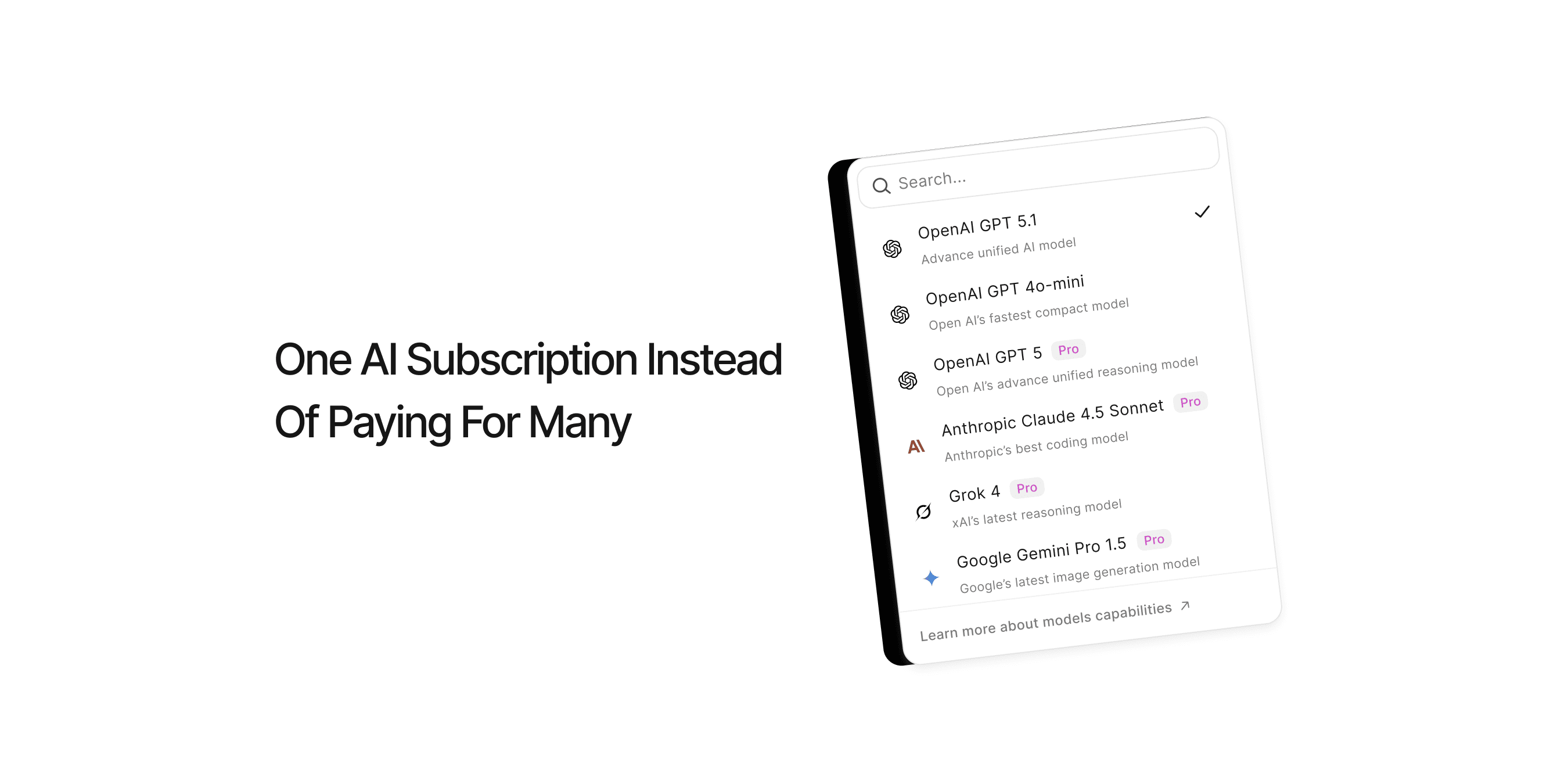
Chatly is a multi-model AI workspace. The core idea is simple: instead of subscribing to ChatGPT, Claude, and Gemini separately, you access all of them from one unified interface.
Paid plans start at $7.5 per month, with flexible monthly, quarterly, or yearly billing. The paid tier unlocks the full model library including GPT-5, Claude 4 Sonnet, Gemini 3 Pro, and Grok 4, alongside AI image generation, document processing, AI Slides for presentation creation, web search.
That breadth of capability at a price that undercuts every single-platform $20 subscription is where Chatly's value lives. For users who regularly switch between models or need a mix of text, image, and document tools without managing multiple accounts, the consolidation is genuinely useful.
Grok SuperGrok at $30/month
SuperGrok removes daily message caps, provides full Grok 4 access with a 2 million token context window, DeepSearch with real-time X data, and unlimited image generation.
Perplexity Pro at $20/month
The single biggest unlock on Perplexity Pro is removing the 5-query-per-day cap on advanced searches. For anyone doing regular research, that cap hits every single day.
Perplexity Pro is not a replacement for ChatGPT or Claude. It is a research-first tool. If your work involves heavy information gathering, fact-checking, or synthesizing sources, it fills a distinct need that general-purpose chatbots do not cover as well.
Ask AI Pro at $10-20/month
Ask AI Pro removes ads, increases usage limits, and unlocks a wider range of AI assistant types. It is one of the most affordable paid options available.
It works best for users who want reliable, ad-free access to AI assistants without committing to a $20/month tier. It is not positioned to replace ChatGPT Plus or Claude Pro for professional work, but it covers the middle ground cleanly.
Tidio Lyro: Starting at $39/month
Lyro is a different category of tool entirely. It is not a personal AI assistant. It is a customer service AI agent for businesses, powered by Claude.
Every Tidio account starts with 50 free Lyro conversations. After that, paid plans begin at $39/month for 50 conversations per month. Lyro handles multilingual customer questions using your own support content, escalates complex issues to human agents, and integrates with Shopify and Zendesk.
If Lyro resolves 67% of incoming customer tickets automatically, the cost per resolved conversation is often far cheaper than the human agent time it replaces. Watch the pricing structure carefully though. Adding Lyro, Flows automation, and other add-ons can push monthly costs well above the base plan.
So Is It Worth Paying?
Here is the honest answer: it depends on how often you hit the wall.
If you use AI occasionally for quick questions, light writing, or brief research sessions, the free tiers are legitimately sufficient in 2026. ChatGPT Free, Gemini Free, and Claude Free have all improved dramatically. You can accomplish real work without paying.
If you use AI daily as a core part of your workflow, the free tiers will slow you down. The message caps, model downgrades, missing features, and peak-hour limitations add up to a significant productivity tax.
At $20/month, ChatGPT Plus, Claude Pro, and Gemini Advanced are all strong value for professionals. Any one of them removes the primary friction points of the free tier and adds tools that meaningfully expand what you can do.
For users who want multi-model access at a lower price, Chatly Paid at $7.5/month is worth evaluating as a starting point, particularly if your workflow spans multiple AI platforms.
The clearer the link between AI capability and your work output, the easier the decision becomes. If AI saves you an hour of work per week and your time is worth anything at all, $20 a month covers itself quickly.
Start free. Track exactly where the free tier frustrates you. If those frustrations happen regularly, upgrade. If they rarely happen, save the money.
The best AI subscription is the one that removes a friction point you actually feel, not one you might feel someday.
Frequently Asked Question
Learn more about Ask AI tools and spend your resources smartly.
More topics you may like
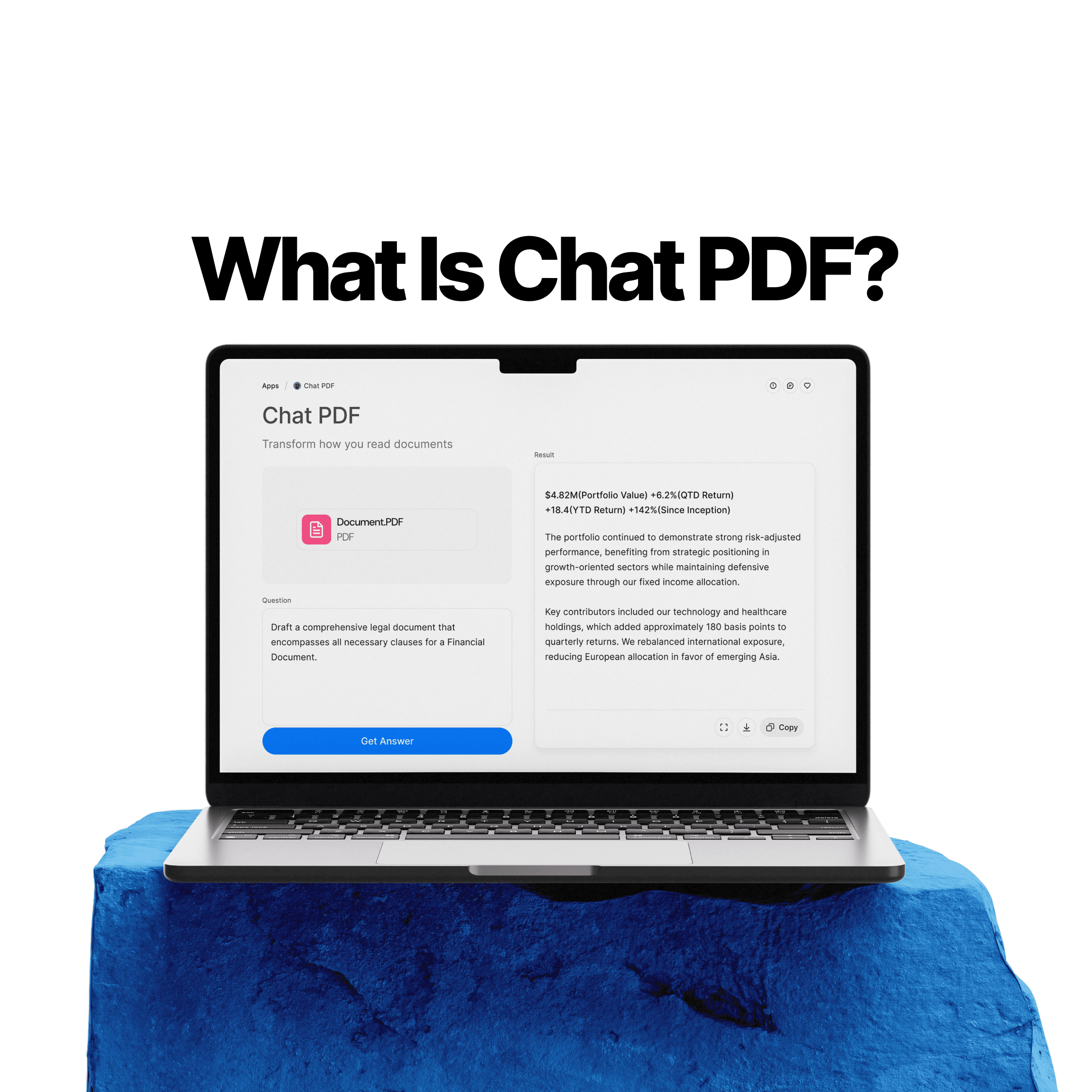
What Is Chat PDF? How to Chat With PDFs, Summarize Files, and Find Answers Faster

Elena Foster

We Asked AI to Explain One of the Most Important and Complex Research Papers. Here's What Happened.

Daniel Mercer
Why Ask AI Is Replacing Google Search
Daniel Mercer
Why Document Creation Is Still Broken in 2026 — How AI Document Generators Are Fixing It

Faisal Saeed

AI Presentation Maker vs PowerPoint: Why the Old Way Is Costing You More Than You Think

Lucas Reinhardt