
Marketing teams are managing more content, campaigns, platforms, and reporting than ever before. The best AI marketing tools in 2026 help reduce that workload by speeding up content creation, automating repetitive tasks, improving targeting, and simplifying execution across channels.
The problem is that most AI tool lists still recommend whatever is trending that month. Meanwhile, marketers are left testing tool after tool, trying to figure out what actually improves performance versus what just adds another subscription to the stack.
This guide focuses on the 11 best AI marketing tools with practical business use cases, verified pricing, clear strengths, and real limitations.
Best AI Marketing Tools in 2026
AI mostly handles the repetitive parts of the marketing workflow: drafts, visuals, campaign monitoring, email sends, and paid creative. Each tool below covers a specific part of that work, built for marketing teams rather than general use.
Let’s get into the tools that are actually helping marketers move faster, create better campaigns, and spend less time patching workflows together.
1. Jasper AI
Jasper AI generates long-form marketing content, including blog posts, landing pages, and product descriptions, with Brand Voice settings that keep output consistent across an entire writing team. A five-person content team producing 20 blog posts a month can use Jasper's templates and brand voice presets to cut writing time significantly without losing consistency across writers.
What marketing teams use it for:
- Writing long-form blog posts, landing pages, and product descriptions with brand voice prompts
- Generating ad copy and email subject line variants at scale
- Maintaining consistent tone across multiple writers using Brand Voice settings
Best for: Marketing teams producing high-volume long-form content
Jasper's output drops in quality on highly technical or niche topics. Detailed briefing is required to avoid generic copy on specialized subjects.
Pricing:
- Free plan: No free plan. 7-day trial only
- Paid plans: Creator at $59/month/annually (1 seat, 1 Brand Voice). Pro at $69/month (1 seat, 2 Brand Voices, image generation)
- Teams/Enterprise: Business at custom pricing, 12-month minimum commitment, contact sales
2. Surfer SEO
Surfer SEO scores content against top-ranking competitor pages in real time as you write, assigning a Content Score and surfacing missing terms and structural gaps before an article goes live. A writer can close a 30-point content gap with a competitor in a single editing session before republishing, without needing a separate keyword tool or SEO consultant.
What marketing teams use it for:
- Optimizing existing blog posts against top-ranking competitor articles before republishing
- Identifying missing keywords and structural gaps in a draft before it goes live
- Briefing writers with data-driven outlines built from what currently ranks
Best for: SEO writers and content teams optimizing individual articles to rank
Content scored toward competitor averages can mirror what already ranks rather than differentiate from it. Use Surfer SEO to meet the baseline, not set it.
Pricing:
- Free plan: No free plan
- Paid plans: Discovery at $49/month (annual). Standard at $99/month (annual). Pro at $182/month (annual)
- Teams/Enterprise: Enterprise at custom pricing
3. Brandwell
Brandwell produces full-length SEO articles from a keyword brief, including headings, on-page signals, and internal linking suggestions, for teams with high blog output targets who cannot scale their writing team. A 50-article content cluster that would take a human team months to cover can ship in one month with Brandwell handling the first draft for every piece.
What marketing teams use it for:
- Publishing high-volume SEO blog content without scaling the writing team
- Generating structured long-form articles from keyword briefs in minutes
- Covering content clusters faster than a human writing team can produce manually
Best for: SEO teams with high blog output targets and a clear editorial process
High output volume requires tight editorial oversight. Articles produced without a strong brief will be thin and require significant revision before publishing.
Pricing:
- Free plan: No free plan. 7-day trial only
- Paid plans: Growth at $999/month (50 articles/month, 3 users). Scale at $1,499/month (100 articles/month, 10 users)
- Teams/Enterprise: Agency at $1,999/month, 3 projects, 20 users, white-label
4. Canva AI
Canva's Magic Studio suite generates graphics, removes backgrounds, resizes assets to every platform format, and writes social captions inside a single design workflow. A marketing team can produce a full week of branded social content for four platforms without waiting on a designer or briefing a creative agency. For AI-generated product images and campaign visuals outside a design template, the Chatly image generator handles prompt-to-image generation directly.
What marketing teams use it for:
- Generating on-brand social graphics, story templates, and carousel posts at volume
- Resizing a single design for Instagram, LinkedIn, X, and Facebook in seconds
- Writing social captions and post copy directly inside the design workflow
Best for: Marketing teams managing multi-platform social content without an in-house design team
Design output is template-constrained. Canva AI handles branded social volume well but does not replace a designer working on original brand campaigns or custom creative.
Pricing:
- Free plan: Core templates, 5GB storage, and basic AI features at no cost
- Paid plans: Pro at $15/month with premium templates, Brand Kit, Magic Studio, and background remover
- Teams/Enterprise: Teams at approximately $10/person/month (annual, minimum 3 users) with shared brand controls and team templates
5. Lumen5
Lumen5 converts a blog URL or text block into a social video with matched visuals, text overlays, and captions, with no video editing skills or software required. A content team can repurpose 10 existing articles into LinkedIn-ready videos in a single afternoon, extending the reach of content that already ranks without writing anything new.
What marketing teams use it for:
- Converting blog posts into short social videos for LinkedIn and Instagram
- Repurposing newsletter content into video summaries for social distribution
- Producing brand announcement content without a dedicated video editor
Best for: Content teams repurposing existing written content into social video
Output is formulaic. Lumen5 handles repurposing well but does not support original video storytelling, custom scripting, or full creative control over timing and motion.
Pricing:
- Free plan: Limited exports with Lumen5 watermark on all videos
- Paid plans: Basic at $29/month (annual), 5 videos/month, HD, no watermark. Starter at $79/month (annual), 10 videos/month. Professional at $199/month (annual), unlimited videos, 1080p
- Teams/Enterprise: Contact Lumen5 for team and enterprise pricing
6. Chatly
A full marketing stack running Jasper AI, Surfer SEO, Canva, Klaviyo, and Brand24 costs upward of $700 per month and requires a separate login for each. Chatly is the AI marketing platform that covers writing, research, image generation, and document creation from one workspace at a fraction of that total cost.
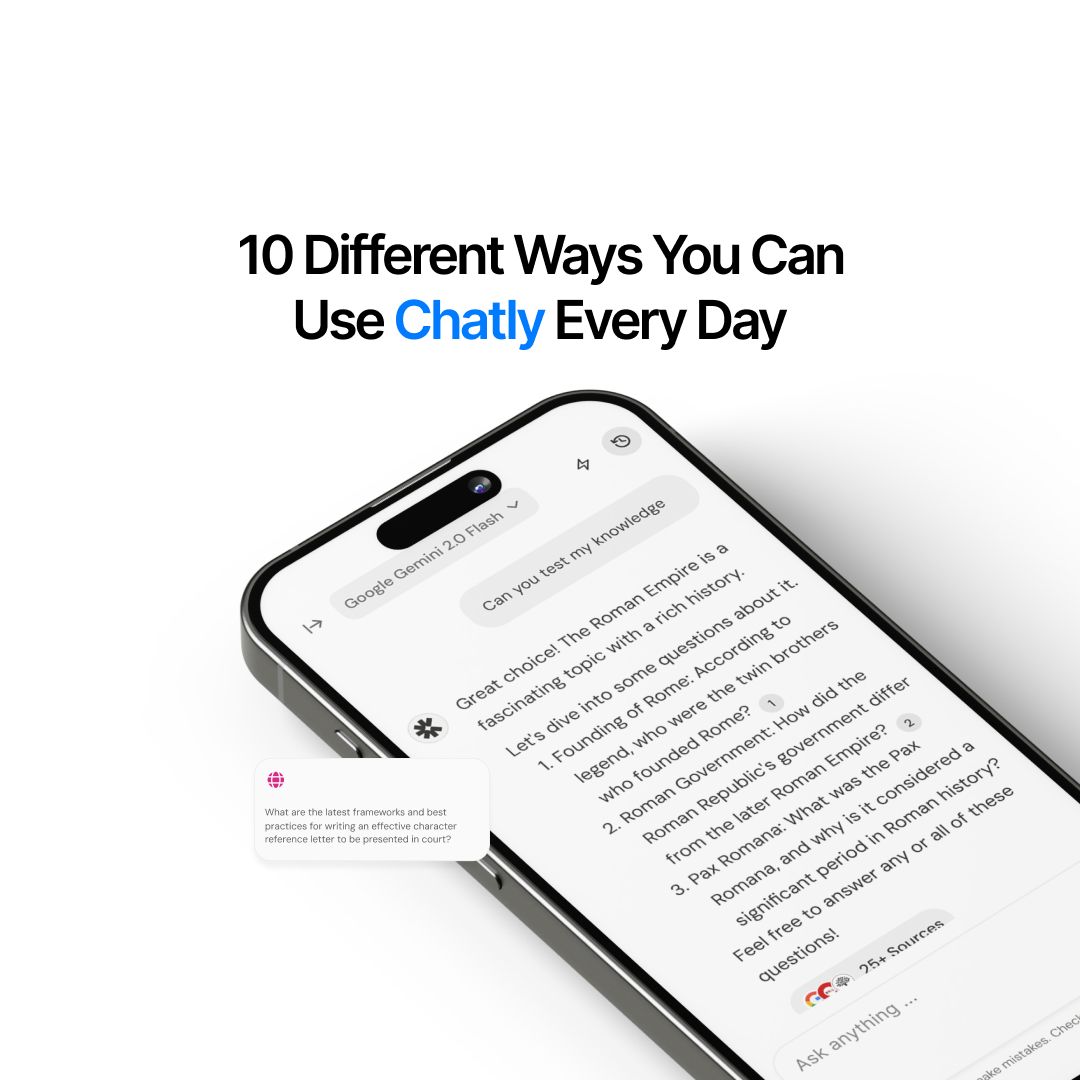
Chatly runs on 30+ AI models, including GPT-5 and Claude Opus 4.7, so marketing teams access the best available model for each task without managing separate subscriptions. The Chatly workspace includes AI Chat, AI Docs, AI Slides, AI Images, and AI Search in one subscription.
What Chatly covers for marketing teams:
- Content creation, including long-form copy, blogs, social posts, and email drafts across 30+ models
- Research with live-sourced AI search inside the same session as drafting, no tab switching
- Image generation with built-in visuals from the Chatly image generator, no external tool required
- Document generation for proposals, briefs, and campaign reports via the AI document generator for marketing
- Chatly AI agent, OmniAgent, which coordinates tasks across Chat, Docs, Slides, Images, and Search in a single session
Chatly covers the core AI tasks marketing teams run daily. It does not replace specialist tools for email automation (Klaviyo), brand monitoring (Brand24), or paid creative optimization (AdCreative AI). Use it as the primary AI marketing platform and add specialist tools for confirmed gaps.
Pricing:
- Free plan: Access to 30+ AI models with daily usage limits across writing, search, and image generation
- Paid plans: Standard at $7.5/month (billed annually) or $20/month (billed monthly) with full access to all core features
- Teams/Enterprise: Business at $24/seat/month billed annually, minimum 3 seats. Enterprise at custom pricing
7. Brand24
What marketing teams use it for:
- Monitoring brand mentions across social, forums, podcasts, and news in real time
- Tracking competitor mentions and sentiment shifts to identify market opportunities
- Measuring share-of-voice and brand reach alongside sentiment trends
Best for: PR teams, social media managers, and brand strategists tracking brand health across channels
Pricing:
- Free plan: No free plan. 14-day trial available
- Paid plans**:** Individual at $249/month (3 keywords, 2K mentions/month). Team at $349/month (7 keywords, 5K mentions/month). Pro at $499/month (12 keywords, 25K mentions/month)
- Teams/Enterprise: Business at $699/month, 25 keywords, 100K mentions/month
8. Klaviyo
Klaviyo's AI engine predicts optimal send times, segments contacts by predicted purchase behavior, and flags churn risk before customers go quiet. All of it runs inside the same platform as the email builder. A Shopify store can automate five behavioral email flows including welcome, browse abandonment, cart abandonment, post-purchase, and win-back, without a dedicated email developer or manual list management.
What marketing teams use it for:
- Building automated email flows triggered by purchase behavior, cart abandonment, and browse activity
- Segmenting contact lists by predicted lifetime value and churn probability
- A/B testing subject lines and send times using AI-predicted performance data
Best for: Ecommerce marketing teams on Shopify or similar platforms
Pricing scales steeply with contact list size. Klaviyo becomes expensive for businesses with large lists and low purchase frequency, where a simpler email tool would cost a fraction.
Pricing:
- Free plan: Up to 250 contacts, 500 emails/month, and basic automation at no cost
- Paid plans: Email at $20/month (starting at 251 contacts) with full automation and A/B testing. Email + SMS at $35/month
- Teams/Enterprise: Pricing scales by contact count. Enterprise plans available, contact Klaviyo for volume pricing
9. ActiveCampaign
ActiveCampaign combines email, CRM, and workflow automation in a single platform, with AI-powered predictive sending, lead scoring, and deal pipeline management running alongside email sequences.
A B2B marketing team can automate lead nurture from first content download to sales handoff without switching between platforms or manually updating contact records. For teams building a broader operations stack, see the best AI tools for businesses.
What marketing teams use it for:
- Building multi-step email sequences triggered by contact behavior, tags, or CRM stage changes
- Scoring leads automatically based on engagement and moving them through pipeline stages
- Connecting email automation with CRM data to personalize outreach at scale
Best for: Full-funnel marketing teams that need email, CRM, and automation in a connected platform
Setup complexity is high. Teams without a dedicated marketing ops person take significant time to extract full value from the automation builder.
Pricing:
- Free plan: No free plan
- Paid plans: Starter at $15/month (annual). Plus at $49/month (annual) with CRM, landing pages, and lead scoring. Pro at $79/month (annual) with predictive sending and split automations
- Teams/Enterprise: Enterprise at $145/month (annual) with custom reporting and dedicated support
10. Gumloop
Gumloop lets marketing teams build AI-powered automation pipelines without writing any code. Drag-and-drop workflows connect data sources, trigger content generation, and route outputs to the right tools automatically. A team can automate a weekly content brief pipeline from keyword input to drafted outline to Slack notification without involving a developer. For a prompt strategy behind these workflows, AI prompts for digital marketing cover how to structure inputs for consistent AI output.
What marketing teams use it for:
- Automating content production pipelines from keyword input to draft output to team review
- Building lead enrichment workflows that pull data, score contacts, and route to CRM automatically
- Connecting AI tools, spreadsheets, and marketing platforms without engineering resources
Best for: Marketing teams that want AI workflow automation without engineering resources
As a newer platform, some integrations are still in development. Verify the current integration list against your existing stack before committing a critical workflow to Gumloop.
Pricing:
- Free plan: Free plan with limited workflow runs per month
- Paid plans: Pro at $37/month with higher run volume and priority support
- Teams/Enterprise: Enterprise at custom pricing with dedicated account management and SLA
11. AdCreative AI
AdCreative AI generates ad images and copy variants scored by predicted performance before publishing, so teams skip the blind A/B testing phase and surface what is likely to perform faster. A paid media team can produce 40 creative variants for a Meta campaign launch in the time a designer would take to finish two. For teams running lead generation alongside paid campaigns, how to create a lead magnet covers converting that traffic once it arrives.
What marketing teams use it for:
- Generating multiple ad creative variants per campaign, including images, headlines, and copy combinations
- Scoring creative options by predicted click-through performance before testing
- Producing platform-specific creative formats for Meta, Google Display, and LinkedIn without a designer
Best for: Paid media teams producing high-volume ad creatives across multiple platforms
Output reflects historical performance patterns. AdCreative.ai can reinforce formats already in the data rather than testing genuinely new creative approaches.
Pricing:
- Free plan: No free plan
- Paid plans: Starter at $39/month (10 brands, 500 credits/month). Professional at $249/month (30 brands, 2,500 credits/month)
- Teams/Enterprise: Ultimate at $999/month, unlimited brands, 10,000 credits/month
How to Choose the Right AI Marketing Tools for Your Team
The most common mistake is starting with a tool category instead of a workflow problem. Pick the task that costs the most time first, then find the tool that covers it. One tool adopted well beats five tools adopted poorly.
Decision criteria:
- Primary use case first: Content teams start with Jasper AI. SEO teams start with Surfer SEO. Paid media teams start with AdCreative AI. If the use case spans multiple functions, start with Chatly
- Team size: Solo marketers get the most value from all-in-one tools. Larger teams with dedicated functions get more value from specialist tools per function
- Budget: Free tiers on Canva, Klaviyo, and Chatly are functional starting points. SEO tools including Surfer SEO and Brandwell, require paid plans to deliver meaningful data
- Integration requirements: Email and CRM tools like ActiveCampaign and Klaviyo require platform connections before they work. Standalone tools like Jasper AI and Chatly work from day one
For marketing teams at early-stage companies, see best AI tools for founders. For a broader productivity stack beyond marketing, see best AI tools for productivity.
Using AI Marketing Tools Responsibly
Every AI output needs a human review pass before it reaches an audience. AI tools produce factual errors, misattribute statistics, and occasionally output copy that contradicts your brand position. Treat the draft as a starting point, not a finished product.
Customer data fed into AI tools may be used for model training, depending on the service's terms. Before connecting marketing data to any AI platform, review the data processing agreement and avoid passing personally identifiable information without explicit user consent.
Ready to Build a Leaner Marketing Stack?
The best marketing tools in 2026 aren't about having the most features— they're about solving your actual workflow bottlenecks. But here's the reality: most teams waste time switching between platforms, losing context, and paying for overlapping subscriptions.
That's where Chatly comes in. Built for marketing teams who need to write, research, generate images, and create documents without the chaos of multiple platforms. One login. One workflow. Real results.
Ready to simplify? Start with Chatly.

Frequently Asked Questions
Which AI tool is best for lesson planning?
More topics you may like