
AI tools have moved from optional to expected in most professional environments. The problem is that using AI now means five subscriptions, three overlapping features, and a growing sense that none of it quite connects.
The average worker saves an hour a day using the best AI tools for productivity, which adds up to 15 full working days over a year. That is a two-week vacation's worth of time. Those hours come from choosing fewer tools that each solve something real.
Here are the 10 best AI tools for productivity in 2026, what each one does well, where each one falls short, and what everything costs.
Best AI Tools for Productivity in 2026
Productivity tools are no longer just calendars and task managers. AI tools now help professionals write faster, organize work, automate repetitive tasks, and manage entire workflows more efficiently.
These are the 10 best AI productivity tools in 2026 for reducing manual work and getting more done in less time.
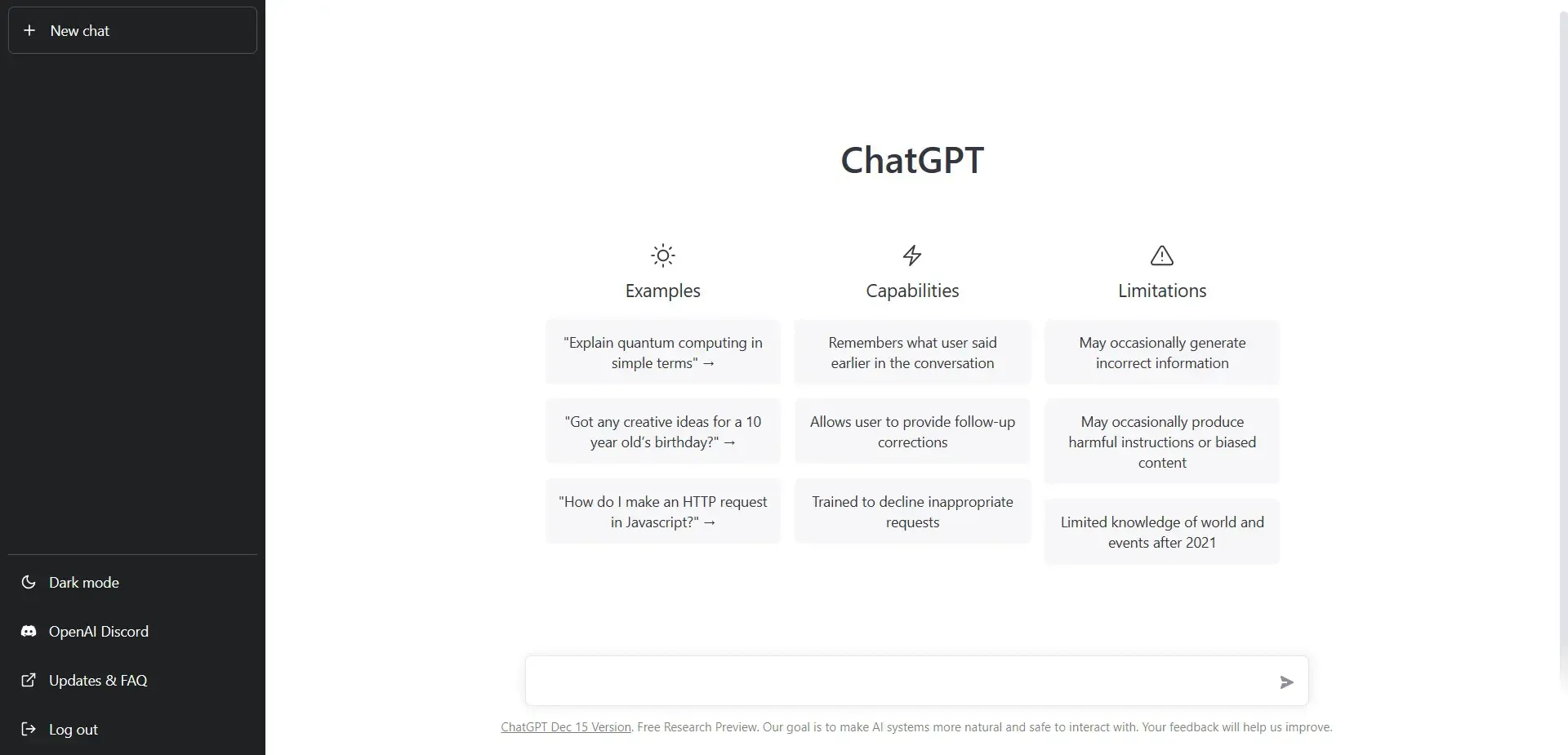
1. ChatGPT
ChatGPT handles the widest range of writing tasks at the fastest turnaround time of any tool on this list. Emails, proposals, summaries, meeting recaps, scripts, social posts. The model picks up context quickly and returns usable output on the first or second prompt.
Over 300 million people use ChatGPT weekly as of early 2026. That adoption comes from one practical advantage: the free tier works for most single-task writing jobs without a credit card.
What professionals use it for:
- Drafting emails, proposals, and reports from bullet points
- Summarizing long documents and meeting notes
- Generating first drafts for content and copy at speed
Pricing:
- Free plan: Access to GPT-5.3 with web browsing, image uploads, and 2–3 image generations/day.
- Paid plans: Go at $8/month for more messages and uploads. Plus at $20/month for priority access to GPT-5 and advanced tools. Pro at $100/month (5x usage) or $200/month (20x usage)
- Teams/Enterprise: Business at $20/seat/month (billed annually) or $25/seat/month (billed monthly). Enterprise at custom pricing with advanced admin controls and data privacy guarantees
For tools that cover ground ChatGPT misses, see the full list of ChatGPT alternatives organized by task type.
2. Claude
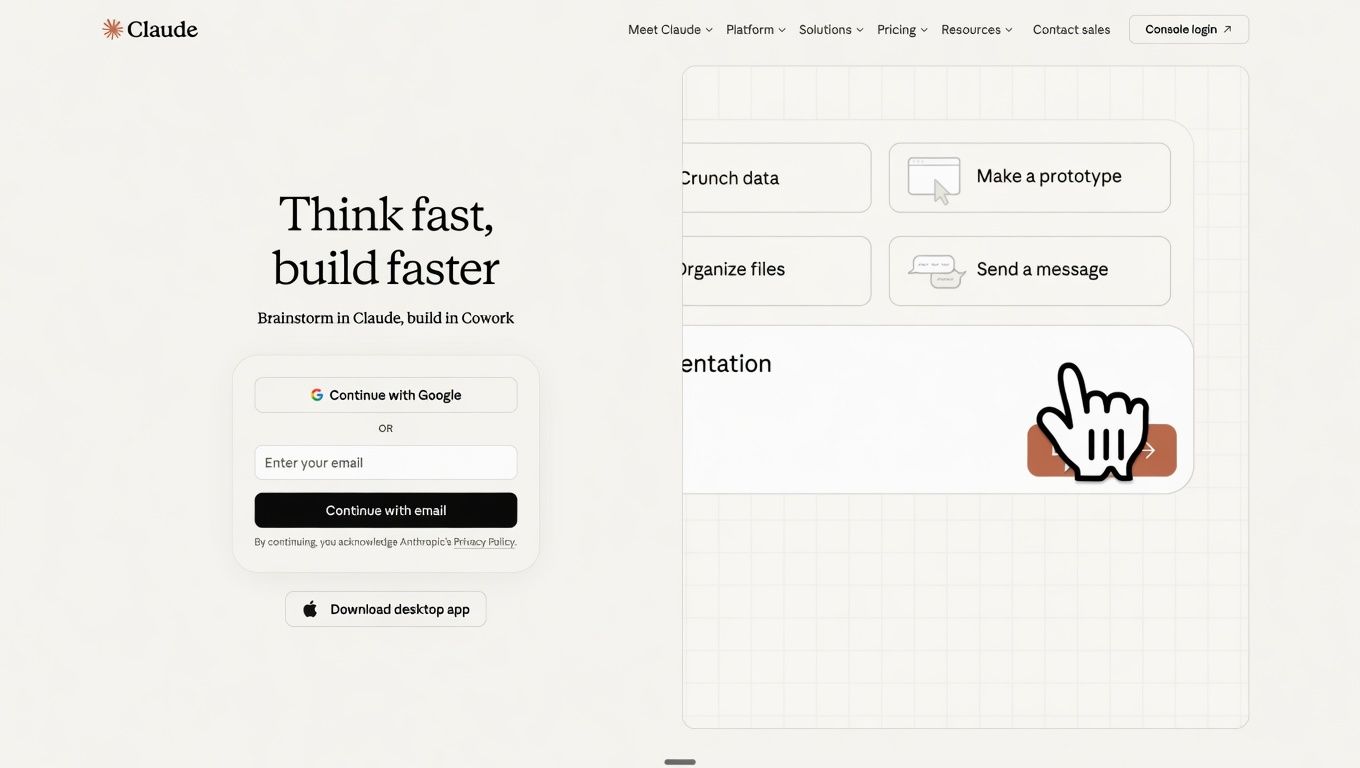
Where ChatGPT favors speed and breadth, Claude favors precision and instruction-following. For long-form reports, detailed proposals, and communications that require a specific tone held consistently across thousands of words, Claude produces cleaner output than GPT-5 on the first pass.
What professionals use it for:
- Long-form reports and proposals where tone consistency matters across the full document
- Analyzing dense contracts, research papers, and legal text
- Internal documentation with precise formatting and structure requirements
Pricing:
- Free plan: Access to Claude on web, iOS, Android, and desktop with web search, file creation, code execution, and extended thinking
- Paid plans: Pro at $17/month (billed annually) or $20/month (billed monthly) with more usage, Claude Code, Research access, and multiple models
- Teams/Enterprise: Team Standard at $20/seat/month annually ($25 monthly). Team Premium at $100/seat/month annually. Enterprise at $20/seat plus API usage rates with SCIM, audit logs, and HIPAA-ready options
Limitation: Claude has no built-in web search or image generation. For research-heavy tasks, you need to feed Claude external sources rather than having it find them. Paid plan required for the most capable models.
Professionals who want to write a business plan with AI get the strongest results from Claude on structure and long-form consistency.
3. Grammarly
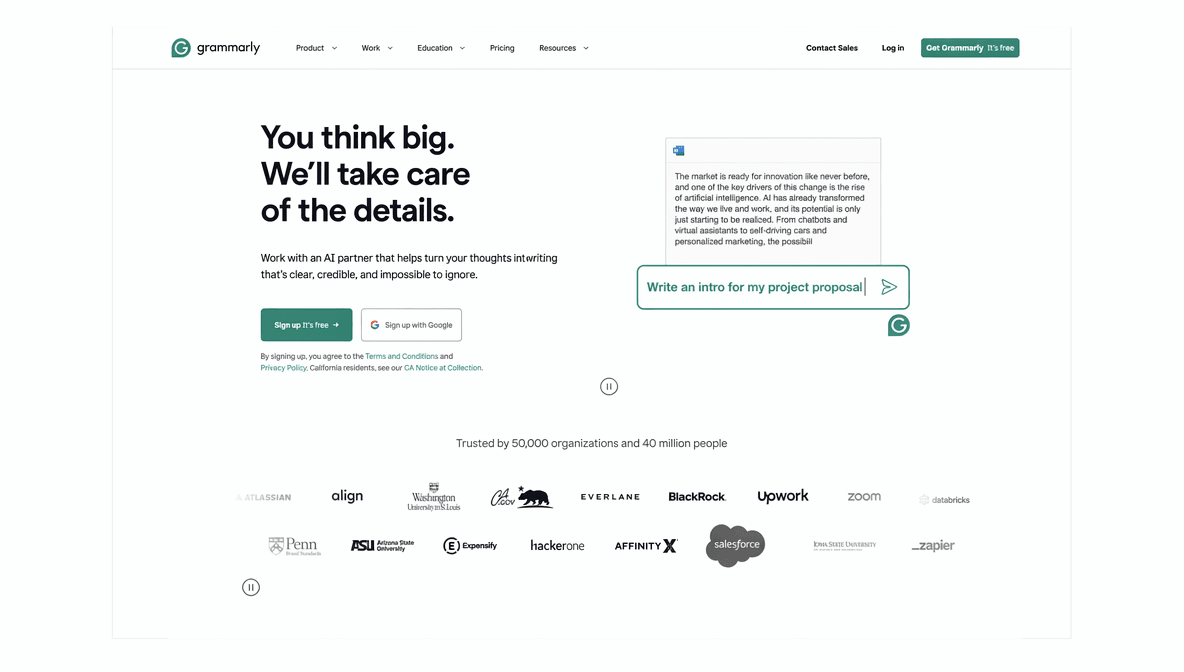
Grammarly works inside Gmail, Google Docs, Slack, LinkedIn, Notion, and most browser-based writing environments simultaneously. It catches tone problems, rewrites unclear sentences, and flags communication issues before a message goes out.
The 2026 version handles full sentence restructuring, communication style consistency across a team, and tone adaptation for different audiences, not just grammar errors.
What professionals use it for:
- Real-time tone and clarity corrections across all written communication
- Style consistency across email and document output for an entire team
- Adapting writing voice for clients, executives, or different internal audiences
Pricing:
- Free plan: Basic grammar and spell-check with tone detection and 100 AI prompts per month
- Paid plans: Pro at $12/month with unlimited personalized suggestions, full sentence rewrites, plagiarism detection, and 2,000 AI prompts. 7-day free trial included
- Teams/Enterprise: Enterprise at custom pricing (contact sales) with BYOK encryption, custom roles and permissions, data loss prevention, and dedicated support
Limitation: Grammarly's suggestions flatten voice over time. Accepting every recommendation produces technically clean but stylistically generic writing. Use it selectively, particularly on external-facing communications.
For teams producing large volumes of written content, Grammarly pairs well with tools from the best AI writing tools roundup for a complete drafting and editing stack.
4. Notion AI
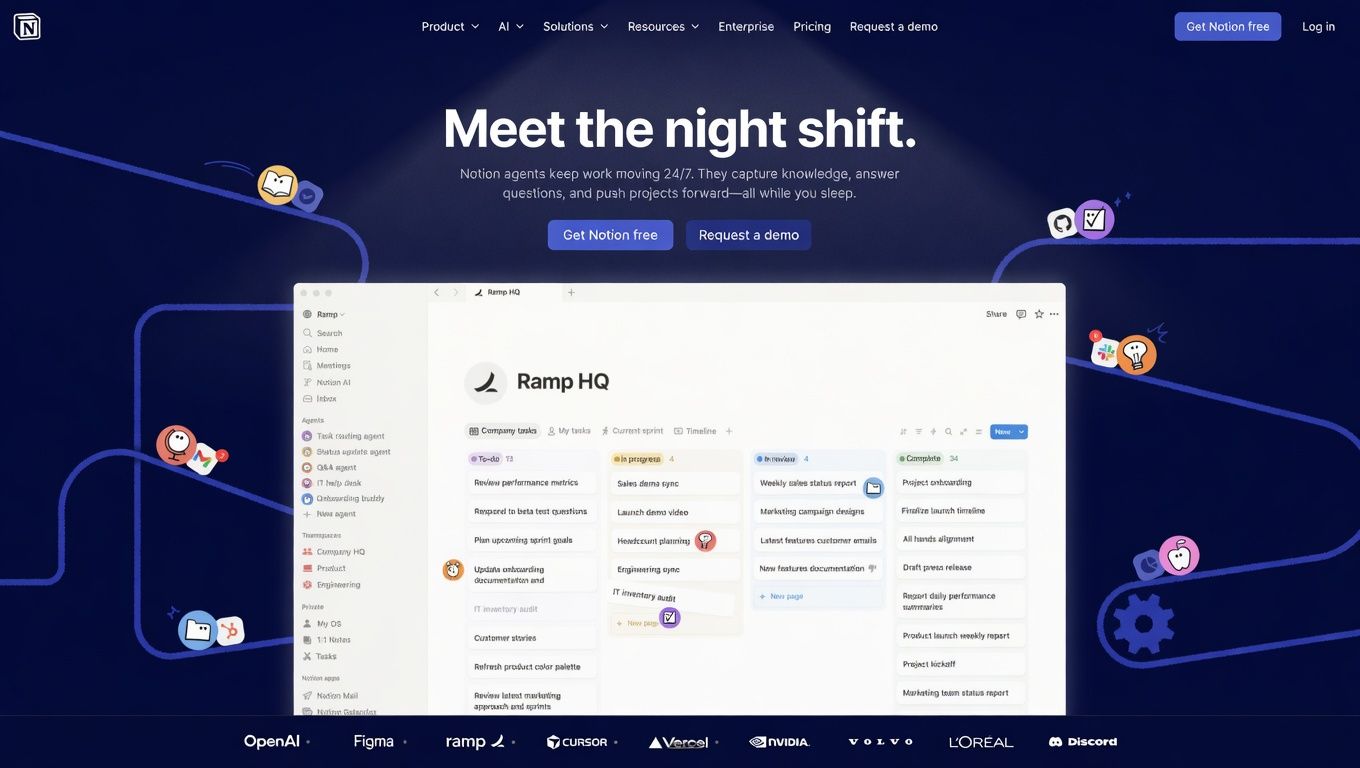
Notion AI sits on top of an existing Notion workspace and makes it searchable, generative, and faster to maintain. For teams already using Notion as their knowledge base, the AI layer turns a static documentation system into one that answers questions, writes new docs, and summarizes project updates.
The key advantage over standalone AI tools: Notion AI queries your own workspace. Ask it what a meeting decided last Tuesday or what the onboarding process is for a new hire, and it pulls the answer from your actual internal docs.
What professionals use it for:
- Q&A search across the entire team's knowledge base
- Automated summaries of meeting notes and project updates
- AI-assisted writing for SOPs, onboarding guides, and internal documentation
Pricing:
- Free plan: Core Notion features with a trial of Notion AI, unlimited databases, basic forms, and up to 10 external guests
- Paid plans: Plus at $10/member/month with unlimited collaborative blocks, custom forms, unlimited file uploads, and 30 days of page history. Business at $20/member/month with Notion Agent, AI Meeting Notes, Enterprise Search, and SAML SSO
- Teams/Enterprise: Enterprise at custom pricing with zero data retention with LLM providers, SCIM user provisioning, advanced security controls, and audit log
Limitation: Notion AI works for teams already on Notion. It augments an existing workspace rather than replacing a standalone AI tool. Starting a Notion workspace specifically for AI access adds more overhead than it removes.
For structured document output that goes beyond internal notes, a dedicated AI document generator handles business reports, email templates, and marketing content formats that Notion AI does not.
5. Chatly
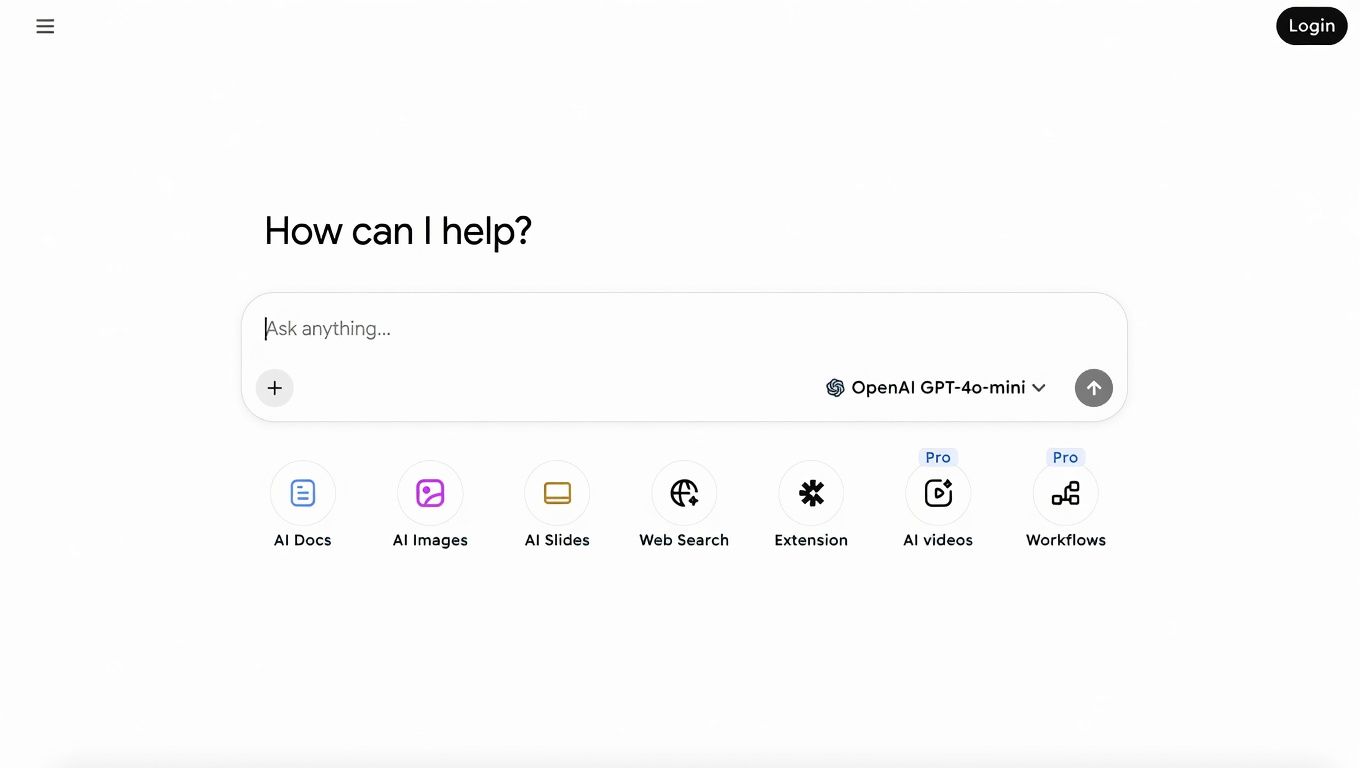
Chatly gives you access to 40+ AI models, including GPT-5, Claude Opus 4.7, Gemini 3 Pro, and Grok 4, from a single workspace. Instead of managing separate AI subscriptions for writing, research, image generation, and presentations, teams can handle everything inside one platform.
The Chatly AI Workspace includes AI Chat, AI Docs, AI Slides, AI Images, and AI Search. That makes it useful for businesses running content, research, strategy, and creative workflows across multiple formats.
On top of that, Chatly includes OmniAgent, a built-in task execution layer designed for multi-step workflows. Users can ask OmniAgent to run deep research, generate documents, create visuals, build presentations, or handle media generation from the same conversation.
A typical workflow might involve researching a topic, turning the findings into a document, generating slides from that document, and then creating visuals to support the presentation.
What professionals use it for:
- Multi-model AI chat from one interface with no separate subscriptions per model
- AI Search with Focus Modes for web, writing, and academic research
- Document generation for reports, business emails, and structured content
- Presentation building from an existing document or outline
- Image generation for marketing and visual content
Pricing:
- Free plan: Access to 40+ AI models with daily usage limits across writing, search, and image generation features. No credit card required
- Paid plans: Standard at $7.50/month (billed annually) or $20/month (billed monthly) with full access to all core features and higher daily usage across all models
- Teams/Enterprise: Business at $24.20/seat/month billed annually, minimum 3 seats. Enterprise at custom pricing
Limitation: The free plan hits daily usage caps that professional-volume users reach quickly. Chatly covers the core AI tasks most professionals run daily, but it does not replace specialist tools. Motion handles AI-powered calendar scheduling. Otter AI handles meeting transcription with speaker labels. Use Chatly as your primary AI workspace and add specific tools where gaps exist.
For a practical walkthrough of what you can complete in a single session, see 10 different ways to use Chatly every day.
6. Perplexity
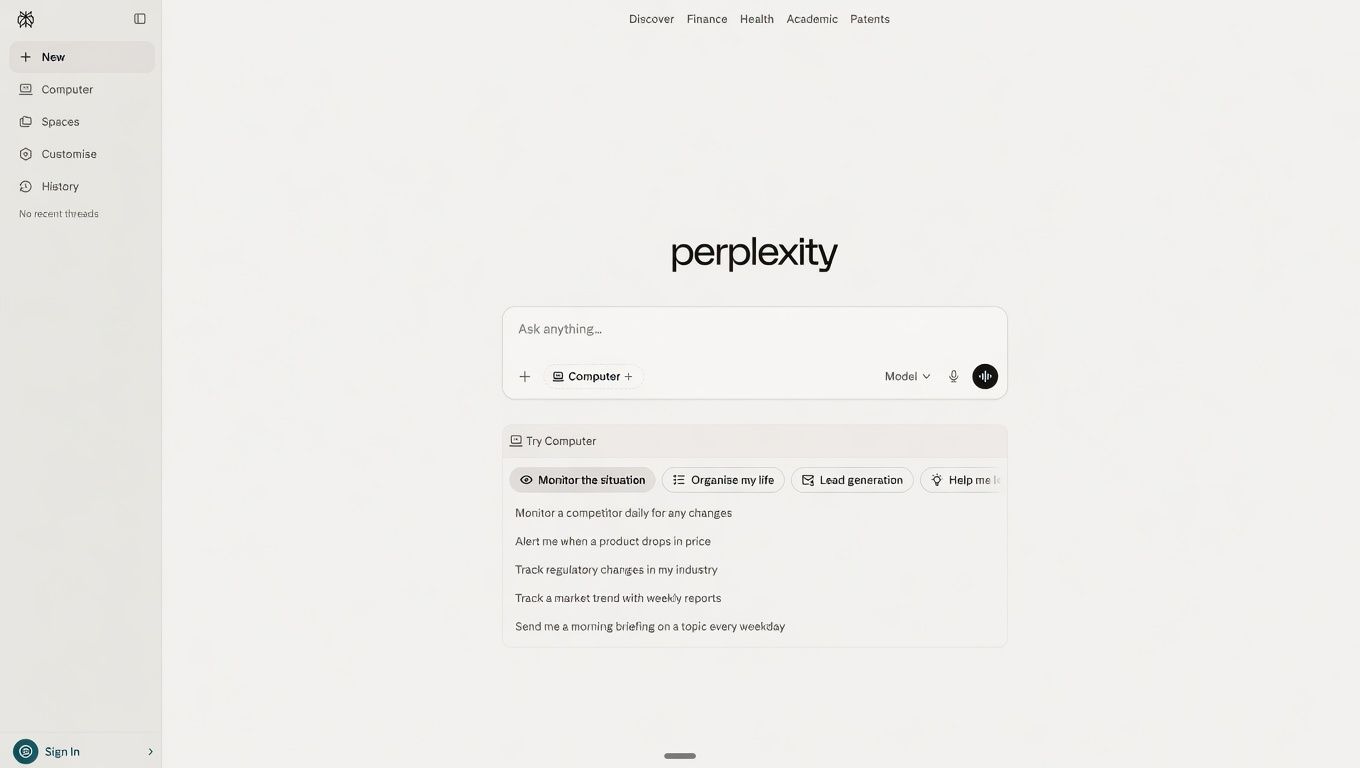
Every answer Perplexity returns comes with a source citation you can click through and verify. That one feature makes it the research tool of choice for analysts, content strategists, and anyone who needs to confirm facts before publishing or presenting.
The thread format keeps context across follow-up questions. Ask a broad question, get a sourced answer, and narrow it with a follow-up. Perplexity holds the research thread across the full session.
What professionals use it for:
- Research with verified, cited sources for every claim
- Cross-referencing information across multiple sources in one thread
- Building fact-checked research before drafting in ChatGPT or Chatly
Pricing:
- Free plan: Free access to AI-powered search with cited sources, follow-up threads, and standard daily usage limits
- Paid plans: Pro at $20/month with priority searches, extended search history, file uploads, and access to advanced reasoning models
- Teams/Enterprise: Enterprise at $40/user/month ($400/year) with team controls, API access, and SSO. Education and non-profit pricing at $30/seat/month
Limitation: Perplexity covers research, not drafting or document creation. Pair it with a writing tool for output. For a comparison of AI search approaches and Focus Mode options, see how to use Chatly AI Search and the full best AI search engines comparison.
7. Otter AI
Otter AI joins Zoom, Google Meet, and Microsoft Teams calls and transcribes in real time with speaker labels attached. At the end of the meeting, it produces a summary and extracts action items automatically.
For professionals in four or more meetings a day, Otter AI removes manual note-taking from the workflow. The free tier covers 300 minutes per month, which handles two to three standard meetings per week.
What professionals use it for:
- Real-time meeting transcription with speaker identification
- Automated action item extraction from every meeting
- Meeting summaries stored in a shared workspace for async team review
Pricing:
- Free plan: 300 meeting transcription minutes per month with live transcription, speaker identification, and Zoom, Google Meet, and Teams integration
- Paid plans: Pro at $8.33/user/month (billed annually) or $16.99/user/month (billed monthly) with 1,200 minutes/month, advanced AI workflows, and Salesforce and HubSpot integrations
- Teams/Enterprise: Business at $19.99/user/month (annual) with unlimited meetings, custom AI workflows, and recordings up to 4 hours. Enterprise at custom pricing with HIPAA compliance add-on and SSO
Limitation: Transcription accuracy drops with heavy accents, technical jargon, or poor audio quality. Meeting summaries miss tone and interpersonal context. Review before sending or storing as the record.
8. Motion
Motion reads your task list, deadlines, and calendar, then time-blocks your day automatically based on priority. When a meeting overruns or a task expands, it rebuilds the schedule without you manually reorganizing anything.
The practical result: the 15 minutes you spend at the start of each day deciding what to work on disappear. The calendar rebuilds itself around what changed.
What professionals use it for:
- Automatic time-blocking based on task deadlines and priorities
- Dynamic calendar rebuilding when meetings overrun or tasks expand
- Priority-based scheduling across all active projects simultaneously
Pricing:
- Free plan: No free plan. Risk-free trial available with no credit card required
- Paid plans: Pro AI at $19/seat/month with AI task planning, AI calendar management, AI docs, unlimited storage, and 7,500 AI credits per month
- Teams/Enterprise: Business AI at $29/seat/month with team capacity planning, advanced dashboards, Gantt charts, time tracking, permissions and access controls, and 15,000 AI credits per month
Limitation: Motion requires trust in the algorithm to manage the calendar. Users who want manual control over scheduling find the learning curve significant. The absence of a free plan makes it harder to trial before committing.
9. Zapier
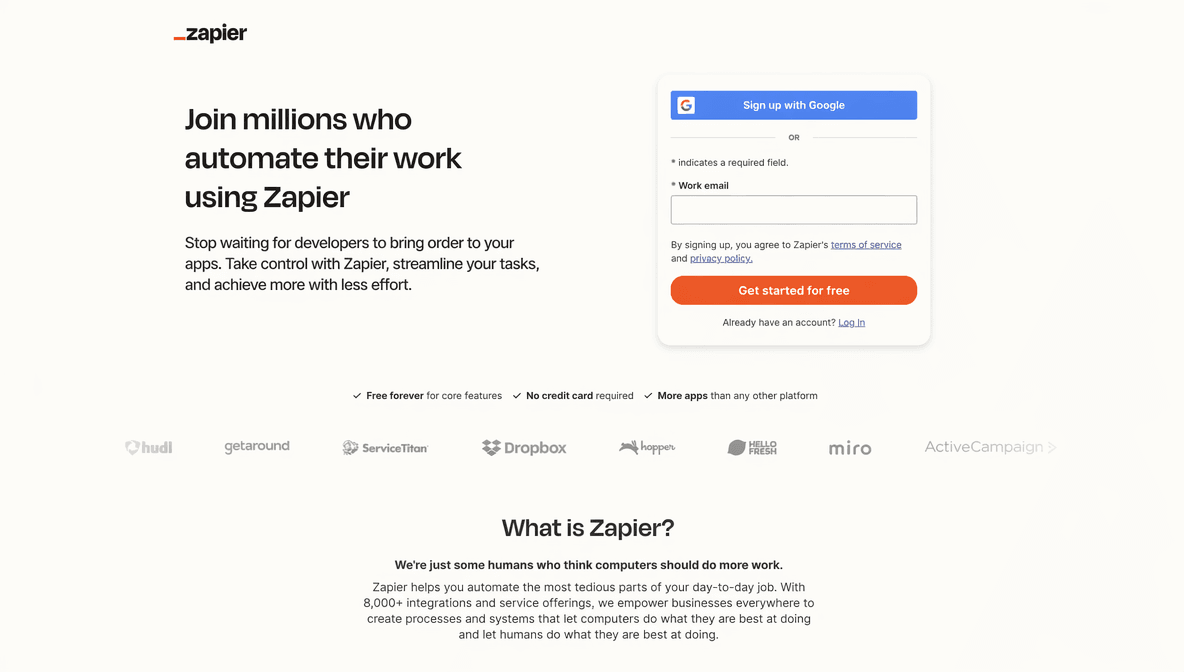
Zapier connects 7,000+ apps through automated workflows. The AI Copilot builds these automations from plain-English descriptions. You describe the workflow, Zapier writes it.
A practical example: a new form submission triggers a CRM entry, sends a Slack notification, and drafts a follow-up email in ChatGPT, automatically. The manual copy-paste between tools disappears.
What professionals use it for:
- Connecting apps without code through simple automation rules
- Building multi-step workflows using plain-English descriptions
- Eliminating manual handoffs between tools and platforms
Pricing:
- Free plan: 100 tasks per month with basic two-step Zaps, unlimited Zap creation, and Zapier Copilot with daily usage limits
- Paid plans: Professional starting at $19.99/month (billed annually) with multi-step Zaps, unlimited premium app connections, webhooks, and AI fields
- Teams/Enterprise: Team at $69/month (billed annually) for up to 25 users with shared Zaps, shared app connections, and SAML SSO. Enterprise at custom pricing with unlimited users, VPC peering, and a technical account manager
Limitation: Complex multi-step automations require a paid plan. Some connections break when third-party APIs update without notice and need manual repair.
10. ImagineArt
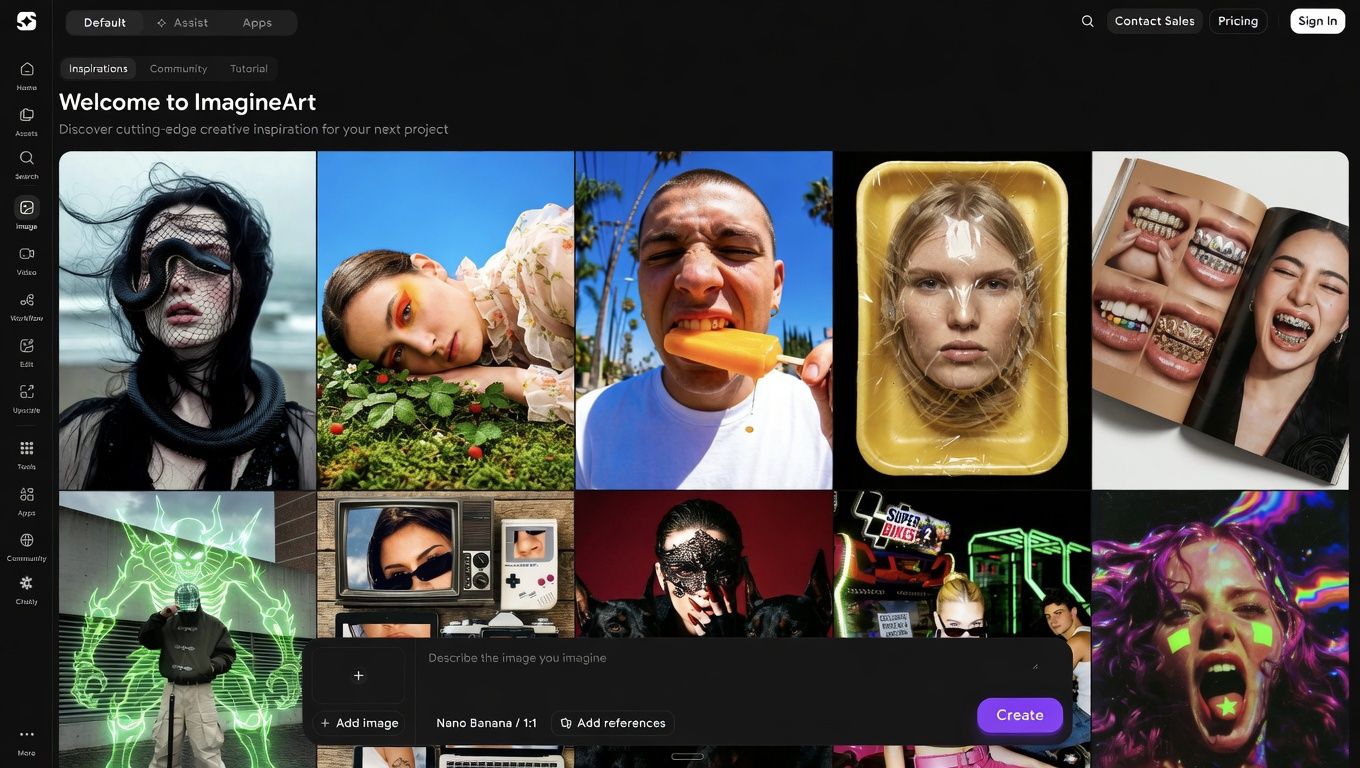
ImagineArt generates images, product mockups, ad creatives, and branded visuals from text prompts. Over 20 image styles cover photorealistic, illustrated, and branded formats, with commercial licensing on paid plans.
Marketing teams use it to generate campaign imagery, social graphics, and product visualizations without waiting on design queues. The paid tier removes the daily credit cap for high-volume content production.
What professionals use it for:
- Text-to-image generation for marketing, social, and ad creative
- Product mockups and visual variations for campaigns
- Branded visual content at scale without hiring a designer
Pricing:
- Free plan: 100 image credits refreshed every 24 hours with access to core image generation tools
- Paid plans: Basic at $9/month with 2,000 monthly credits. Standard at $30/month with 8,000 credits, private visibility, and 3 team seats. Ultimate at $50/month with 16,000 credits, all styles and models, priority queue, and 6 team seats
- Teams/Enterprise: Creator plan at $250/month with 100,000 credits, 20 team seats, highest priority queue, and all styles and models. Quarterly (15% off) and annual (30% off) billing available
Limitation: Free plan daily limits become real constraints for teams generating content at volume. Complex prompts require iteration to get the output right on the first try. For a full comparison of image generation quality across models, see best AI image generation models.
How Much Time Do AI Productivity Tools Actually Save?
These numbers come from specific, defined use cases, not general AI adoption surveys.
- 75% of knowledge workers use AI tools at work (Microsoft Work Trend Index 2024)
- Workers using AI save an average of 3.6 hours per week (Salesforce State of IT 2024)
- ChatGPT improved worker productivity by 14% in a controlled study (Brynjolfsson, Li, Raymond, MIT/Stanford 2023)
- AI can automate 60-70% of the time spent on certain knowledge work tasks (McKinsey Global Institute 2023)
The tools that produce these results solve one task well. The ones that do not produce them get adopted without a clear task in mind.
How to Build an AI Productivity Stack
The most common mistake with AI tools for productivity: adopting five tools in one week, overwhelming the existing workflow, and abandoning all of them by month two.
Identify the single task that costs you the most time each week. Start there. One tool, two weeks of consistent use, before adding anything else.
Decision framework:
- Writing and drafting bottleneck: ChatGPT or Chatly AI Chat
- Research taking too long: Perplexity or Chatly with Search Focus Mode
- Meetings eating the working day: Otter AI
- Scheduling is constantly disrupted: Motion
- Everything is scattered across four separate tools: Chatly covers writing, research, presentations, images, and documents without platform-switching
For founders and early-stage teams, see the best AI tools for founders for a stack built around early-stage workflow priorities.
Ready to Boost Your Productivity with Chatly?
The best productivity apps in 2026 eliminate friction from creation, synthesis, and communication. Chatly combines AI chat, document generation, presentations, image creation, research, coding assistance, PDF analysis, and translation into one workspace at $7.5/month, giving professionals the output of multiple tools from a single subscription.
Try Chatly free and see how much of your current tool stack it replaces.
Frequently Asked Questions
Everything You Need to Know About Productivity Apps in 2026
More topics you may like