GPT Image 2 Free: How to Use It Without Paying (2026)
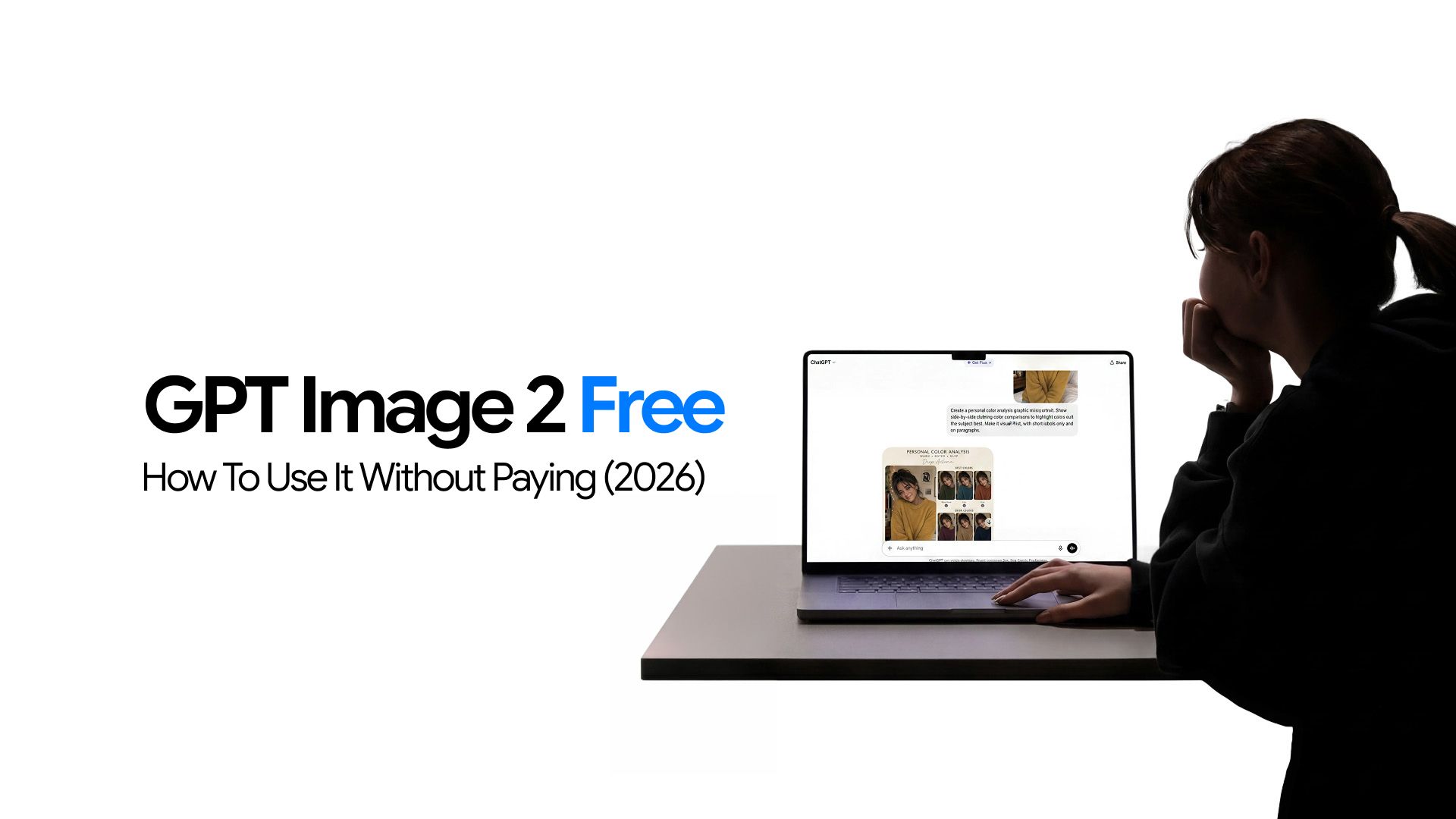
Before you hand over a credit card for yet another AI subscription, it is worth knowing what you can actually get for free. GPT Image 2 has a genuine free tier, and depending on what you need, it might cover you entirely. But it also has real limits that catch people off guard, especially those expecting the same access as paid users.
This article tells you exactly what you get at no or minimal cost, how to make the most of it, and what your options are when the free tier stops being enough.
To know more about the GPT Image 2.0 model, read: What is GPT Image 2.0?
How to Use GPT Image 2 Free Through ChatGPT?
GPT Image 2 is available to all ChatGPT users, including free accounts, from April 22, 2026. Getting started takes about two minutes and requires no payment information.
The free tier includes:
- Text-to-image generation using GPT Image 2's Instant Mode, which delivers strong core output quality
- Image downloads for every output you generate
- In-conversation iteration to follow up with modification requests in the same session and refine outputs without burning additional generation credits
- No access to Thinking Mode, the reasoning-enhanced generation that produces the highest quality outputs for complex scenes. That feature is reserved for Plus subscribers and above.
Creating a free account takes two minutes and gets you straight to GPT Image 2 with no payment details required:
- Go to ChatGPT Images in your browser
- Create a free account using an email address or a Google or Microsoft login. No credit card is required
- Open a new conversation
- Type a specific, descriptive prompt. Instead of "a sunset," try: "A wide-angle photograph of a coastal cliff at golden hour, warm orange light reflecting on calm water below, clear sky with a few scattered clouds"
- Wait for GPT Image 2 to generate the image in Instant Mode. It appears inline in the conversation
- Download the image using the download icon below the generated output
When you reach your message cap, ChatGPT will automatically switch to a lighter model until the cap resets. Because free access before the cap is limited, writing a strong, detailed prompt before generating significantly increases the chance of a usable result on the first attempt.
Our GPT Image 2 Prompt Guide covers prompt structures that consistently produce strong outputs, especially useful when you cannot afford to waste limited free generations on vague descriptions.
Using GPT Image 2 Through Chatly
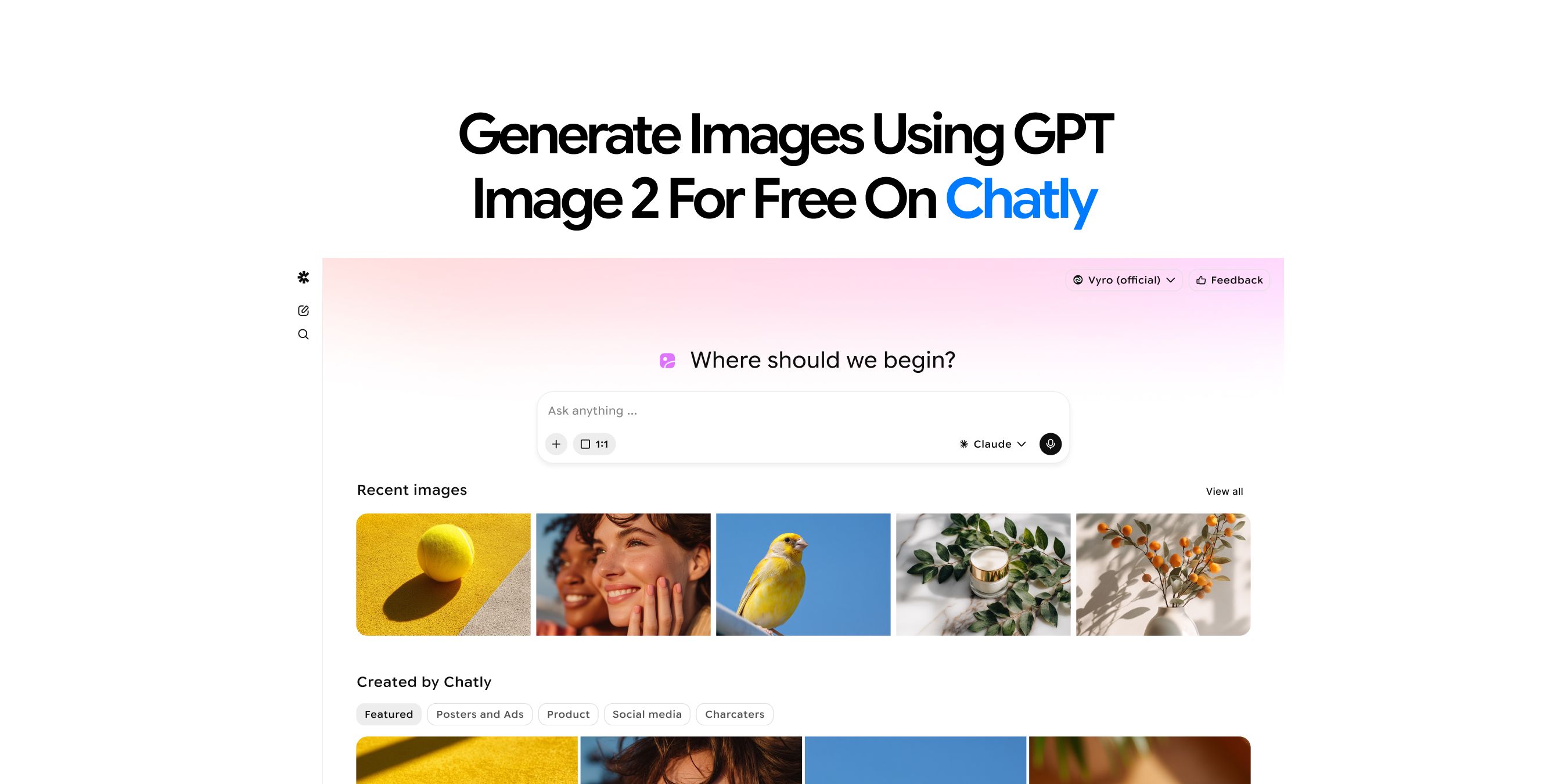
Chatly lets you use ChatGPT Images 2.0 directly on its platform, without needing a separate OpenAI subscription. The setup takes less than two minutes. Chatly's Standard plan starts at just $7.50 per month on the yearly plan, which makes it one of the most cost-effective ways to access GPT Image 2 regularly. But image generation is only part of what you get.
That same subscription unlocks some of the most capable AI models available today — OpenAI's GPT-4o for chat and reasoning, Anthropic's Claude Sonnet 4.5 for writing and complex tasks, Google's Gemini 2.5 Flash for fast, reliable responses, and xAI's Grok 4 for image generation. Each model has its strengths, and having all of them available under one plan means you can pick the right one for the task rather than being locked into a single AI.
Your credits also work on ImagineArt, giving you even more ways to generate images without paying for anything extra. Everything runs on a single set of credits, under one plan.
Here is how to get started:
- Go to chatlyai.app and create an account
- Open the image generator and select ChatGPT Images 2.0 from the model list
- Enter your prompt. Enable Magic Prompt to let Chatly automatically add visual detail to your description — particularly useful if you are not sure how to phrase what you want
- Select your aspect ratio and generate
- Download your image in full resolution
GPT Image 2 Access Through ImagineArt
ImagineArt is a dedicated AI image platform that gives you access to GPT Image 2 on its paid plans. Beyond the model itself, paid plans include:
- Built-in AI Image Editor for refining outputs without switching tools
- Reference image uploads for maintaining style consistency across generations
- Private image visibility and priority queue access
- Up to 16 concurrent image generations
- Access to all styles and models on the platform
- Generation speeds that typically return results in under 3 seconds
Here is how to get started:
- Create an account at imagine.art and select a plan that includes GPT Image 2
- Open the Image Creator and select GPT Image 2 from the model dropdown
- Write your prompt and upload a reference image if needed
- Select your aspect ratio and generate
- Download your image or refine it in the AI Image Editor
If you are already on Chatly's Standard plan, your Chatly credits work on ImagineArt too, so you get access to GPT Image 2 on both platforms under one subscription. For a full walkthrough, see ImagineArt's official guide on how to use GPT Image 2.
How to Get More from the Free Tier of GPT Image 2
The free tier is limited by design, but there are legitimate ways to extend what you can generate at no cost across all three platforms.
Stack Free Credits Across Platforms
The most effective strategy is using all three free access points in combination:
- ChatGPT — Use for quick iterations throughout the day
- ImagineArt — Use your 100 daily credits for work requiring reference images or model comparison
- Chatly — Use for prompts where Magic Prompt enhancement fills in visual detail automatically
Each platform's limits reset independently, so a user who needs 10 to 20 high-quality images per day can realistically cover that volume across the three free tiers without paying.
Make the Most of Each Generation with Better Prompts
Because free access is capped, writing a strong prompt the first time is the most effective cost-saving strategy available.
Our GPT Image 2 Prompt Guide covers prompt structures organized by output type — including text-in-image, product photography, UI mockups, and architectural scenes. Prompts that include subject, visual style, lighting, composition, and exact text strings in quotation marks consistently produce usable outputs on the first attempt.
When the Free Tier Stops Being Enough
Here is when the free tier's limitations start actively slowing down real work:
- You regularly hit the message cap on ChatGPT and find yourself waiting for resets before you can continue
- You need Thinking Mode for complex, multi-element compositions that Instant Mode cannot render accurately on the first attempt
- You need batch generation of multiple coordinated assets from a single prompt
- You are building anything with the API — a content automation pipeline, a product feature, or an internal tool
Each of these represents a point where the free tier's constraints shift from inconvenient to workflow-breaking. For a full picture of what each paid option actually costs, our GPT Image 2 Pricing guide breaks down every scenario.
How the Free Tier Compares to Free Options from Competitors
Among the major AI image generators, the combined free access across ChatGPT, Chatly, and ImagineArt gives GPT Image 2 one of the most accessible free entry points in the category. Here is how the landscape breaks down:
- Midjourney — No meaningful free tier as of 2026. A paid subscription is required to use it at all. See our GPT Image 2 vs Midjourney article for when you are ready to compare paid options.
- Adobe Firefly — Free credits available on a monthly basis through Adobe's free plan
- ImagineArt — 100 daily credits provide more consistent free access than Firefly's monthly credit model for users who generate regularly
GPT Image 2's advantage in the free tier is the combination of genuine model quality in Instant Mode, multilingual text rendering, and the flexibility to access it through three separate platforms — each with its own reset schedule and feature set.
Conclusion
GPT Image 2 is one of the few AI image generators with genuinely usable free access across multiple platforms. If your needs are occasional or you are still evaluating whether it fits your workflow, the free tier is a reasonable starting point.
When you find yourself hitting limits regularly or need Thinking Mode for more complex work, our GPT Image 2 Pricing guide walks you through every paid option and what each one actually gets you.
Frequently Asked Questions
See what people are asking about free tier of ChatGPT Image 2
More topics you may like
11 Best ChatGPT Alternatives in 2026 (Tested, Compared & Priced)

Muhammad Bin Habib
GPT Image 1.5: OpenAI's Production-Ready Vision Model for the Enterprise Era

Faisal Saeed
What Is ChatGPT Images 2.0? Features, Capabilities, and How to Get Started

Arooj Ishtiaq
GPT-5.4: OpenAI's First Truly Unified Frontier Model
Lucas Reinhardt
GPT-5.1 Pricing Explained: How Much Does It Cost?
Faisal Saeed