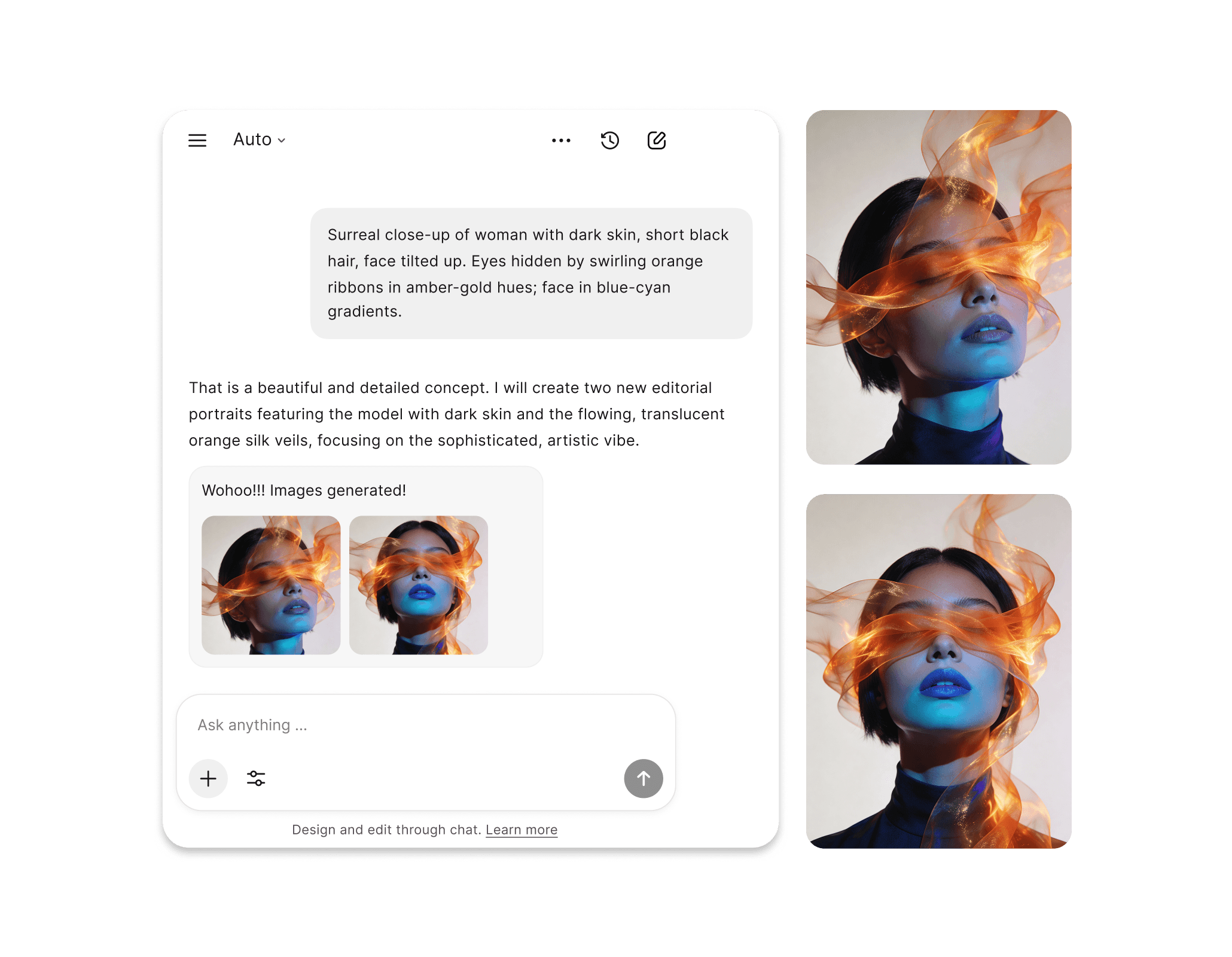
ChatGPT Images 2.0
ChatGPT Images 2.0 model combines a reasoning-first architecture with state-of-the-art photorealism, so every image you generate is planned, precise, and production-ready. Move past the limitations and build something real.
ChatGPT Images 2.0 is Built to be Different and Better
ChatGPT Images 2.0 is not just another entry in the ChatGPT Images generator list. It redefines what state-of-the-art features should feel like.
Common Usecases
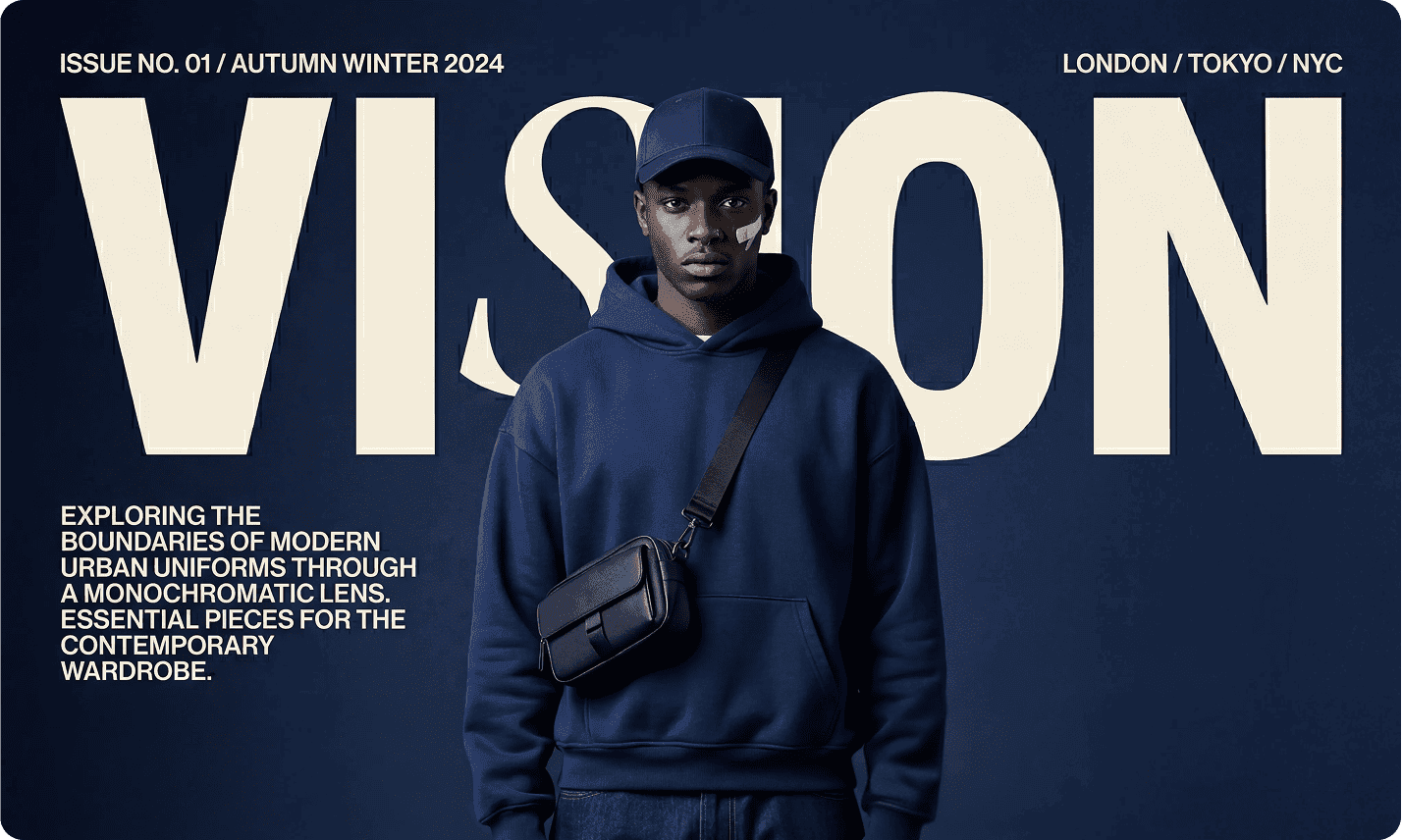
Text That Reads on First Pass
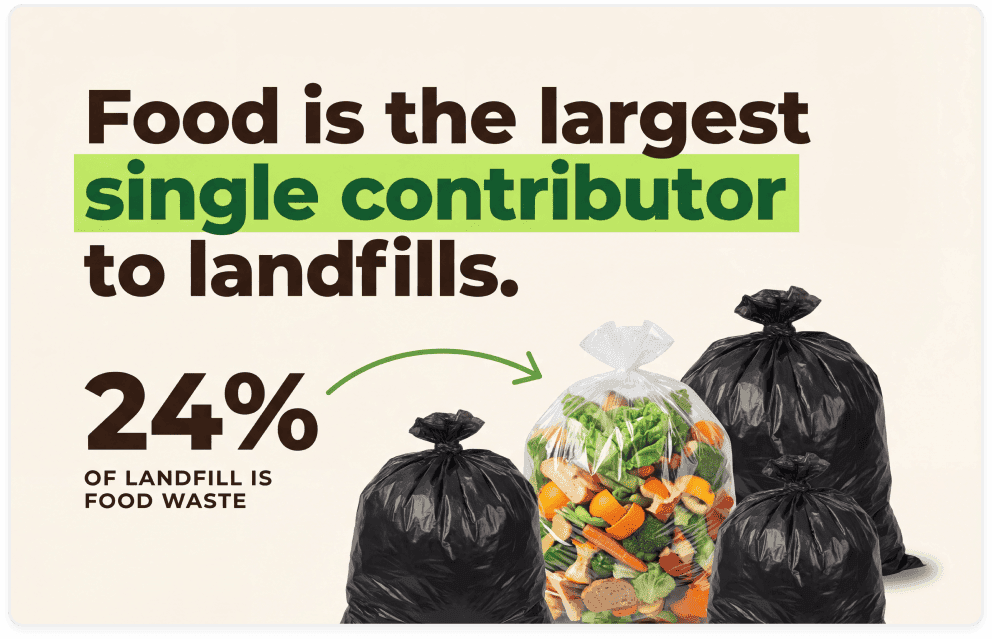
Dense labels, multilingual layouts, and small-point copy all render cleanly without garbled characters or broken spacing. Infographics, UI mockups, and signage come out right the first time.
A Dream Model for Endless Creative Possibilities
This GPT Image generator is built for teams running production workflows, and the creative range reflects that.
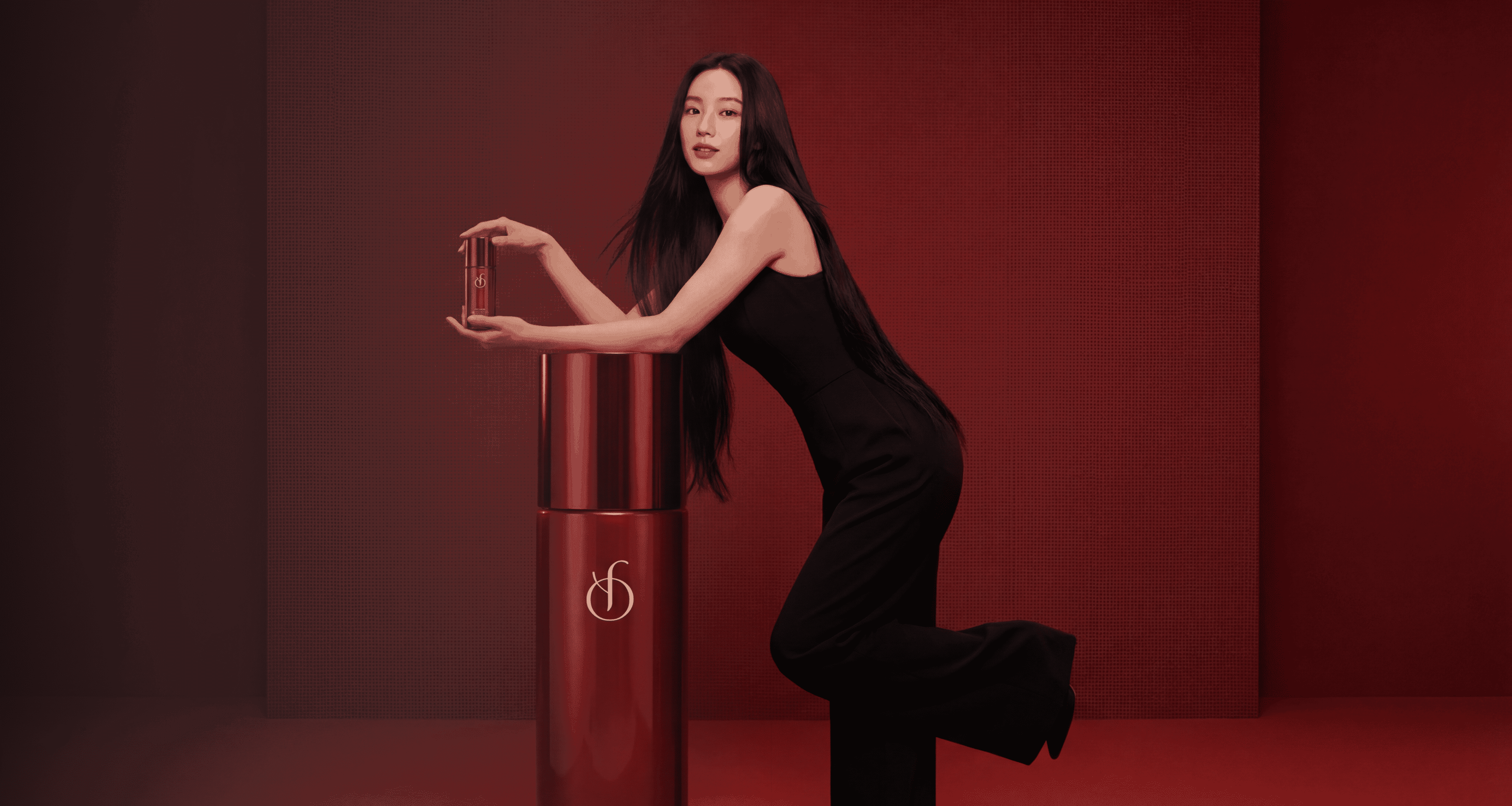
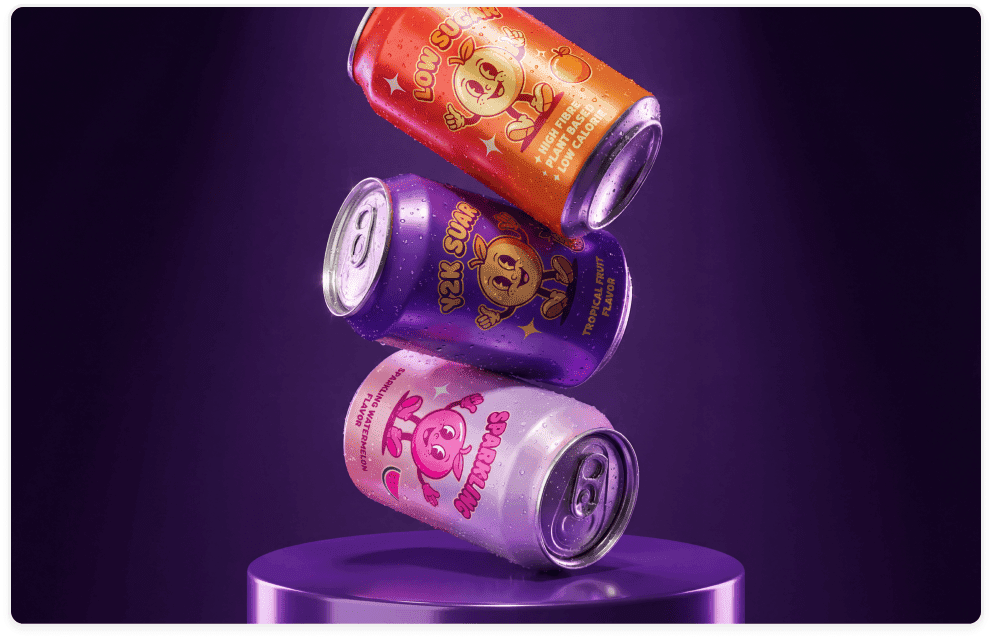
Generate Product Photos at Scale
Produce brand-consistent product photography across hundreds of SKUs with accurate label text, correct color palettes, and precise logo placement. No studio, no reshoots, no inconsistencies between catalog entries.
Build Marketing Infographics That Ship
Create dense, data-rich infographics with clean multilingual text, legible annotations, and structured visual hierarchies. What used to require a designer, a copywriter, and two rounds of revision now comes out production-ready on the first pass.
Prototype UI Screens Without Writing Code
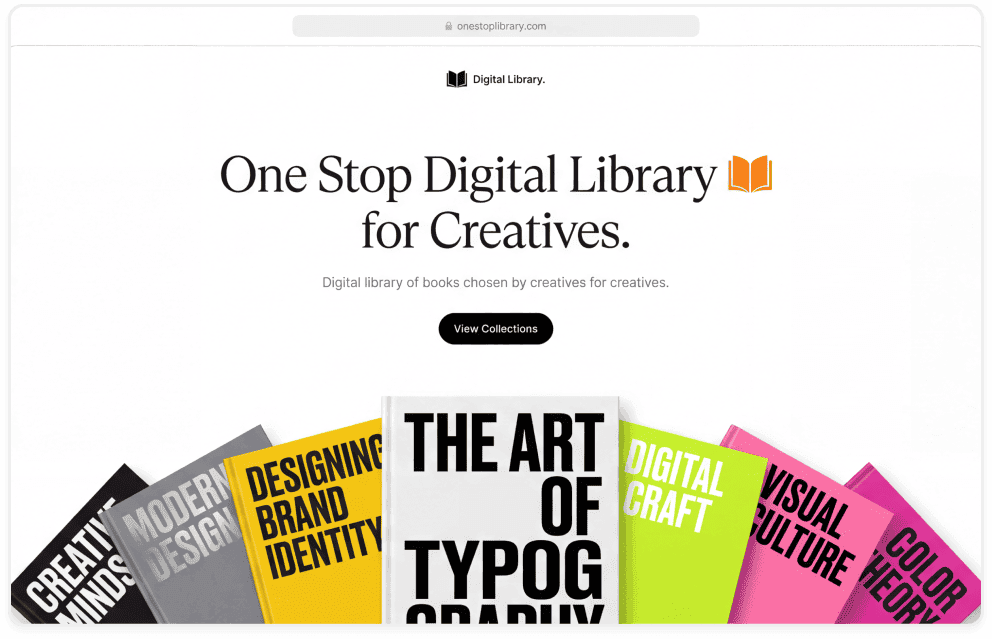
Generate pixel-accurate interface mockups with realistic navigation, readable labels, and authentic content so your team can review, present, and iterate before any development work begins. Stakeholder sign-off becomes significantly faster.
Control Every Pixel of Your Output
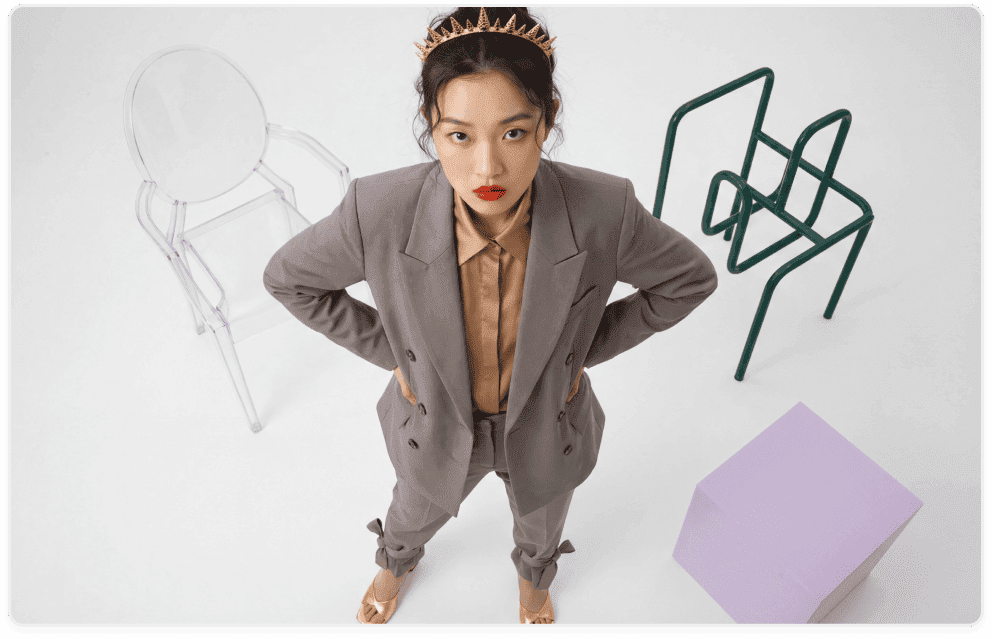
Set custom dimensions, lock aspect ratios, and use mask-based editing to modify exactly what you target while everything else stays untouched. The ChatGPT Images creator gives you production-level precision without a single manual redraw.
How to Use ChatGPT Images 2.0 in Chatly
You can start using GPT 2 Images immediately inside Chatly. Just follow these simple steps.
Enter Your Prompt
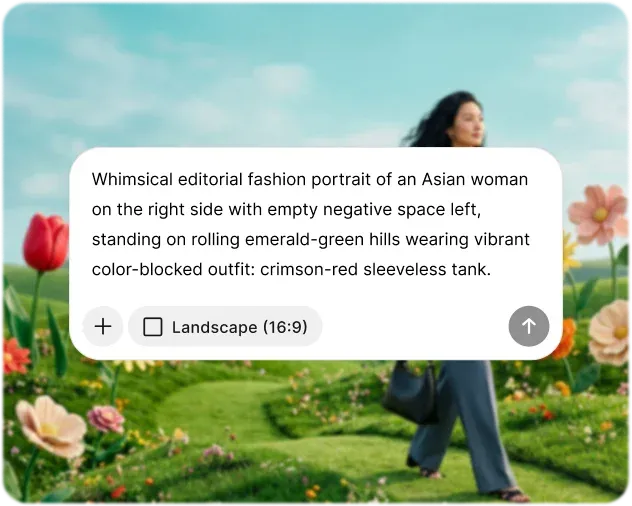
Describe what you want to create in plain language. Include the visual style, subject, mood, color palette, or any text you want rendered in the image. The more intentional your description, the closer your first output will be to your vision and Magic Prompt can expand it further.
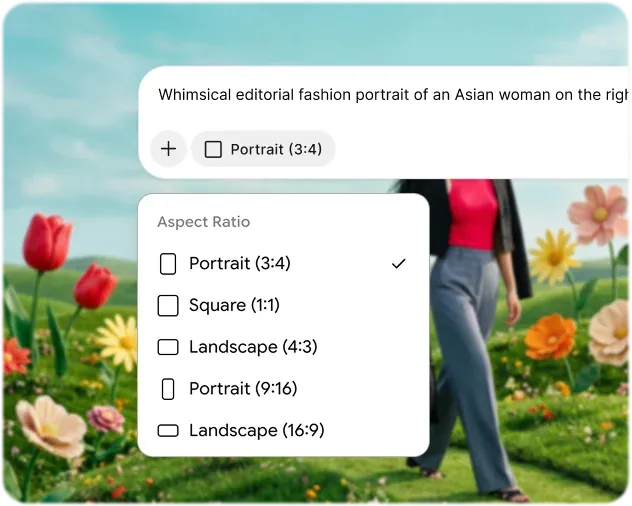
Customize Settings
Select your preferred aspect ratio or upload reference images to guide the aesthetic. Iterate using AI chat feature and customize outputs through advanced settings. Prompt enhancer works in the background to fill the gaps and provide important context for high-quality results.
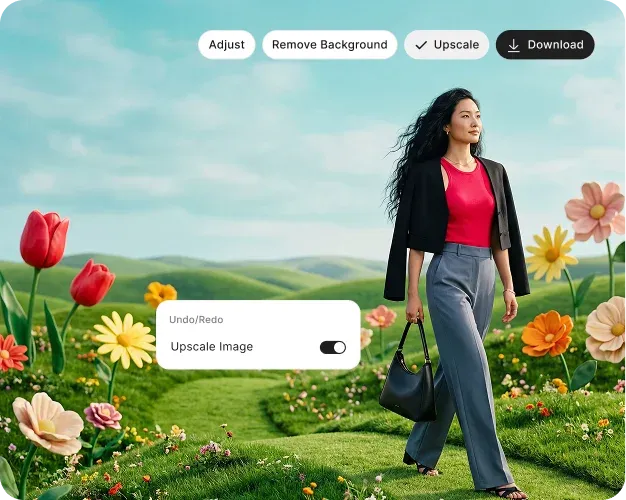
Generate & Download
Hit Generate and receive multiple output variations in seconds. Review each result, refine elements directly. Fill areas, extend edges, erase objects, or remove backgrounds. Then download your final image in full resolution, ready for print, web, or production use.
What the ChatGPT Images 2.0 Model Gets Right
Every detail in this list reflects a real limitation that earlier versions of the ChatGPT Images generator left unresolved.

Neutral Color Output
The warm color cast present in ChatGPT Images 1.5 is fully eliminated, giving you accurate, neutral tones across all scene types.

Physics Awareness
The model understands lighting, material properties, and spatial relationships at a depth that prevents misplaced objects and incorrect occlusion.

Version Locking
Pin your production workflow to the gpt-image-2-2026-04-21 snapshot so model behavior stays consistent across every generation.

All Your AI Tools, Finally in One Place
Avoid jumping between different applications. Chatly integrates multi-model AI chat, intelligent search, and image generation in one platform, allowing you to stay focused and seamlessly transition from ideas to outputs.
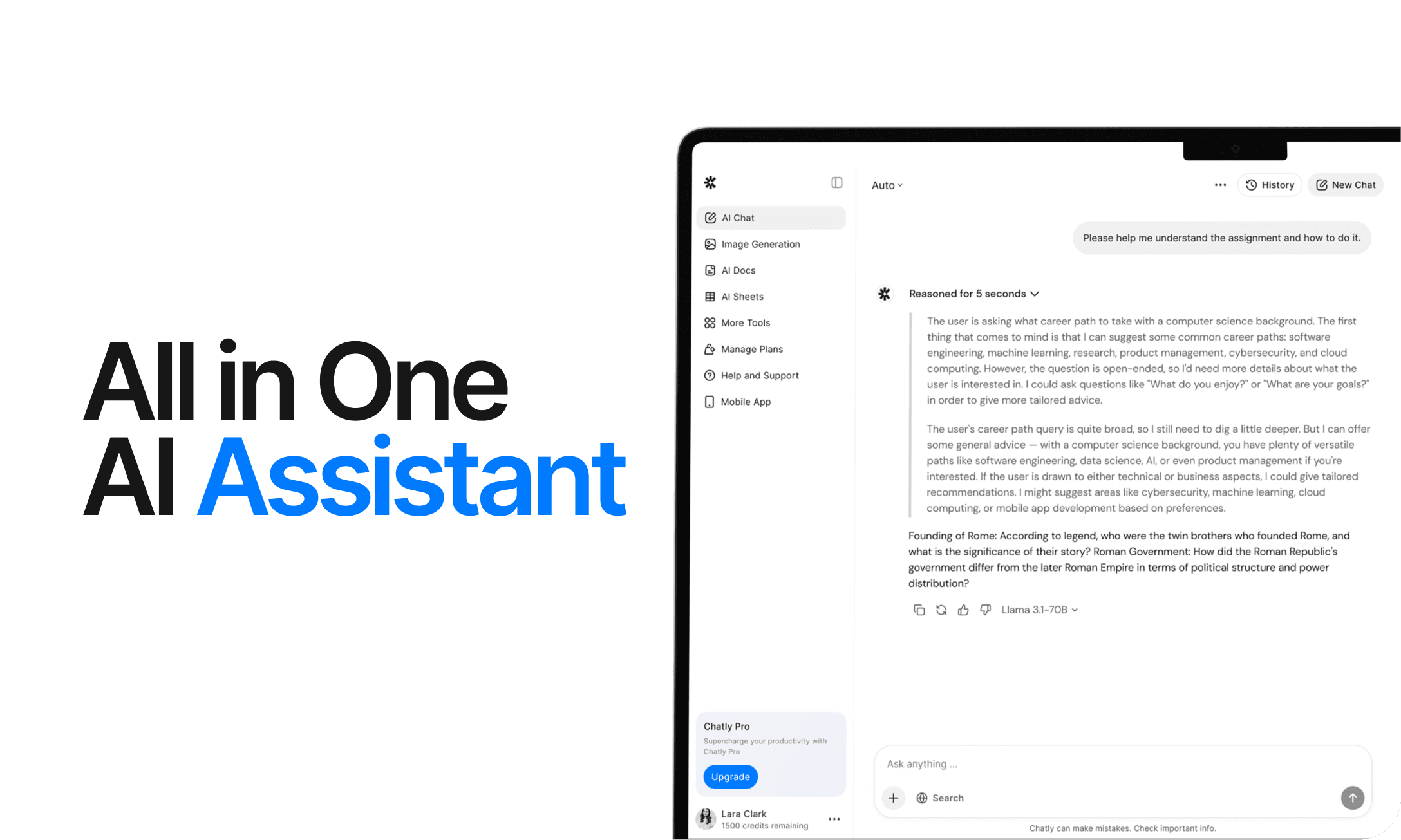
AI Chat
Chatly's AI Chat is designed to align with your thought process. Whether you're deciphering a complex issue, investigating a new concept, or deliberating a decision, it provides the clarity and context you require.
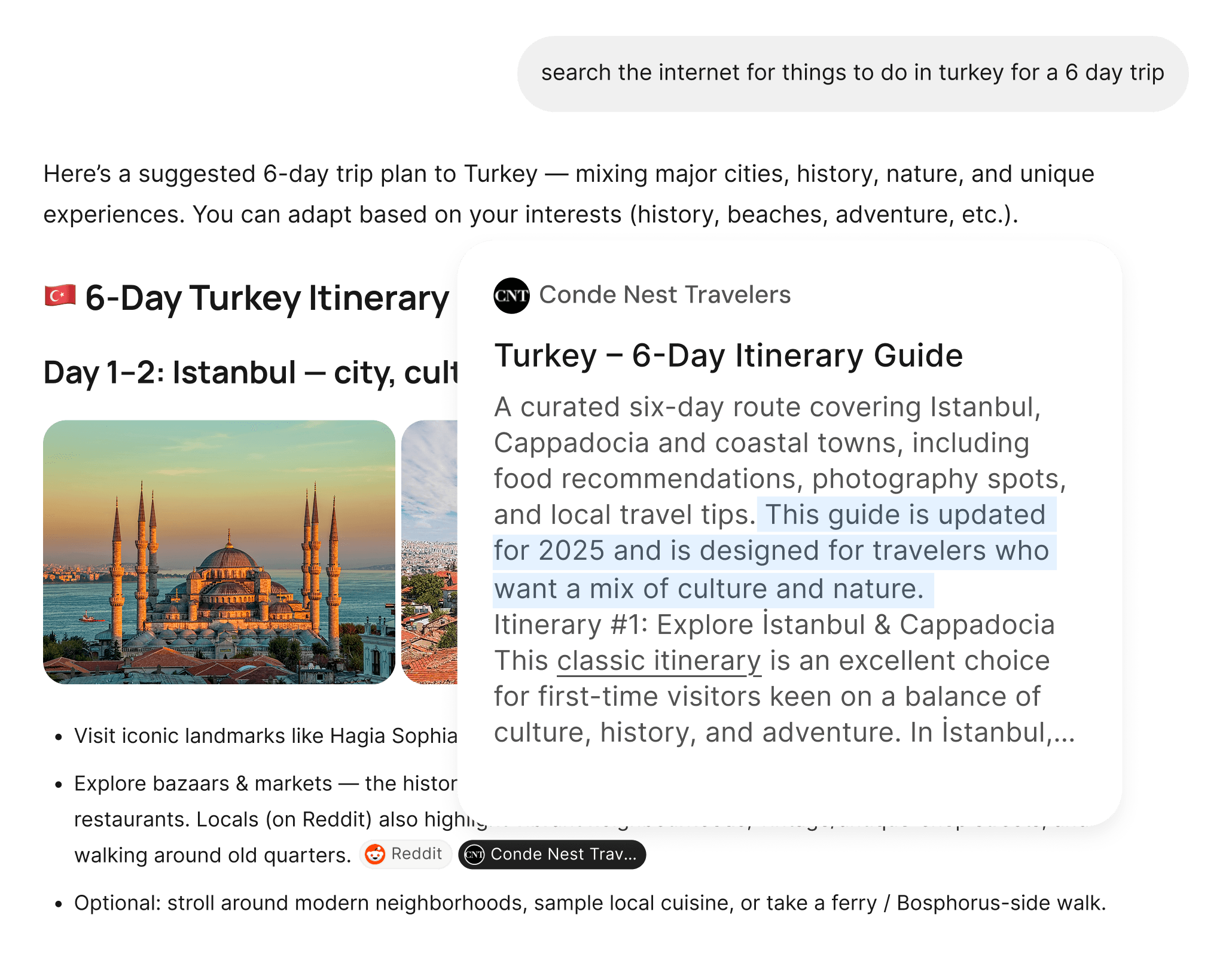
AI Web Search
Chatly's AI Web Search allows you to pose questions as you naturally would and receive answers sourced from real-time information. There’s no need for manual browsing or dealing with multiple tabs. Just precise, current information.
What ChatGPT Images 2.0 Users Are Saying
From solo developers to product teams at scale, here is what working with the ChatGPT Images 2.0 model looks like in practice.
Frequently Asked Questions
Here are answers to some fo the most common inquiries users have online.
Start Creating With Chatly Today
Chatly gives you the speed, quality, and creative range to bring any visual idea to life. No design experience required. No compromises on output. Just describe what you need and generate it in seconds.