16 Event Planning Tips That Work for Any Event and Budget
You accidentally became important at work. And now you have an event to plan with no clear system for how to do it.
The venue needs to be booked, the budget needs to make sense, and somewhere between now and the event date, everything has to come together without anyone noticing the work that went into it.
This article is built around that reality. It is a practical system for getting it right from the first decision to the final debrief, written for people with real constraints and limited time to figure things out as they go.
Whether you are organizing a corporate offsite, a community fundraiser, or a 50-person birthday dinner, the fundamentals are the same. Get the right decisions locked in early, execute with a clear system on the day, and debrief honestly afterward.
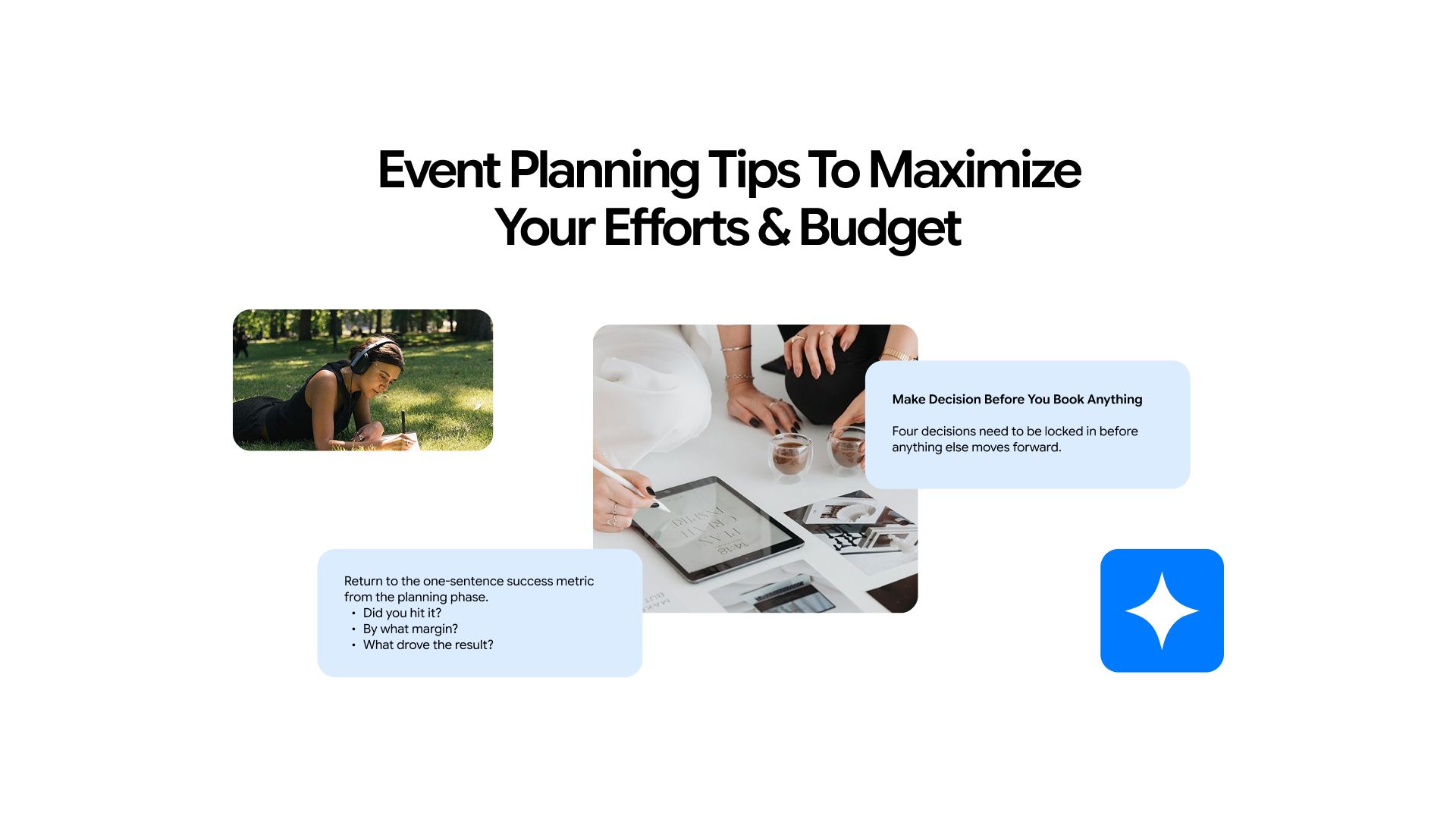
Make Decisions Before You Book Anything
Four decisions need to be locked in before anything else moves forward. Skipping or rushing any one of them creates problems that compound through every stage that follows.
1. Guest Count First, Everything Else Second
Venue capacity, catering cost, AV requirements, staffing needs, and per-head budget all flow from this single number. It sounds obvious.
The most common expensive mistake in event planning is choosing a venue before confirming guest count, then spending the rest of the process working around a room that is either too large or too small. Nail this number first. Build everything else around it.
2. Write a Success Definition
A corporate team offsite, a charity gala, and a product launch all have completely different definitions of a successful outcome. Connections made, money raised, leads generated, morale lifted. Whatever the real purpose is, write it in one sentence before the planning starts.
This sentence becomes the filter for every decision that follows. If a choice does not serve that definition, it is a distraction.
3. Lock the Date Before It Goes Public
Venue, catering, and any key speakers or performers need to confirm availability before the date becomes visible to attendees. Announcing a date before it is fully confirmed locks you into an immovable deadline and creates a cascade of problems if anything changes.
4. Establish Who Has Final Authority
Event planning disasters frequently trace back to unclear decision-making authority. Who has final sign-off on budget changes? Who approves the venue contract? Who can adjust the run-of-show on the day?
Establish this clearly on day one. Ambiguous authority creates bottlenecks and conflict at exactly the moments when speed matters most.
Phase 1: Planning Tips (Before the Event)
The planning phase carries the most weight. A well-planned event can survive a difficult day. A poorly planned one cannot be rescued by good execution. The five tips in this phase address the decisions and documents that determine how the rest of the process goes.
5. Build Your Budget Around Three Numbers
Most planners set a total budget and divide it. Experienced planners work from three distinct numbers:
- A per-head spend target
- A contingency reserve of 10 to 15% of the total budget
- A hard ceiling that cannot be exceeded, regardless of what comes up
These three numbers govern every vendor conversation and prevent the budget creep that quietly derails most events.
When getting quotes, always ask vendors what is and is not included. Setup and teardown fees, service charges, and AV add-ons frequently do not appear in initial quotes. A catering price per head that looks reasonable often excludes staffing, equipment rental, and gratuity.
6. Create a Written Event Brief Before Contacting Vendors
A one-page event brief covers the essentials: event purpose, target audience, guest count, date, venue type, tone and theme, budget range, and success metrics.
With this document in hand, vendors respond faster and more accurately. Miscommunications drop significantly. Scope creep becomes easier to manage because everyone is working from the same written foundation.
7. Treat Your Run-of-Show as the Event's Backbone
A run-of-show is a minute-by-minute schedule covering everything from venue setup through guest departure: when doors open, when each speaker takes the stage, when food is served, and when the room needs to be cleared.
Every professional event uses one. Most amateur events skip it and improvise on the day, which is when small problems compound into visible chaos.
Building a run-of-show used to require experience and templates. Now you can describe your event duration, key moments, and guest flow to an AI tool and have a structured draft in minutes. The AI chat on Chatly handles this well, generating a working timeline you adjust rather than build from scratch.
8. Build a Contingency Plan
Every experienced planner maintains a contingency checklist before the event. This covers:
- A backup AV contact if the primary fails
- A weather plan for any outdoor elements
- A vendor cancellation protocol
- An on-site point person who is separate from the host
- A communication tree for the team on the day
The planners who look calm during a crisis prepared for it in advance.
9. Use AI to Compress the Pre-Event Planning Cycle
AI has compressed tasks that used to take days into hours. Event planners who are not using AI for these workflows are working substantially harder for the same output.
Chatly handles the full pre-planning cycle in one workspace: research vendors and venues with AI-powered web search, draft documents and briefs with the AI document generator, build sponsor pitch decks with the AI presentation maker, and generate event branding visuals with AI image generation.
This eliminates the tool-switching that fragments most planners' attention across a dozen different apps. For a detailed walkthrough of using AI chat specifically for event registration and planning, the guide on how to use AI chat for event registration and planning is worth reading before your next event.
Phase 2: Execution Tips (During the Event)
By the time guests arrive, the decisions are made, and the plan is set. What changes on the day is the need to hold the structure steady while things inevitably move around it. These four tips are about keeping your footing when they do.
10. Arrive Earlier Than Feels Necessary
Two hours before doors open is the professional standard for most events. One hour feels comfortable until the projector stops working, the catering delivery is thirty minutes late, and an attendee emails asking about parking simultaneously.
The buffer between venue access and guest arrival is where problems get resolved before anyone notices them. Use it fully.
11. Separate the Role of Timekeeper from the Role of Host
The event organizer should not be watching the clock. Assign one dedicated person, someone outside the guest list, to hold the run-of-show document and keep the schedule moving.
This single division of labor prevents the two most common execution failures: the host getting pulled into conversations and missing cues, and the schedule drifting without anyone noticing until it is too late.
12. Collect Feedback While the Event Is Still Happening
Post-event surveys have low completion rates and suffer from recall bias. Mid-event temperature checks, informal conversations, and direct observation of where energy is high or low in the room provide more honest and timely information.
What are people gravitating toward? What is being ignored? Note what you see in real time. Those observations are more actionable than survey responses completed three days after the fact.
13. Treat Virtual and Hybrid Attendees as a Genuine Audience
If any portion of your attendance is remote, they deserve the same quality of experience as the people in the room. They need a dedicated point of contact on the day, tested technology that works before the event starts, and content designed with the screen experience in mind.
Treating remote attendees as an afterthought is immediately visible to them and reflects poorly on the entire event. Use the AI search engine on Chatly to compare platforms like Zoom Webinar, Airmeet, and Hopin based on your specific guest count, budget, and feature requirements without leaving your planning workspace.
Phase 3: Post-Event Tips (After the Event)
The post-event phase is where most organizers lose the most value. The event ends, everyone disperses, and the follow-through that would compound the effort already invested gets quietly dropped. These three tips address that gap directly.
14. Debrief Within 48 Hours
What worked. What did not? What would you change? Who delivered exceptional work.
Document it in writing within two days of the event, before the texture of what actually happened fades into a generalized memory. This debrief document is worth more than any post-event survey because it captures institutional knowledge that shapes every future event.
Teams that do this systematically improve faster than teams that move straight to the next project.
Use the AI document generator to draft the debrief. Feed your raw notes into the tool, ask it to organize and expand them into a structured post-event report, and store it somewhere the whole team can access.
15. Close the Loop with Vendors and Partners
A short, specific thank-you message that names something the other person actually did well is remembered. It builds the kind of vendor relationship that earns preferential pricing, priority availability, and the call when something rare opens up.
Most organizers skip this step. The ones who do it consistently find their second event is significantly easier to pull together than their first.
AI chat makes drafting personalized follow-ups quick. Write one version, adapt it for each recipient, and send without the blank-page friction. The guide on writing a follow-up email after no response covers how to handle vendor and partner follow-ups that actually get replied to.
16. Measure Against Your Success Definition
Return to the one-sentence success metric from the planning phase. Did you hit it? By what margin? What drove the result?
This single habit separates event planners who improve steadily from those who repeat the same patterns year after year.
Event Planning Mistakes to Avoid
Understanding what works is useful. Knowing what to actively avoid is what keeps a well-planned event from quietly coming apart. These are the mistakes that show up most consistently across events of every size and budget.
Underestimating catering costs. Run short on food and people remember it for years. Budget at least 10% above the quoted per-head cost and confirm exactly what that quote includes.
Multiple people contacting the same vendor. Confusion, duplicate requests, and contradictory instructions follow. Designate one point of contact per vendor and keep it.
Announcing the date before confirming the venue. This locks you into an immovable deadline before you have confirmed the most important logistical element.
Treating RSVP numbers as attendance numbers. For free events, assume 20 to 30% attrition on confirmed RSVPs. For paid events, 10 to 15%. Plan catering and seating accordingly.
No contingency budget. 10 to 15% minimum. Something unexpected always happens, and the buffer is what keeps it from becoming a visible problem.
Skipping the post-event follow-up. This is where most of the lasting professional and relational value of an event is actually generated.
Not delegating the run-of-show on the day. The organizer who is watching the clock has no attention left for the room, and the room is where the event actually lives.
Event Planning on a Budget
A tighter budget forces more deliberate choices, and deliberate choices often produce better events than open-ended ones. The issue is knowing which decisions move the cost needle and which ones feel like savings but chip away at the experience. These four strategies address the former.
Monochromatic Themes
One strong color across all decor elements requires less material, eliminates the coordination costs of mixing elements, and reads as deliberate design rather than budget limitation. The perceived quality of the event goes up while the actual cost comes down.
Off-Peak Window Negotiation
Monday through Thursday event slots at the same venue can run 30 to 50% less than weekend rates. Most organizers never ask because they assume weekends are required. For corporate events especially, a Thursday afternoon or evening is often better for attendance than a Saturday.
Catering Style vs. Menu Quality
Stations and family-style service cost substantially less than plated dinner service for equivalent food quality. The experience for guests is often better, too, as it allows more movement, more conversation, and less formality.
Switching from plated to station service is frequently the single most impactful budget decision an organizer can make.
Digital Invitations
The perceived value of a physical invitation rarely translates into meaningfully better attendance rates. For most events, the resources spent on printing and postage are better redirected toward the experience itself.
The AI search engine is useful here for researching venue pricing in your specific area, comparing catering formats and average costs per head, and generating a budget-optimized event brief based on your exact guest count and goals.
Tools Event Planners Actually Use
The right tools reduce friction at each stage of the process. Here is a short, practical breakdown of what is actually being used across planning, registration, and AI-assisted workflow.
Organizing and managing the plan: Notion, Trello, or Asana for task management and team coordination. Planning Pod for end-to-end venue and event management. Cvent or Whova for larger conference-scale operations requiring registration, scheduling, and attendee engagement in one platform.
Registration and ticketing: Eventbrite for public-facing events. Sched for multi-track conferences with session management. Jotform for simple, free registration forms that do not require a dedicated platform.
AI-assisted planning: Chatly handles the full planning workflow in one AI workspace: vendor research via AI search, document creation with the AI document generator, sponsor pitch decks via the AI presentation maker, and event branding visuals with AI image generation. It eliminates the tool fragmentation that slows most planners down and keeps everything in one place.
If you want to see how professionals across different industries are integrating AI into their event and project workflows, the guide on how different industry professionals use AI chat covers real use cases worth reading.
Make Every Event a Success
A well-run event comes down to decisions made early, a clear plan for handling the unexpected, and consistent focus on the guest experience from the first planning meeting through the post-event debrief.
Build the system once: the brief template, the run-of-show format, the contingency checklist, the debrief document. Every event after that gets faster and better because you are adapting a proven framework rather than rebuilding from scratch each time.
That is how people who never intended to plan events become the ones everyone trusts to run the next one.
Frequently Asked Questions
Learn how AI can help plan your event
More topics you may like