What is a Sandbox Environment? How it Enables OmniAgent to Run Without Breaking
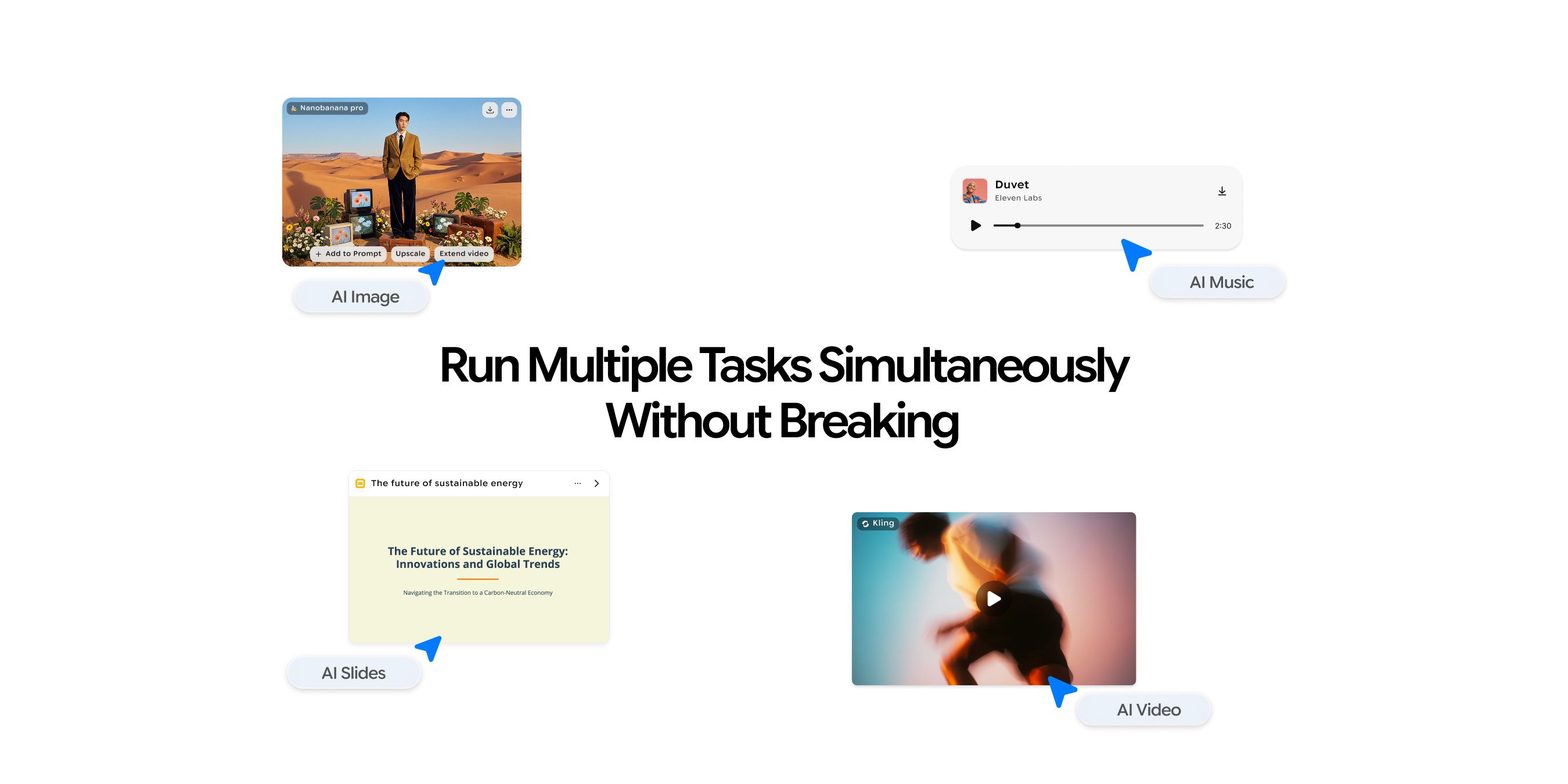
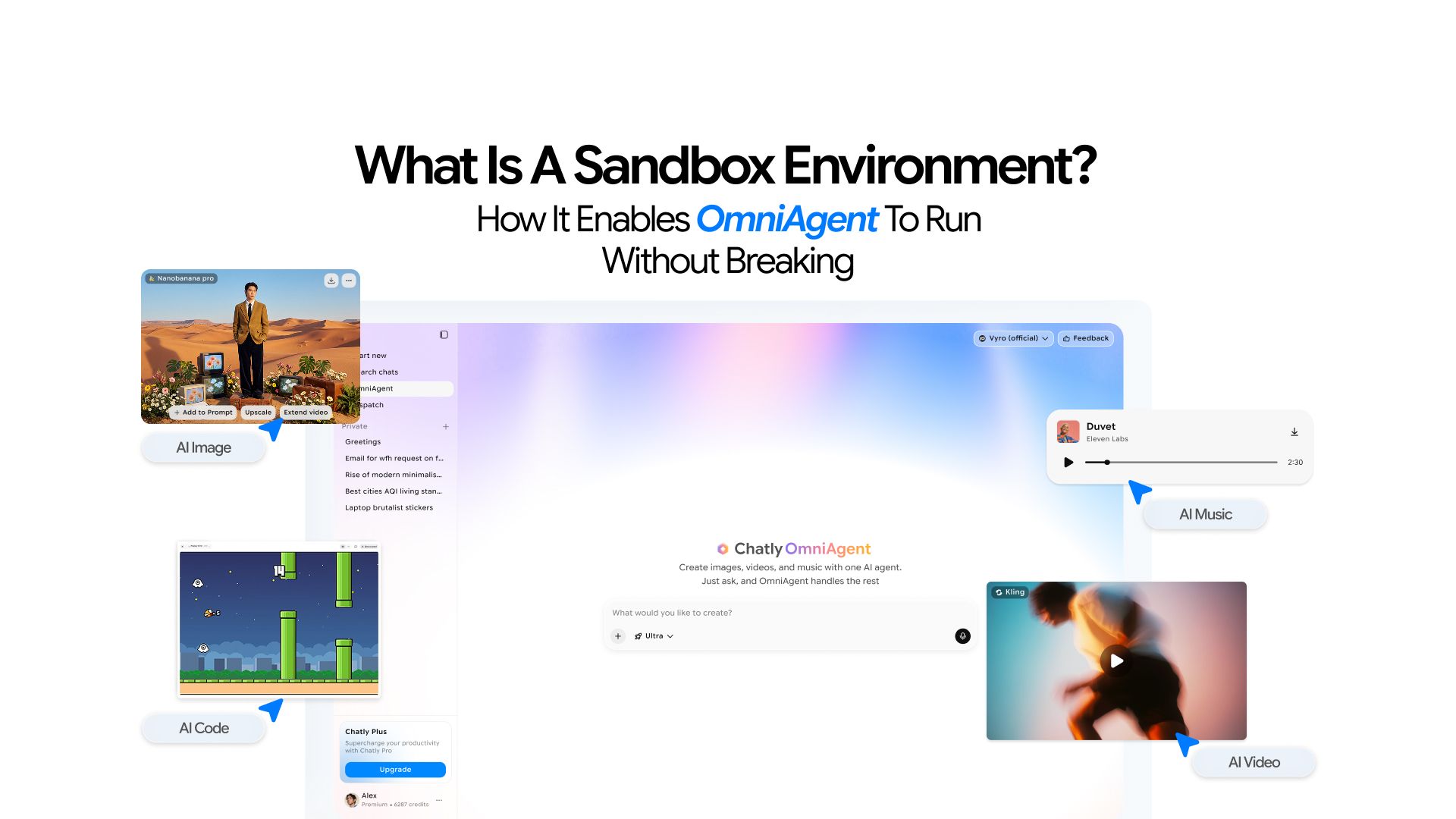
Chatly just launched OmniAgent, a unified creative AI agent that generates images, videos, and original music tracks from a single prompt.
Instead of switching between five different tools, you describe what you want and OmniAgent figures out the steps, coordinates the work, and delivers the output.
You can:
- Open OmniAgent and kick off a product video.
- While that renders, you can ask it to compose a background soundtrack.
- While the audio processes, queue up a batch of concept images for the same campaign.
- For tasks you want to run on a schedule, AI Dispatch handles the timing so your agent keeps working even when you are not at your desk.
Everything runs simultaneously, and not a single one interferes with the other. No slowdowns, no corrupted outputs, no crashes.
How is that even possible, right? Most users never stop to ask why.
The answer is an AI sandbox environment. If you are hearing the word for the first time, don’t worry. It is a relatively newer concept that a lot of people are not familiar with. This guide will give you everything you need to know about how sandbox enables your favorite AI agents to perform so seamlessly.
What is a Sandbox Environment?
A sandbox environment is a fully sealed, self-contained space where software runs without touching anything outside it.
Think about a sandpit at a playground. Kids can dig holes, knock down castles, and completely reshape the entire thing. None of that affects the lawn, the footpath, or anyone else's toys. The sandpit is isolated by design.
A software sandbox works the same way. It is a walled-off environment with its own resources, its own memory, and its own file system. Whatever happens inside stays inside.
The key characteristics of any sandbox environment:
- Isolated: Processes inside cannot access or interfere with processes outside
- Purpose-built: Configured specifically for the task it needs to run
- Temporary: It exists for the duration of the task, then gets discarded
- Disposable: If something goes wrong, the sandbox is thrown away, not your data
Sandbox environments are not a new concept.
Security teams have used them for years to test suspicious files without risking the main system. Developers use them to try new code without breaking anything in production. What is new is that AI agents now create and manage their own sandboxes automatically, without any human setting them up.
How Does a Sandbox Environment Work?
Every sandbox goes through the same lifecycle, whether it is being used for software testing or powering an AI agent.
The four stages of a sandbox lifecycle:
- Spin up: A fresh environment is created from scratch, with its own allocated CPU and memory
- Configure: The environment loads the tools, models, and resources needed for the specific task
- Execute: The task runs inside the environment, completely isolated from everything else
- Tear down: Once the task completes, the environment is destroyed and all its resources are released
To understand what runs inside, three terms come up repeatedly.
1. Virtual Machine (VM)
OmniAgent's sandbox is a VM which is dedicated to your task and invisible to every other task running on the same server.
2. Containerization
A container is a lighter, faster version of a VM. Think of it as a pre-packed lunchbox. It contains exactly what the task needs (the right tools, the right models, the right configuration) and nothing else. Nothing leaks out, and nothing from outside gets in.
3. Ephemeral Compute
Ephemeral means short-lived. OmniAgent's sandboxes are ephemeral compute environments. They exist only for the duration of your task and are released the moment the work is done. No lingering state, no leftover data.
Let’s assume that you ask OmniAgent to produce a 30-second product video with a custom soundtrack.
- Claude Sonnet 4.6, receives your brief and begins orchestrating.
- It assigns the video task to one subagent and the audio task to another.
- Both subagents run inside the same sandbox session but operate in separate execution lanes. Neither can read or corrupt the other's output mid-process.
OmniAgent Pro and Ultra run up to 10 subagents simultaneously, all sandboxed, all clean.
AI Sandbox vs. Traditional Sandboxes
Sandbox environments have existed in software development for decades. But the way AI uses them is fundamentally different from how developers traditionally use them.
1. Traditional Sandbox
Traditional sandbox environment testing is a human-driven process. A developer or QA engineer manually sets up a replica of the live system, runs tests, reviews results, and decides whether to push changes to production.
That sandbox might run for days or weeks. A team uses it to validate a new feature, catch bugs before users see them, and confirm nothing breaks in an environment that mirrors reality.
The development environment and the sandbox test environment serve two very different purposes, and mixing them up is a common source of confusion.
- A development environment is where code gets written and features get built. It is active, messy, and changes constantly as developers iterate.
- A sandbox test environment is where finished work gets validated before it reaches real users. It is controlled, stable, and designed to mirror production conditions as closely as possible.
Here is a quick breakdown of how the two environments compare:
- Purpose: Sandbox for safe validation before production; Development environment for active building and writing code.
- Configuration: Sandbox configured by QA/DevOps; Development environment by developers
- Lifespan: Sandbox for days to weeks; Development environment can be ongoing
- Risk Level: Sandbox has low risk factor while development environment has medium
2. AI Sandbox
The AI sandbox operates on an entirely different model. OmniAgent does not wait for a human to configure an environment. The moment you submit a prompt, the agent provides its own sandbox automatically, runs the task, and destroys the environment when it is done. The whole cycle might take minutes.
- A developer might keep a sandbox test environment running for two weeks while validating a new feature.
- OmniAgent's sandbox lives for the length of your video render, then disappears. That is how creative AI runs at scale without accumulating infrastructure debt.
The practical benefit for users who are not developers: you receive enterprise-grade isolation without touching a single configuration file. OmniAgent handles all of it invisibly.
Why AI Agents and Sandboxes Go Hand in Hand
There is a clear reason why every serious AI platform building agentic systems has moved toward sandboxed execution.
AI assistants answer questions. AI agents execute tasks.
You won’t ask an agent "what is the best color palette for a tech brand?" That is a task for the AI chatbot. Similarly, you can not expect an AI chatbot to send you reminders or manage your calendar. That’s the job for an AI agent like Chaly’s Omniagent.
Each of those agentic tasks consumes significant compute, writes output files, and runs through complex pipelines. Without isolation, the risk compounds fast.
Without a sandbox, one task can:
- Overwrite outputs from another task running in parallel
- Consume runaway compute that starves other processes
- Leave behind state that corrupts the next task's starting point
- Fail in a way that brings down other tasks sharing the same environment
Sandboxes eliminate all four risks at once, and they do it without requiring any action from the user.
The sandbox ensures every scheduled task starts fresh, every single time, regardless of what preceded it.
This is the reason you can hand OmniAgent a complex, multi-step creative brief and walk away.
Benefits of a Sandbox Environment for AI Users
The advantages of sandboxed execution show up in concrete, user-facing ways.
1. Isolation keeps parallel tasks clean
When an AI agent renders your video and composes your music simultaneously, neither process is aware the other exists. They cannot slow each other down or produce crossed outputs. You get two clean, independent results.
2. Safety contains failures automatically
If an image generation fails mid-process, OmniAgent discards that sandbox. Your workspace, your account state, and every other running task remain completely untouched. There is no cleanup required on your end.
3. Scalability works without bottlenecks
4. Reproducibility gives you consistent results
Every task begins from the same clean baseline. Run the same OmniAgent music prompt today and next week. Both sessions start identically, with no drift from previous runs.
5. Zero management overhead for users
Chatly provisions the sandbox, runs the task, and tears the environment down. The entire infrastructure layer is invisible. You prompt, and the work gets done.
Important Terms You Should Know
If you read about any AI Agent, you might notice terms you do not recognize, here is what they actually mean.
1. LangGraph Turns
It refers to the number of reasoning steps an agent can take during a session. Each "turn" is one cycle of the agent thinking, deciding, acting, and checking its output. More turns means the agent can handle more complex, multi-step tasks.
OmniAgent Ultra supports up to 150 of these turns, which is what allows it to sustain long creative sessions without losing track of what it is doing.
2. Subagents
Subagents are specialists. The lead agent, which in Ultra is Claude Sonnet 4.6, receives your brief and breaks it into sub-tasks. It then spins up subagents, each focused on one piece of the work.
Each subagent runs in its own lane inside the sandbox. You can explore how these image generation models differ to understand how much specialization goes into each individual task.
3. Thinking budget
This is the amount of processing a model allocates to reasoning before it starts acting. A higher thinking budget means the model spends more time planning before committing to an approach.
OmniAgent Ultra's thinking budget of 10,000 tokens is what allows it to handle interdependent creative tasks without making decisions that contradict each other halfway through a session.
4. Summarization trigger
This is the point at which the agent compresses older conversation context to make room for new information.
In Ultra, this triggers at 50,000 tokens, which means the agent holds significantly more context before it starts summarizing. This is critical for long, detailed creative sessions where early decisions affect later ones.
Who Needs Their Own Sandbox Environment?
OmniAgent users do not need to set anything up. But understanding who benefits from sandbox environments helps you recognize whether this infrastructure plays a role in your own work beyond Chatly.
- Developers building on top of AI APIs need a safe environment to test agent behavior before any of it reaches real users. Running experimental prompts or new pipeline logic in a sandboxed test environment means bugs stay contained.
- QA and testing teams working on AI-assisted product features use sandbox environments to validate model outputs against expected results before a release. The sandbox mirrors production conditions without touching live users.
- Businesses running scheduled AI automations that interact with live systems such as CRMs, databases, content platforms and rely on clean-state execution to ensure each automation run is consistent. A sandbox prevents one run from corrupting the next.
- Researchers and experimenters testing new agent configurations, prompt strategies, or model combinations use sandboxes to iterate quickly without worrying about side effects on other work.
- OmniAgent users running creative pipelines already have all of this handled automatically. Generating a full campaign's worth of images, composing the accompanying music tracks, and scheduling delivery through AI Dispatch all run inside Chatly's managed sandbox infrastructure.
How to Set Up a Sandbox Environment
The right setup depends entirely on what you are trying to do.
A developer building AI-powered features have several practical options:
- Docker containers are the fastest on-ramp. Docker lets you define an isolated environment in a single configuration file and spin it up or tear it down in seconds. Ideal for testing agent pipelines against real code.
- GitHub Codespaces gives you a cloud-hosted development environment that spins up from any repository. Good for teams who need a consistent sandbox that everyone on the project can access.
- AWS Lambda / Google Cloud Run offer serverless, ephemeral compute. Functions that run in isolation, execute a task, and terminate. This mirrors the OmniAgent model closely, making them good options for production-grade agent deployment.
If you are running AI at organizational scale, Kubernetes-isolated pods and dedicated VM environments give teams fine-grained control over resource allocation, access permissions, and environment configuration across multiple agents running in parallel.
If your needs are not severe, use a platform where the sandbox infrastructure is already built in. The diffusion models powering AI image generation are compute-heavy enough that managing your own sandbox for creative AI work adds significant overhead. Letting OmniAgent handle it removes that problem entirely.
Experience Chatly’s Omniagent to See How Effective Sandboxes Can Be
Five tasks running at once inside an AI Agent. video, music, images, a scheduled batch job queuing in the background. Nothing crashes. Nothing bleeds into the other. Every output arrives clean.
That is not an accident. Every single OmniAgent request runs inside a dedicated sandbox: isolated, purpose-built, ephemeral, and completely transparent to the user. The sandbox is what separates AI tools that feel powerful from AI agents that are reliable.
Understanding the sandbox environment does not change how you use OmniAgent. But it does change what you trust it to handle and that trust is well-placed.
Try OmniAgent and see what it can build for you.
Frequently Asked Question
Learn more about how Chatly OmniAgent executes tasks without delays.
More topics you may like

11 Best AI Tools for Businesses in 2026

Umaima Shah
11 Best ChatGPT Alternatives in 2026 (Tested, Compared & Priced)

Muhammad Bin Habib

Free vs. Paid Ask AI Tools: Is It Worth Paying?

Faisal Saeed

How to Write a Product Requirements Document with AI

Arooj Ishtiaq
How to Use AI to Read Research Paper
Arooj Ishtiaq