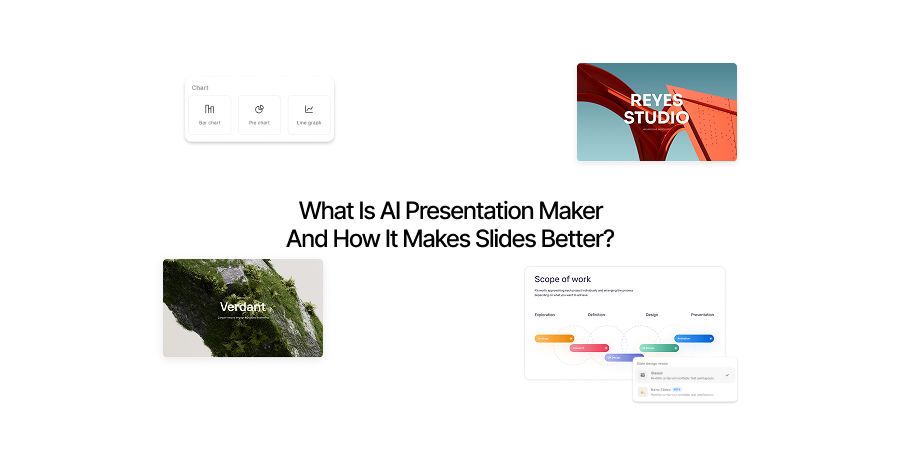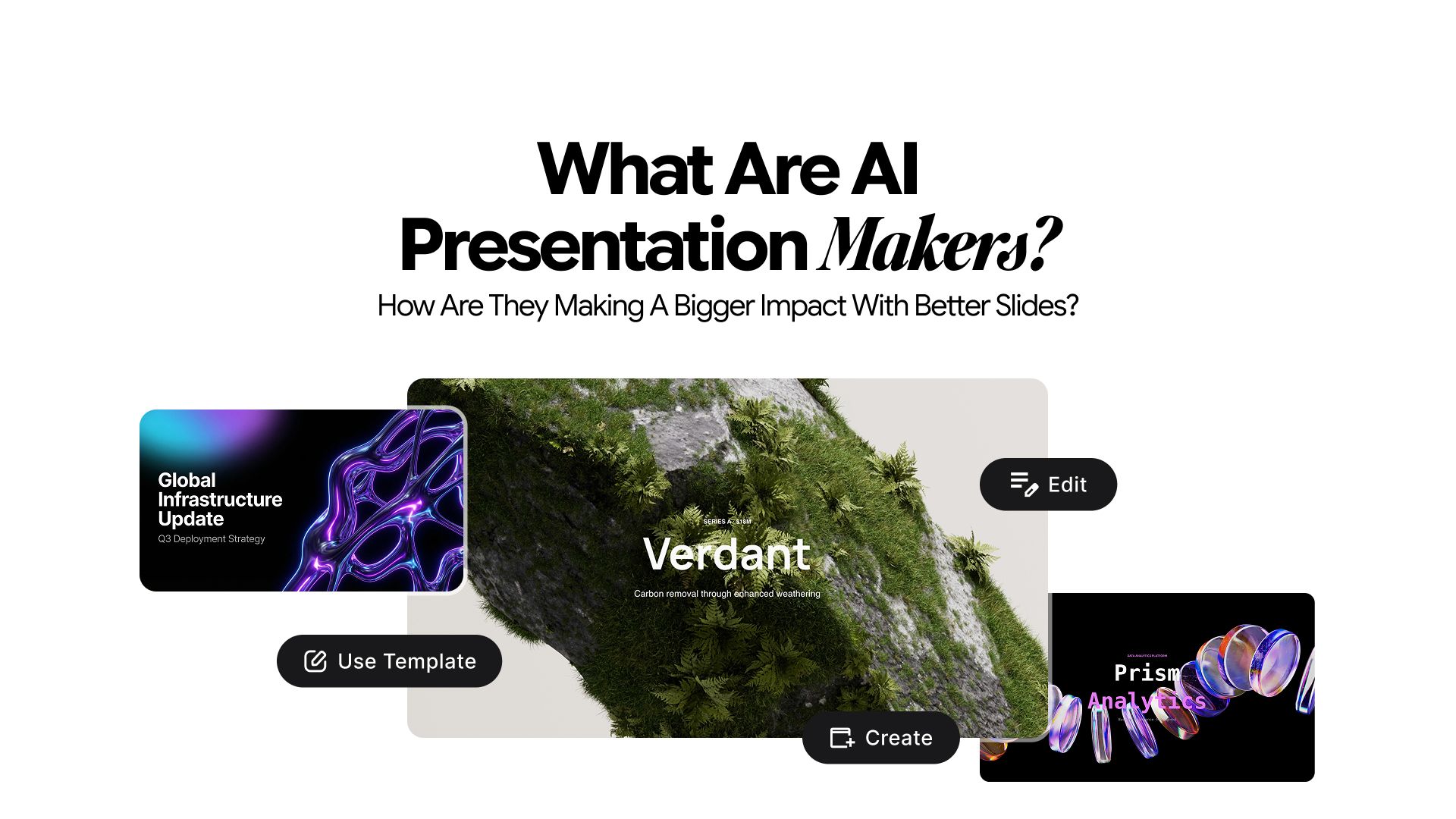
What are AI Presentation Makers? How Are They Making a Bigger Impact With Better Slides?
It is 11 PM. Your pitch is at 9 AM. You have the idea locked in, the numbers ready, and the narrative clear in your head. But you are still on slide four, fighting with alignment, second-guessing your font choices, and wondering why nothing looks the way it does in your head.
It is a scenario that many of us have experienced more than we care to admit.
Some would consider it to be a productivity problem. But it's not. It is a tool problem.
For decades, presentation software like PowerPoint has handed everyone the same blank canvas and expected them to figure out the rest. The result has been predictable.
The people with design skills, or the budget to hire someone who has them, consistently show up to the room with better-looking decks. Not better ideas. Better slides. And in high-stakes settings, that gap matters more than it should.
The Real Cost of the Blank Slide
Most people underestimate how much friction the creation process creates.
It is not just about time, though the hours add up fast. The real cost is cognitive. When you are spending mental energy on layout decisions, color choices, and visual hierarchy, you are pulling focus away from the one thing that actually matters: your message.
Research consistently shows that audiences form judgments about credibility and competence within the first few seconds of seeing a slide. A poorly designed deck does not just look bad. It quietly undermines the quality of the idea behind it.
This creates an uneven playing field that has nothing to do with the strength of anyone's thinking.
Better slides do not win rooms on their own. But weak slides have cost a lot of people rooms they deserved to win. That is the gap that matters.
Consider what the traditional process actually demands:
- A strong sense of visual design
- Knowledge of layout and spacing principles
- The ability to translate complex ideas into clean, digestible visuals
- Hours of iteration to get it right
Most professionals are strong on ideas and short on at least two or three of those things. The tools have never closed that gap. Until now.
Enter AI presentation makers.
What AI Presentation Makers Actually Do
Before going further, it is worth clarifying what these tools are, because the category is newer than it seems.
AI presentation makers are software tools that use artificial intelligence to help users build slide decks faster and more effectively. They handle layout, design structure, and in many cases content organization, based on inputs from the user.
The important distinction is that these tools do not just automate design tasks. They act more like a collaborator that understands both visual communication and content structure at the same time. You bring the idea. The tool handles the development and execution.
Chatly’s AI Presentation Maker is built around exactly the problems described here. More on that shortly.
How AI Slides Generator is Closing the Gap
The shift happening in presentation tools is not about automation for its own sake. It is about removing the specific barriers that have always separated a strong presenter from a strong presentation.
It has always been pay-to-win. Those with a budget buy specialized tools and specialized features inside those tools. While the rest of us are left wrestling with the limitations of the free plans.
AI presentation tools close that gap once and for all.
1. The Design Barrier Is Gone
Professional-looking slides used to require either design experience or a significant budget. Neither is true anymore.
AI presentation tools generate layouts, apply visual hierarchy, and handle the aesthetic decisions that most people find the most difficult. A founder building their first investor deck now starts from the same visual baseline as a company with a dedicated design team.
You no longer have to pay for designs you like. All you need is a description of the design and AI makes it with minimum effort. After that, it’s an iteration game.
This solves a major headache for professionals across domains. For early-stage companies, freelancers, and individual contributors, it removes one of the most persistent disadvantages they have faced.
2. Structure Is No Longer a Blank Page Problem
One of the most overlooked struggles in building presentations is not design. It is knowing where to start.
AI tools now help users organize their thinking into a coherent narrative flow before a single design decision is made. The shift from "what do I put on this slide" to "here is my idea, now shape it" is more significant than it sounds. It replaces the paralysis of the blank slide with a structured starting point.
For people who are strong thinkers but weak organizers on canvas, this alone changes what is possible.
3. The Time Gap Between Teams Has Narrowed
A solo professional used to spend three to four hours on a deck that a well-resourced team could produce in forty-five minutes. That gap has largely closed.
AI handles the repetitive, time-consuming parts of the process at a pace no human team can match. What this means practically is that the person with the best idea no longer loses the room simply because they ran out of time to make it look good.
4. Confidence Enters the Equation
Presentation anxiety is real and widely underreported in professional settings. A significant portion of it does not come from public speaking fear. It comes from showing up with a deck you are not confident in.
When the visual execution is handled, people show up focused on their message. That shift in confidence changes how a presentation lands. It is not a psychological trick. It is the natural result of removing a source of doubt before you walk into the room.
What a Strong AI Slides Generator Should Actually Do
Understanding that these tools exist is one thing. Knowing what to look for in a capable one is another. Not every AI slide tool is built the same way, and the difference between a useful one and a frustrating one usually comes down to a handful of core capabilities.
And the last thing you want is to waste your money on a tool that does not reflect your needs.
Here is what separates the tools worth using from the ones that simply automate the wrong things.
1. Content-to-Slide Generation That Actually Makes Sense
The most fundamental feature of any AI presentation tool is the ability to take raw input and turn it into a structured slide deck. But the quality of this output varies enormously between tools.
A strong tool does not just break your text into bullet points and call it a deck. It reads the intent behind your content, identifies what belongs on each slide, and organizes it into a logical narrative flow. The output should feel like something a thoughtful person built, not something a machine parsed.
If the generated structure requires more fixing than starting from scratch would have, the tool is not doing its job.
2. Adaptive Design That Responds to Content Type
Templates are the blunt instrument of presentation design. They force every slide into the same mold regardless of what the content actually needs. A good AI presentation tool moves beyond templates entirely.
Different content types require different visual treatments.
- A data-heavy slide needs space, clean charts, and minimal text.
- A conceptual slide needs the opposite.
A strong tool recognizes these differences and adapts layout, spacing, and visual weight accordingly, without the user having to make those calls manually.
This is what separates adaptive design from automation. The tool is not just filling in blanks. It is making informed decisions about how each slide should look based on what it contains.
3. Editable Outputs That Hold Together Under Customization
Every AI-generated deck will need some level of editing. The question is whether the design stays coherent when you start making changes.
Many tools produce impressive first drafts that fall apart the moment you try to customize them.
A reliable AI presentation tool is built for real editing. Fonts, colors, layouts, and content should all be adjustable without breaking the visual consistency of the deck. The design system behind the output should be flexible enough to absorb changes and still look intentional.
If editing feels like dismantling something fragile, the tool was not built for professional use.
4. Tone and Audience Awareness
A pitch deck for investors and a training presentation for new employees are fundamentally different documents. Not just in content, but in tone, density, visual style, and pacing.
A capable AI presentation maker should be able to account for these differences based on simple inputs about your audience and objective. The output should shift accordingly, not just in what it says, but in how it says it visually and structurally.
This feature is rarer than it should be, which is why it is worth looking for.
5. Speed Without Sacrificing Quality
Speed is the obvious selling point of any AI tool. But speed that produces output you cannot use is not actually useful. The benchmark for a strong AI presentation maker is not how fast it generates a deck. It is how much of that output is usable without significant rework.
The best tools in this category produce a strong first draft in minutes, one that a professional would not be embarrassed to present with light edits. That combination of speed and usable quality is what makes the time saving real. But it all depends on your ability to use AI for slides generation.
Introducing Chatly's AI Presentation Maker
This is exactly the problem Chatly set out to solve.
Chatly's AI Presentation Maker is built for professionals who need high-quality presentations without the hours of manual work. It is more than a simple template library with a smart filter. It is a tool that understands the relationship between your content, your audience, and your goal, and builds around all three.
Here is what makes it practically useful:
- Prompt-to-deck generation: Describe your topic, audience, and objective, and Chatly builds a structured, designed presentation as your starting point. The blank slide problem is eliminated from the first moment.
- Intelligent layout decisions: If you specifically want a template, Chatly can do that too. But it can do more than dropping content into rigid templates. Chatly adapts layout and design to fit the content. Text-heavy slides look different from data slides, which look different from visual slides. The tool accounts for that automatically.
- Editable outputs that stay polished: Every element Chatly generates can be edited. The difference is that even after heavy customization, the design integrity holds. Most tools fall apart the moment you start changing things. Chatly is built for real-world editing.
- Built-in Image Generation Capabilities: Need assets to make presentation more effective? No more searching for stock images while worrying about copyright infringement. Chatly’s AI presentation maker comes equipped with a highly capable AI image generator which can generate highly relevant visuals through simple and effective prompts.
- Extensive Template Library: While some people prefer starting from scratch, the majority appreciate the convenience of having well designed templates. That’s why Chatly offers a dedicated library for all your presentation needs. Templates are arranged categorically for users to find and use.
The tool is designed for a wide range of users. Startup founders building pitch decks. Sales teams creating client proposals. Educators developing lesson content. Solo consultants presenting strategy to leadership. The use case is broad because the problem is broad.
What connects all of them is the same frustration. The idea is ready. The presentation is not. Chatly is built to close that gap.
What This Actually Means for You
The shift in presentation tools is not about replacing creativity. The thinking, the insight, and the message still come from you. What changes is how much of your time and energy gets consumed before your ideas reach the audience.
There is also a competitive dimension worth acknowledging. If the people across the table from you are already using AI to build faster, more polished decks, and you are still doing it manually, you are not just slower. You are entering every high-stakes moment at a disadvantage that has nothing to do with the quality of your thinking.
The goal has never been to spend more time on presentations. The goal has always been to walk into the room with something that does your idea justice. AI makes that possible for everyone, not just for the teams with the biggest budgets or the most experienced designers.
That is a meaningful shift. And it is one that is already changing how the most effective communicators work.
If you are still spending hours on decks that should take thirty minutes, or walking into important meetings less confident than your ideas deserve, the issue is not your presentation skills. It is your tools. And now, that is a problem with a clear, immediate solution._
Frequently Asked Question
Get to know this amazing feature in detail through online user inquiries.
More topics you may like
Why Document Creation Is Still Broken in 2026 — How AI Document Generators Are Fixing It

Faisal Saeed

Gemini 3.1 Pro: What It Is, What Changed, and What It Means for You

Maya Collins

AI Chat for Financial Analysts: Investment Research and Market Analysis Workflows

Lucas Reinhardt

AI Chat for Medical Billing Specialists: Coding Research and Denial Management
Maya Collins
10 Different Ways You Can Use Chatly AI Chat and Search Every Day
Faisal Saeed