AI app builder
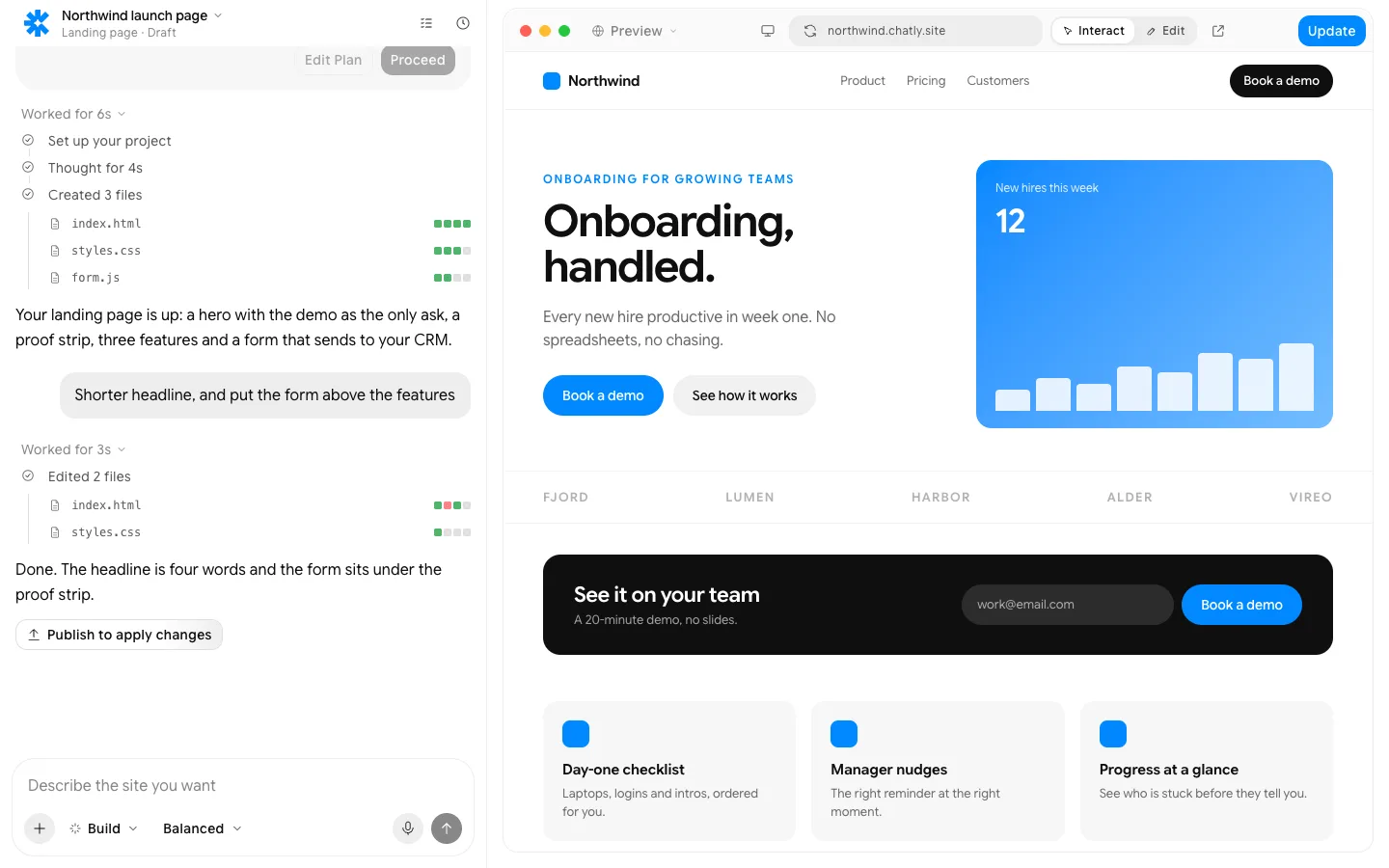
Describe the app. Get working screens, data and logins, deployed.
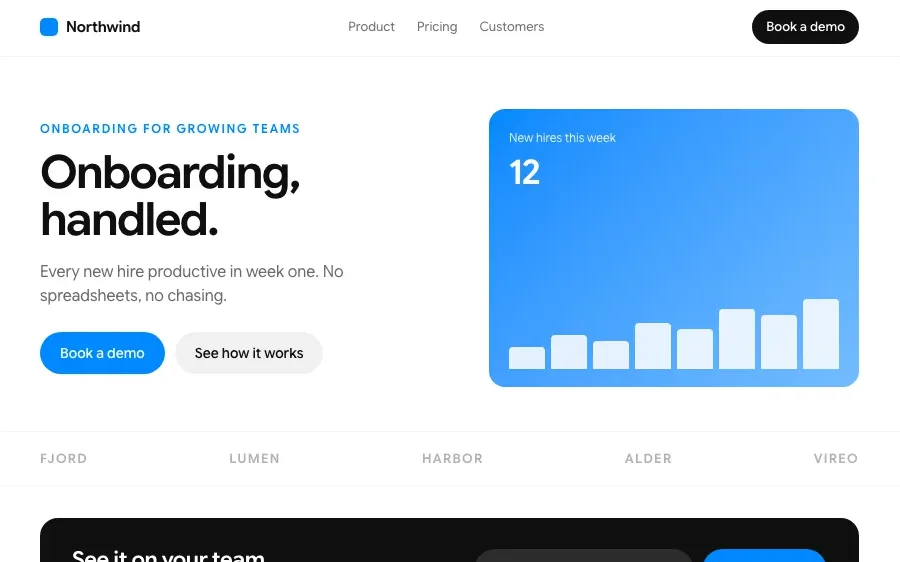
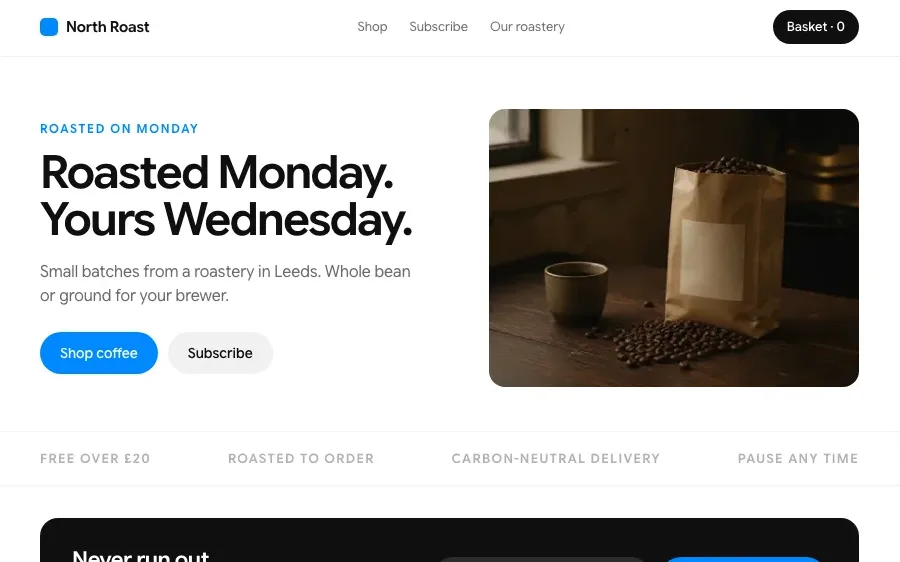
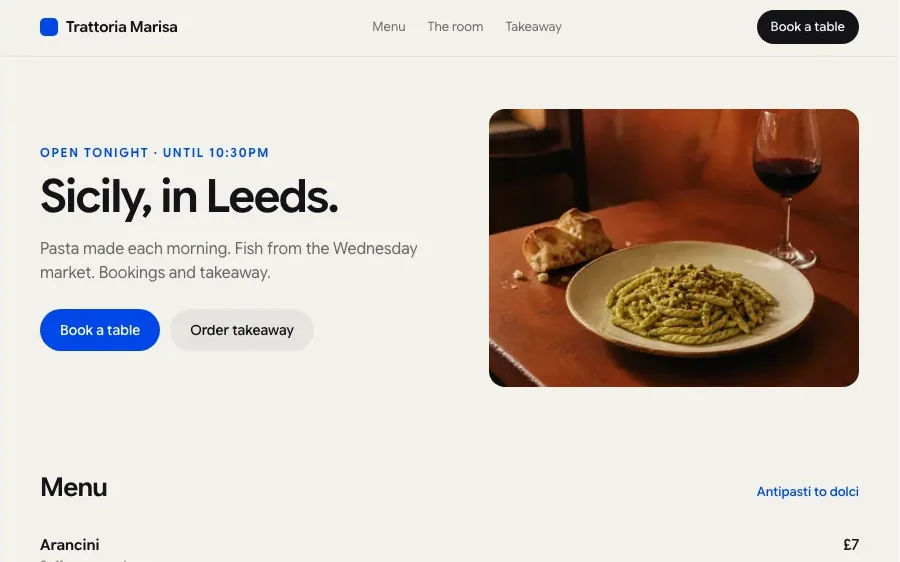
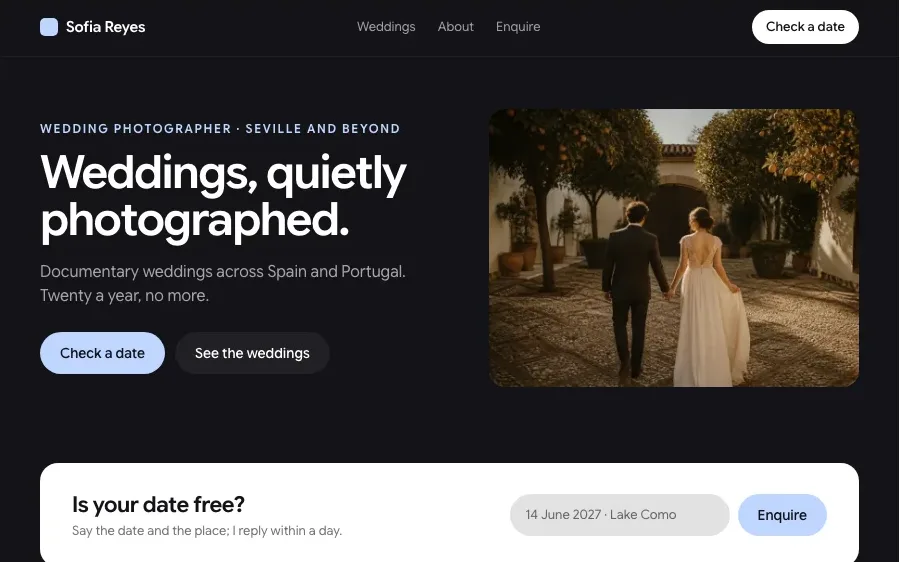
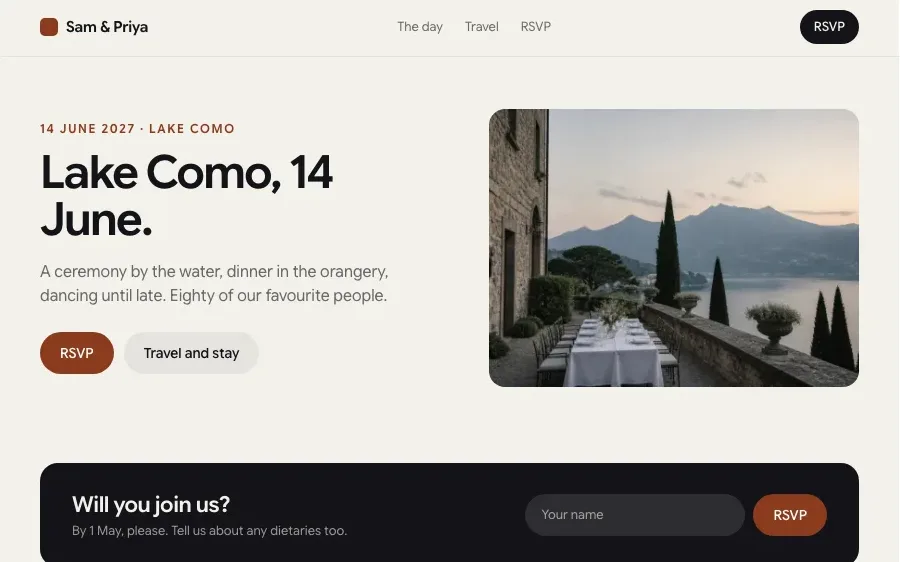
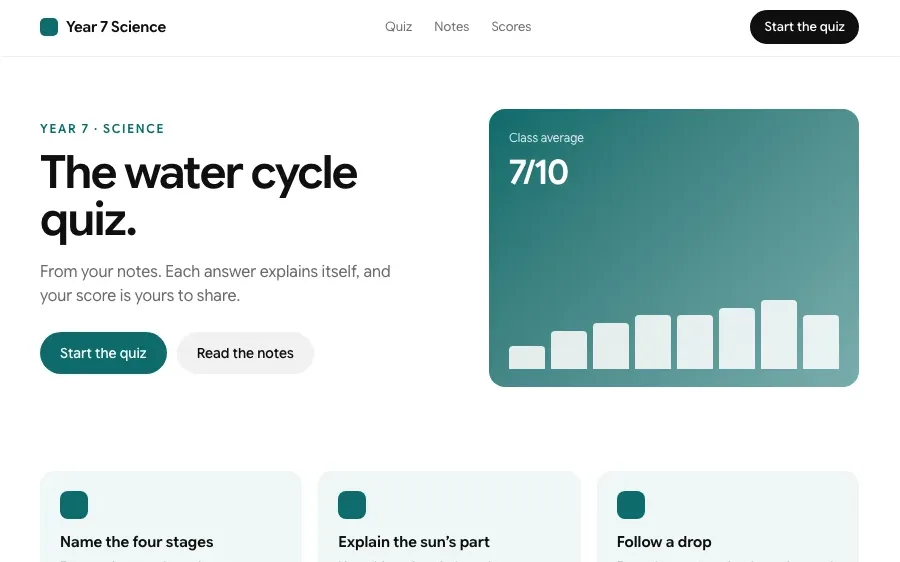
Sites built with Chatly
Every one of these is a page type the builder makes. Open one to build it.
How it works

Describe the app
Who uses it, what they need to do and what it should keep track of. A paragraph is enough, and a sketch or a screenshot of something similar helps.

Use the first version
Chatly builds the screens, the database and the sign-in, and you click through a working app. Ask for changes in plain words and watch them land.

Ship it
Deploy to a link, add your domain and invite users. Roles decide who sees what, and the data stays in your workspace.
Features
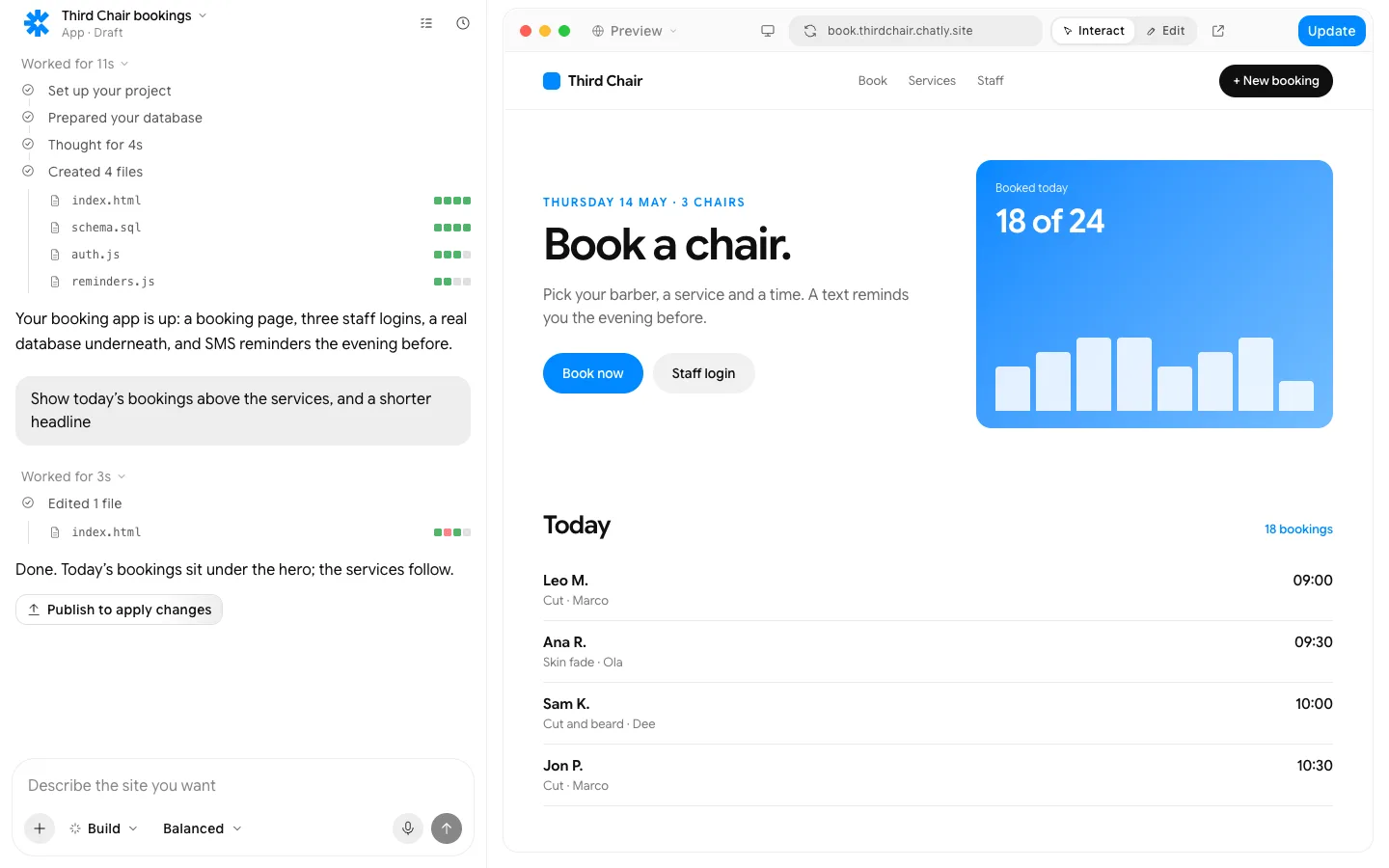
A database prepared before the first screen: bookings, customers, services.
What people build with it

Internal tools
Replace the spreadsheet everyone edits at once with an app that has a form, a table and an approval step. The team gets one source of truth and a history of who changed what.

Customer portals
Give clients a place to log in, see their bookings, orders or documents and ask for what they need. Fewer emails asking for an update, and every request in one list.

Founders testing an idea
Get a working first version in front of real users this week instead of after a funding round. Learn what they actually use, then build the next version on top.

Everything a site needs, built in
Hosting and a custom domain
Publish to an chatly.site address, then connect your own domain. SSL is handled.
Forms that go somewhere
Submissions land in Chatly, your email, a spreadsheet or your CRM, with spam filtered.
SEO, Open Graph and schema
Pages ship as static HTML with meta tags, share images and structured data from day one.
Analytics from the first visit
Visits, sources and conversions, collected without a tag manager.
Edit by clicking, or in the chat
Rewrite a headline where it sits, or describe the change and watch it land.
Your code, exportable
Drop in custom HTML, CSS or scripts, and export the static files whenever you want.
Pay for finished work
Every plan runs the same agent. The difference is how much of it you use.
Standard
$18/ month, billed quarterly
Perfect for getting started with AI
Subscribe7K credits / month
- Flash and Pro modes
- 3 concurrent agent tasks
- 2 scheduled tasks
- Connect up to 2 apps, like Gmail and Slack
- 2 knowledge bases
- Commercial usage rights
- Build and publish websites
- Create presentation-ready slides
- Deep research with citations
- Generate docs, sheets and audio
- Generate images and videos
Professional
$36/ month, billed quarterly
More credits, more room to create
Subscribe- Flash, Pro and Ultra modes
- 5 concurrent agent tasks
- 5 scheduled tasks
- Connect up to 5 apps, like Gmail and Slack
- 5 knowledge bases
- Commercial usage rights
- Build and publish websites
- Create presentation-ready slides
- Deep research with citations
- Generate docs, sheets and audio
- Generate images and videos
- AI ad creator
- AI video editor
Ultra
$183/ month, billed quarterly
Built for power users who never hit limits
Subscribe- Flash, Pro and Ultra modes
- Unlimited concurrent agent tasks
- 25 scheduled tasks
- Connect all 40+ apps
- 25 knowledge bases
- Commercial usage rights
- Build and publish websites
- Create presentation-ready slides
- Deep research with citations
- Generate docs, sheets and audio
- Generate images and videos
- AI ad creator
- AI video editor
- Early access to new models
Prices in US dollars; checkout shows yours in your currency. Chatly for Teams: pooled credits and shared seats, from three seats. Talk to us
Frequently asked questions
Do I need to know how to code?
No. Describe what the app should do and change it in plain words. If you do code, you can view, edit and export everything Chatly writes.
What kind of apps can it build?
Internal tools, booking and ordering apps, client portals, trackers, CRMs and simple marketplaces, anything built from screens, data and rules.
Where is the data stored?
In a database in your Chatly workspace. You can export it at any time, and connect existing databases or spreadsheets instead.
Can the app work on phones?
Yes. Every screen adapts to phones, and the app can be installed to the home screen as a web app.
Can I export the code?
Yes. The app is real code you can download and host yourself or hand to a developer.
Chatly on your phone and your Mac
Chatly for iPhone
Brief a site on the train, approve the plan, and watch it publish. Every project you start here is on your phone.
Download on the App Store

Chatly for Mac
The builder on your desktop, with the files, screenshots and Figma frames you already have to hand.
Download for macOS