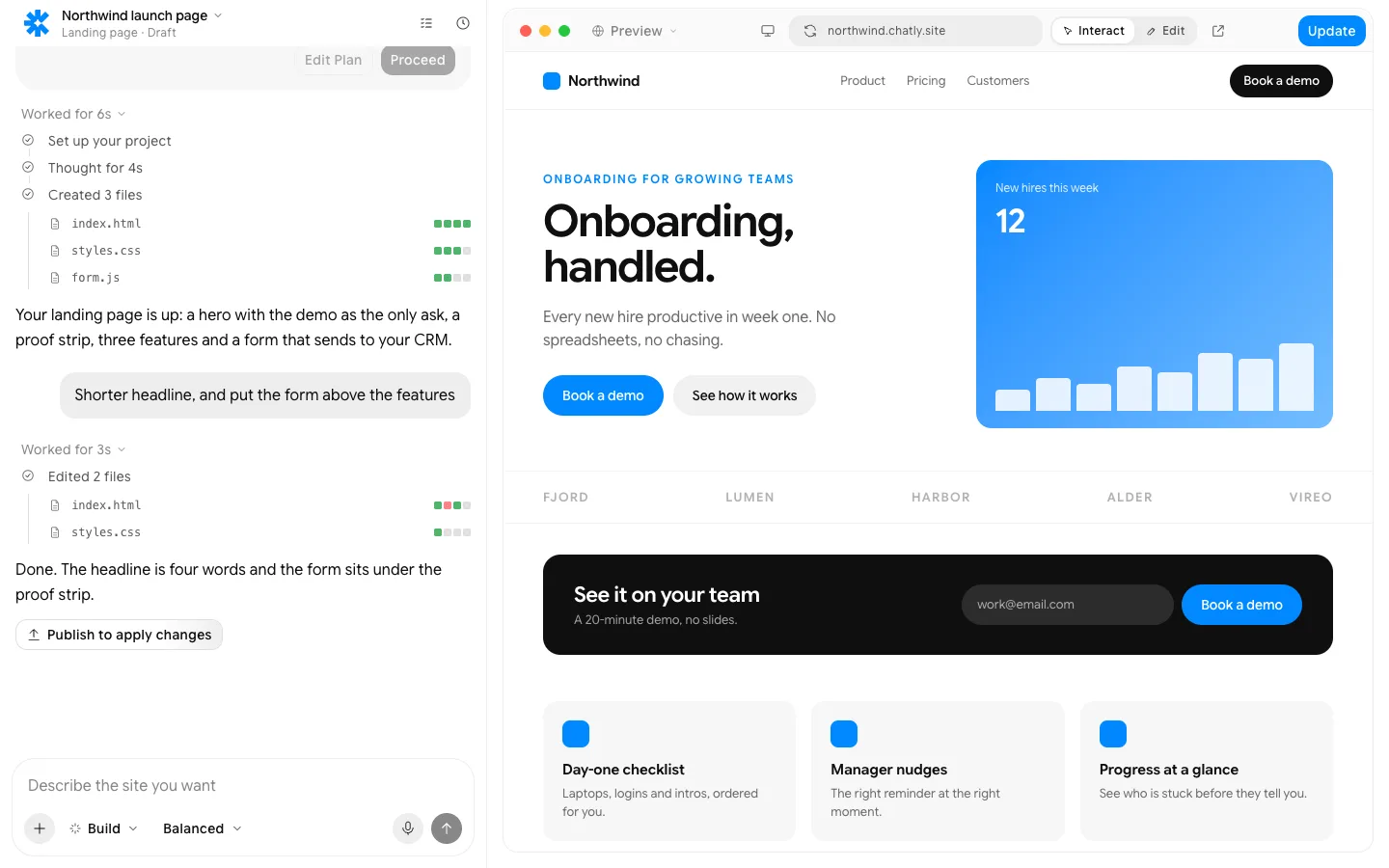
AI quiz maker
Give it a topic or a file. Get a quiz with answers and explanations.
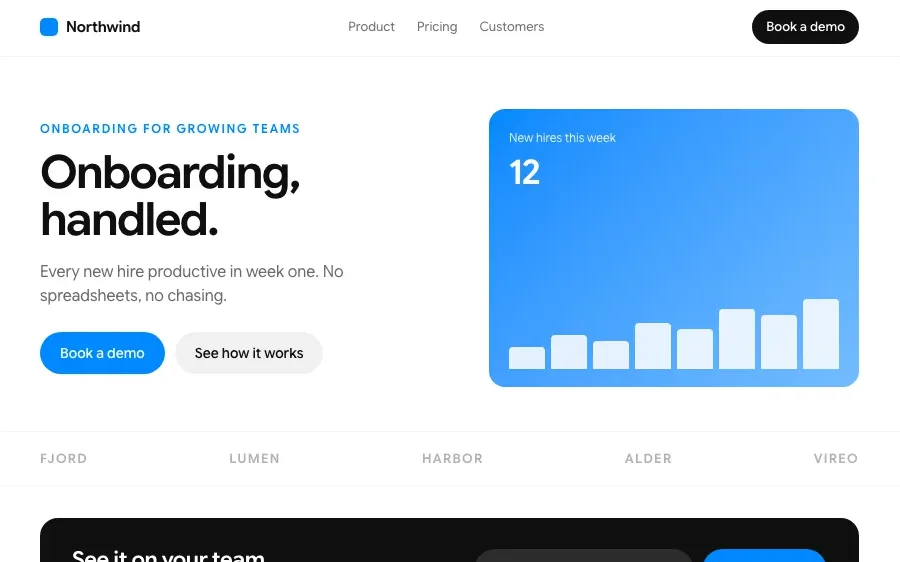
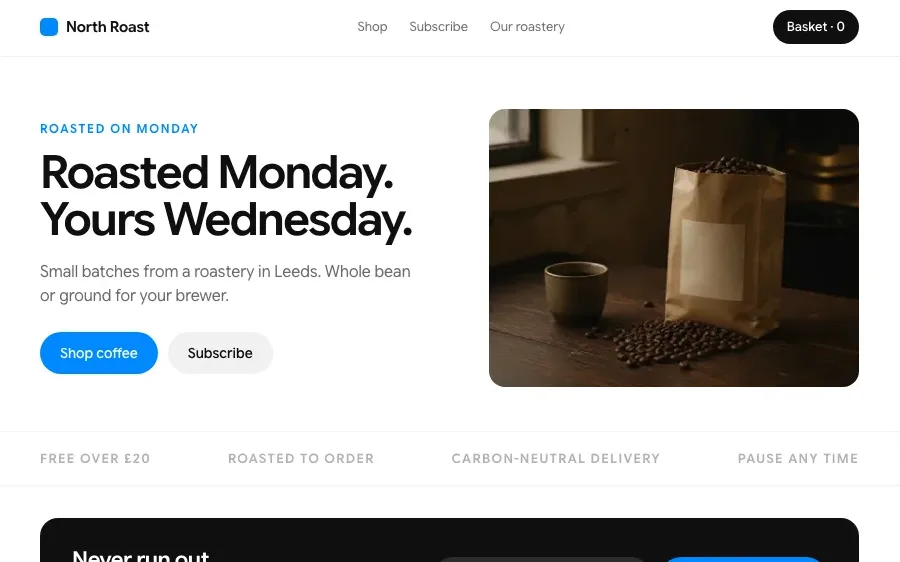
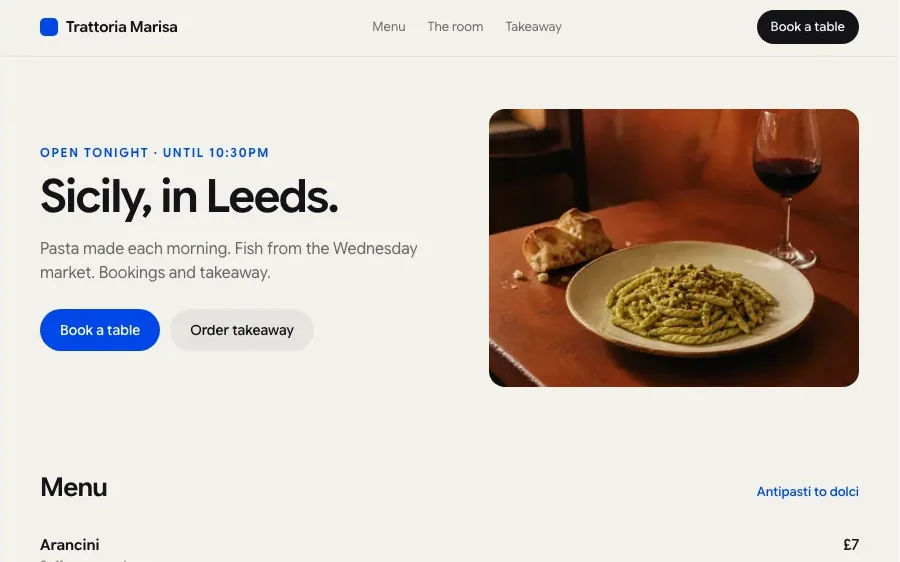
Sites built with Chatly
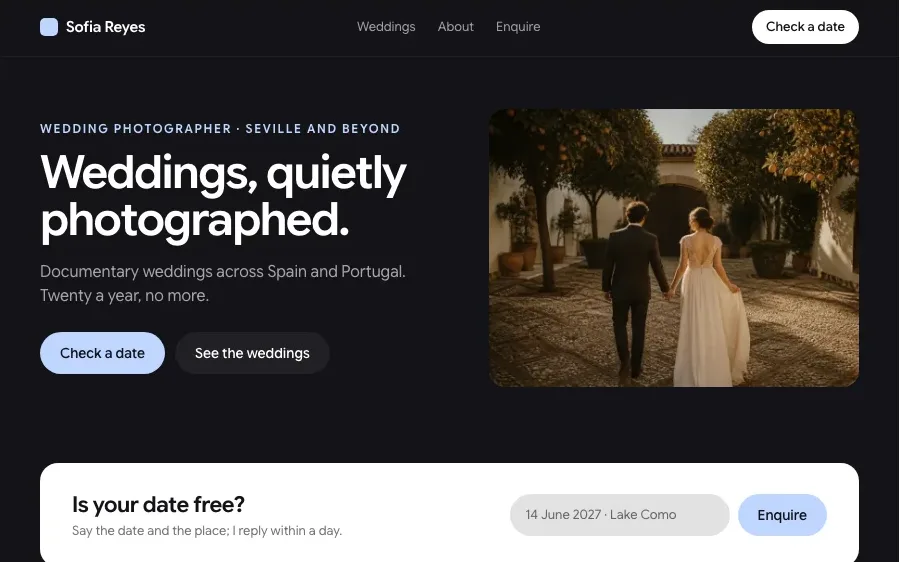
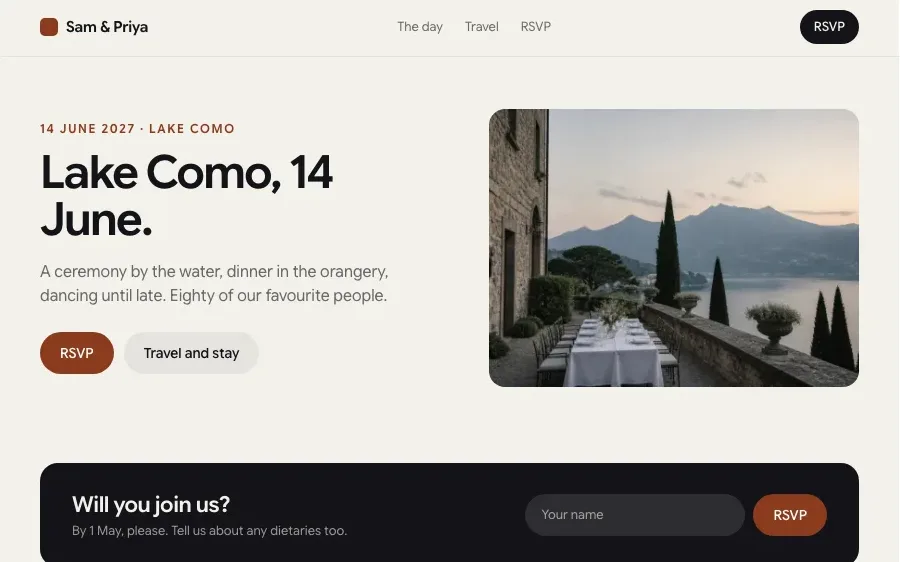
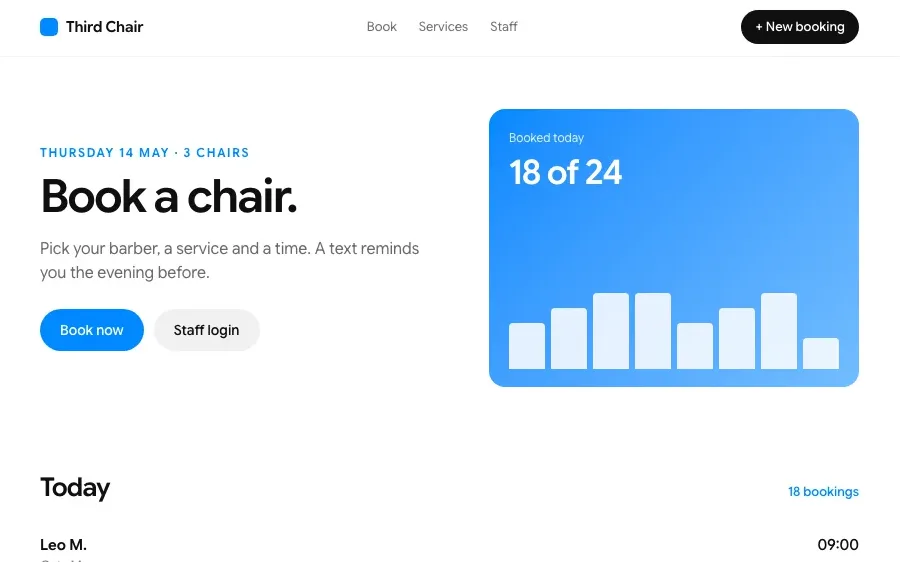
Every one of these is a page type the builder makes. Open one to build it.
How it works
Give it the material
Type a topic, paste notes or upload a PDF, a slide deck or a web page. Say who the quiz is for and how hard it should be.

Check the questions
Chatly writes the questions, the right answers and plausible wrong ones, each with a short explanation. Swap, edit or regenerate any question before you share.

Share and see results
Send a link, embed the quiz on a page or run it live. Scores and the questions people got wrong come back to you as they answer.
Features
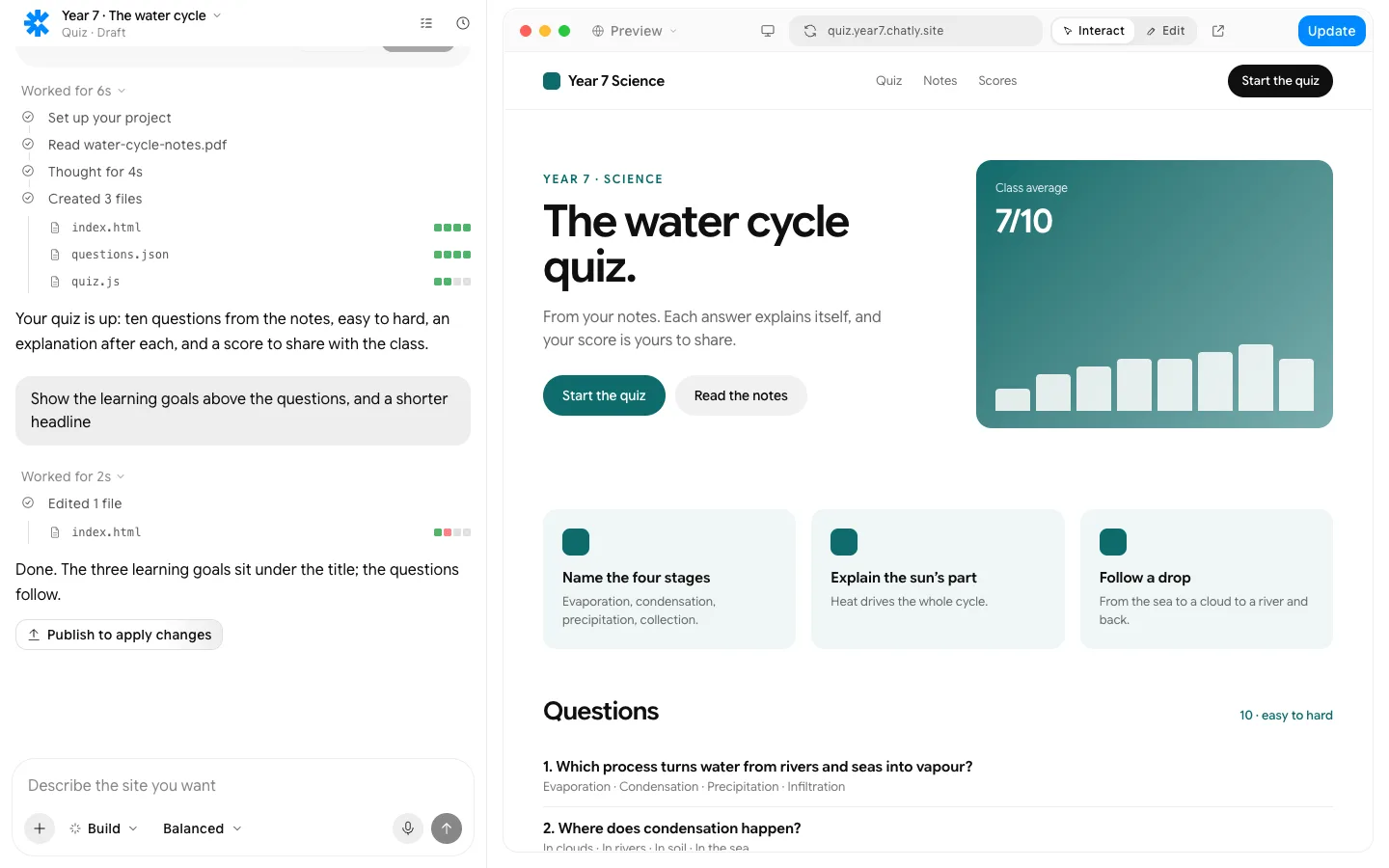
The notes read first; every question comes from them.
What people build with it

Teachers and tutors
Turn this week's lesson notes into a ten-question check in a couple of minutes. See which questions the class got wrong before you plan the next lesson.

Marketers building lead quizzes
A short quiz that recommends the right product or plan and asks for an email before showing the result. People finish it because the result is about them.

Training and compliance teams
Write the knowledge check for a new policy or a training course from the document itself. Track who passed and who needs to go through it again.
Everything a site needs, built in
Hosting and a custom domain
Publish to an chatly.site address, then connect your own domain. SSL is handled.
Forms that go somewhere
Submissions land in Chatly, your email, a spreadsheet or your CRM, with spam filtered.
SEO, Open Graph and schema
Pages ship as static HTML with meta tags, share images and structured data from day one.
Analytics from the first visit
Visits, sources and conversions, collected without a tag manager.
Edit by clicking, or in the chat
Rewrite a headline where it sits, or describe the change and watch it land.
Your code, exportable
Drop in custom HTML, CSS or scripts, and export the static files whenever you want.
Pay for finished work
Every plan runs the same agent. The difference is how much of it you use.
Standard
$18/ month, billed quarterly
Perfect for getting started with AI
Subscribe7K credits / month
- Flash and Pro modes
- 3 concurrent agent tasks
- 2 scheduled tasks
- Connect up to 2 apps, like Gmail and Slack
- 2 knowledge bases
- Commercial usage rights
- Build and publish websites
- Create presentation-ready slides
- Deep research with citations
- Generate docs, sheets and audio
- Generate images and videos
Professional
$36/ month, billed quarterly
More credits, more room to create
Subscribe- Flash, Pro and Ultra modes
- 5 concurrent agent tasks
- 5 scheduled tasks
- Connect up to 5 apps, like Gmail and Slack
- 5 knowledge bases
- Commercial usage rights
- Build and publish websites
- Create presentation-ready slides
- Deep research with citations
- Generate docs, sheets and audio
- Generate images and videos
- AI ad creator
- AI video editor
Ultra
$183/ month, billed quarterly
Built for power users who never hit limits
Subscribe- Flash, Pro and Ultra modes
- Unlimited concurrent agent tasks
- 25 scheduled tasks
- Connect all 40+ apps
- 25 knowledge bases
- Commercial usage rights
- Build and publish websites
- Create presentation-ready slides
- Deep research with citations
- Generate docs, sheets and audio
- Generate images and videos
- AI ad creator
- AI video editor
- Early access to new models
Prices in US dollars; checkout shows yours in your currency. Chatly for Teams: pooled credits and shared seats, from three seats. Talk to us
Frequently asked questions
Is the AI quiz maker free?
Yes. There is a free plan available, and making and sharing quizzes works on it.
Can it make a quiz from a PDF?
Yes. Upload a PDF, a slide deck, a Word file or paste a web page, and Chatly writes the questions from that material.
What question types does it support?
Multiple choice, true or false, fill in the blank, matching and short answer. You choose the mix, the number of questions and the difficulty.
Can I see who answered what?
Yes. Each quiz has a results view with scores per person, time taken and the questions most people answered wrong.
Can I embed a quiz on my website?
Yes. Share it as a link, embed it on any page with a snippet, or publish it as its own page on Chatly.
Can I edit the questions?
Every question, answer and explanation is editable, and you can ask Chatly to make a question easier, harder or about a different part of the material.
Chatly on your phone and your Mac
Chatly for iPhone
Brief a site on the train, approve the plan, and watch it publish. Every project you start here is on your phone.
Download on the App Store

Chatly for Mac
The builder on your desktop, with the files, screenshots and Figma frames you already have to hand.
Download for macOS