AI knowledge base
A help centre that answers in plain words and cites the source.
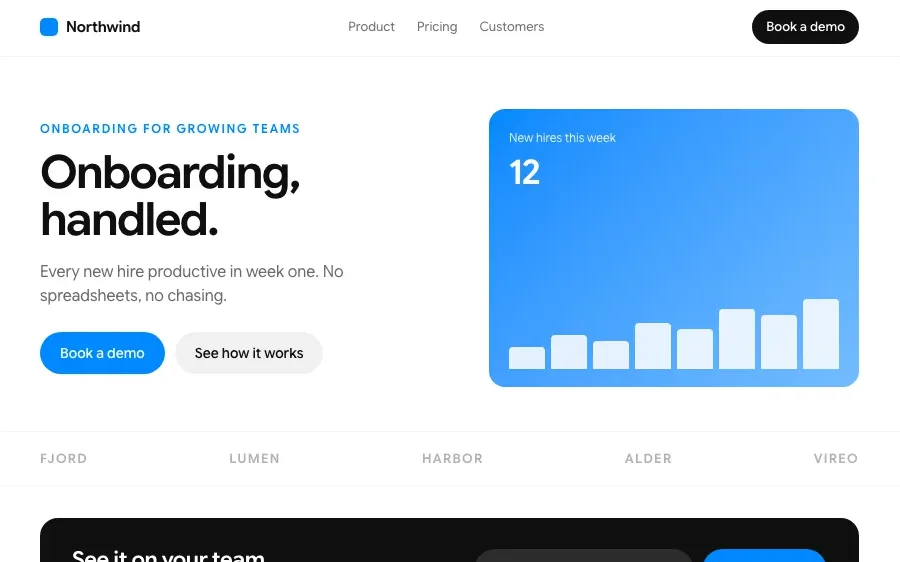
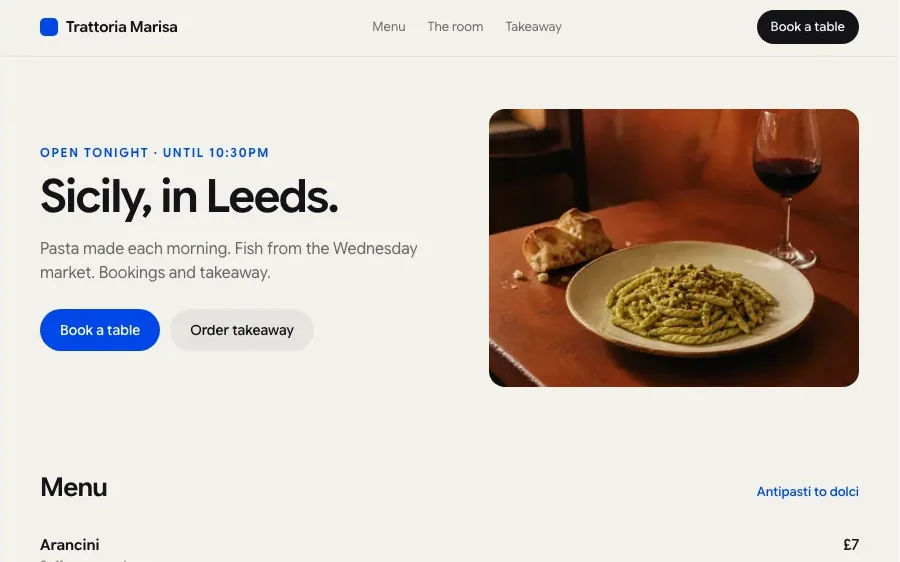
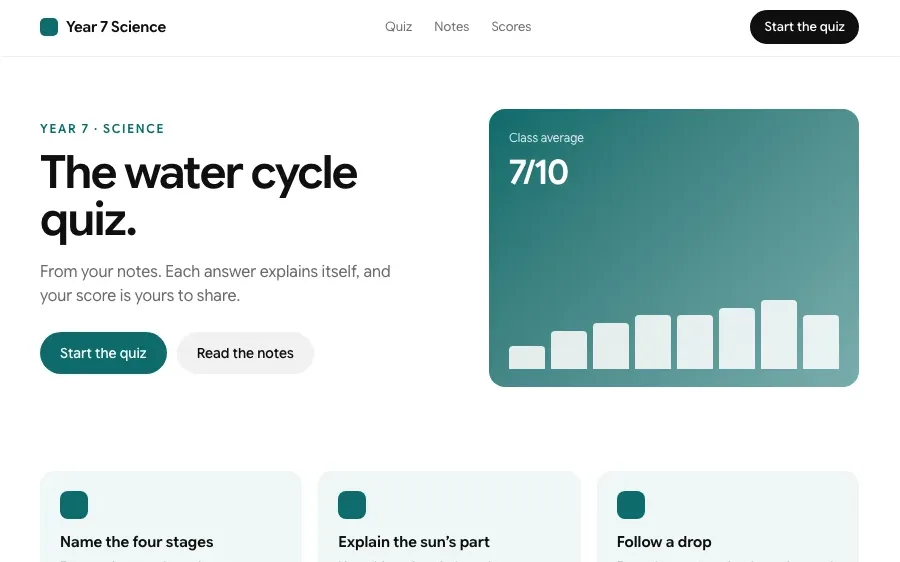
Sites built with Chatly
Every one of these is a page type the builder makes. Open one to build it.



How it works

Bring in what you already have
Upload documents, connect a docs folder, or import resolved support tickets. Chatly deduplicates overlapping material and flags anything that contradicts itself.
Let it structure the content
Articles get grouped into categories, given consistent titles, and rewritten into a common voice. You approve the structure before it goes live.

Publish and watch the questions
Ship it as a public help centre, an internal wiki, or both. Chatly logs what people asked and where it could not answer.
Features
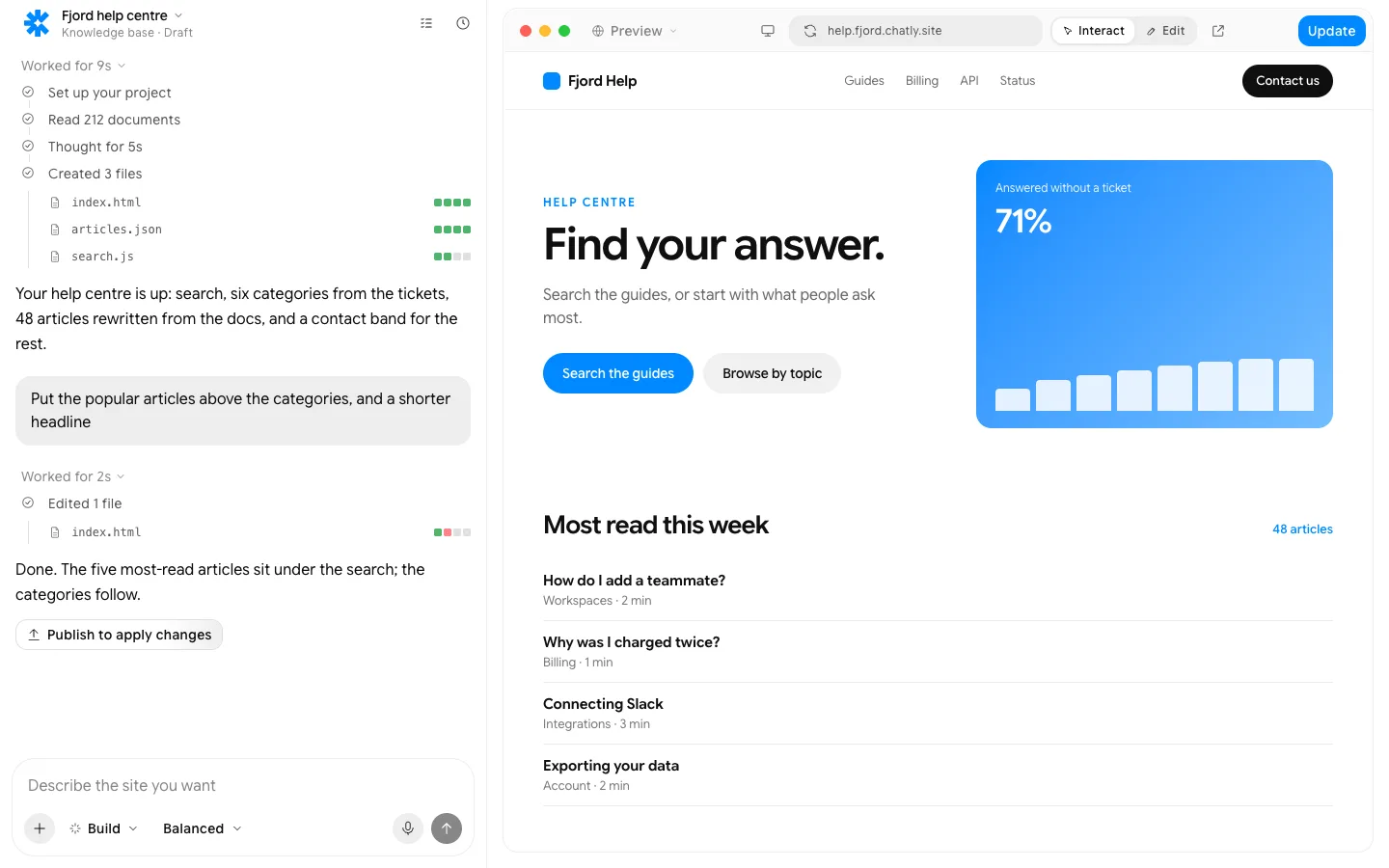
Every article answers from your docs and the tickets, and says which.
What people build with it

Customer support deflection
Answer the repetitive questions automatically and let your team spend its time on the ones that need a human. Every answer links back to the article it came from, so customers can check it.

Employee onboarding
New starters ask the internal knowledge base instead of interrupting three colleagues to find the same policy. Onboarding goes faster, and the answers stay the same for everyone.

Product documentation
Keep reference docs searchable in plain language, with answers that cite the exact section of the manual. Update the source once and every answer that relies on it updates too.
Everything a site needs, built in
Hosting and a custom domain
Publish to an chatly.site address, then connect your own domain. SSL is handled.
Forms that go somewhere
Submissions land in Chatly, your email, a spreadsheet or your CRM, with spam filtered.
SEO, Open Graph and schema
Pages ship as static HTML with meta tags, share images and structured data from day one.
Analytics from the first visit
Visits, sources and conversions, collected without a tag manager.
Edit by clicking, or in the chat
Rewrite a headline where it sits, or describe the change and watch it land.
Your code, exportable
Drop in custom HTML, CSS or scripts, and export the static files whenever you want.
Pay for finished work
Every plan runs the same agent. The difference is how much of it you use.
Standard
$18/ month, billed quarterly
Perfect for getting started with AI
Subscribe7K credits / month
- Flash and Pro modes
- 3 concurrent agent tasks
- 2 scheduled tasks
- Connect up to 2 apps, like Gmail and Slack
- 2 knowledge bases
- Commercial usage rights
- Build and publish websites
- Create presentation-ready slides
- Deep research with citations
- Generate docs, sheets and audio
- Generate images and videos
Professional
$36/ month, billed quarterly
More credits, more room to create
Subscribe- Flash, Pro and Ultra modes
- 5 concurrent agent tasks
- 5 scheduled tasks
- Connect up to 5 apps, like Gmail and Slack
- 5 knowledge bases
- Commercial usage rights
- Build and publish websites
- Create presentation-ready slides
- Deep research with citations
- Generate docs, sheets and audio
- Generate images and videos
- AI ad creator
- AI video editor
Ultra
$183/ month, billed quarterly
Built for power users who never hit limits
Subscribe- Flash, Pro and Ultra modes
- Unlimited concurrent agent tasks
- 25 scheduled tasks
- Connect all 40+ apps
- 25 knowledge bases
- Commercial usage rights
- Build and publish websites
- Create presentation-ready slides
- Deep research with citations
- Generate docs, sheets and audio
- Generate images and videos
- AI ad creator
- AI video editor
- Early access to new models
Prices in US dollars; checkout shows yours in your currency. Chatly for Teams: pooled credits and shared seats, from three seats. Talk to us
Frequently asked questions
What can I import?
Documents, PDFs, spreadsheets, web pages, connected doc folders and exported support tickets. Chatly merges duplicates and flags contradictions before publishing.
Does it make answers up?
It answers only from your content and cites the source. When the content does not cover a question, it says so and logs the gap.
Can I keep some articles internal?
Yes. Every article has a visibility setting, so one knowledge base can serve a public help centre and a private internal wiki.
Can I embed it in my product?
Yes, an embeddable search and answer widget, plus an API if you want to render answers in your own interface.
What happens when the source material changes?
Connected sources are monitored. When one changes, the affected articles are flagged and Chatly drafts the revision for a human to approve.
Chatly on your phone and your Mac
Chatly for iPhone
Brief a site on the train, approve the plan, and watch it publish. Every project you start here is on your phone.
Download on the App Store

Chatly for Mac
The builder on your desktop, with the files, screenshots and Figma frames you already have to hand.
Download for macOS