AI video face swap
A swap that holds when the head turns and the light changes.
A swap that holds when the head turns and the light changes.
Examples
Each the same shot, swapped onto a new face, in the ratio it would ship in.
- A man at the wheel of a car at night, neon light and rain on the window, his face swapped for another actor'sFilm scene1:1·1080p·5s
- A singer in a sequined jacket on an elegant stage, ivory silk curtains glowing gold behind herMusic video9:16·1080p·5s
- A news presenter talking to camera in a TV studioPresenter4:3·1080p·5s
- A woman laughing with a coffee mug in a sunlit kitchen, recast with a different faceAd localisation4:3·1080p·5s
- A man in a dark coat in a snowy pine forest, his breath in the cold airCinematic21:9·1080p·5s
- A young woman in an emerald gown in a candlelit drawing roomPeriod drama1:1·1080p·5s
- A young man filming a selfie in a busy night market under paper lanternsSelfie video1:1·1080p·5s
One prompt, one take
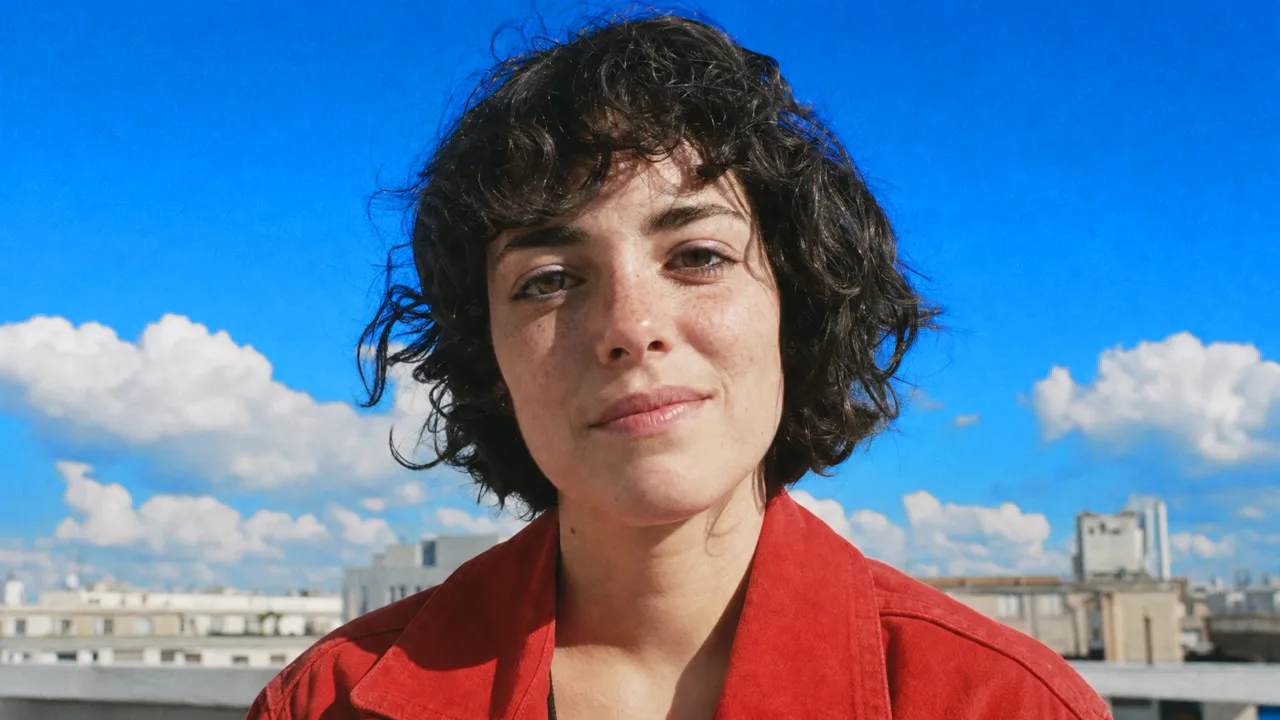
Add a reference
Describe the shotSwap the presenter's face in this 30s clip using my reference photos
Write the shot
Generate the video
Features
Temporal stability
The swap is tracked across frames rather than applied per frame, which is what stops the flicker and the shifting jawline that give a bad swap away.
Expression preserved
The performance underneath stays: mouth shapes, blinks and micro-expressions come from the original actor, so dialogue still reads as speech.
Lighting matched
The new face takes the scene's light direction, colour temperature and shadows, instead of sitting on top of the shot like a sticker.
Multiple faces per scene
Swap one person in a group shot and leave everyone else untouched, with the target tracked even when they leave and re-enter the frame.
Provenance on export
Exports carry an AI-generated marker by default. You can request its removal for legitimate production use through a reviewed process.
Consent gate
Processing requires an explicit confirmation of rights and permission. Reported misuse results in account action.
Who it’s for
Localised ad versions
Reuse one production across markets with a presenter who fits each audience, rather than reshooting the whole spot.
Film and post-production
Stunt-double cleanup, continuity fixes and reshoot avoidance on footage your production owns.
Privacy and anonymisation
Replace identifiable faces in footage where a contributor needs to be anonymised but the performance should remain.
AI video face swap at a glance
A swap that holds when the head turns and the light changes.



Frequently asked questions
What am I allowed to use this for?
Footage you own, with the documented consent of anyone whose likeness is involved. Using someone's face without permission, public figures included, is against the terms and can be illegal.
Are exports marked as AI-generated?
Yes, by default. Licensed production users can apply for unmarked exports through a review process.
How long can the clip be?
Short-form clips process in minutes. Longer footage is supported on paid plans, processed in segments and reassembled.
Will the lip sync still match?
Yes. The underlying performance drives mouth movement, so dialogue stays in sync with the original audio.
What if the result looks wrong in a few shots?
You can reprocess specific ranges with adjusted references or blending rather than rerunning the whole clip.
Chatly on your phone and your Mac
Chatly for iPhone
Brief the cut on the train, approve the plan, and watch it render. Every video you make here is on your phone.
Download on the App Store
Chatly for Mac
Video on your desktop, with the product photos and footage you already have to hand.
Download for macOS