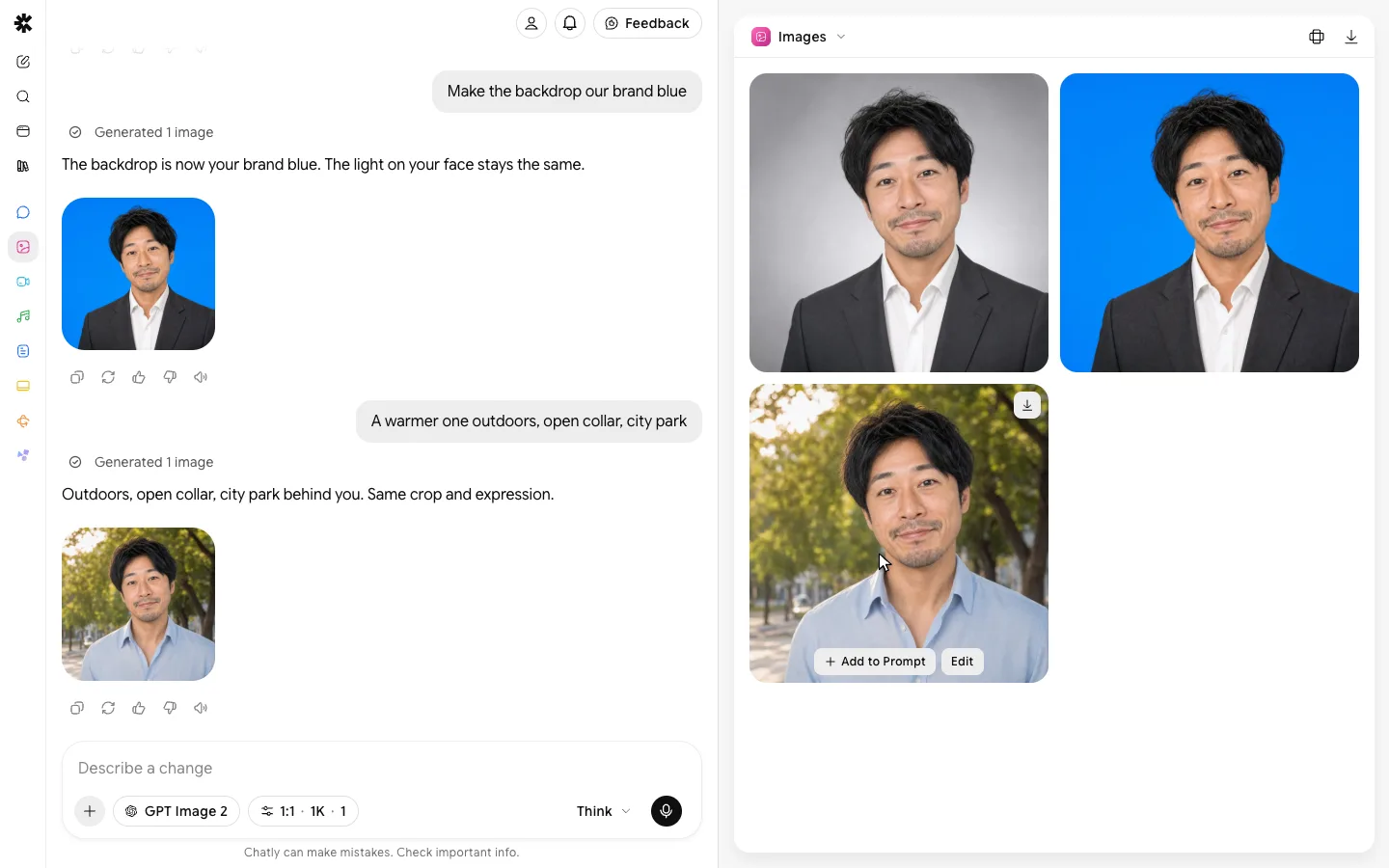
AI photo editor
Say what to change. Everything else stays exactly as it was.
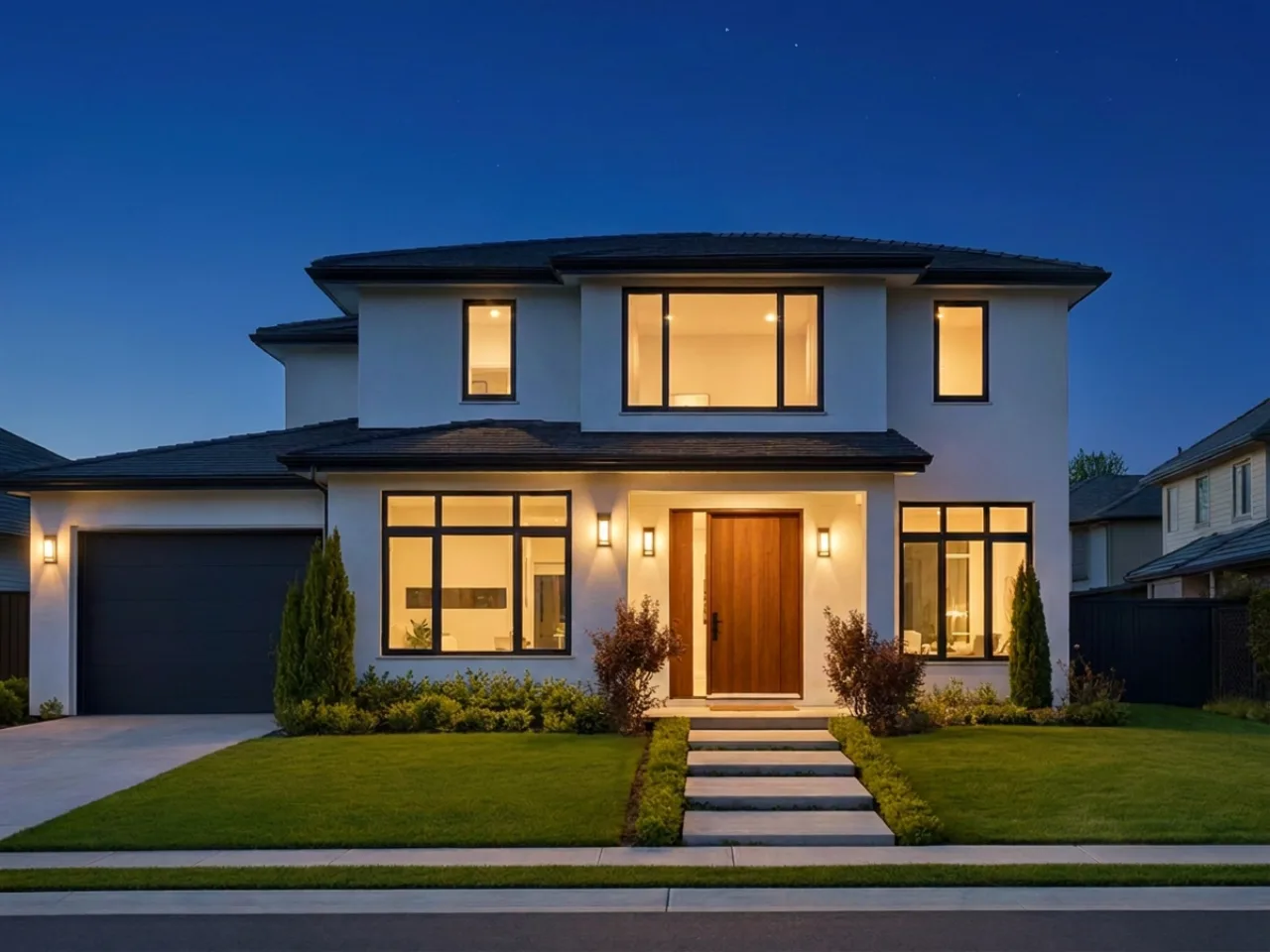
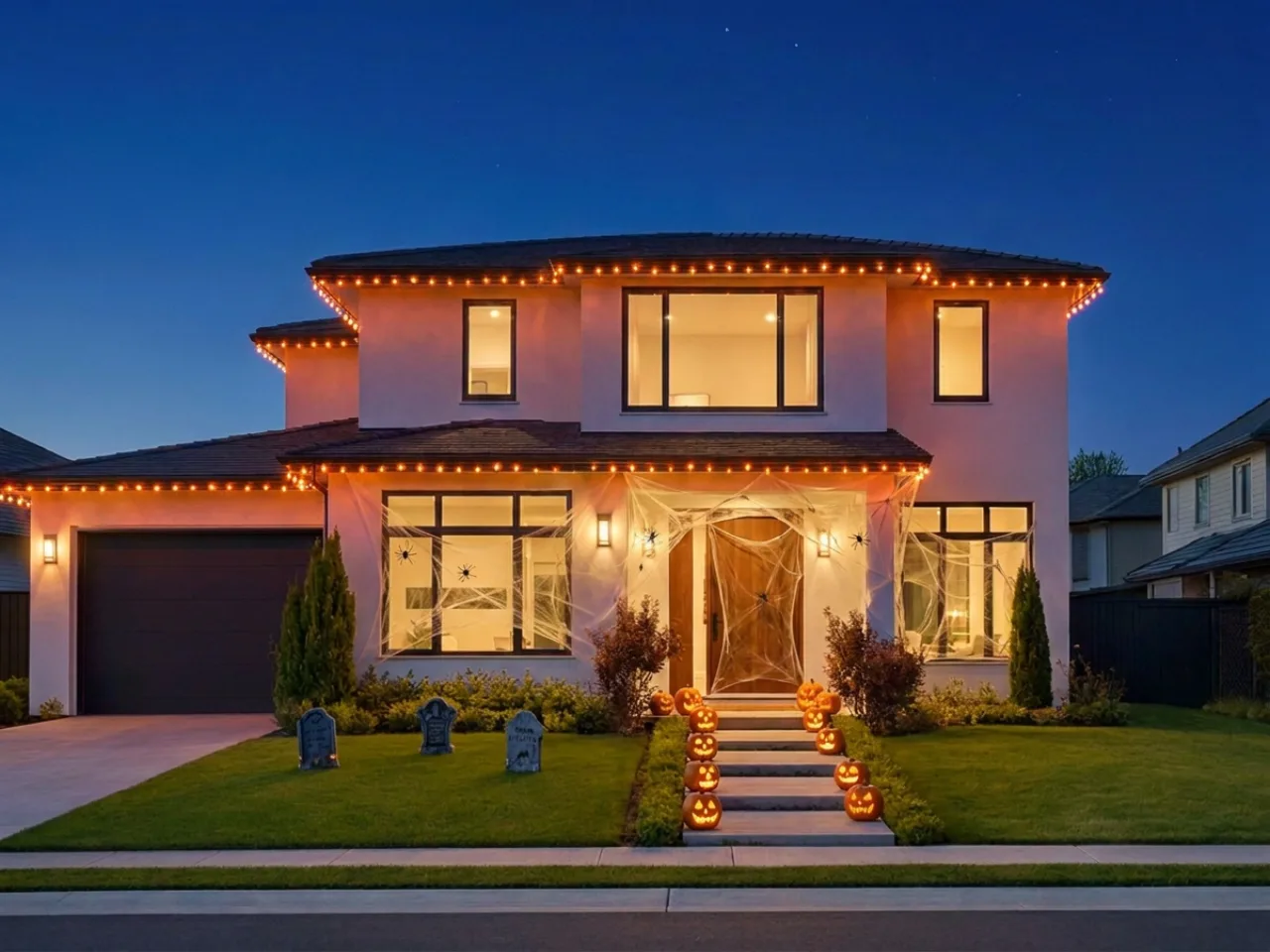 Add Halloween decor
Say what to change. Everything else stays exactly as it was.
One prompt, one picture
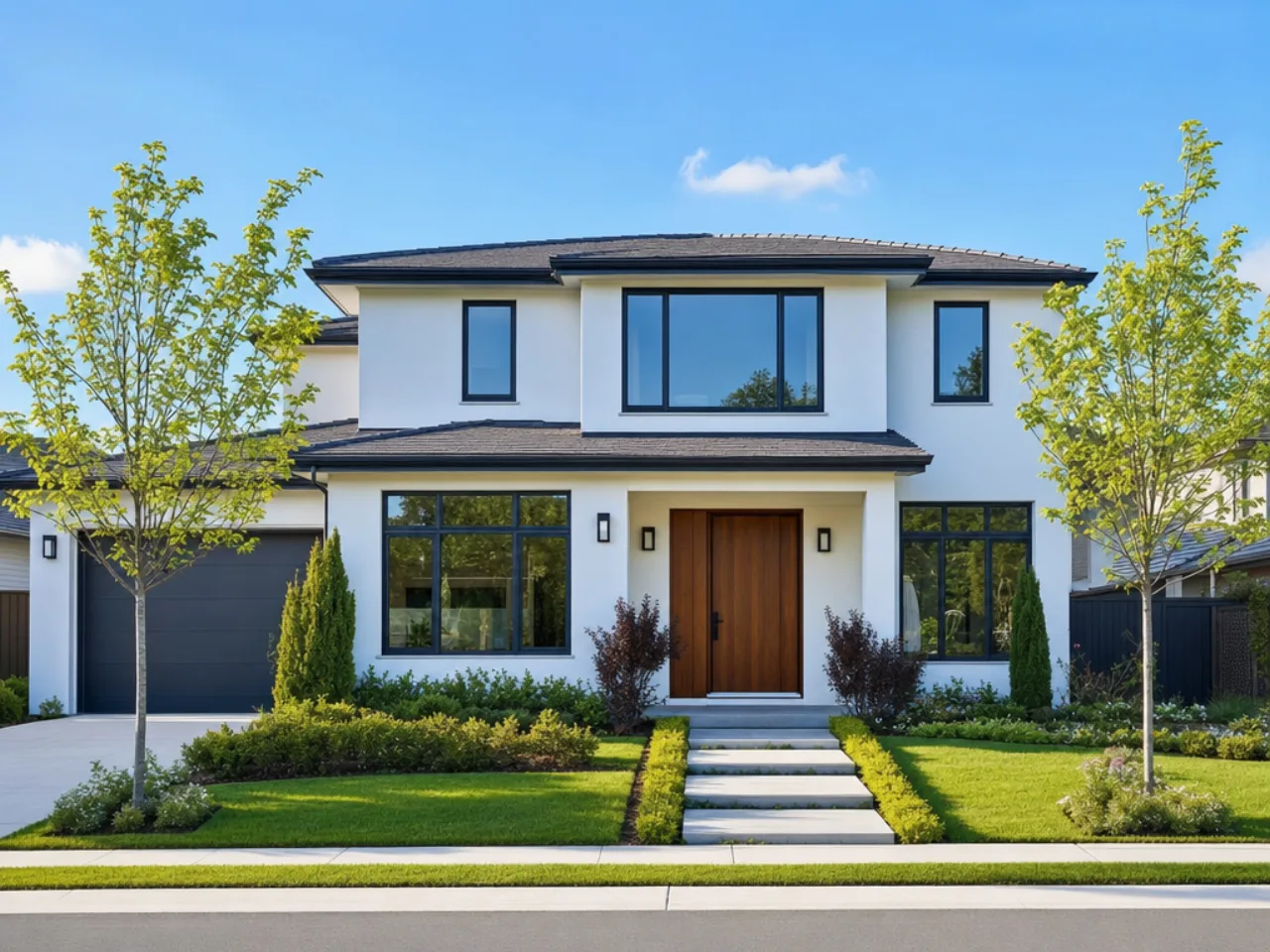
Add a reference
Describe the shotMake it night
Describe the picture
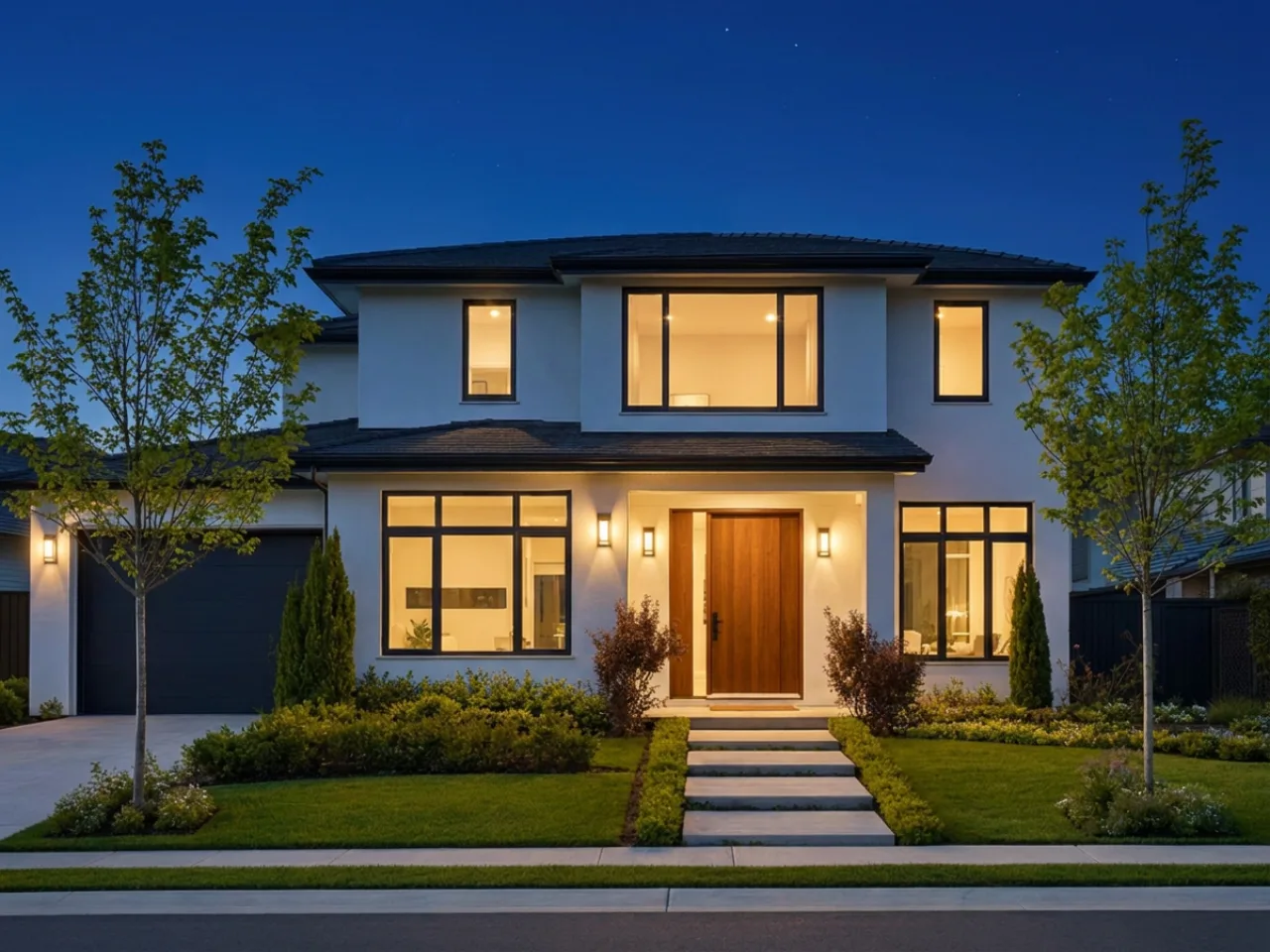
Generate the image
Features
Change the time of day, soften harsh flash, or lift shadows. Highlights, shadow direction and colour temperature move together so the result stays physically plausible.
Shopify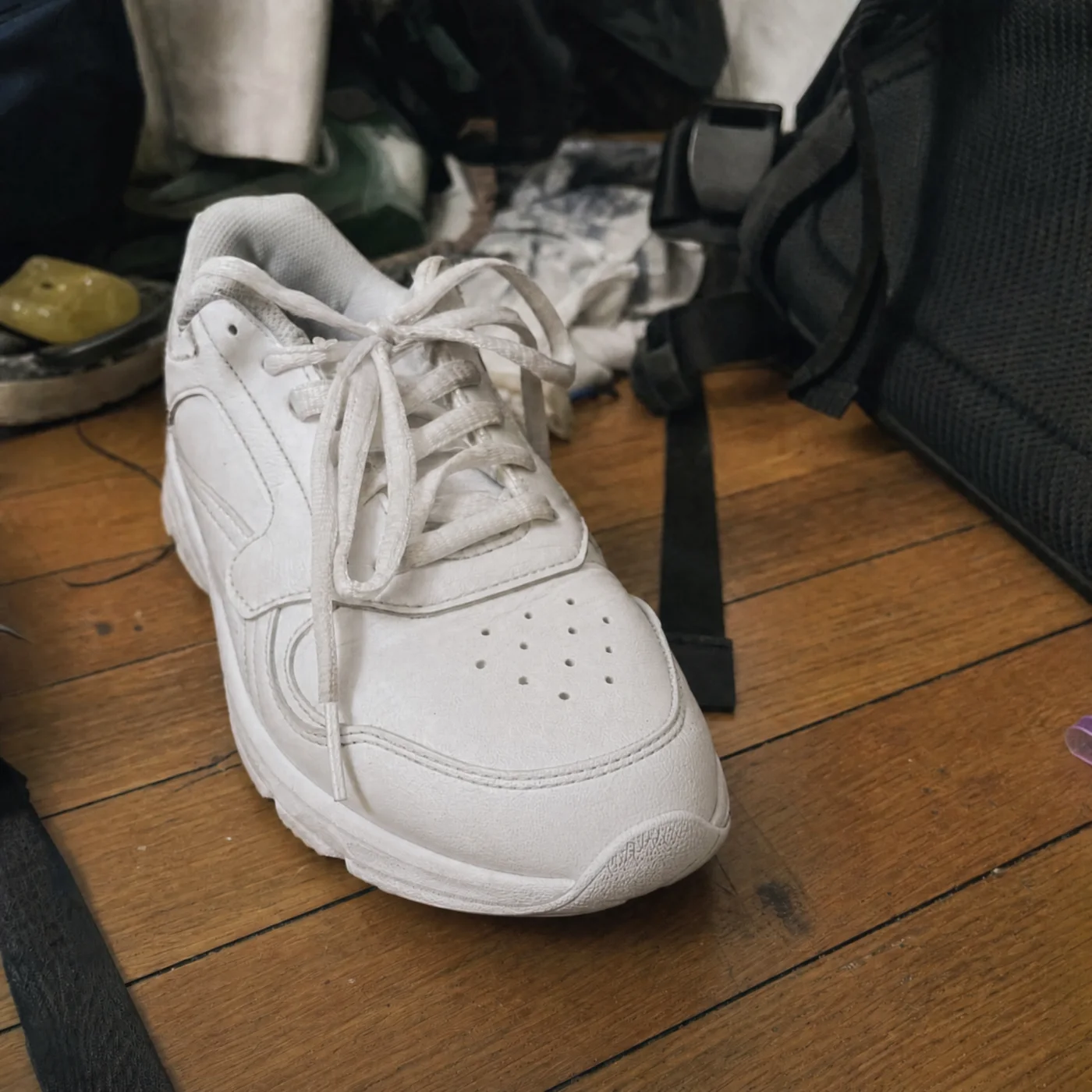 EditedCloud Runner · Leather$120.00
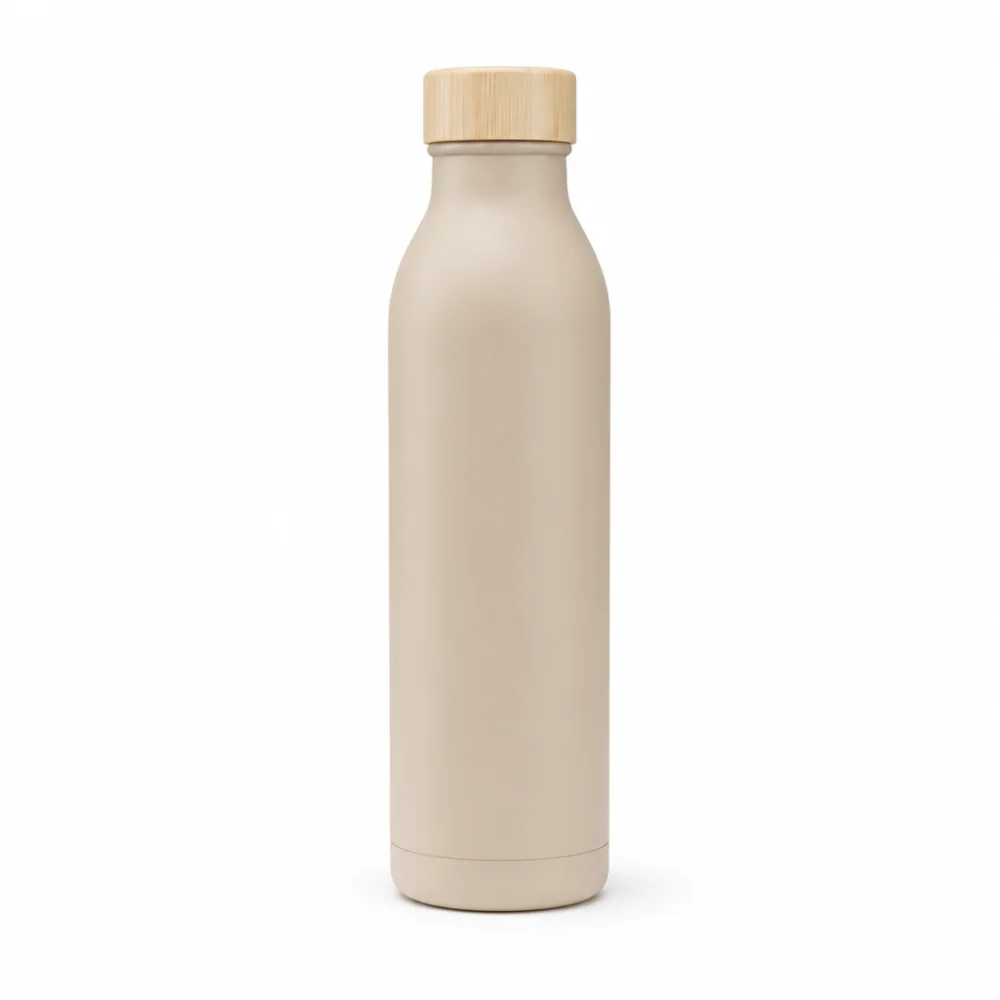 Dune Bottle · 750 ml$34.00
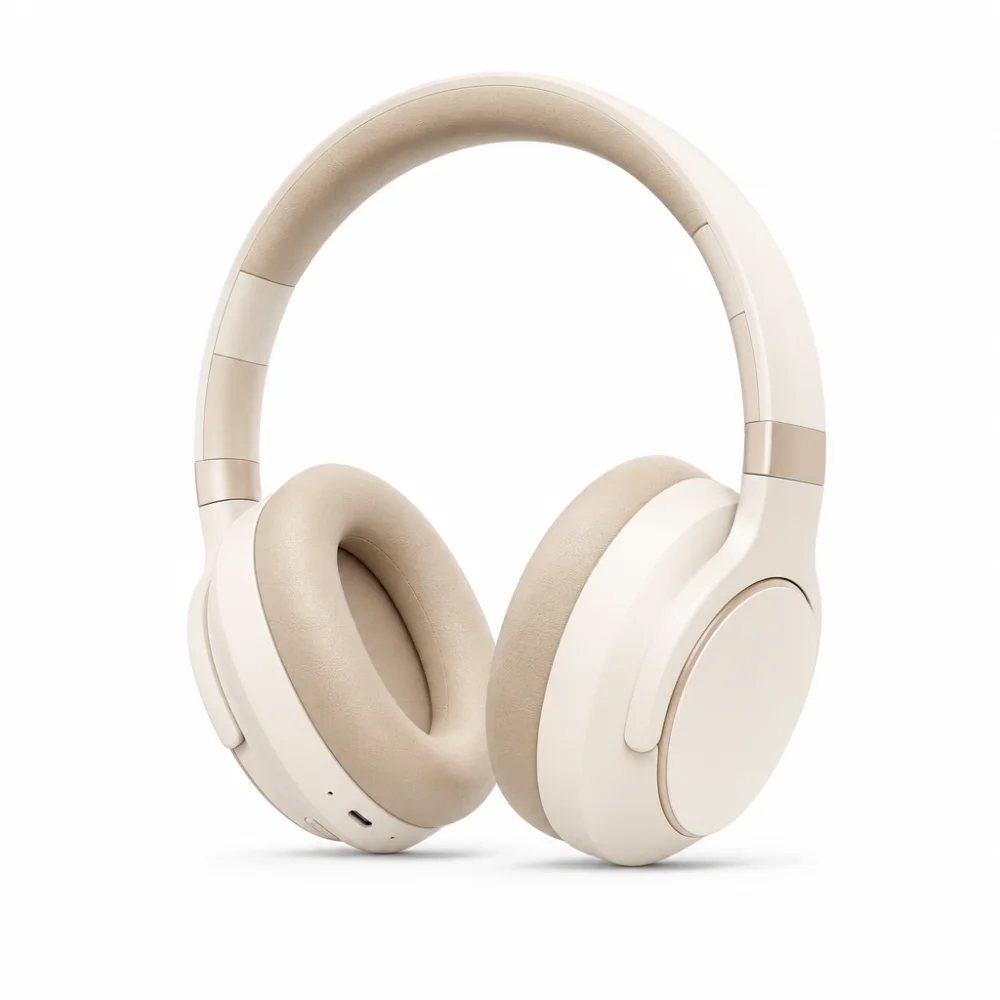 Hush Headphones$189.00
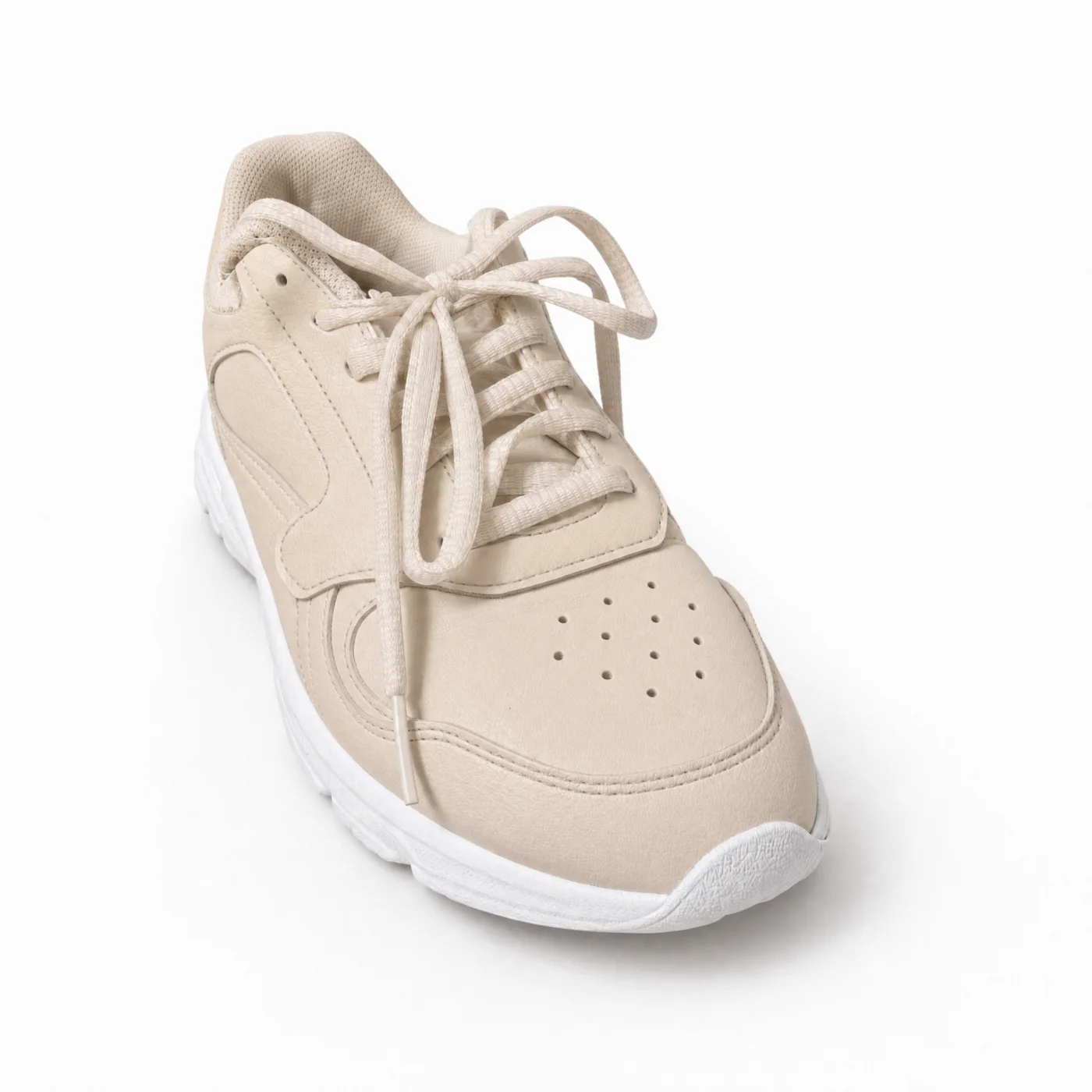
Generative extend
Widen a vertical photo into a banner or a 16:9 hero. Chatly paints the new edges to match the scene rather than mirroring pixels.
- BeforeAfter
Removal that reconstructs
Take an object out and Chatly rebuilds the texture, shadow and perspective behind it, instead of leaving the smeared patch that gives cheap edits away.
1:1 4:5 9:16 Every crop from one picture
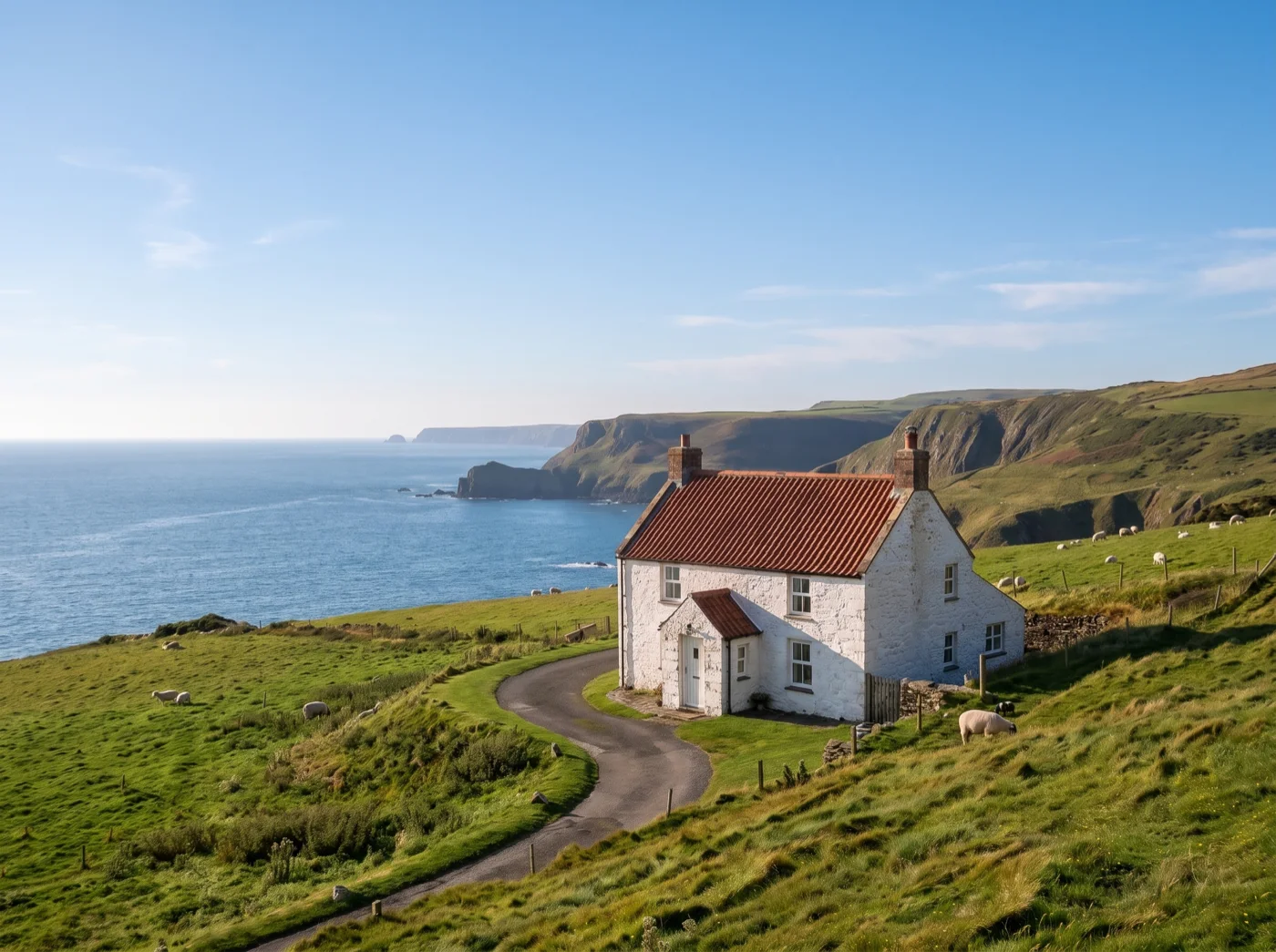
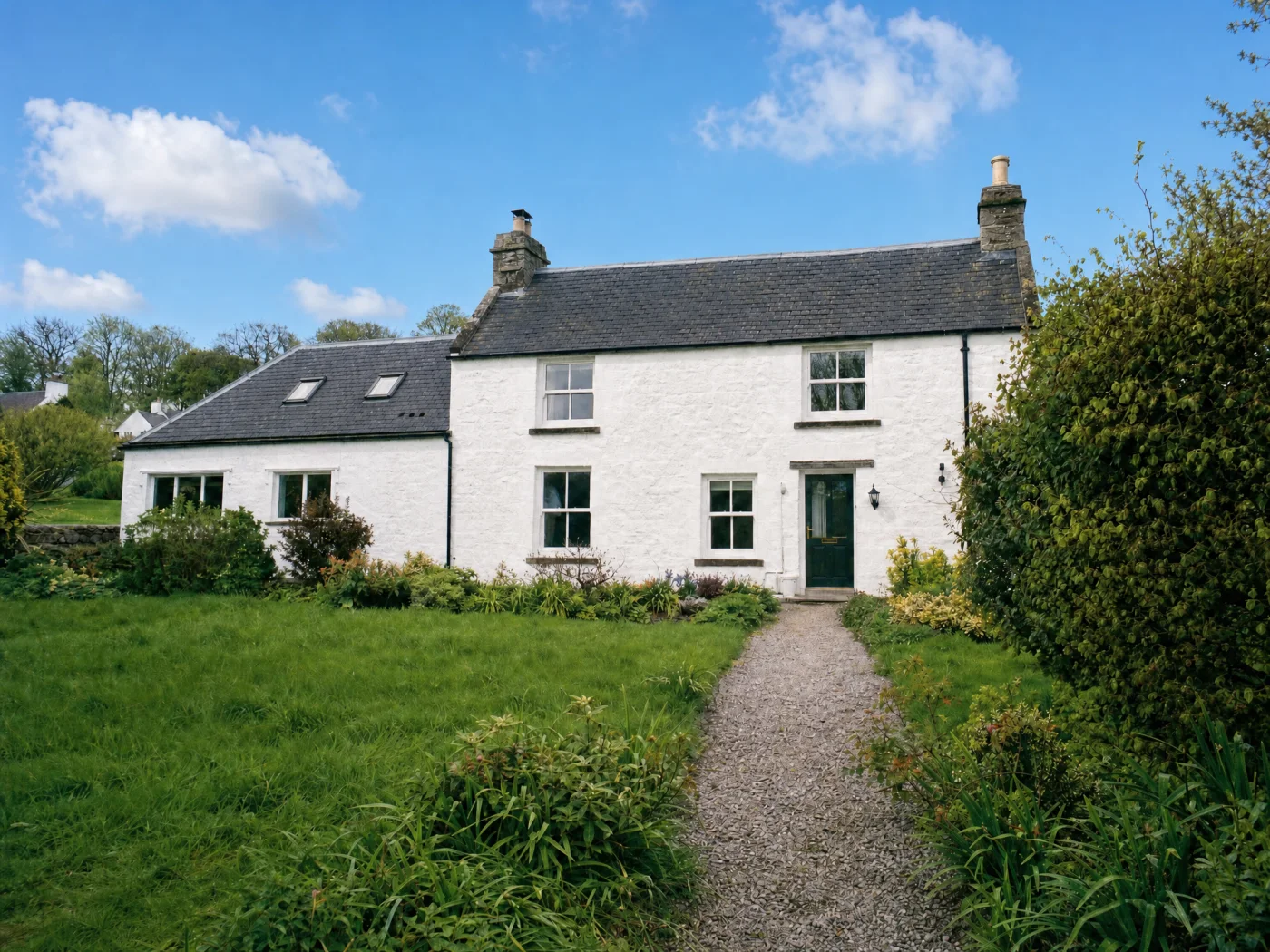
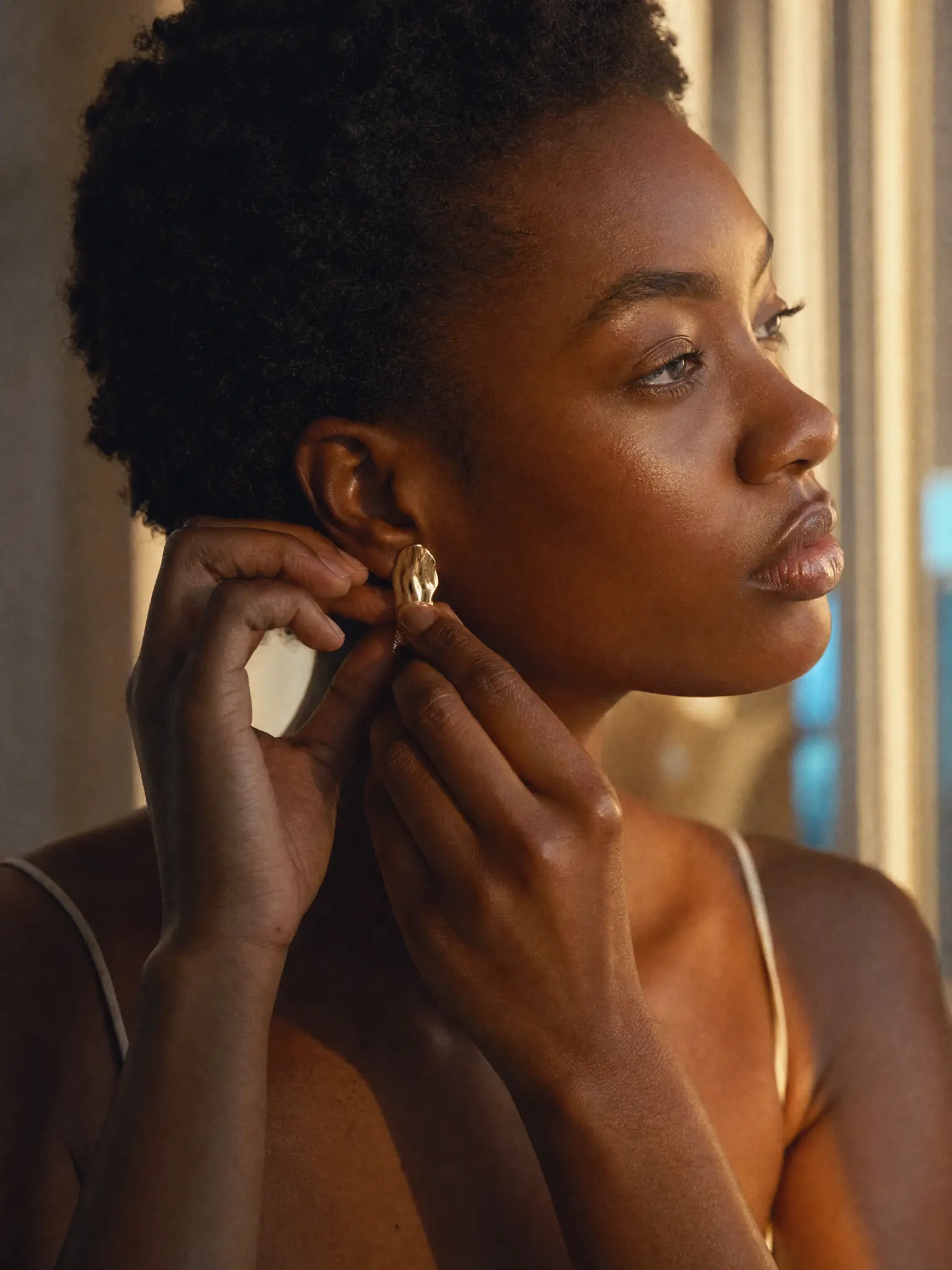
Batch consistency
Apply the same treatment across a set, a product catalogue, an event gallery, so a hundred photos come out looking like one shoot.
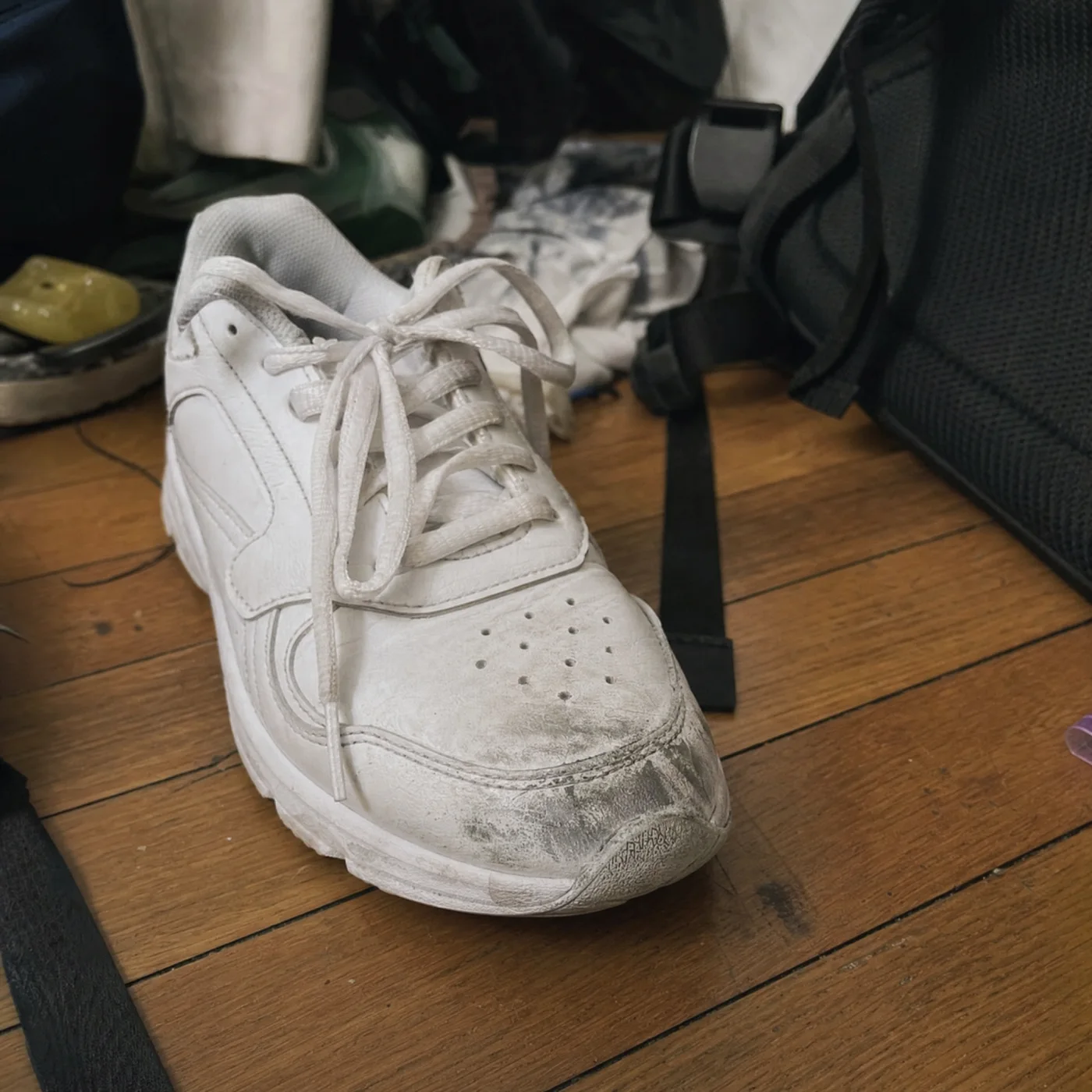
Non-destructive
Every edit is a step you can turn off, reorder or adjust later. The original file is never overwritten.
Who it’s for
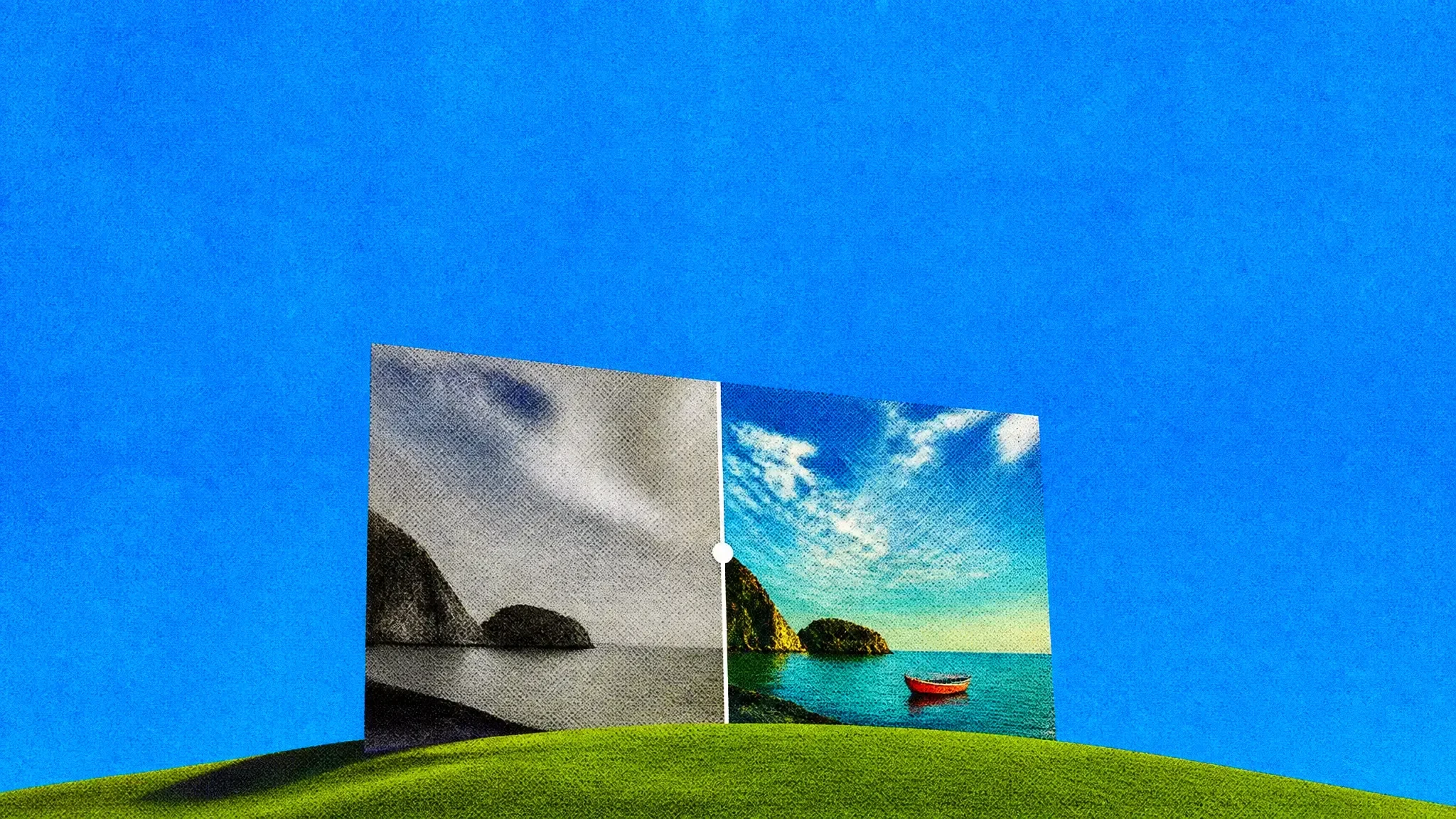
Ecommerce product shots
Clean backgrounds, consistent lighting and platform-correct crops across an entire catalogue in one batch.
Marketing assets
Take one hero image and extend, recrop and recolour it for every ad size and channel without a new shoot.
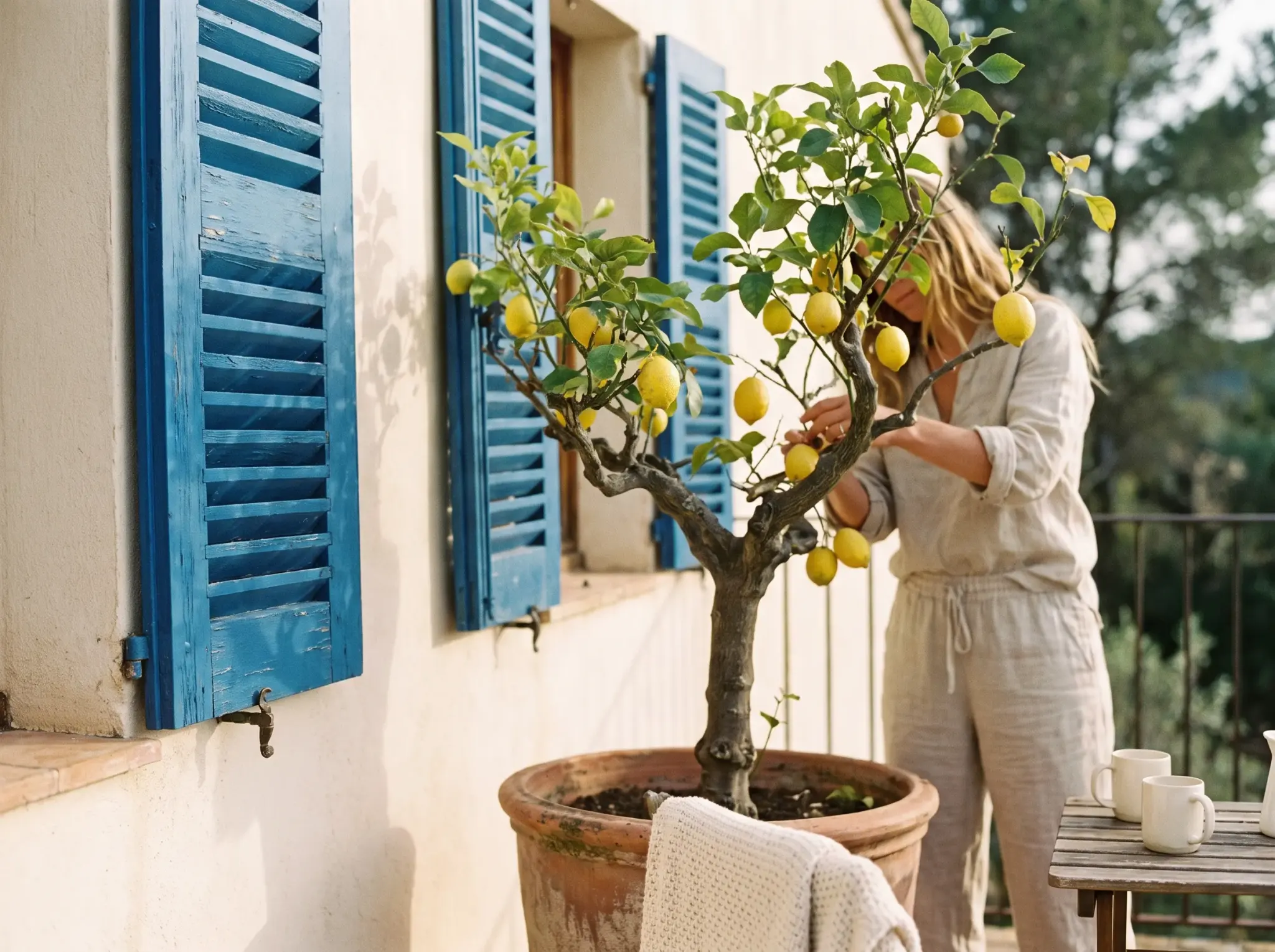
Real estate and interiors
Straighten verticals, brighten interiors, remove clutter and replace a grey sky with something a buyer wants to look at.
AI photo editor at a glance
Say what to change. Everything else stays exactly as it was.

Frequently asked questions
Do I need to make a selection or a mask?
No. Describe the change in words. If you want to be precise, brush roughly over the area, it does not need to be an accurate selection.
Does it reduce image quality?
Exports are at the original resolution or higher. Edits apply to the region you changed; the rest of the pixels are untouched.
Can I edit a batch of photos the same way?
Yes. Save an edit as a preset and run it across a folder, with a preview of the whole set before you commit.
What file types can I use?
JPEG, PNG, WebP, HEIC and common RAW formats in; JPEG, PNG, WebP, TIFF and PDF out, with colour profiles preserved.
Can I undo an edit later?
Yes. Edits are stored as steps you can disable or adjust at any point, and the original upload is always kept.
Chatly on your phone and your Mac
Chatly for iPhone
Describe the picture on the train, pick the model, and post it from your phone. Every image you make here is on your phone.
Download on the App Store

Chatly for Mac
AI Images on your desktop, with the reference photos and brand files you already have to hand.
Download for macOS