AI tattoo generator
Design the tattoo before you sit in the chair.
Design the tattoo before you sit in the chair.
One prompt, one picture
Add a reference
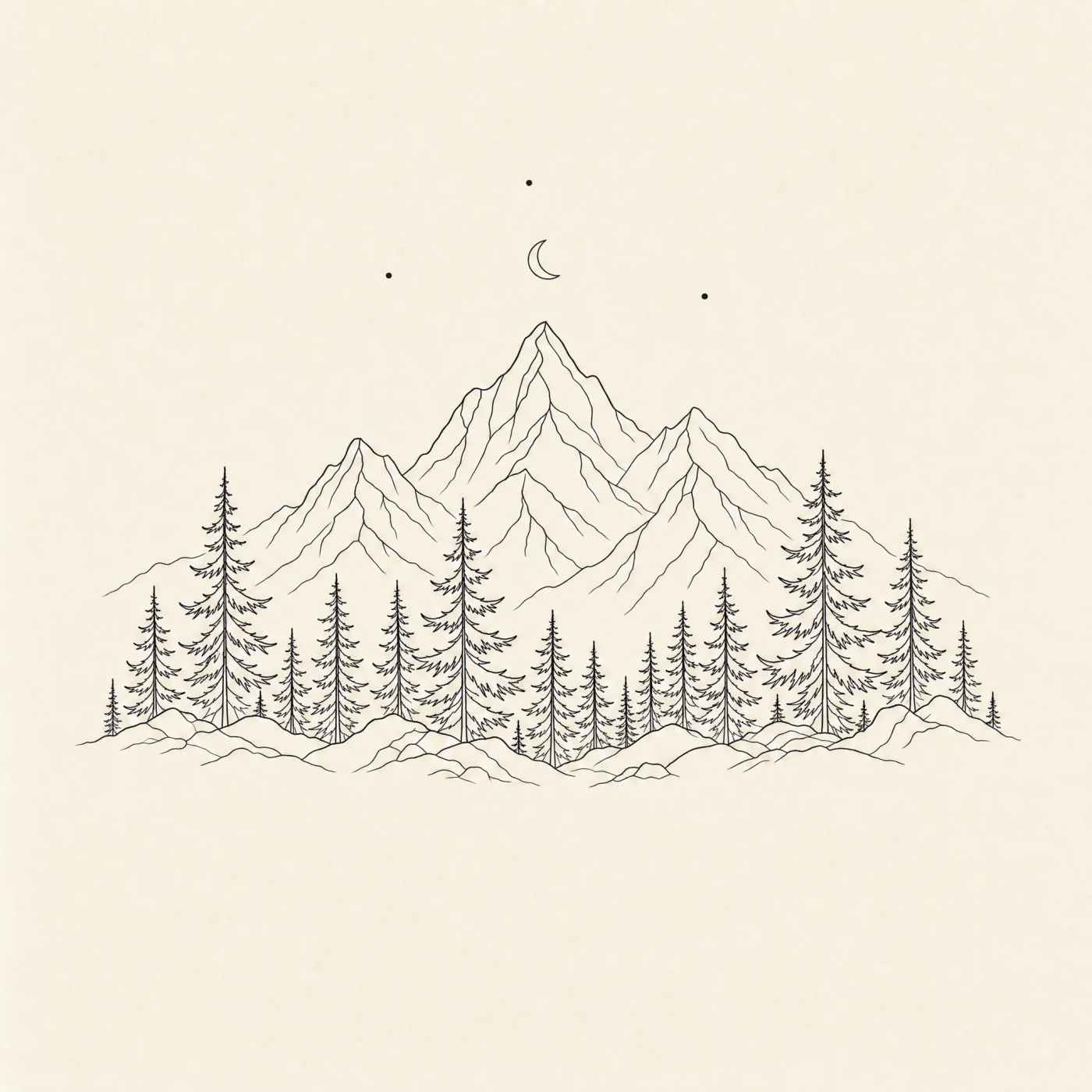
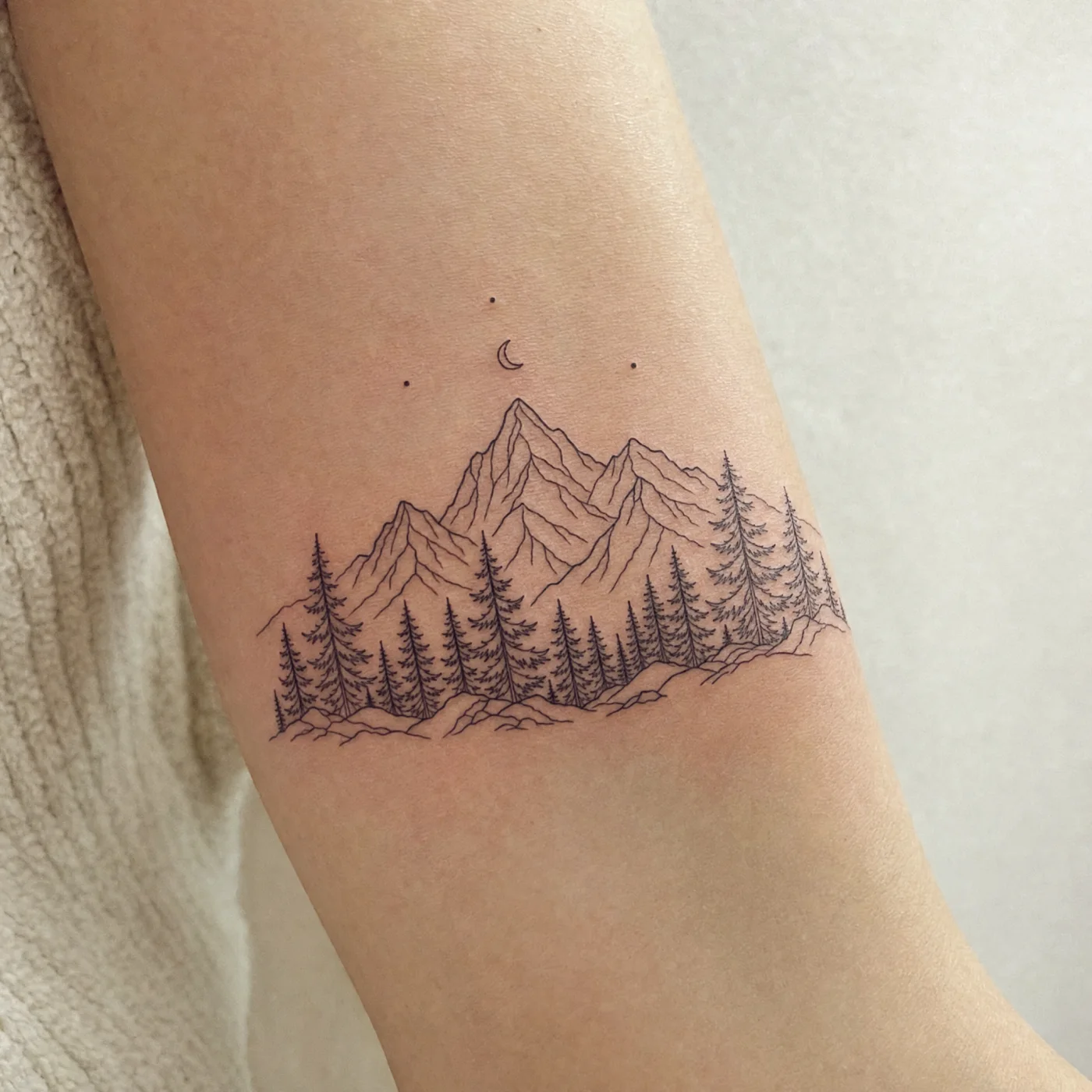
Describe the shotFine-line mountain and pine tattoo with a crescent moon, inked on an upper arm
Describe the picture
Generate the image
Features
Line weight, spacing and contrast are drawn for skin, not for screen. Detail that would blur into a smudge within five years gets simplified.
 maya.lines.inkBristol
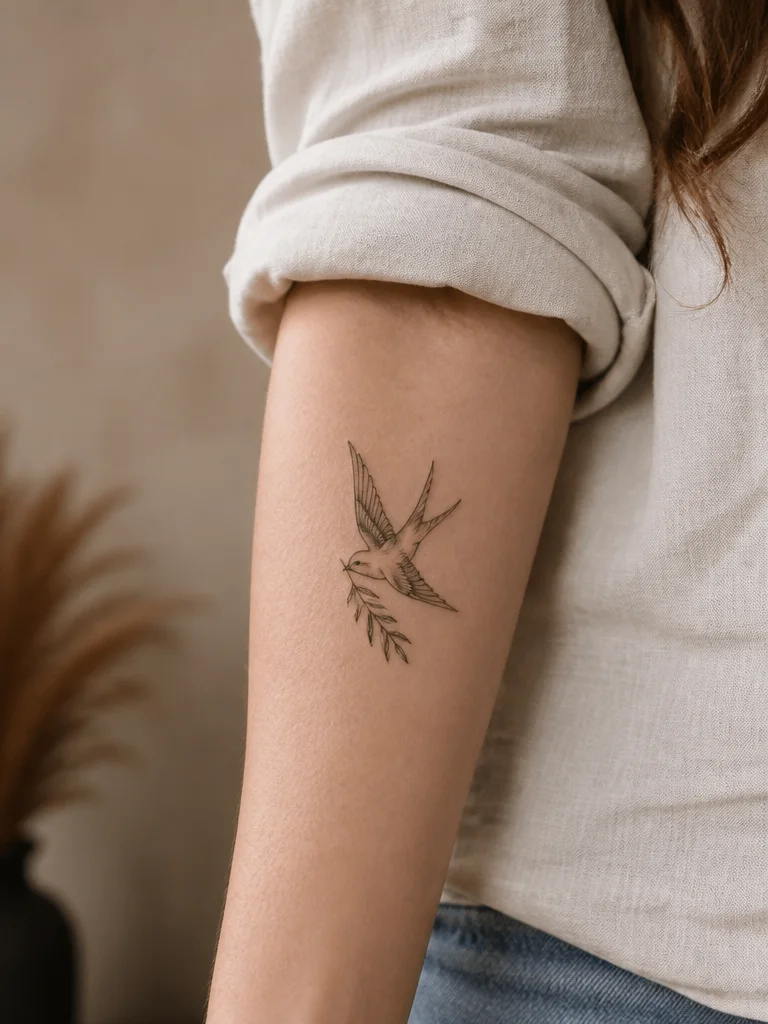 1,284 likes
Healed swallow and olive sprig, inner forearm.
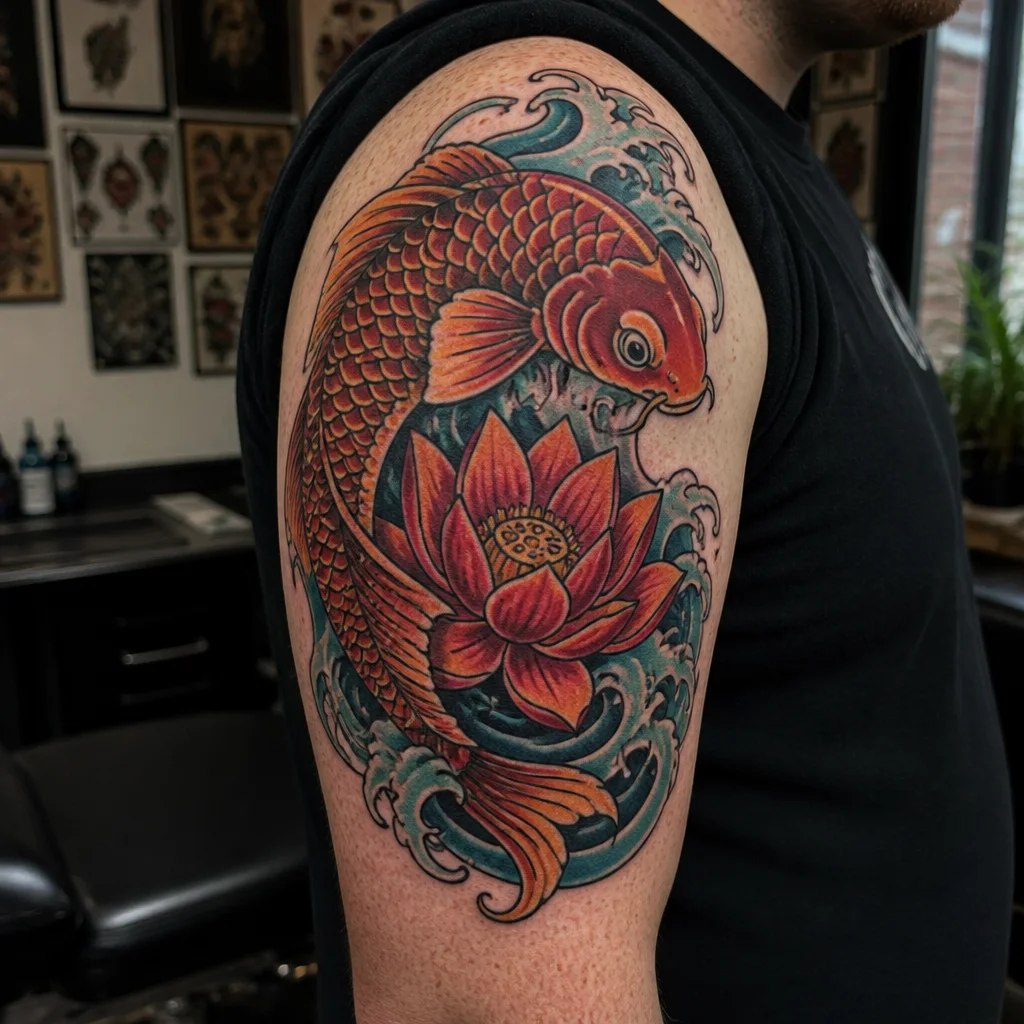
Real styles, done properly
Fine line, American traditional, blackwork, dotwork, geometric, Japanese, script and neo-traditional, each with the conventions that style actually follows.
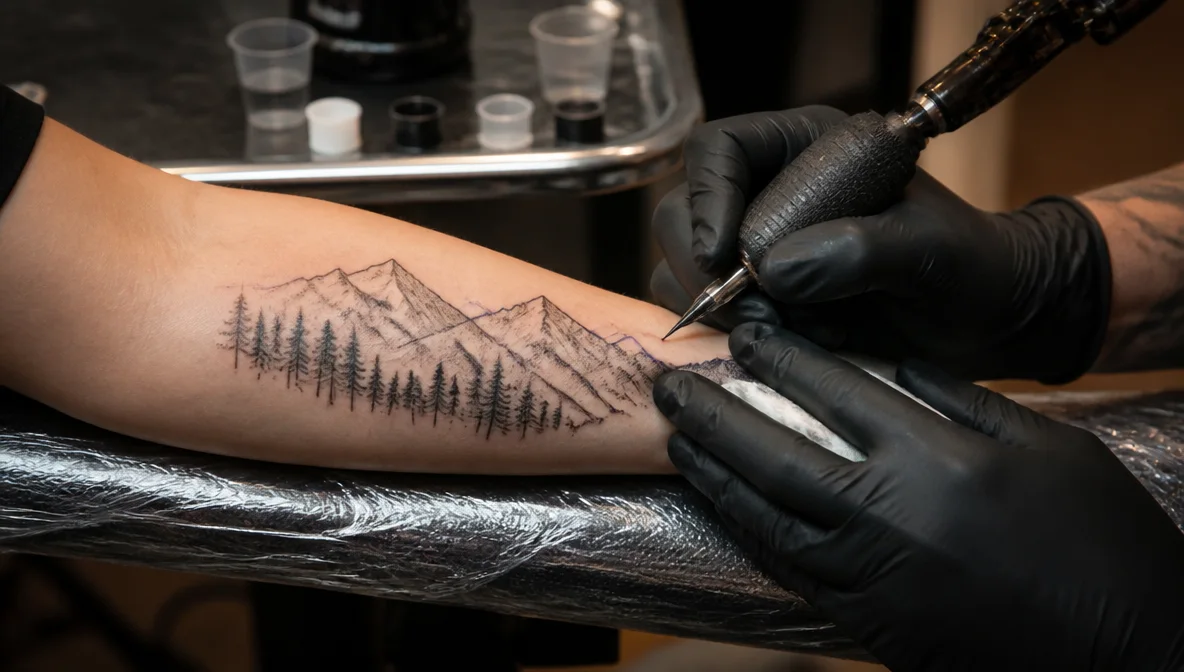
Placement preview
See the design on a forearm, shoulder, back, ribs or ankle at true scale, so you find out before the appointment that it is too wide.
1:1 4:5 9:16 Every crop from one picture
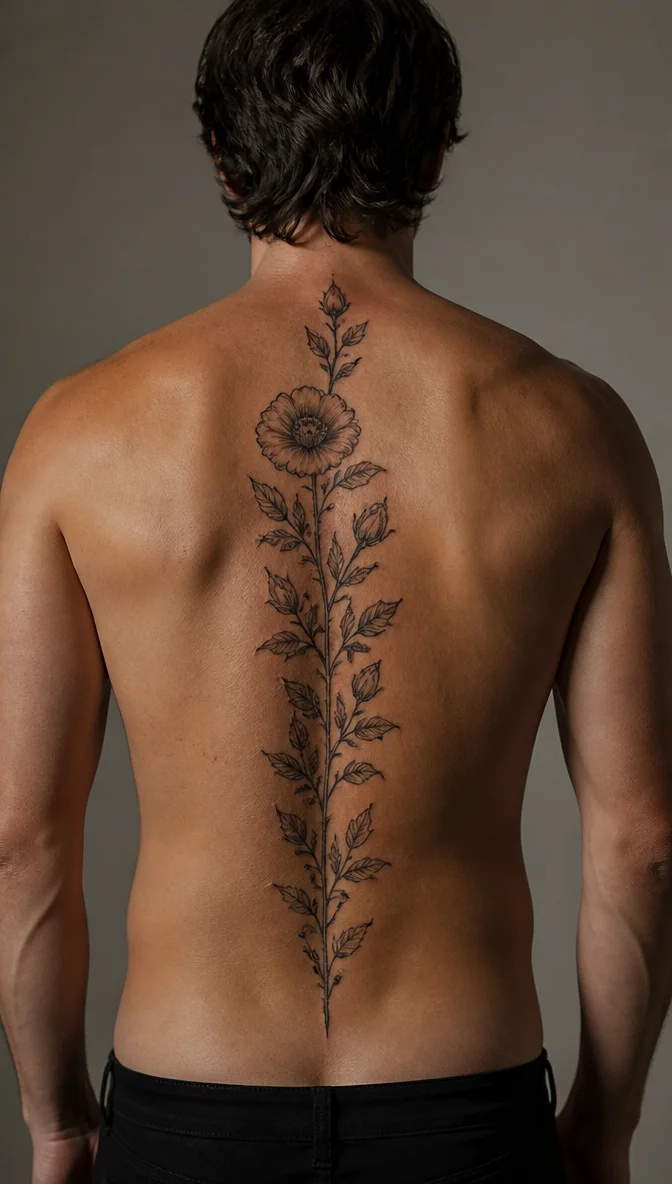
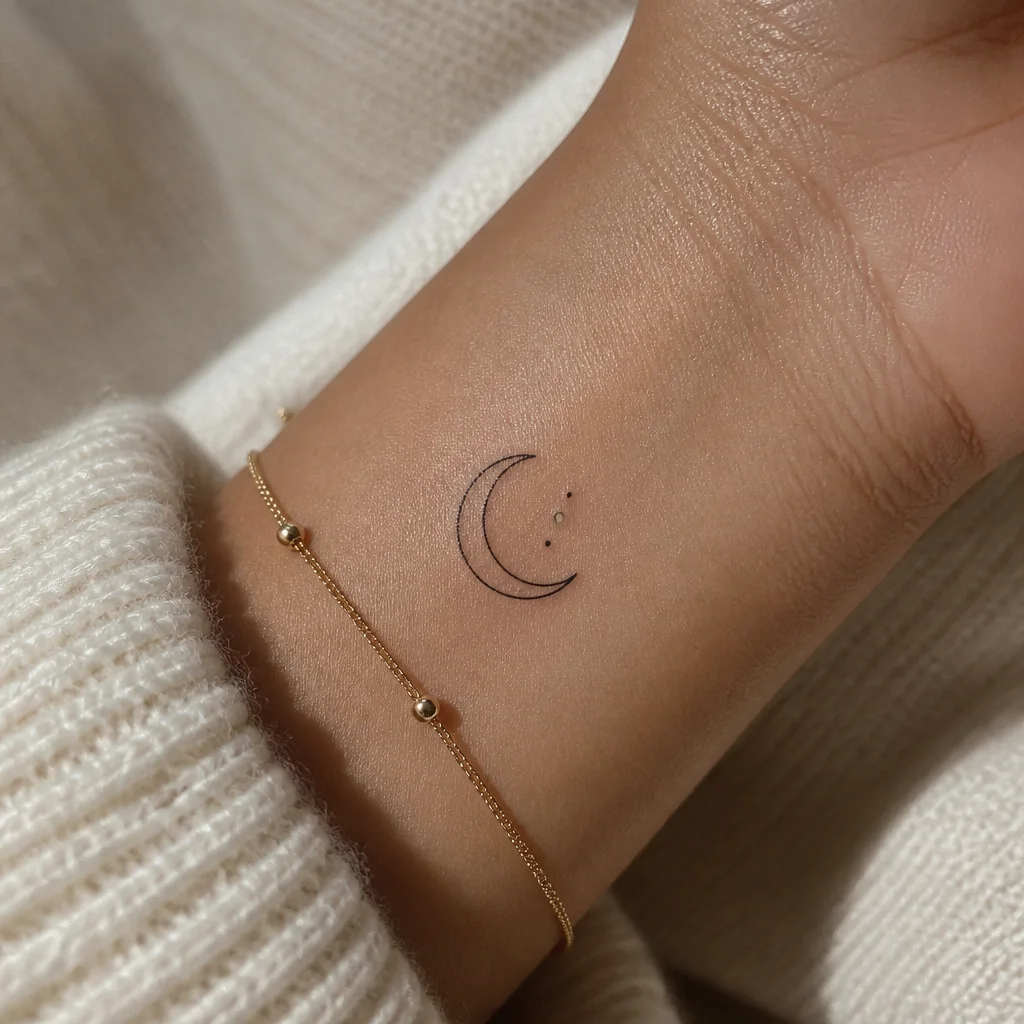
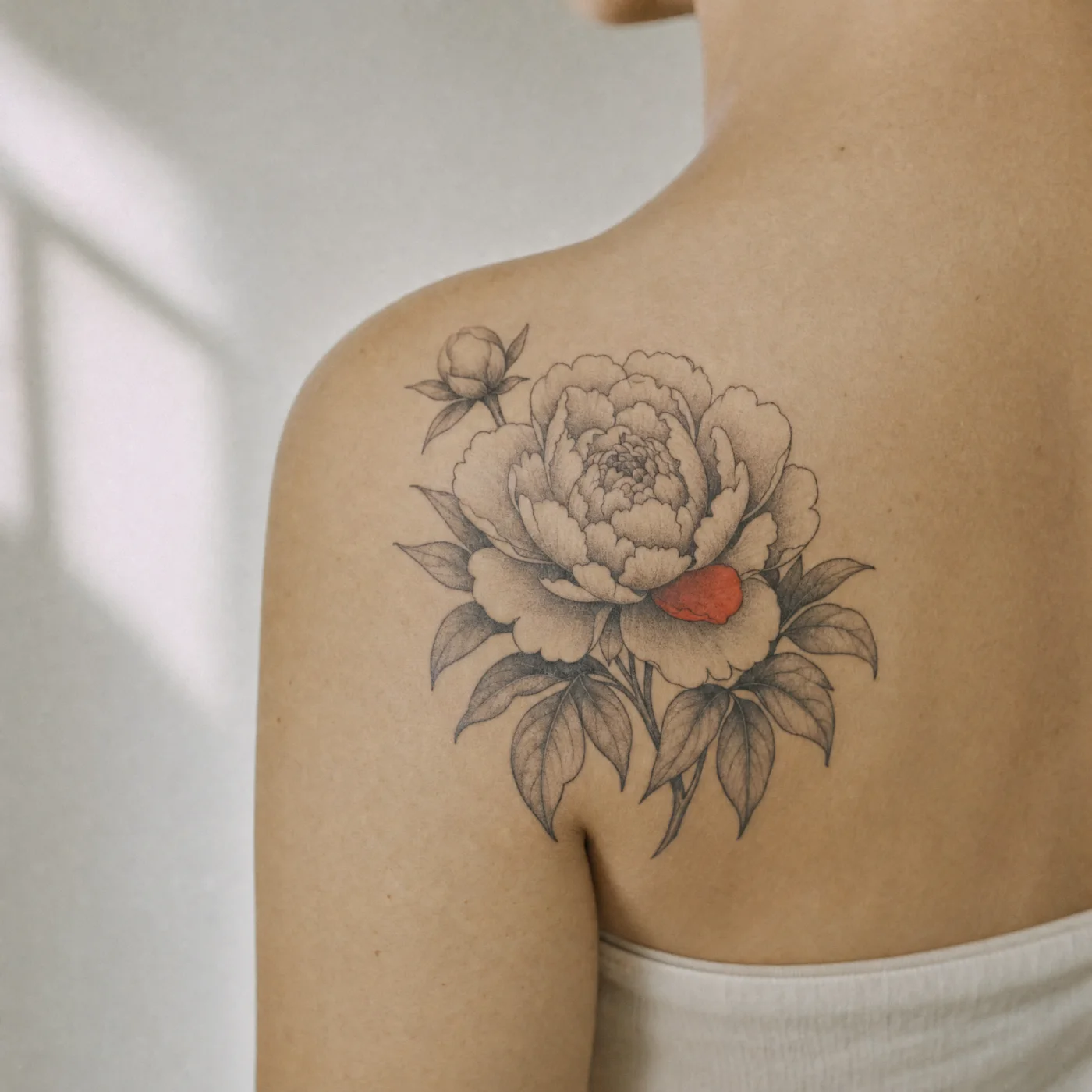
Takes that share one look
Iterate on one design
Lock the composition and change only what you asked about, so refining the linework does not produce an entirely different tattoo.
Who it’s for
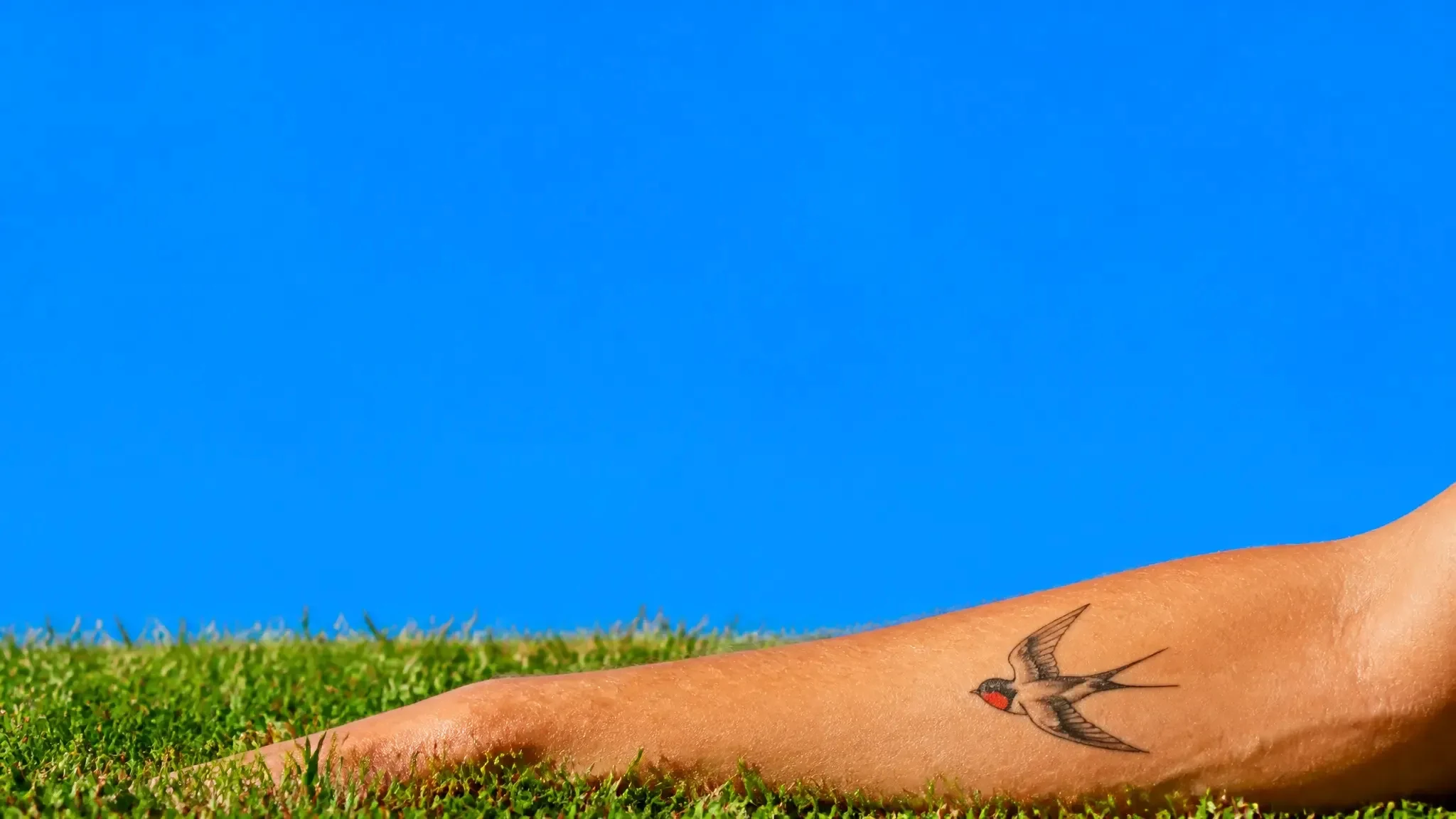
Before the consultation
Walk in with a design and a placement instead of a mood board, and spend the consultation on the parts only an artist can judge.
Tattoo artists
Generate concept directions for a client in the session, then draw the final piece yourself from an agreed composition.
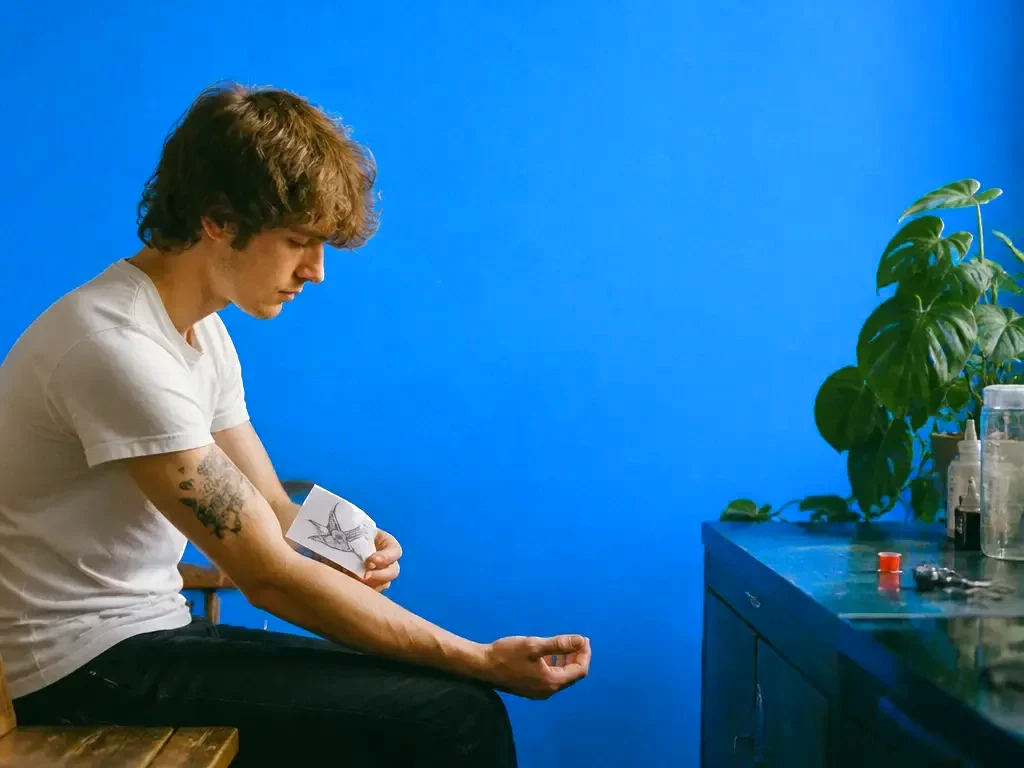
Cover-ups and continuations
Work out what can absorb an existing piece, or design a sleeve section that continues from what is already there.
AI tattoo generator at a glance
Design the tattoo before you sit in the chair.

Frequently asked questions
Can my artist actually tattoo these designs?
They are drawn with inkable line weight and spacing, and export as a clean stencil file. Your artist will still refine it for your anatomy, that part is their job.
Which styles are supported?
Fine line, traditional, neo-traditional, blackwork, dotwork, geometric, Japanese, realism, watercolour and script, plus combinations.
Can I see it on my body?
Yes. Preview on standard placements at true scale, or upload a photo of the area to see it on your own skin.
Does it work for cover-ups?
Yes. Upload the existing tattoo and Chatly designs around what is there, using the existing dark areas as part of the new piece.
Do I own the design?
Yes. Designs you generate are yours to use and to take to any artist.
Chatly on your phone and your Mac
Chatly for iPhone
Describe the picture on the train, pick the model, and post it from your phone. Every image you make here is on your phone.
Download on the App Store
Chatly for Mac
AI Images on your desktop, with the reference photos and brand files you already have to hand.
Download for macOS