AI mockup generator
Your design on the real product, lit like a photograph.
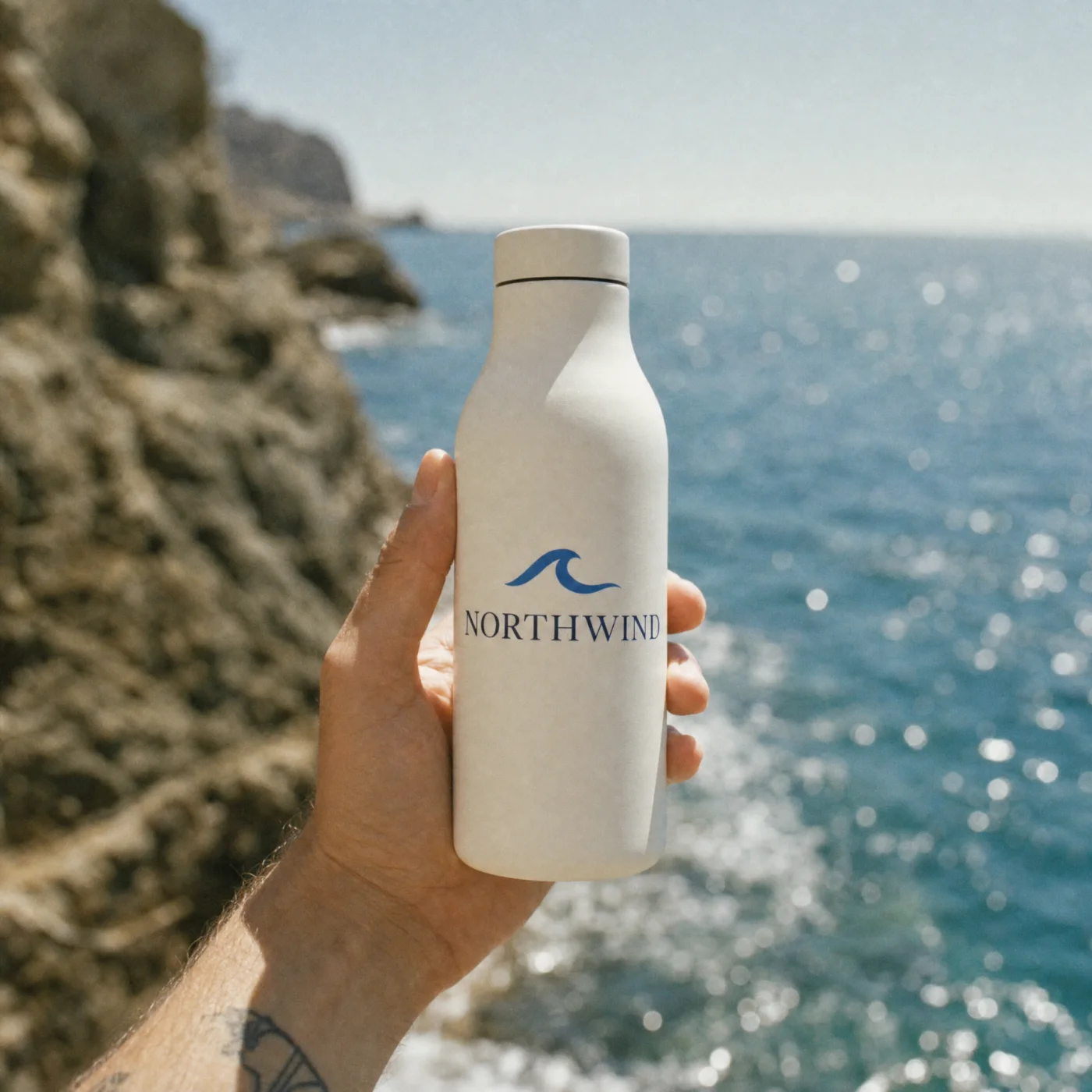
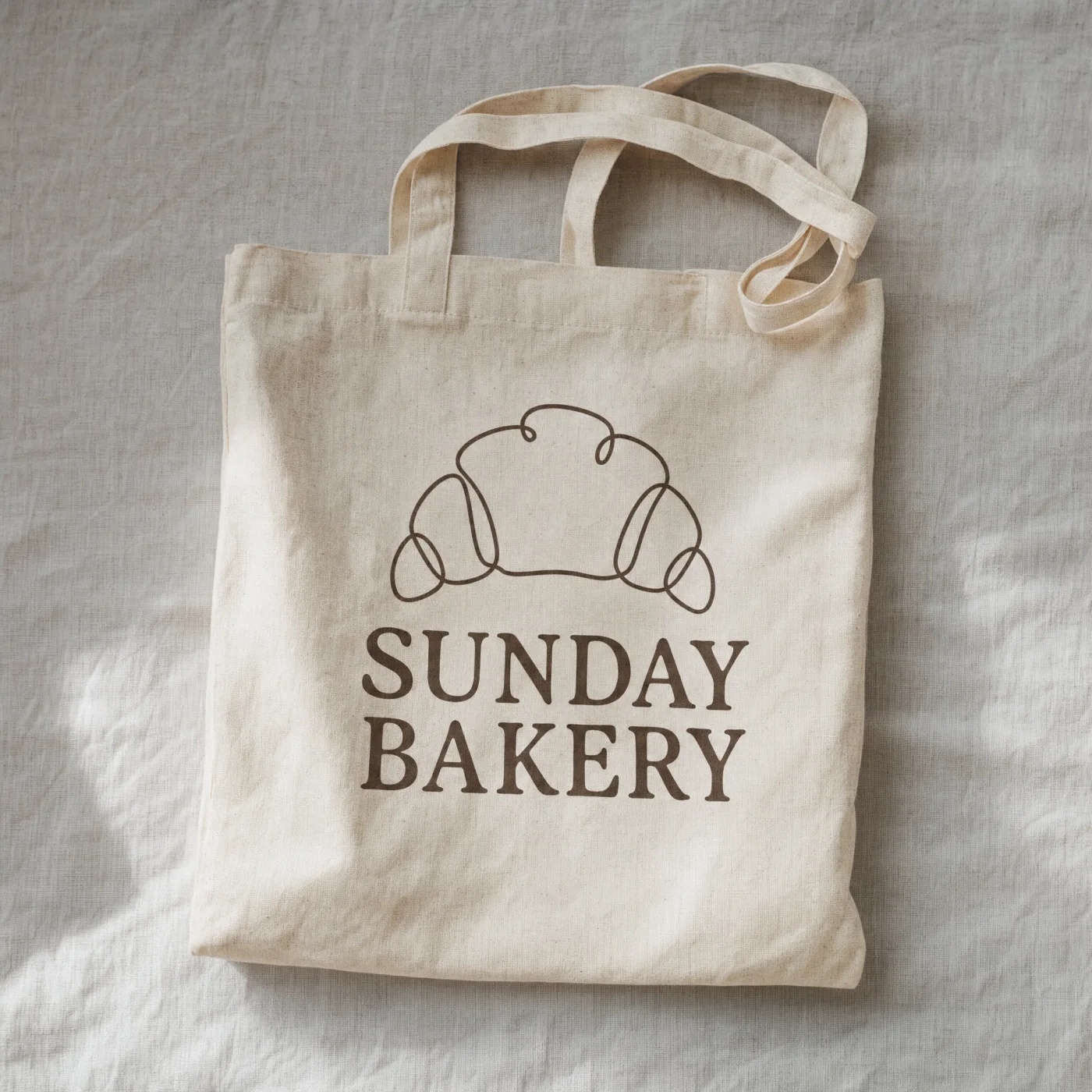
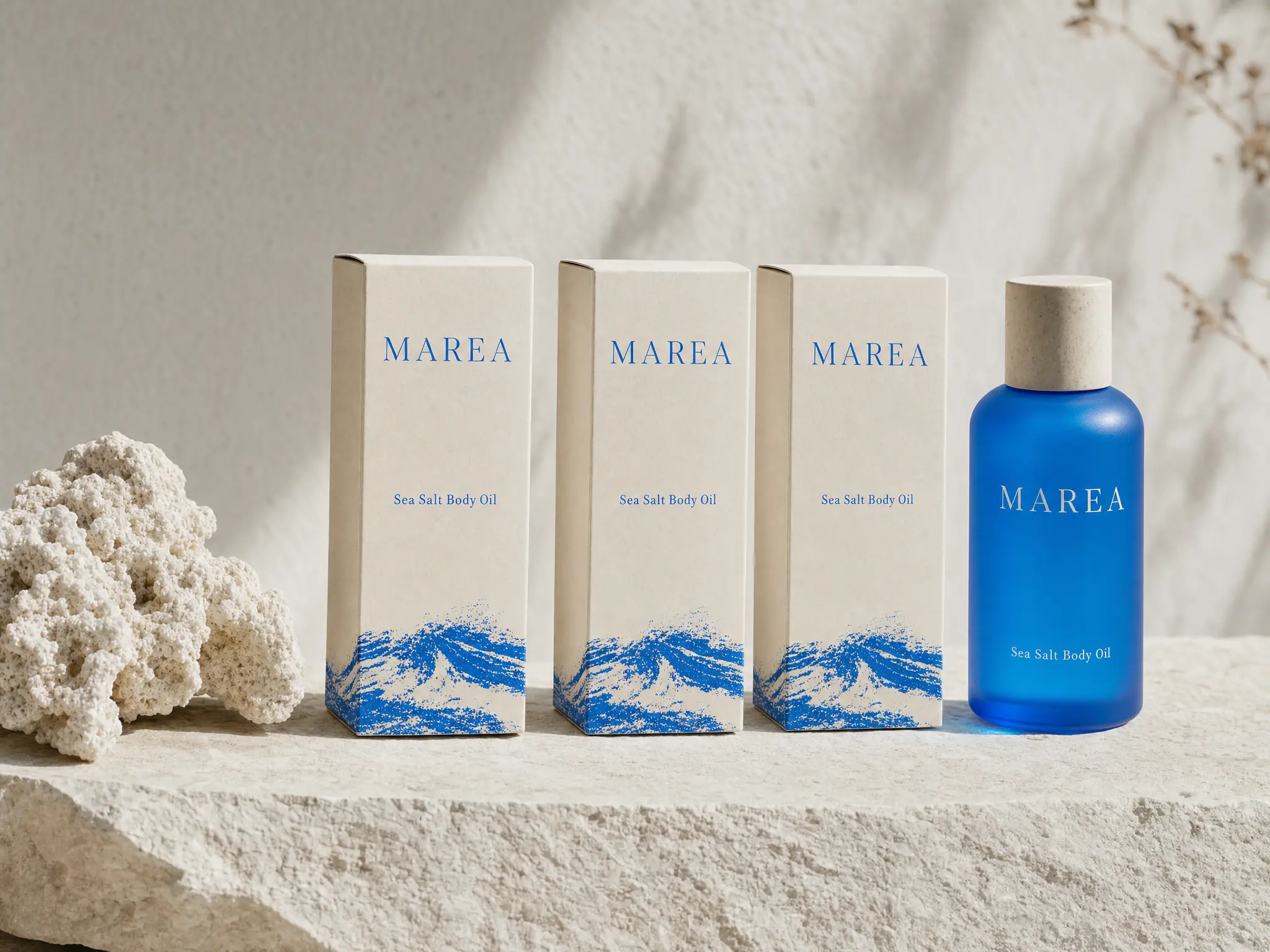

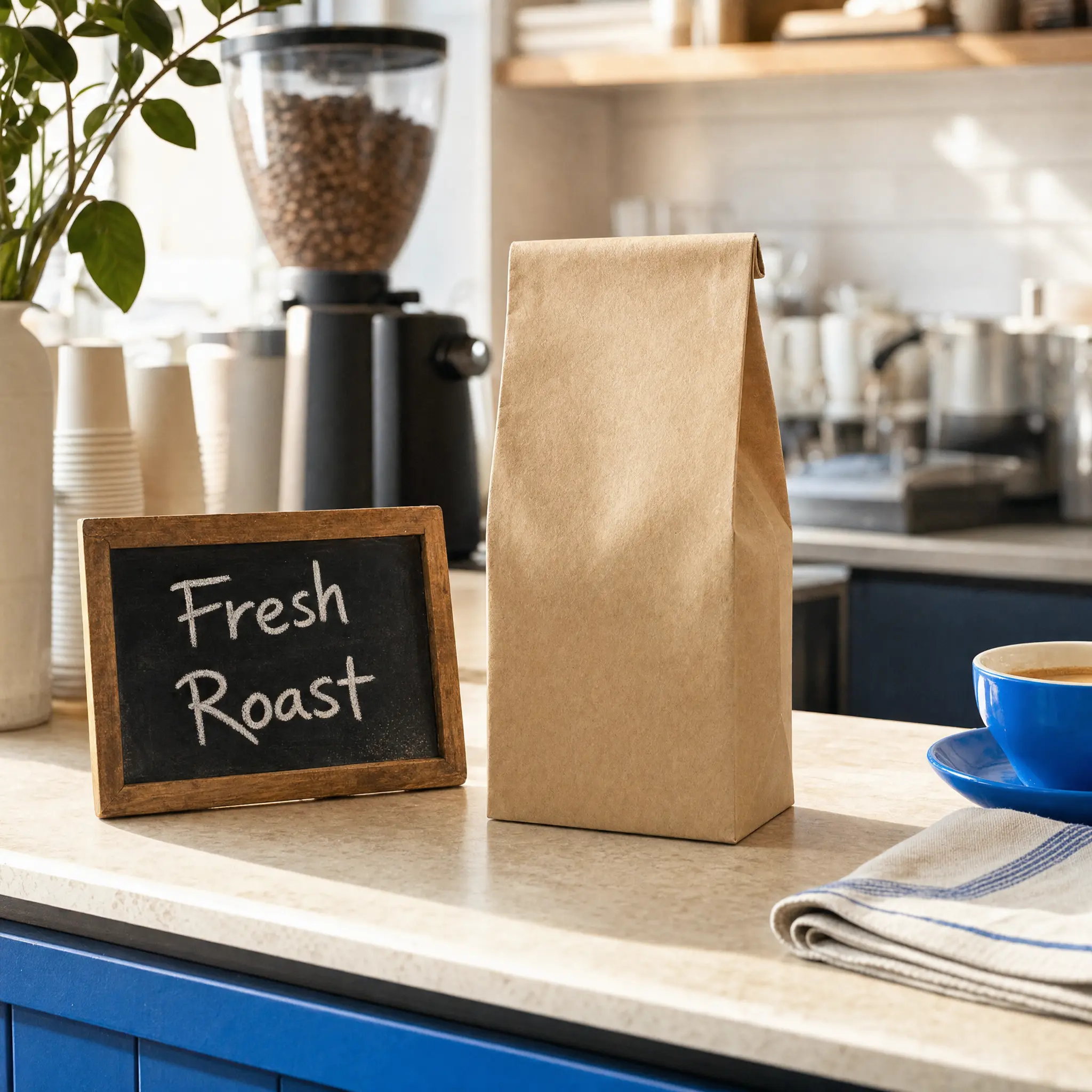
Your design on the real product, lit like a photograph.
One prompt, one picture
Add a reference
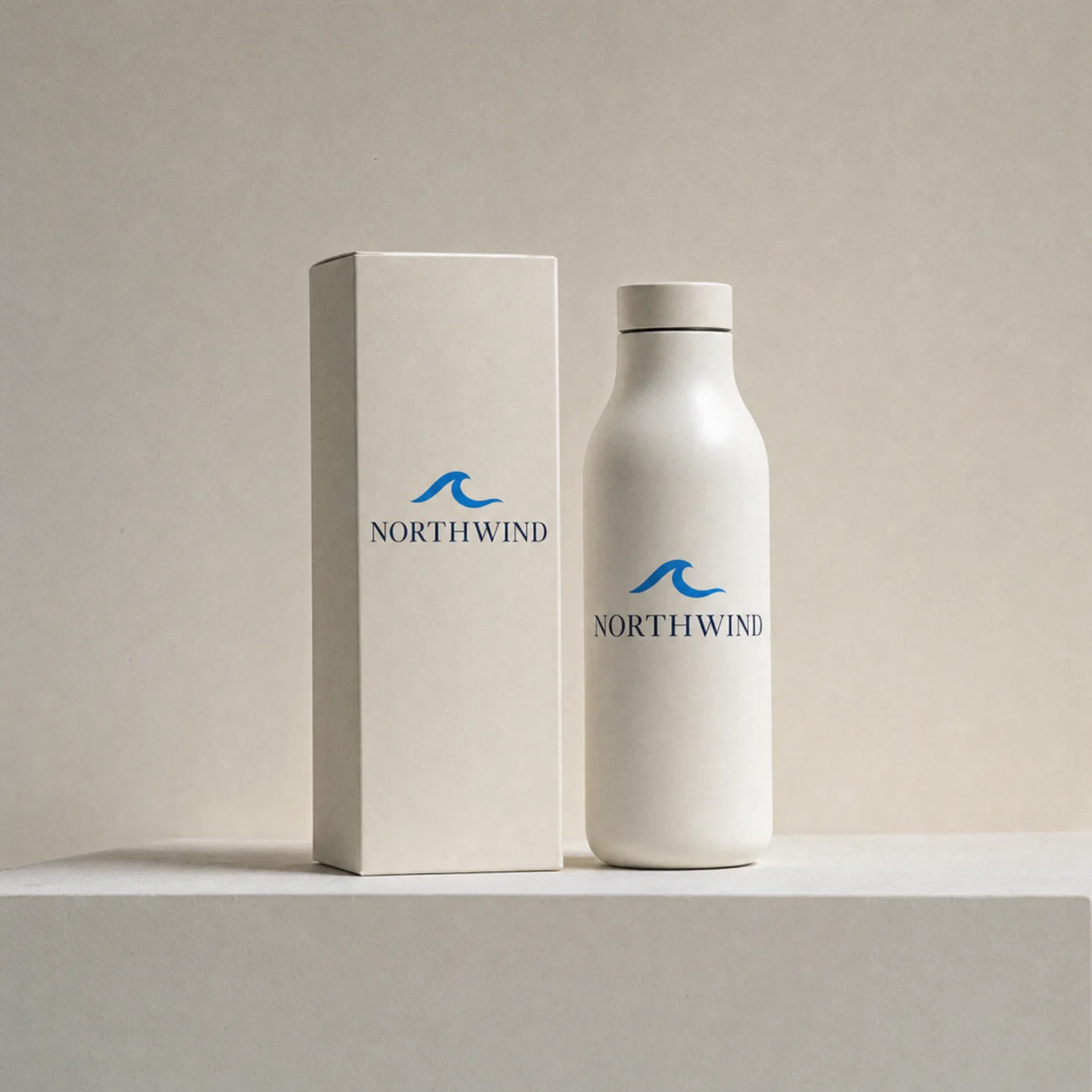
Describe the shotWhite bottle and matching box with a wave label in soft studio light
Describe the picture
Generate the image
Features
The design is placed, not regenerated. Colours, type and proportions stay exactly as you supplied them, which is the whole point of a mockup.
Shopify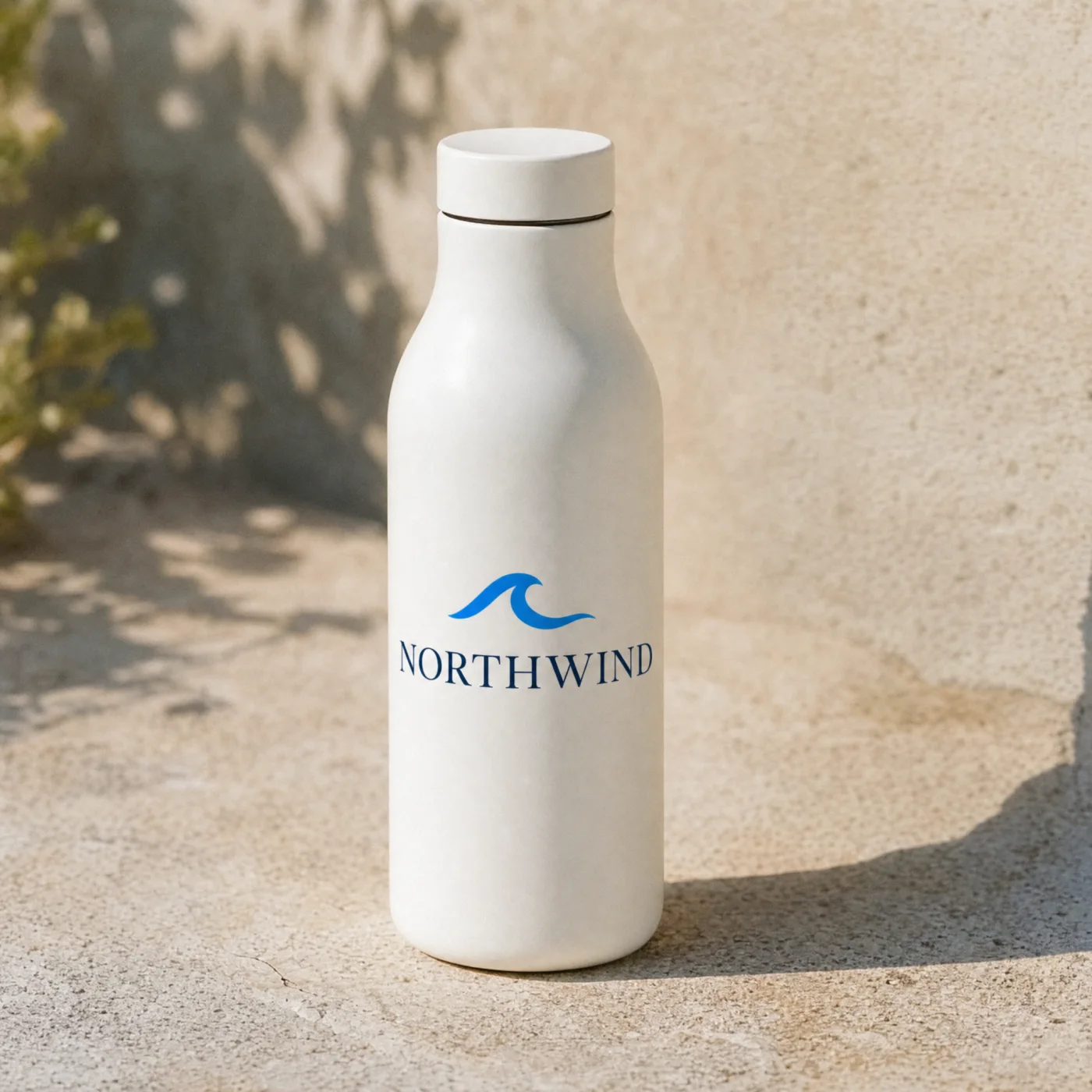 Ceramic Bottle · Northwind4.9 (57)$38.00Pre-orderFree delivery · Ships in 2 days
Surface-aware placement
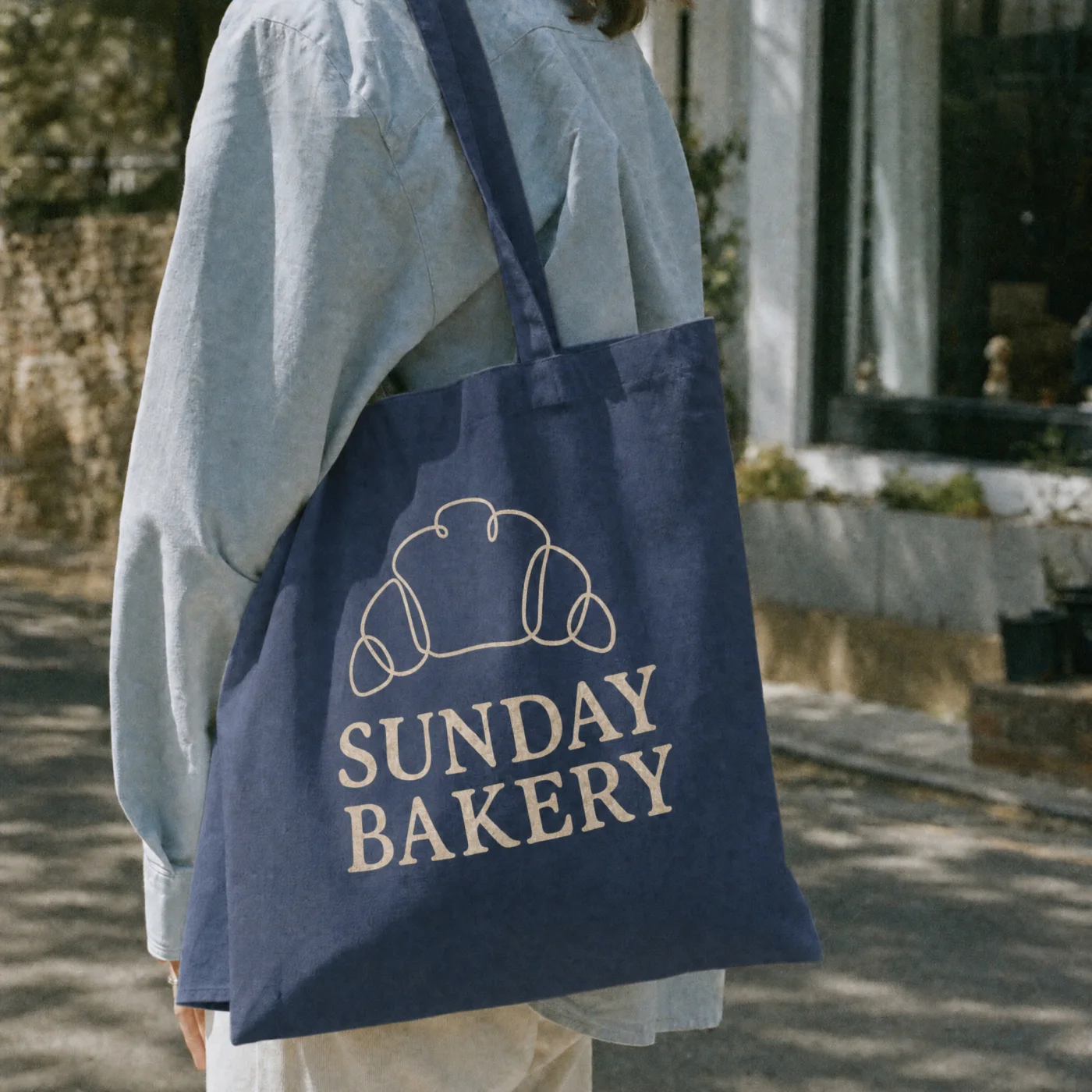
Artwork follows the curve of a bottle, the fold of a box and the drape of fabric, with the highlights and shadows of the surface falling across it.
- BeforeAfter
Before and after
1:1 4:5 9:16 Every crop from one picture
Consistent sets
Keep the same scene, light and angle across a range of products or colourways, so a whole line looks like it came from one shoot.
Edit after placing
Move the design, resize it, swap the background or change the light in Chatly's editor without starting the mockup over.
Who it’s for
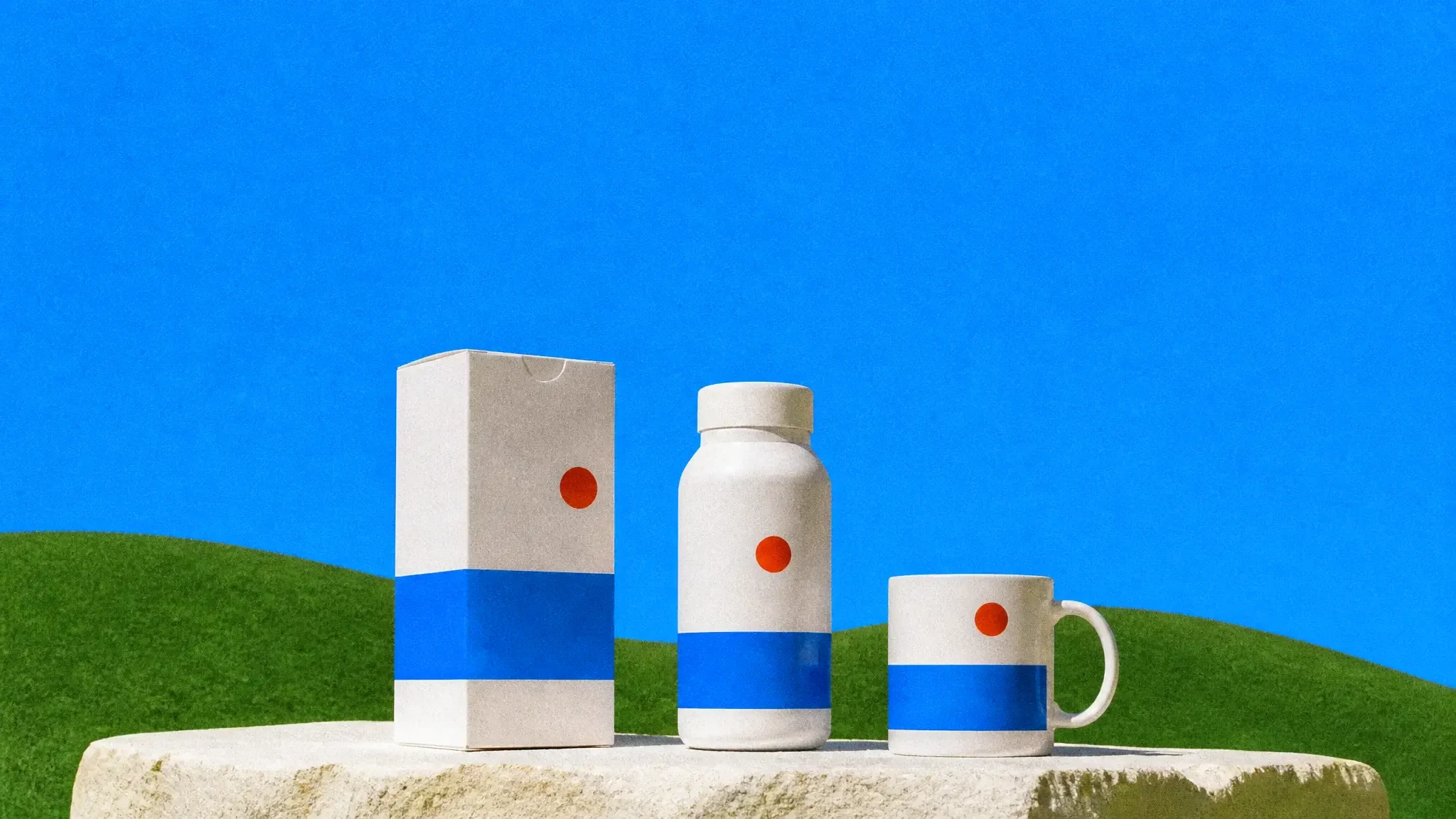
Packaging and labels before print
Check how a label reads on the actual container, and share realistic options with a client before paying for samples.
Store listings and pre-orders
Show a product that has not been manufactured yet in listing-quality images, with one consistent look across the range.
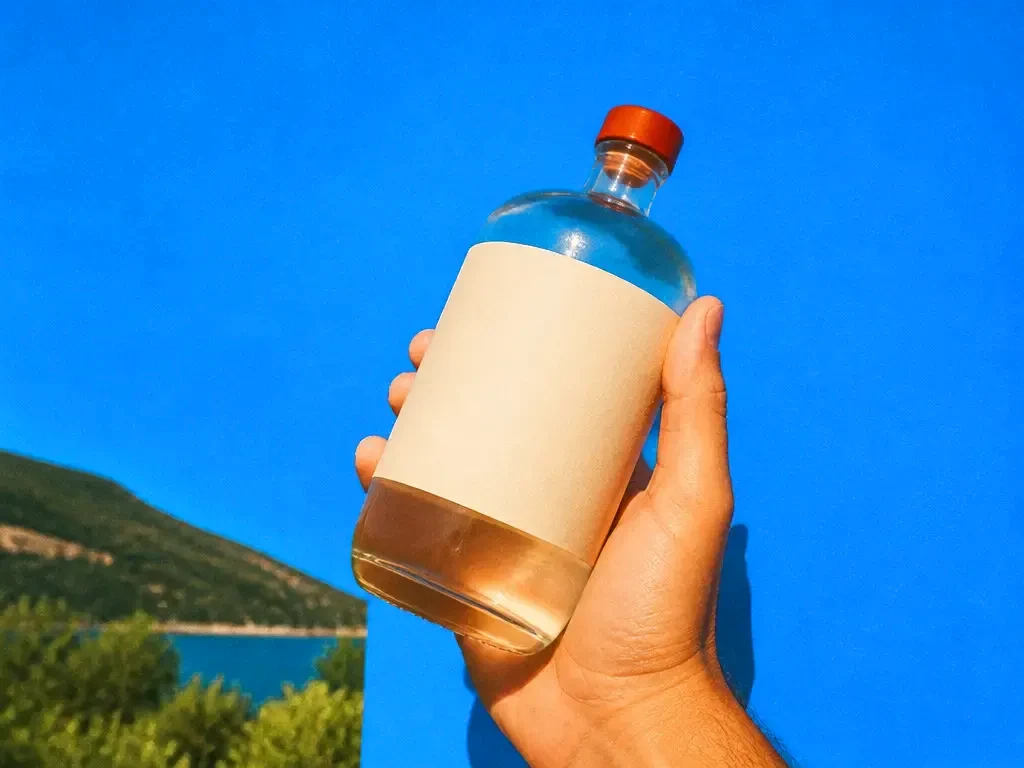
Brand and pitch presentations
Put a new identity on the stationery, signage, merch and screens it will live on, so the deck shows the brand in use rather than on a blank page.
AI mockup generator at a glance
Your design on the real product, lit like a photograph.

Frequently asked questions
Does Chatly change my design?
No. Your artwork is placed onto the product as supplied. Only the scene around it is generated, so colours, type and proportions stay accurate.
What products can I mock up?
Packaging, bottles, cans, boxes, apparel, bags, mugs, devices and screens, printed matter and signage. If you can describe the product, you can mock it up.
Can I use a photo of my own product?
Yes. Upload a photo of the real product and Chatly places the new artwork onto it, which is useful when the container or garment already exists.
What file formats can I upload?
PNG, JPG, SVG and PDF artwork. A transparent background works best for logos and labels.
Can I use the mockups commercially?
Yes. Mockups you generate are yours to use in listings, ads, decks and client presentations.
Chatly on your phone and your Mac
Chatly for iPhone
Describe the picture on the train, pick the model, and post it from your phone. Every image you make here is on your phone.
Download on the App Store
Chatly for Mac
AI Images on your desktop, with the reference photos and brand files you already have to hand.
Download for macOS