
AI math solver with every step shown
Type an equation or snap a photo and see every step of the solution.
Examples
Three things people make with it.

Step by step 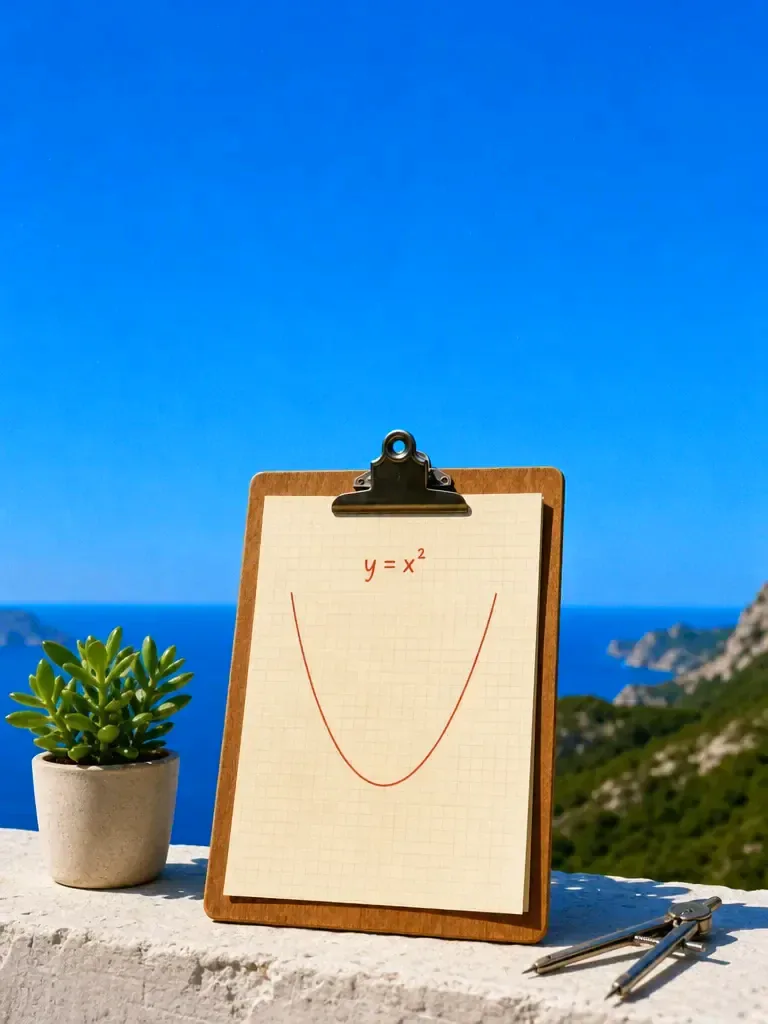
Graph it 
Geometry
How it works

Type it or snap it
Type the equation, or upload a photo of a handwritten or printed problem, a worksheet or a screenshot.

Get the full solution
The solver picks a method and works through it step by step, from basic arithmetic to calculus.

Read the reasoning, then ask more
See why each step follows, copy the answer, and ask a follow-up about any line.
Features
Every stepexplained
Learn more about every step explainedPhotos andhandwriting
Learn more about photos and handwritingChecksyour input
Learn more about checks your inputA tutor youcan question
Learn more about a tutor you can questionAlgebra tocalculus
Learn more about algebra to calculusMore than25 models
Learn more about more than 25 models
Who it’s for
Homework and revision
Check your working line by line and see where a solution went wrong.
Exam preparation
Ask for a similar problem, solve it yourself, then compare your steps with the solver's.
Learning a new topic
Ask for the idea behind a method in plain words, then see it applied to an example.
Example problems and solutions
Five problems with a short sample of the solution. Real solutions show more steps and vary by model.
- Algebra: solve 2x + 6 = 14
- Subtract 6 from both sides to get 2x = 8, then divide by 2. x = 4.
- Quadratic: solve x² − 5x + 6 = 0
- Factor into (x − 2)(x − 3) = 0, so x = 2 or x = 3.
- Calculus: differentiate x³ sin x
- Use the product rule: 3x² sin x + x³ cos x.
- Geometry: area of a circle with radius 7 cm
- Area = πr² = 49π, which is about 153.9 cm².
- Statistics: the mean of 4, 8, 15, 16, 23, 42
- The sum is 108 and there are 6 values, so the mean is 18.
How to learn from a worked solution
Cover the solution and try the first step yourself. Then uncover one step at a time and compare. Where your step differs, ask the solver why its step works and yours does not.
Ask for a second method. Many problems have more than one route, such as factoring or the quadratic formula, and seeing both shows why each one works.
Check the answer. Put it back into the original equation, or ask the solver to verify it by a different route. Checking is a habit worth building, because any tool can make a slip.
Solving from a photo
Take the photo in good light, with the page flat and the whole problem in frame. Neat writing helps, but the solver can read ordinary handwriting. If it reads a symbol wrongly, it asks you to confirm, so answer that question before you trust the result.
For a worksheet with several questions, upload one question at a time, or say which number you want solved. A photo of a whole page is fine, but a clear instruction such as "solve question 3b" keeps the answer focused on the problem you care about.
Mistakes the solver helps you catch
Sign errors are the most common slip: dropping a minus when moving a term across an equals sign, or when expanding a bracket. Ask the solver to show the line where the sign changes and you will usually see it straight away.
Order of operations comes next. In 2 + 3 × 4 the multiplication goes first, so the answer is 14, not 20. If your result differs from the solver's, compare the order in which you did each operation.
Forgetting a second answer is easy with quadratics, where both roots count, and with absolute values. Ask the solver whether there are any other solutions, and always substitute your answer back into the original equation to check it.
Frequently asked questions
Is the AI math solver free?
You can start for free. Paid plans add credits and features. Standard is $20 a month, or less when you pay quarterly or yearly.
Does it show every step?
Yes. It lays out the method and each step of the working, and you can ask it to explain any line in more detail.
Can I upload a photo of the problem?
Yes. Upload a photo of a handwritten or printed problem, a scanned worksheet or a screenshot. If the writing is unclear, the solver asks you to confirm what it read.
Which topics does it cover?
Arithmetic, algebra, geometry, trigonometry, statistics, linear equations, linear algebra and calculus, among others.
How accurate is it?
It is usually right on standard problems, but any AI can make an arithmetic or logic mistake. Check the answer by substituting it back, and ask the solver to verify its own work.
One prompt in.
Real work out.
Type an equation or snap a photo and see every step of the solution.
Chatly on your Mac
Chatly for Mac
Every model on your desktop, with the files and screenshots you already have to hand.
Download for macOS