


Grok Imagine
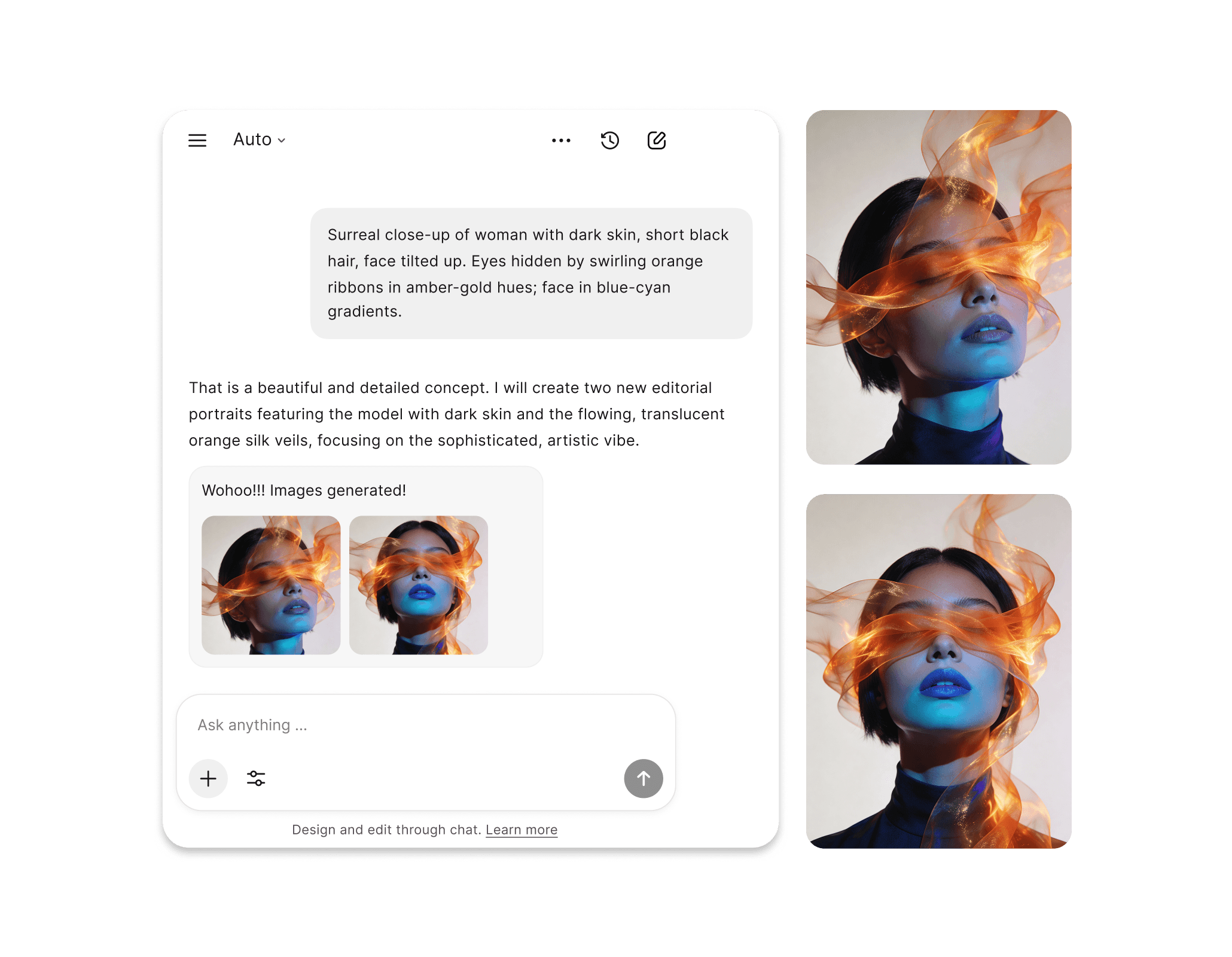
Grok Imagine is xAI's premier AI image generation model, built into the Grok platform, now available in Chatly. Describe what you need and it produces photorealistic, instruction-precise images grounded in real-time web data.
Grok Imagine Manages Cinematic to Normal Image Generation
Grok Imagine supports the full range of visual production needs through a single prompt-based workflow. Technical diagrams, multilingual marketing assets, cinematic reference stills – the same model handles all of it.
Common Usecases
Where Prompt Detail Becomes Visual Precision
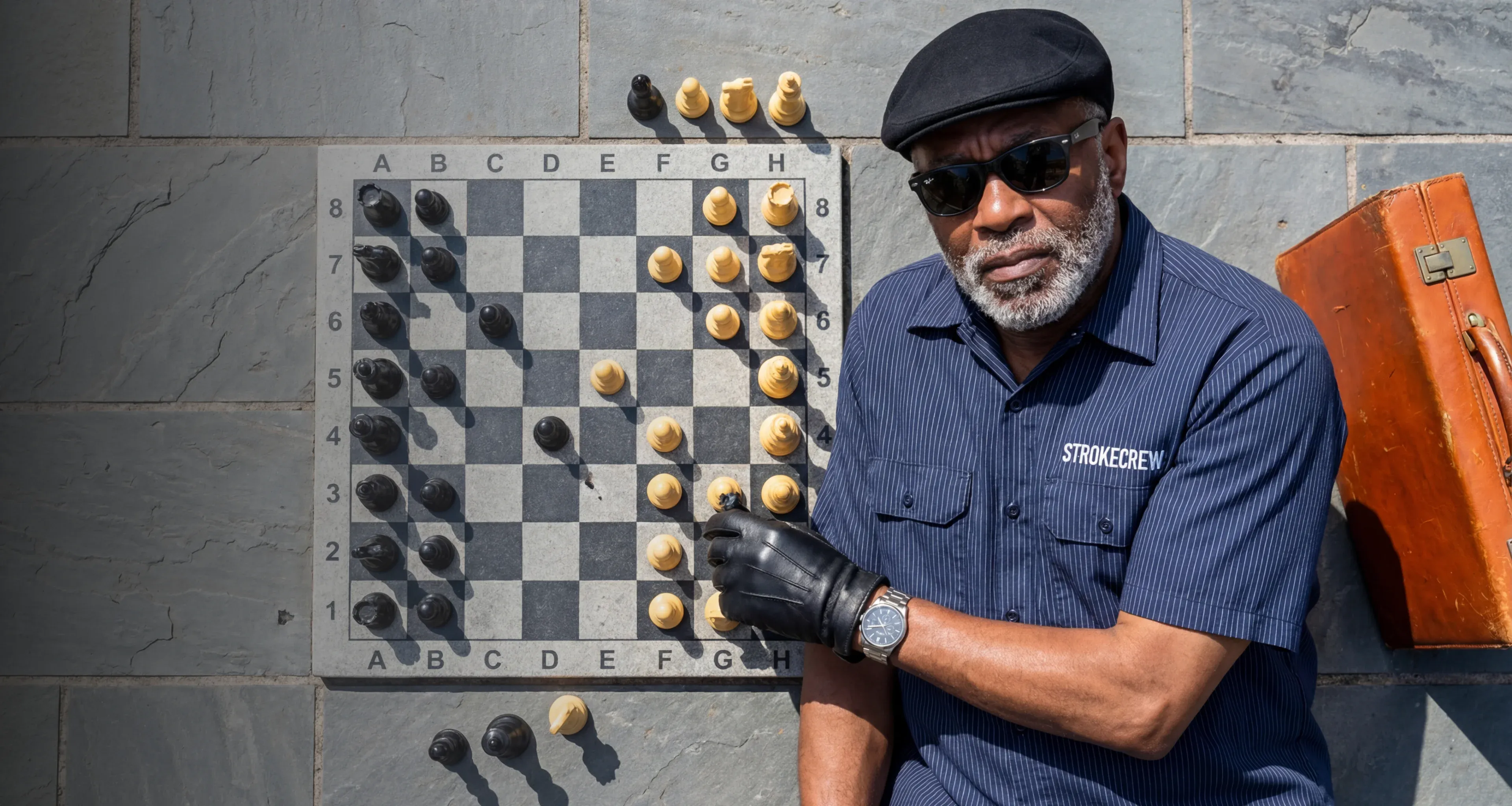
Grok Imagine renders described scenes with physically accurate lighting, shadow behavior, and surface texture. The output holds up at production resolution without post-processing, making it well suited for product visualization, architectural mockups, and photography substitutes.
Top Image Generation Capabilities of Grok Imagine
Grok Imagine has been benchmarked extensively against leading AI image generation models. What sets it apart is not just output quality but specific technical capabilities that make it more reliable across production workflows.
Grok Imagine Reads the Whole Scene Before Rendering a Single Pixel
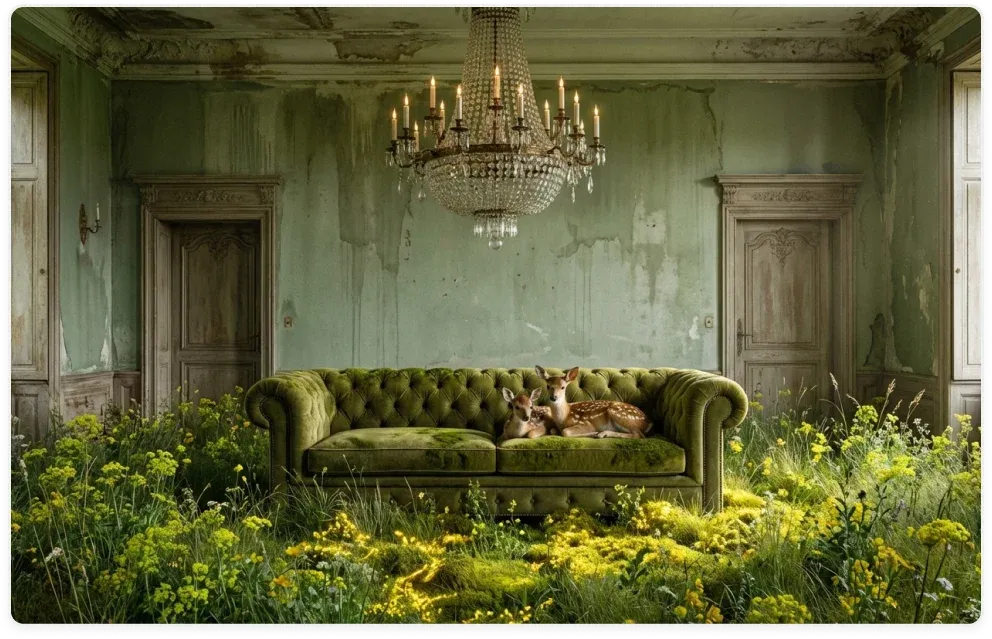
Grok Imagine evaluates the spatial relationships and environmental logic of a full scene before committing to a composition. This is what tends to produce outputs that look deliberately composed rather than assembled from independent elements.
Every Condition in Your Prompt Gets Honored, Not Just the Prominent Ones
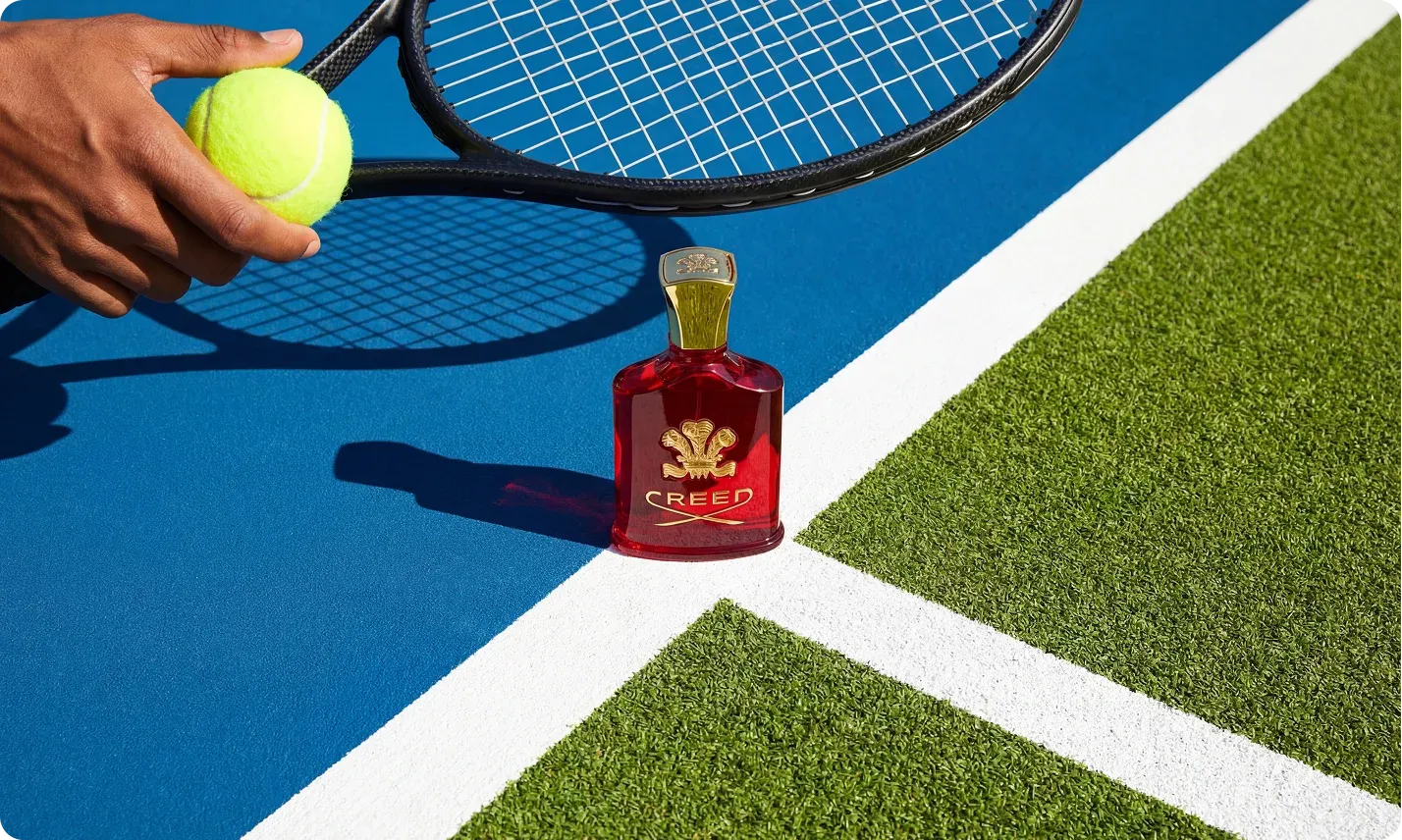
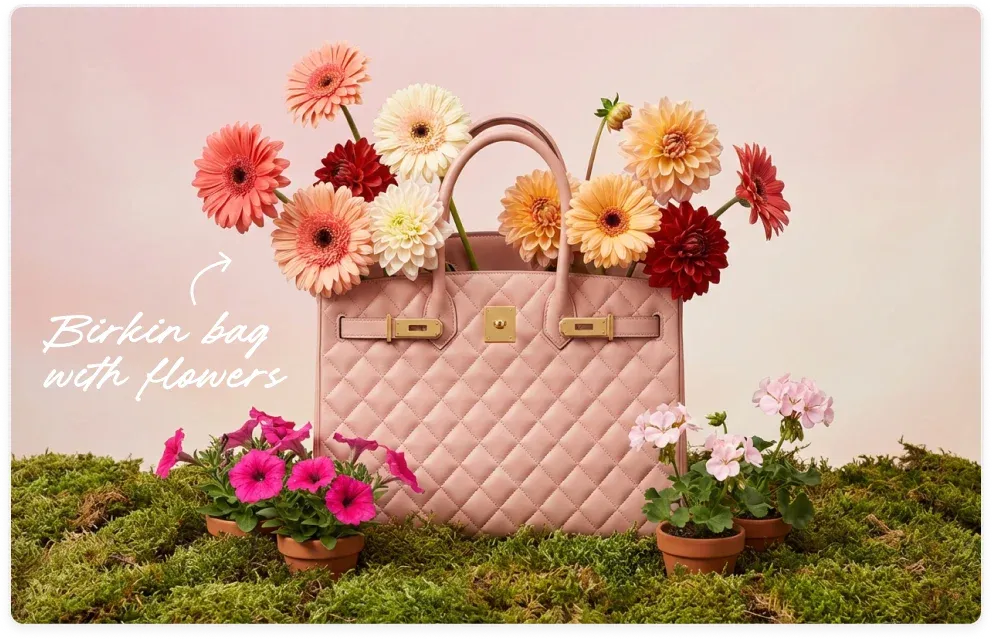
When a prompt contains multiple simultaneous requirements, Grok Imagine treats each one as a non-negotiable condition rather than a suggestion. This matters most on detailed production briefs where placement, color, subject behavior, and embedded text all need to be right at the same time.
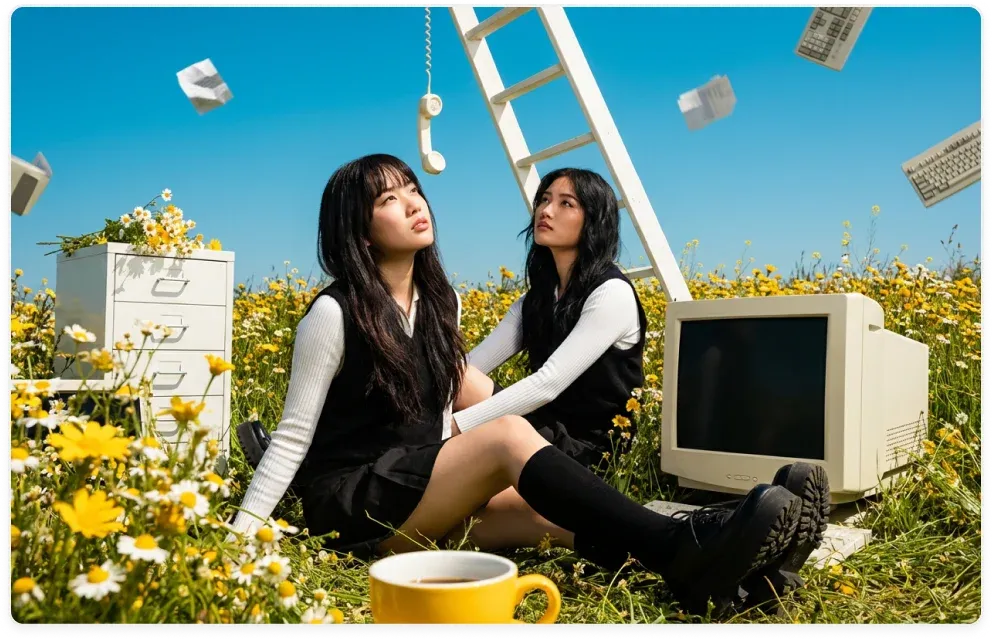
xAI's Real-Time Web Access Means Grok Imagine Generates With Current Knowledge
Grok Imagine can consult current web information during generation rather than relying entirely on training data. This improves accuracy for outputs that reference specific products, locations, or topically relevant visual concepts.
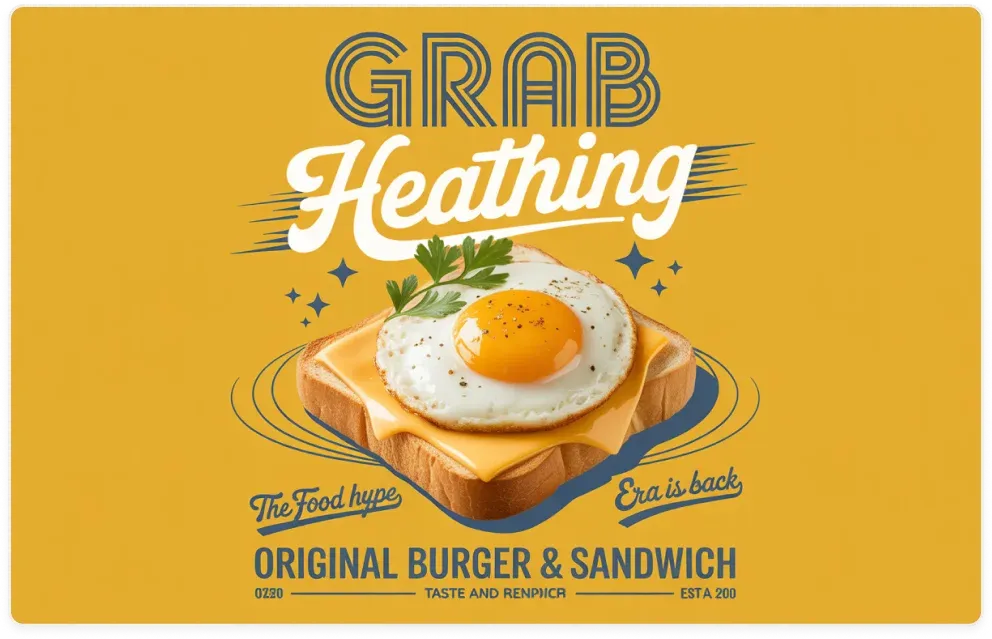
In-image Text That Is Actually Legible in Any Script and Any Style
Grok Imagine produces accurate, readable text within images across typographic styles and non-Latin scripts. This applies to multilingual campaigns, infographic labeling, signage, and any use case where embedded text needs to be correctly formed rather than approximated.
How You Can Use Grok Imagine
No technical setup required. Follow these three steps to start generating.
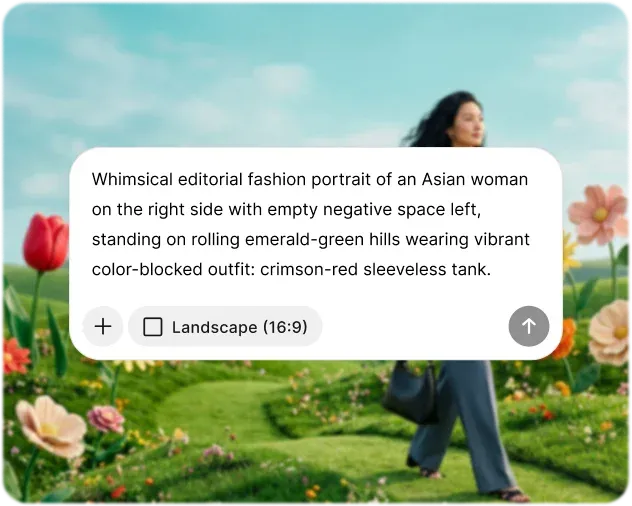
Enter Your Prompt
Describe your subject, setting, lighting, composition, color treatment, and any embedded text in as much specific detail as possible. The more concrete your language, the more directly Grok Imagine can act on it and the closer the output will be to what you have in mind.
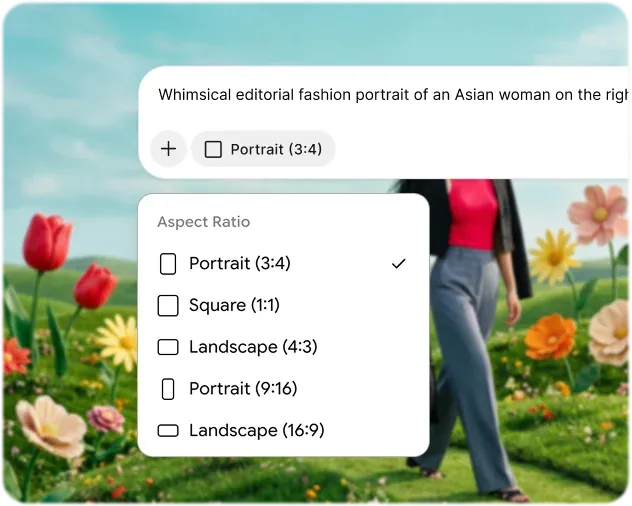
Customize Settings
Select your aspect ratio before generating: 9:16 for vertical social content, 16:9 for widescreen formats, and 1:1 for square-format web and social use. If you have a reference image that captures a visual style or character design you want carried through, upload it alongside your prompt.
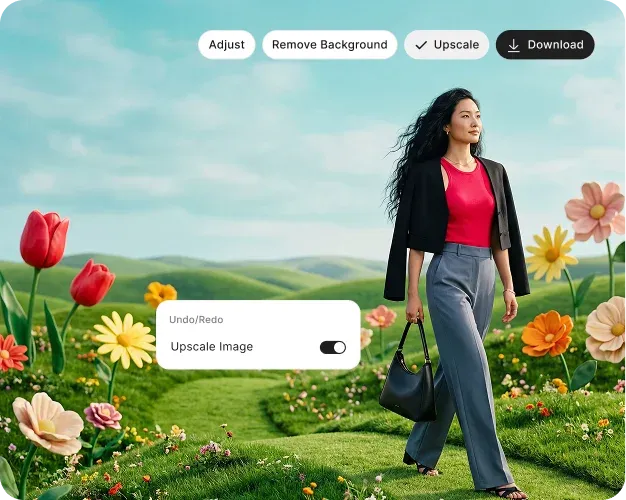
Generate & Download
Grok Imagine returns your image quickly, and you can refine it with follow-up prompts in the same session without starting over. Describing a change is all it takes to reposition an element, adjust a color, or update embedded text.
How Grok Imagine Performs Across the Metrics That Actually Matter
Grok Imagine has been evaluated across the dimensions that matter most to creators, marketers, and developers working with AI-generated visuals at scale.

Photorealistic Quality
Physically accurate lighting, consistent surface textures, and sharp edge detail at production resolution.

Generation Speed
Images are returned quickly enough to support an iterative workflow without significant waiting between submissions.

Cost Efficiency
Available through the xAI API at a competitive price point relative to comparable models at this quality tier.

All Your AI Tools, Finally in One Place
Avoid jumping between different applications. Chatly integrates multi-model AI chat, intelligent search, and image generation in one platform, allowing you to stay focused and seamlessly transition from ideas to outputs.
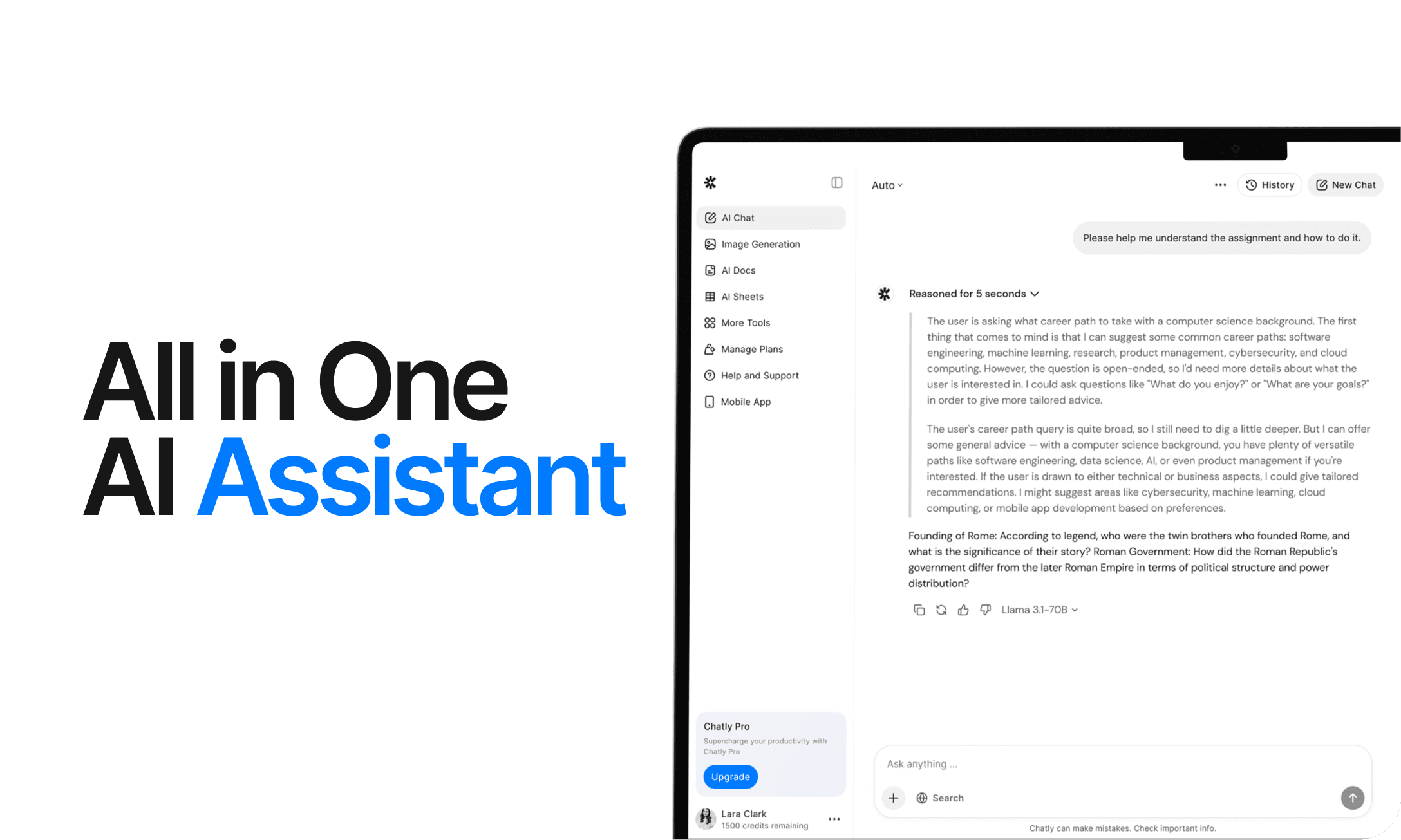
AI Chat
Chatly's AI Chat is designed to align with your thought process. Whether you're deciphering a complex issue, investigating a new concept, or deliberating a decision, it provides the clarity and context you require.
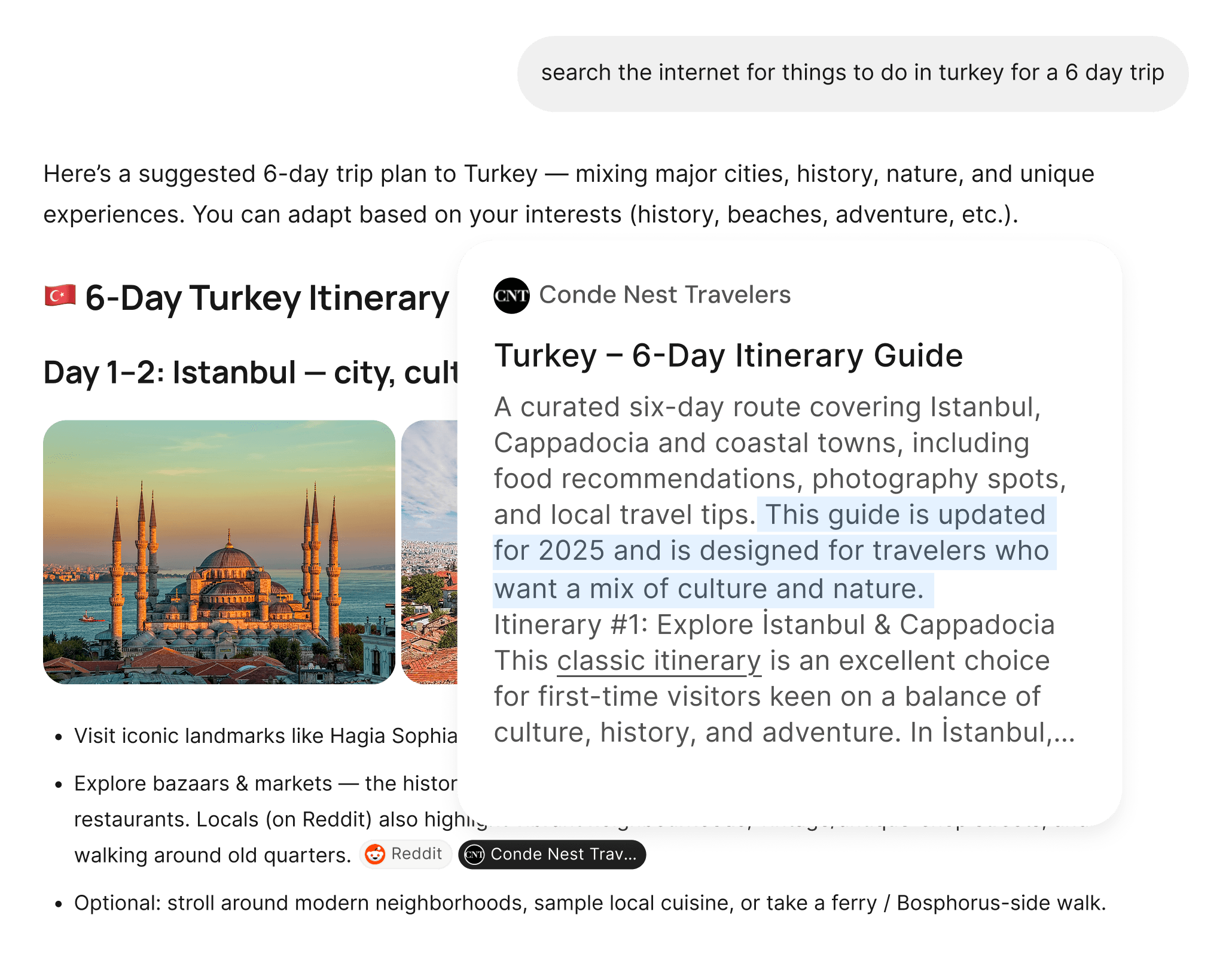
AI Web Search
Chatly's AI Web Search allows you to pose questions as you naturally would and receive answers sourced from real-time information. There’s no need for manual browsing or dealing with multiple tabs. Just precise, current information.
What Our Users Say About Grok Imagine
From solo creators to production teams, here is what people using Grok Imagine daily have to say.
Frequently Asked Questions
Quick answers to the questions people ask most about Grok Imagine.
Start Creating With Chatly Today
Chatly gives you the speed, quality, and creative range to bring any visual idea to life. No design experience required. No compromises on output. Just describe what you need and generate it in seconds.