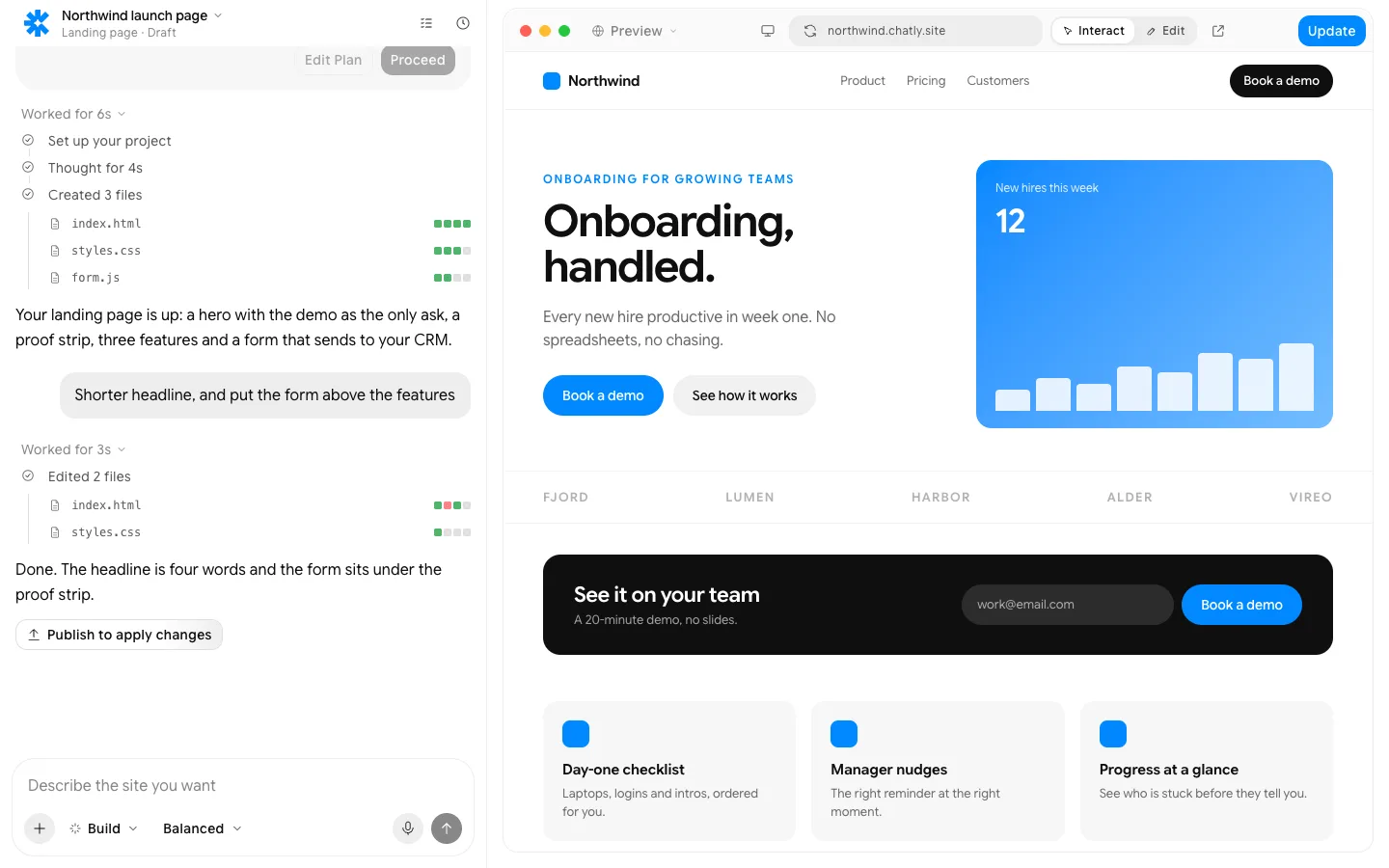
Portfolio website template
Pick a template. Your work, bio and contact page are filled in for you.
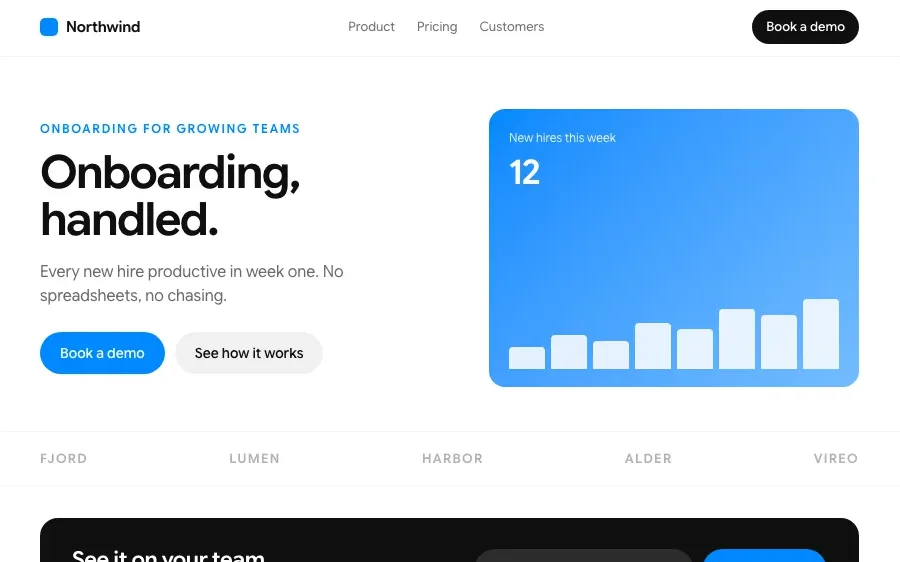
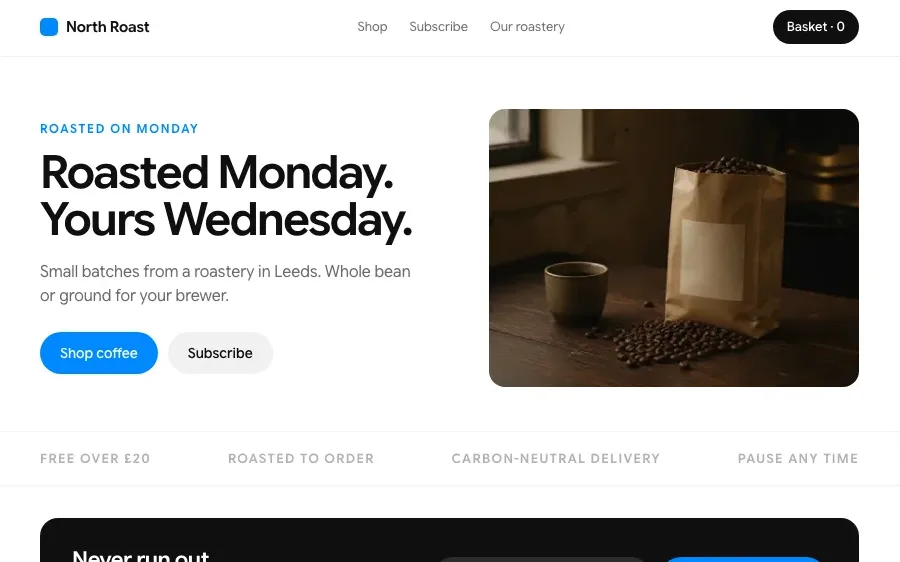
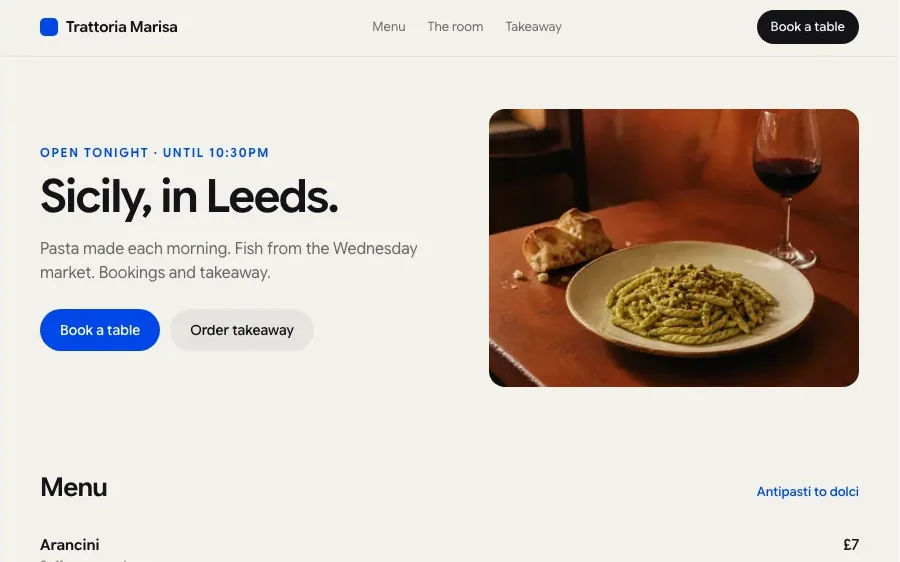
Sites built with Chatly
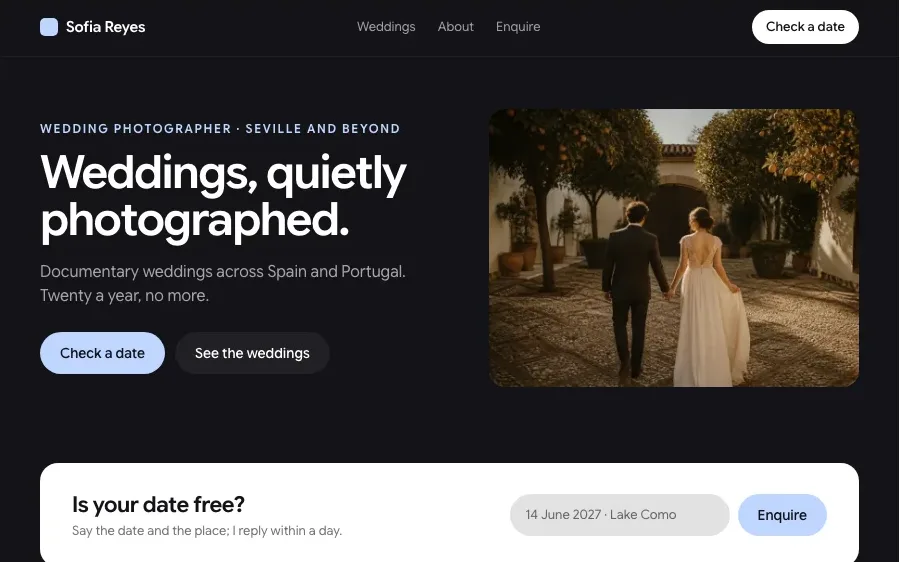
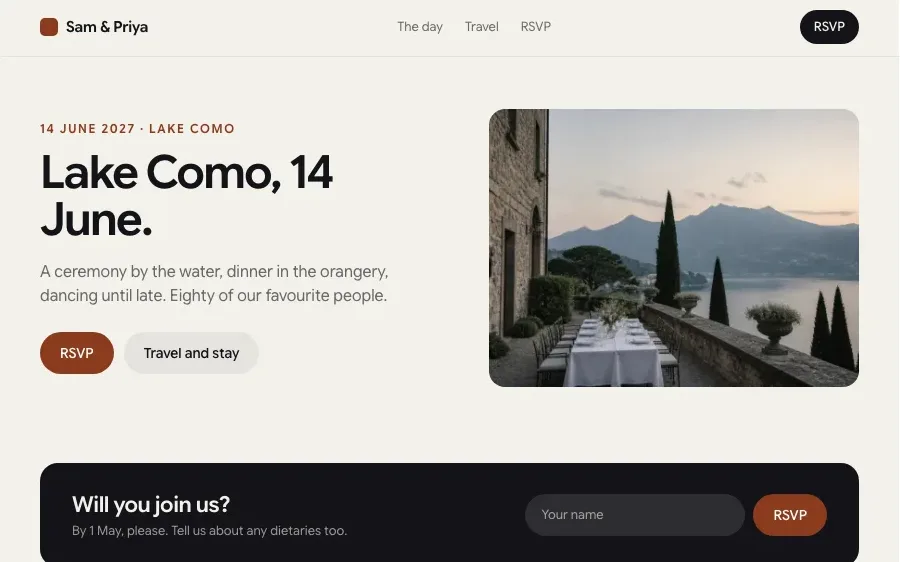
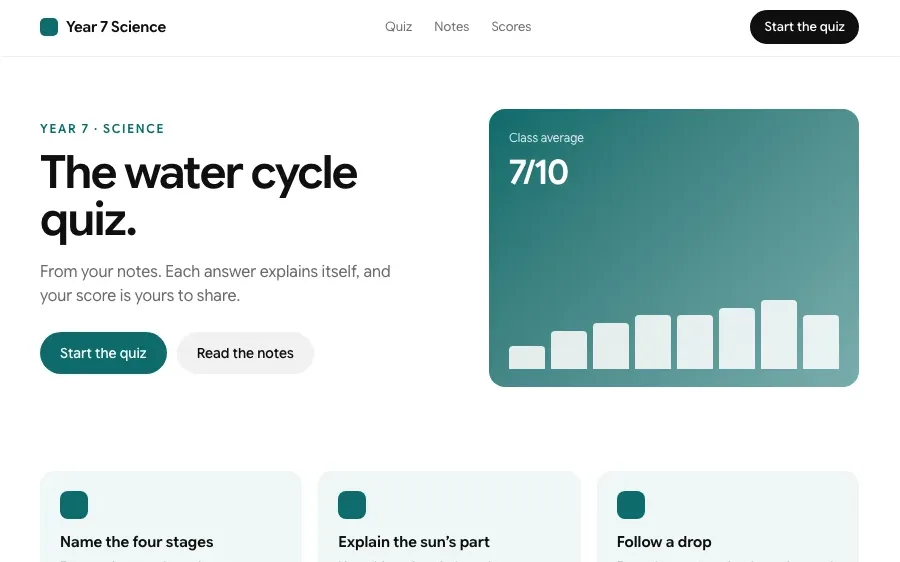
Every one of these is a page type the builder makes. Open one to build it.
How it works
Pick a template
Grid, case study, single scroll or editorial. Each one is built for a kind of work, so a photographer and a developer do not end up with the same layout.

Drop in your work
Upload images, paste links or point Chatly at an old site. It writes the project titles, captions and bio, and places everything in the template.

Publish
Get a live link straight away or connect your own domain. Change the template later and your content moves across as it is.
Features
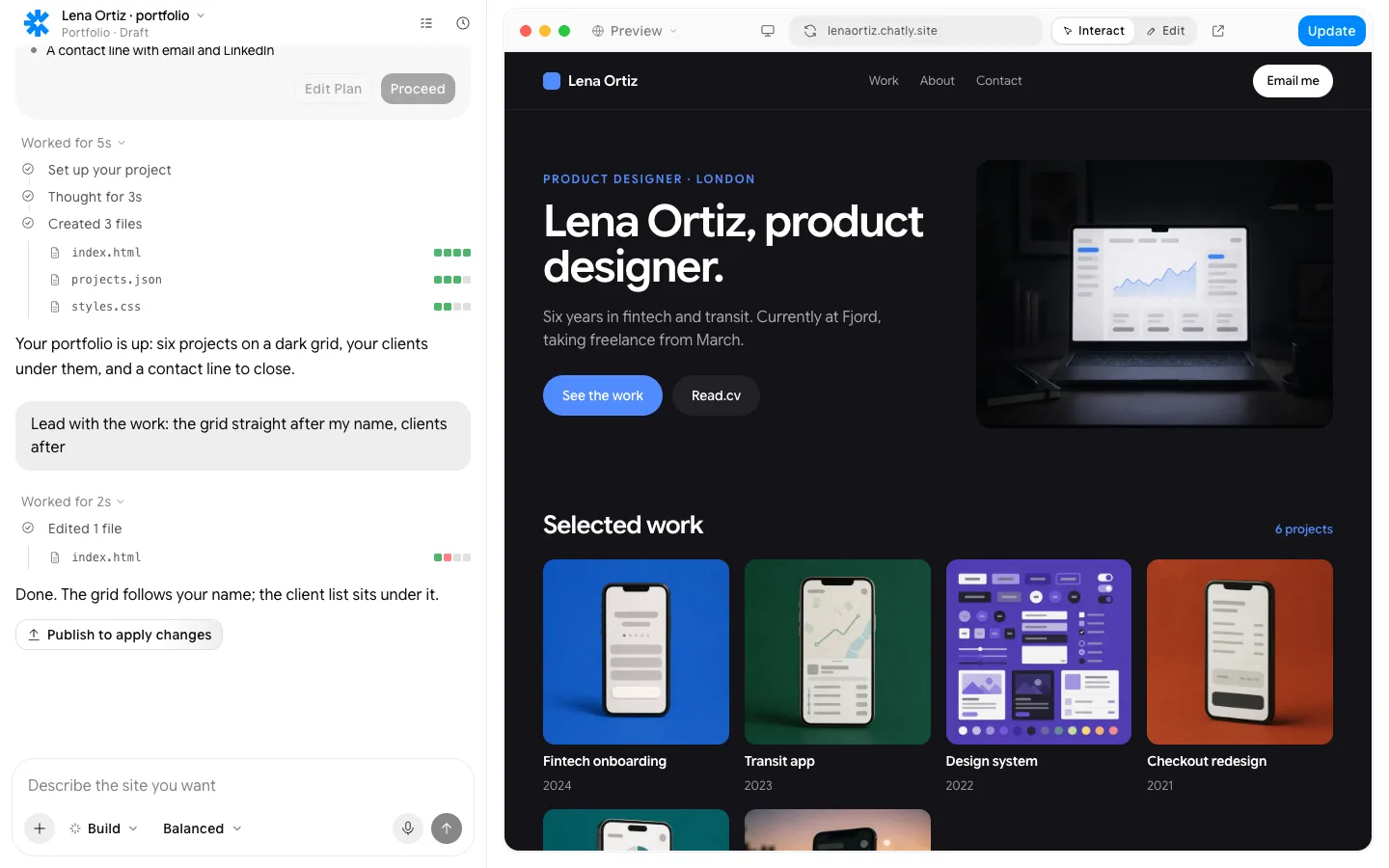
The plan picks a dark, minimal template made for case studies, before a line is written.
What people build with it

Designers on a deadline
Get a clean, credible portfolio up before Friday's application without designing a site from scratch. Pick the case study template, add three projects, and send the link.

Developers showing projects
A project list with the stack, a short write-up and links to the repo and the live demo for each one. Recruiters see what you built and how, in under a minute.

Creatives refreshing an old site
Point Chatly at the portfolio you made years ago and it moves the work into a current template. Keep the projects that still represent you and retire the rest.


Everything a site needs, built in
Hosting and a custom domain
Publish to an chatly.site address, then connect your own domain. SSL is handled.
Forms that go somewhere
Submissions land in Chatly, your email, a spreadsheet or your CRM, with spam filtered.
SEO, Open Graph and schema
Pages ship as static HTML with meta tags, share images and structured data from day one.
Analytics from the first visit
Visits, sources and conversions, collected without a tag manager.
Edit by clicking, or in the chat
Rewrite a headline where it sits, or describe the change and watch it land.
Your code, exportable
Drop in custom HTML, CSS or scripts, and export the static files whenever you want.
Pay for finished work
Every plan runs the same agent. The difference is how much of it you use.
Standard
$18/ month, billed quarterly
Perfect for getting started with AI
Subscribe7K credits / month
- Flash and Pro modes
- 3 concurrent agent tasks
- 2 scheduled tasks
- Connect up to 2 apps, like Gmail and Slack
- 2 knowledge bases
- Commercial usage rights
- Build and publish websites
- Create presentation-ready slides
- Deep research with citations
- Generate docs, sheets and audio
- Generate images and videos
Professional
$36/ month, billed quarterly
More credits, more room to create
Subscribe- Flash, Pro and Ultra modes
- 5 concurrent agent tasks
- 5 scheduled tasks
- Connect up to 5 apps, like Gmail and Slack
- 5 knowledge bases
- Commercial usage rights
- Build and publish websites
- Create presentation-ready slides
- Deep research with citations
- Generate docs, sheets and audio
- Generate images and videos
- AI ad creator
- AI video editor
Ultra
$183/ month, billed quarterly
Built for power users who never hit limits
Subscribe- Flash, Pro and Ultra modes
- Unlimited concurrent agent tasks
- 25 scheduled tasks
- Connect all 40+ apps
- 25 knowledge bases
- Commercial usage rights
- Build and publish websites
- Create presentation-ready slides
- Deep research with citations
- Generate docs, sheets and audio
- Generate images and videos
- AI ad creator
- AI video editor
- Early access to new models
Prices in US dollars; checkout shows yours in your currency. Chatly for Teams: pooled credits and shared seats, from three seats. Talk to us
Frequently asked questions
Are the portfolio templates free?
Yes. There is a free plan available, and every portfolio template can be used and published on it.
Can I change template after publishing?
Yes. Your projects, text and images are stored separately from the layout, so switching template keeps all of your content in place.
Which template should I pick?
Pick by the work you show. Grid templates suit photography and illustration, case study templates suit product and UX design, and list templates suit developers and writers.
Can I use my own domain?
Yes. Publish on a free Chatly link or connect a domain you own, and hosting and SSL are handled for you.
Can I edit the template itself?
Yes. Change sections, spacing, colours and fonts by clicking, or describe the change you want and Chatly makes it.
Chatly on your phone and your Mac
Chatly for iPhone
Brief a site on the train, approve the plan, and watch it publish. Every project you start here is on your phone.
Download on the App Store

Chatly for Mac
The builder on your desktop, with the files, screenshots and Figma frames you already have to hand.
Download for macOS