Add a reference
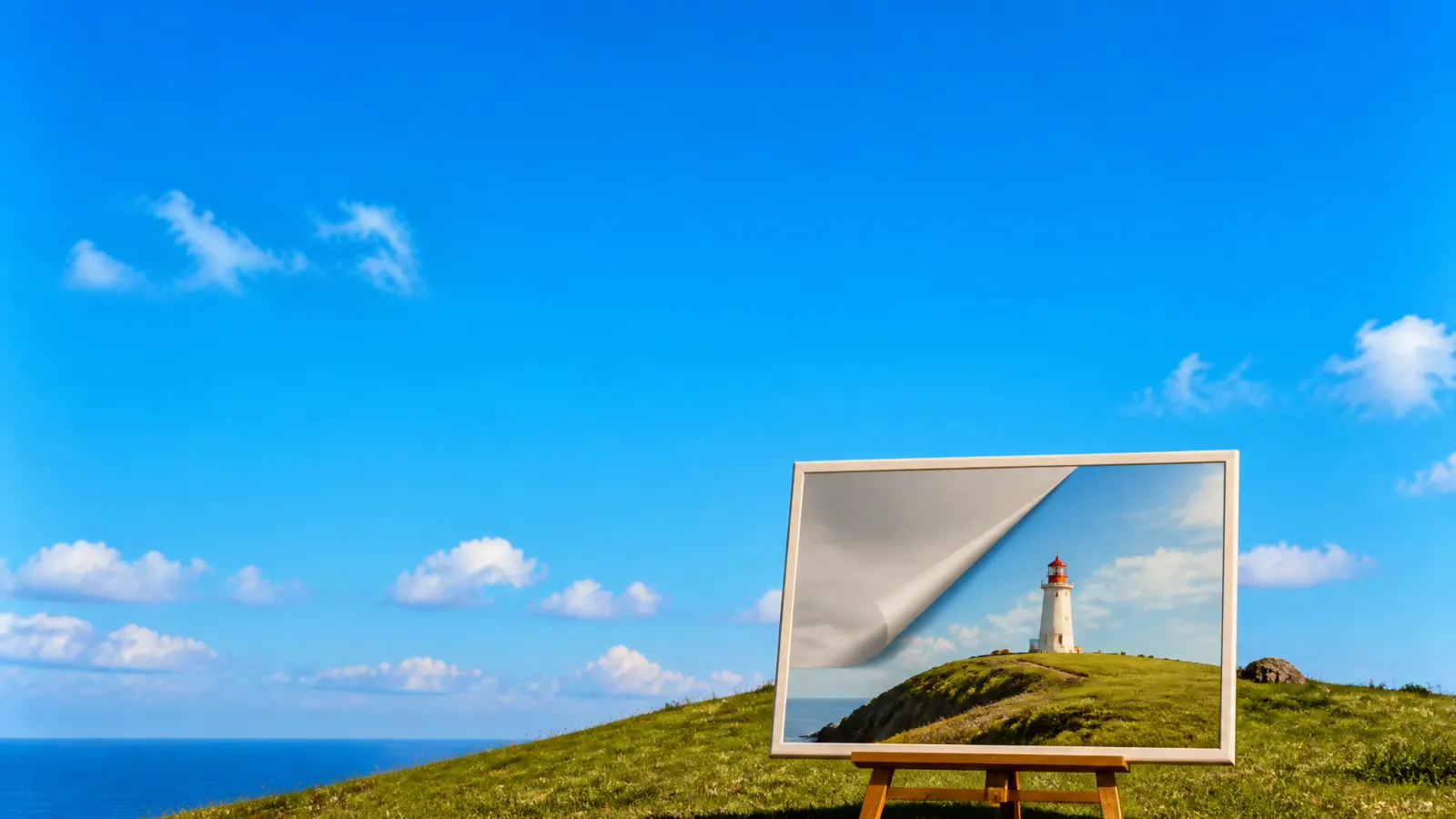
Step 1Your imageA starting point for your next idea
Bring an image
Start with a reference, or leave it open and generate from a prompt.
Generate with Grok Imagine, then use the image anywhere in Chatly.
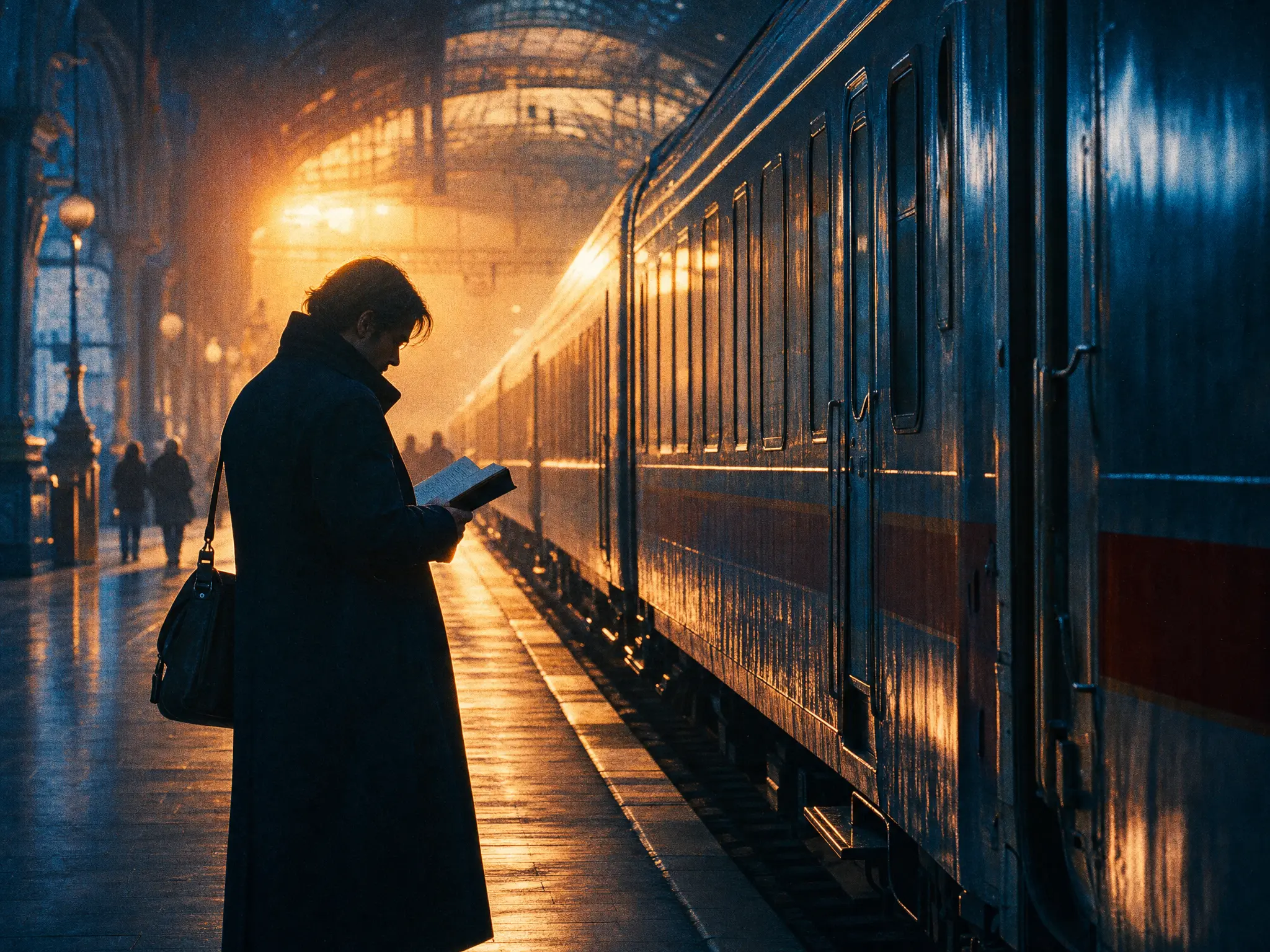
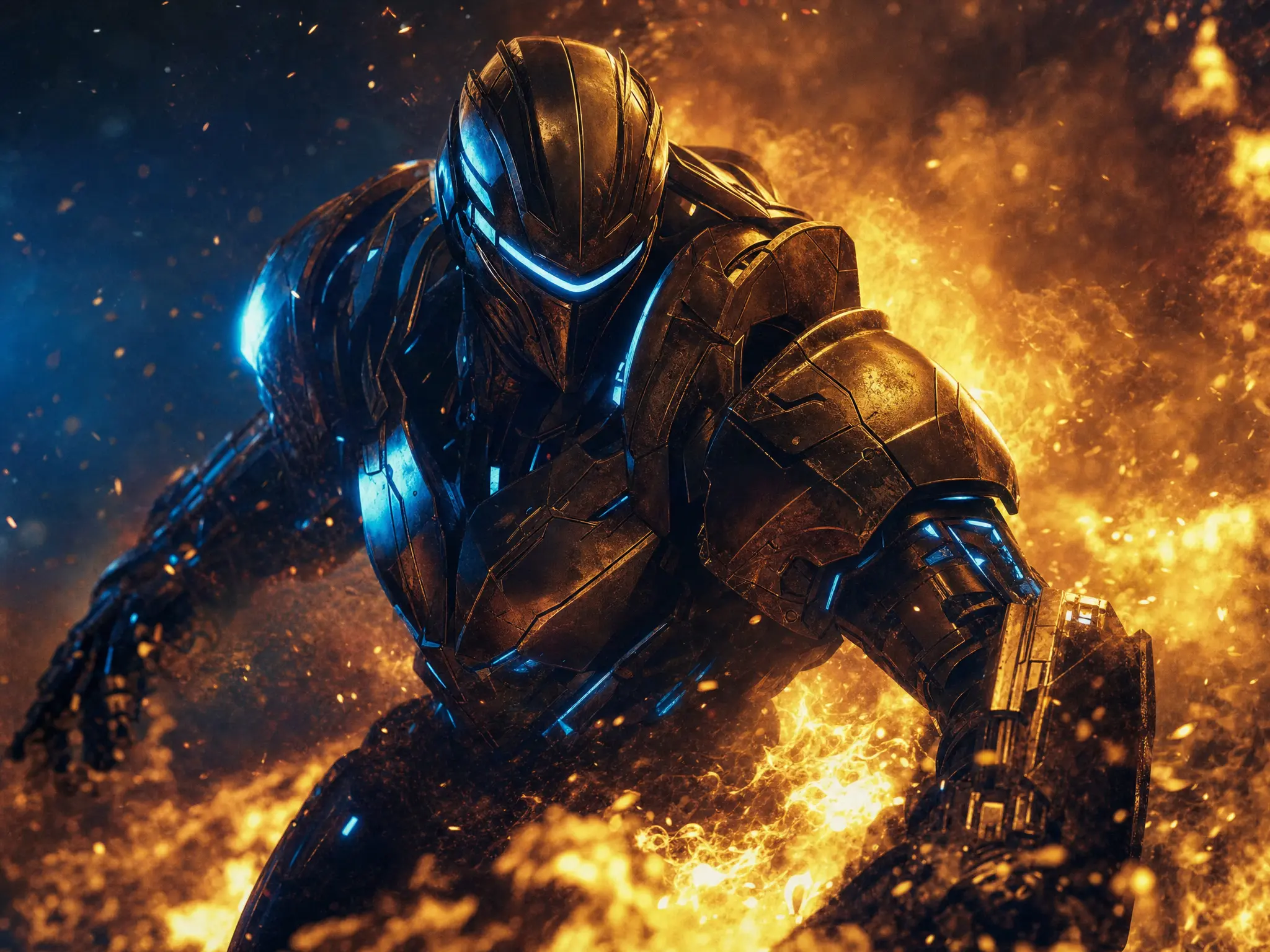
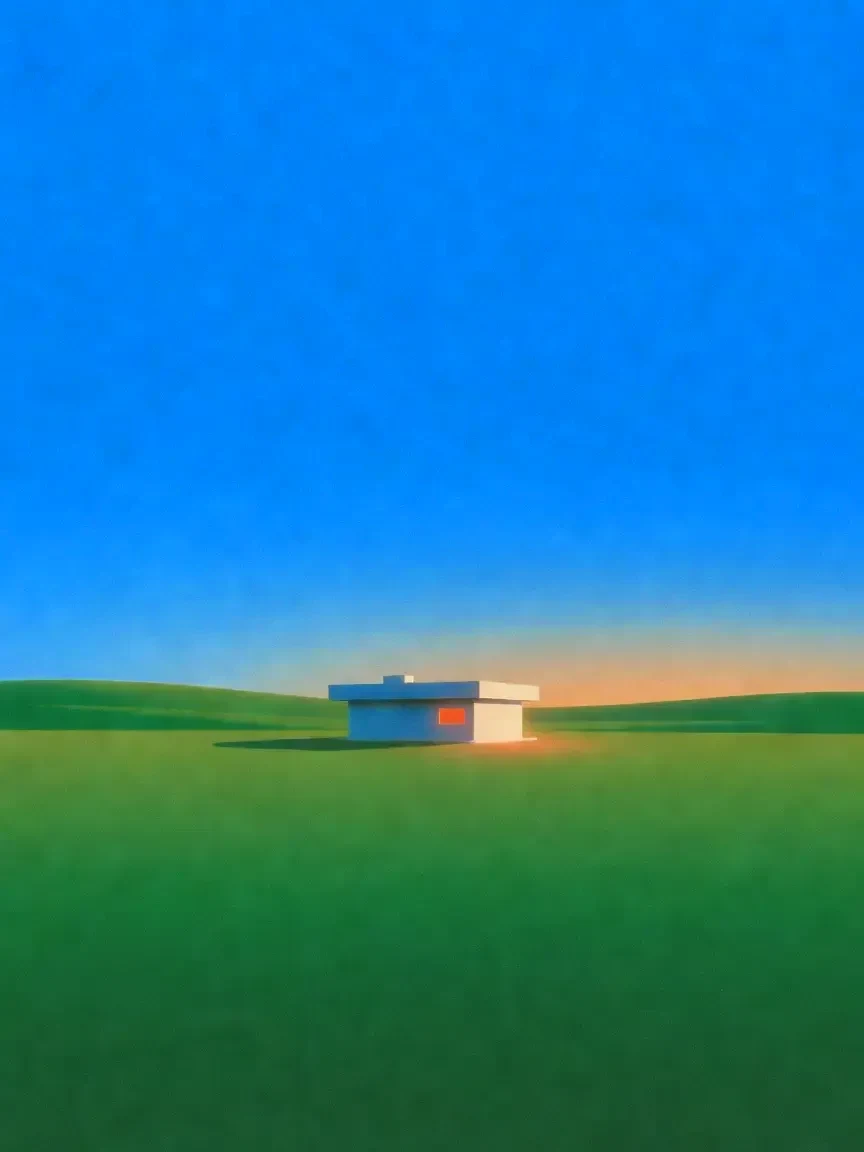
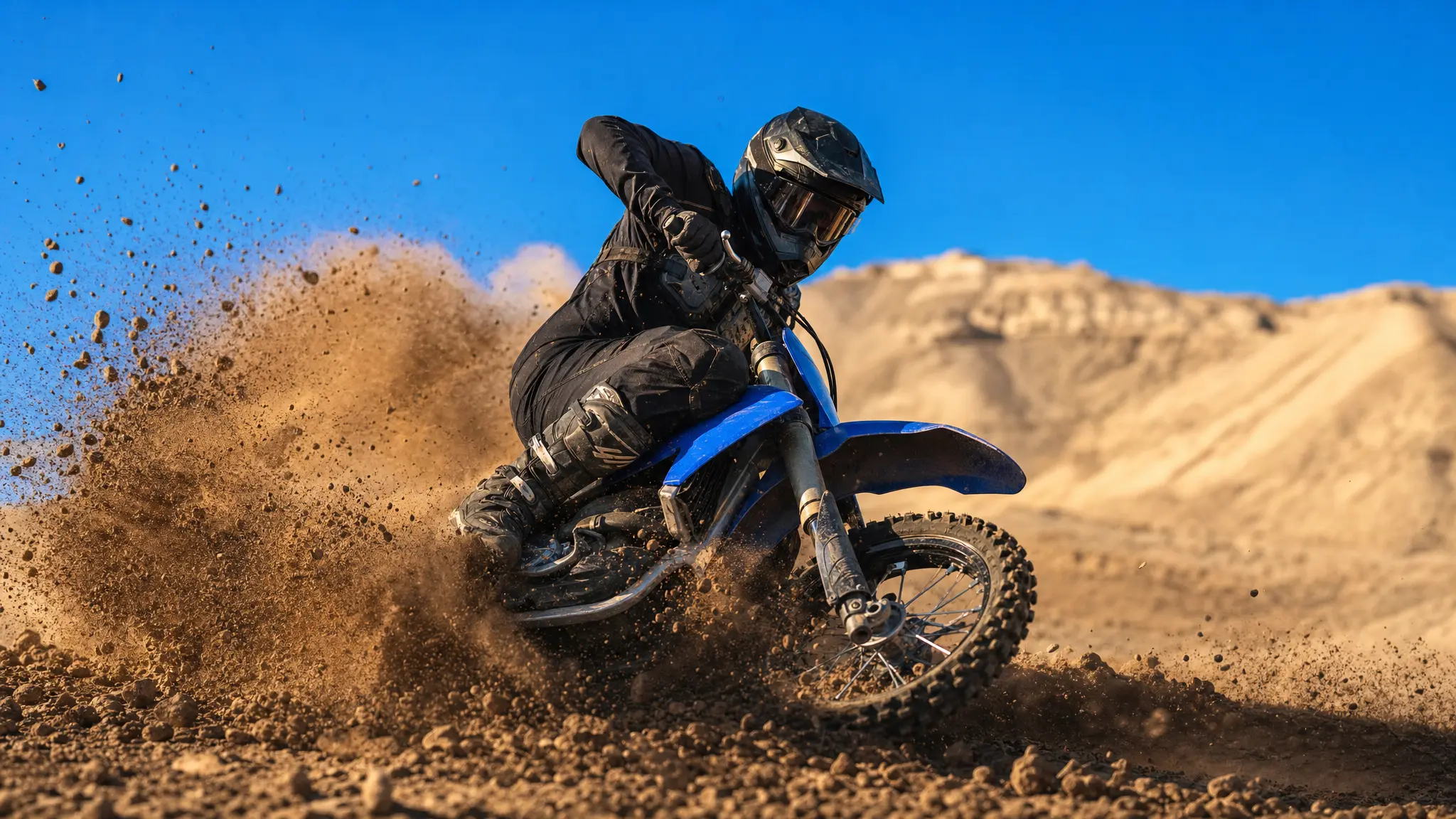
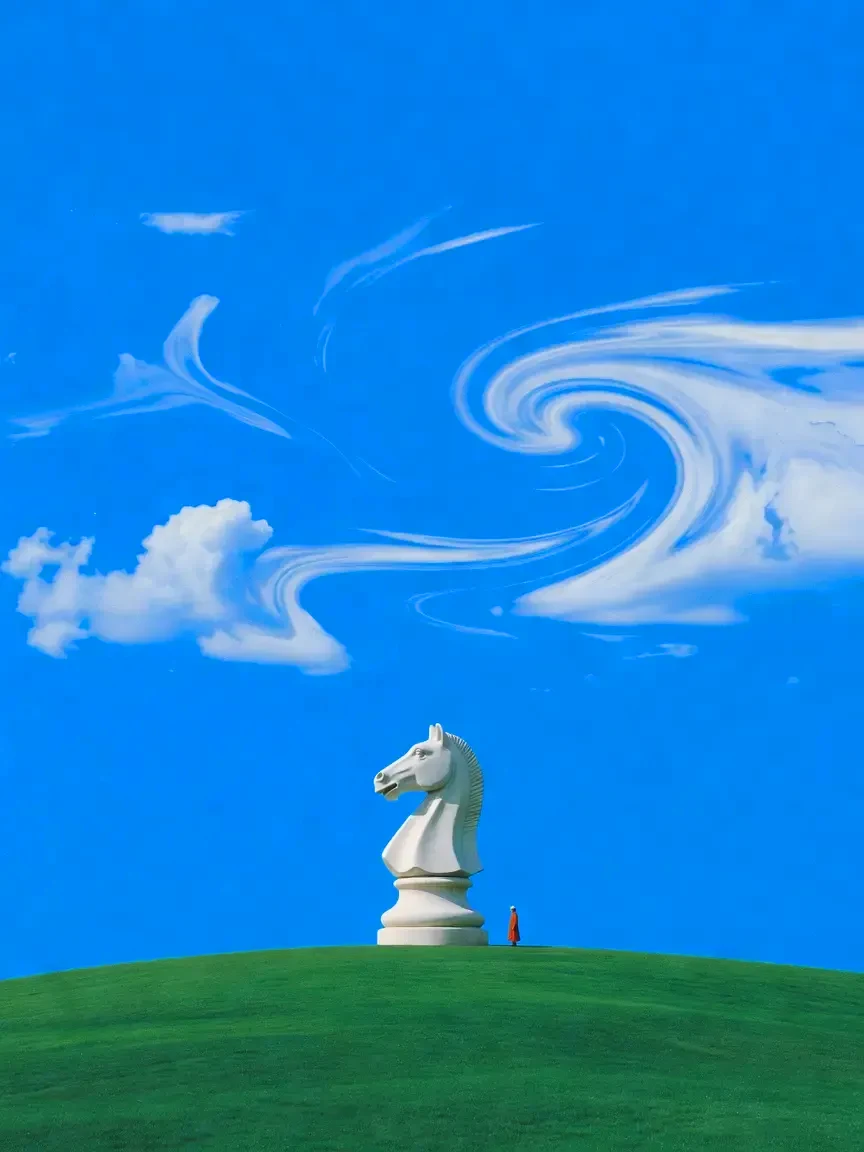
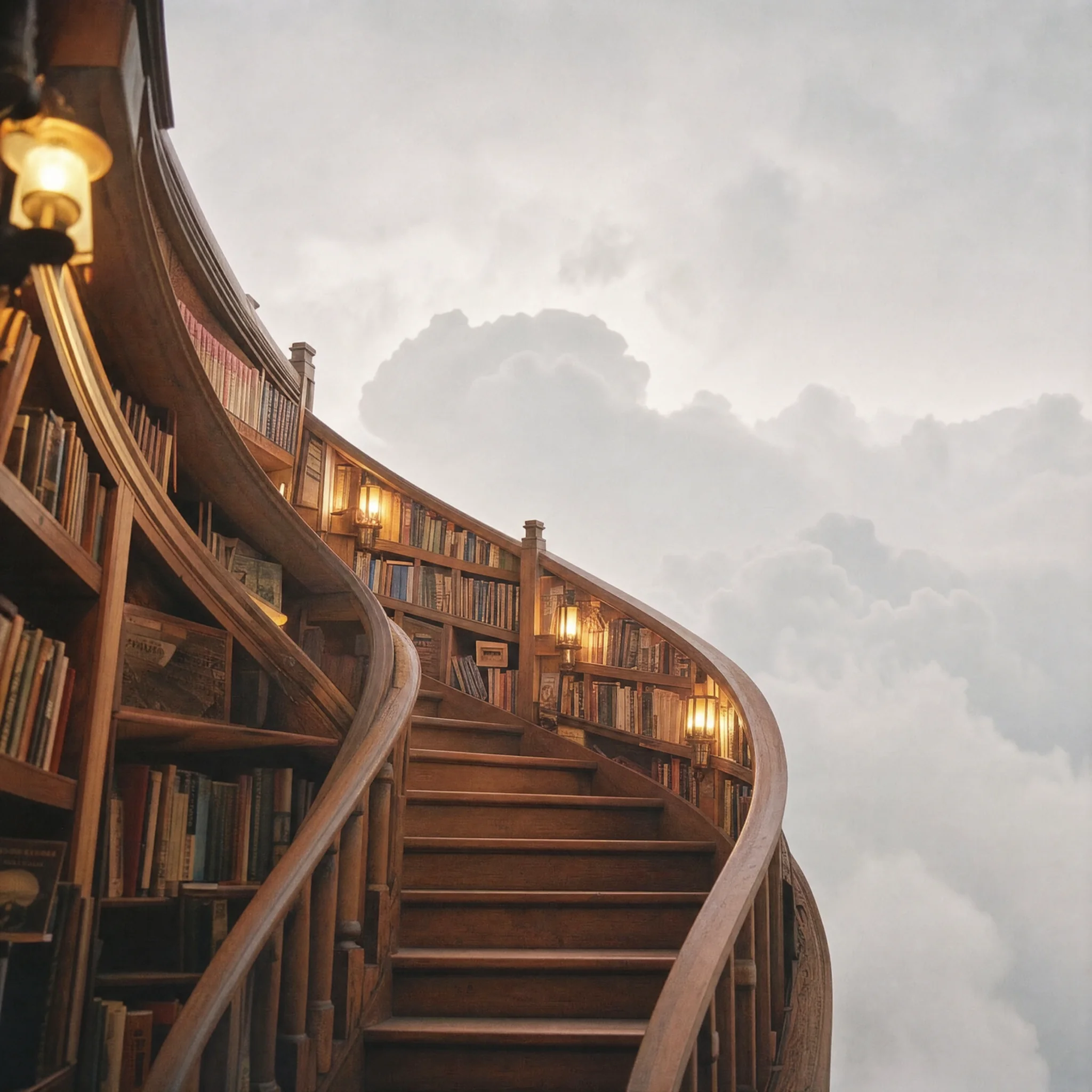
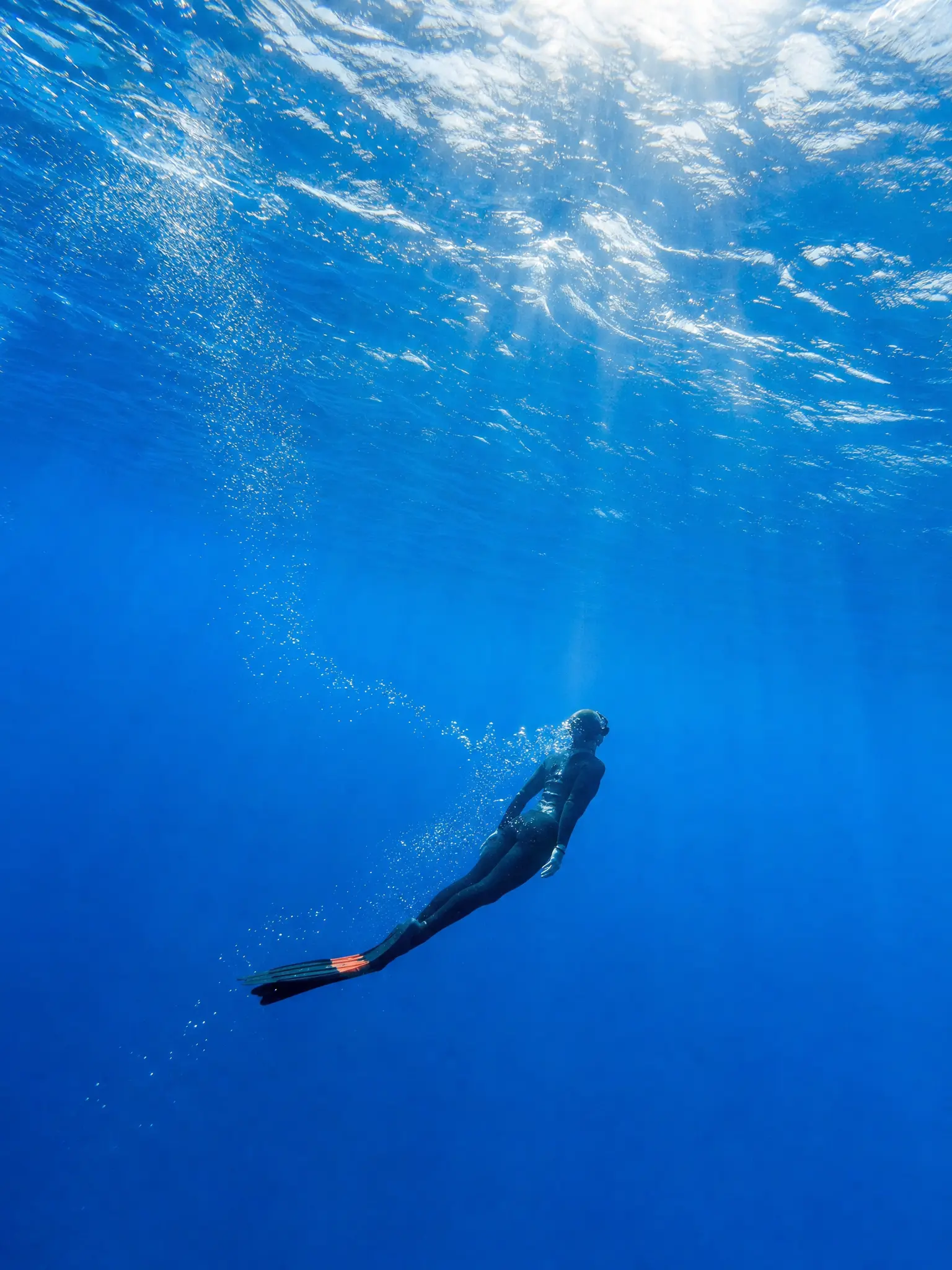
Grok Imagine next to every other image model.
One Chatly workspace.
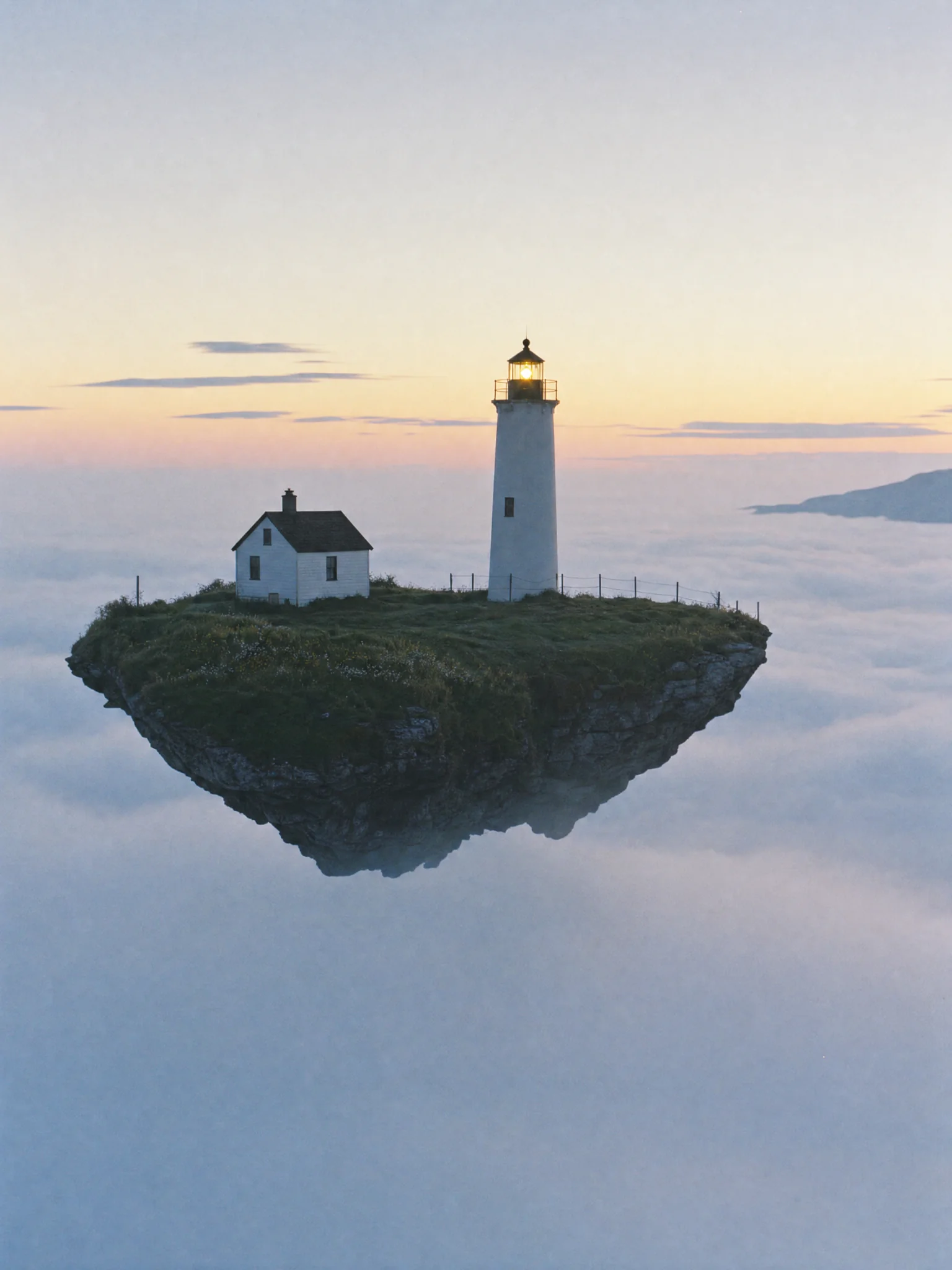 Side-by-side model comparisonOne prompt, several models, results in a row. The fastest way to learn which model suits your subject is to see them answer the same brief.Try it now
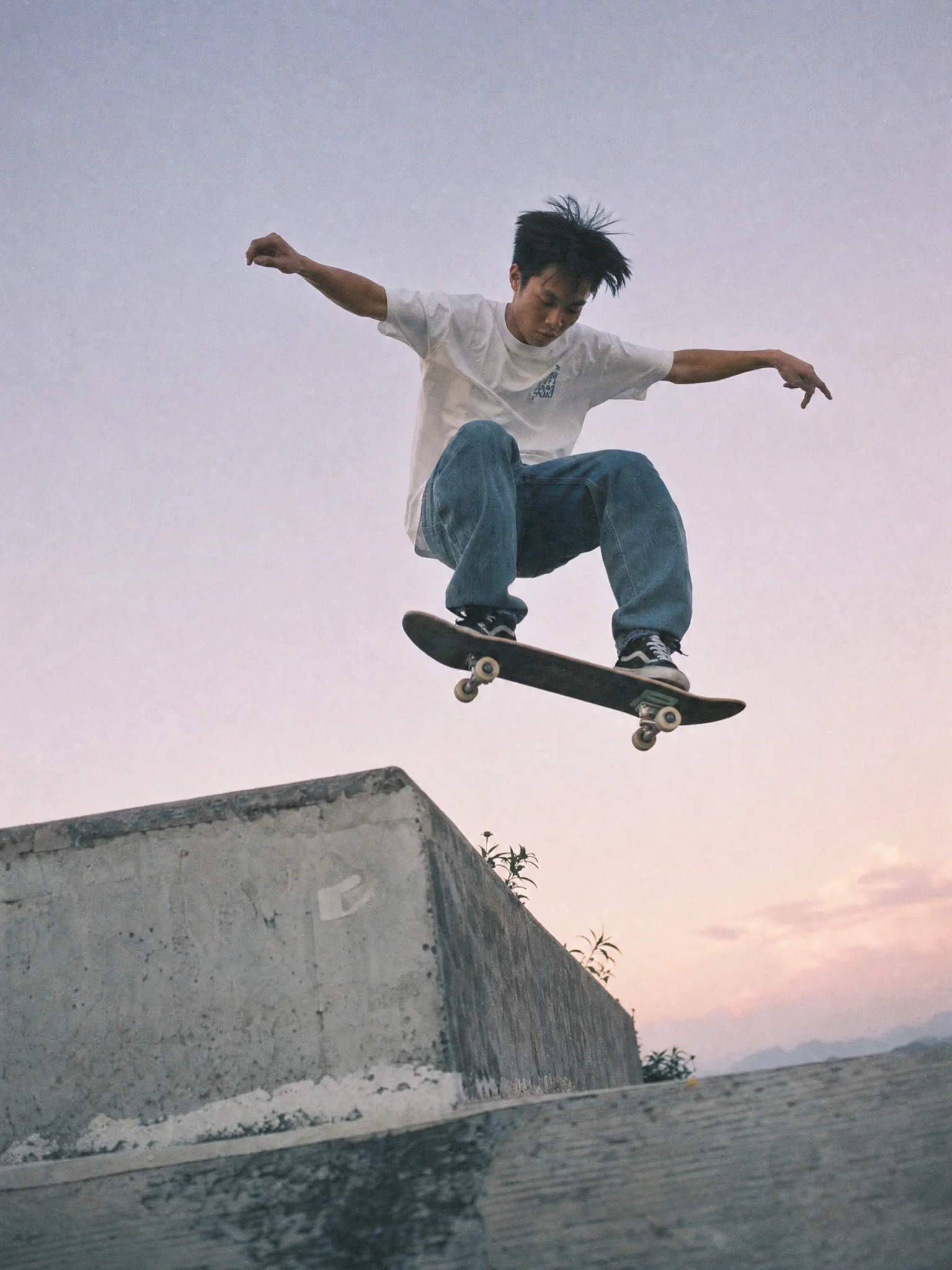 Prompt history that staysEvery generation keeps its prompt, settings and seed. Come back next month and reproduce or fork a result instead of guessing what you typed.Try it now
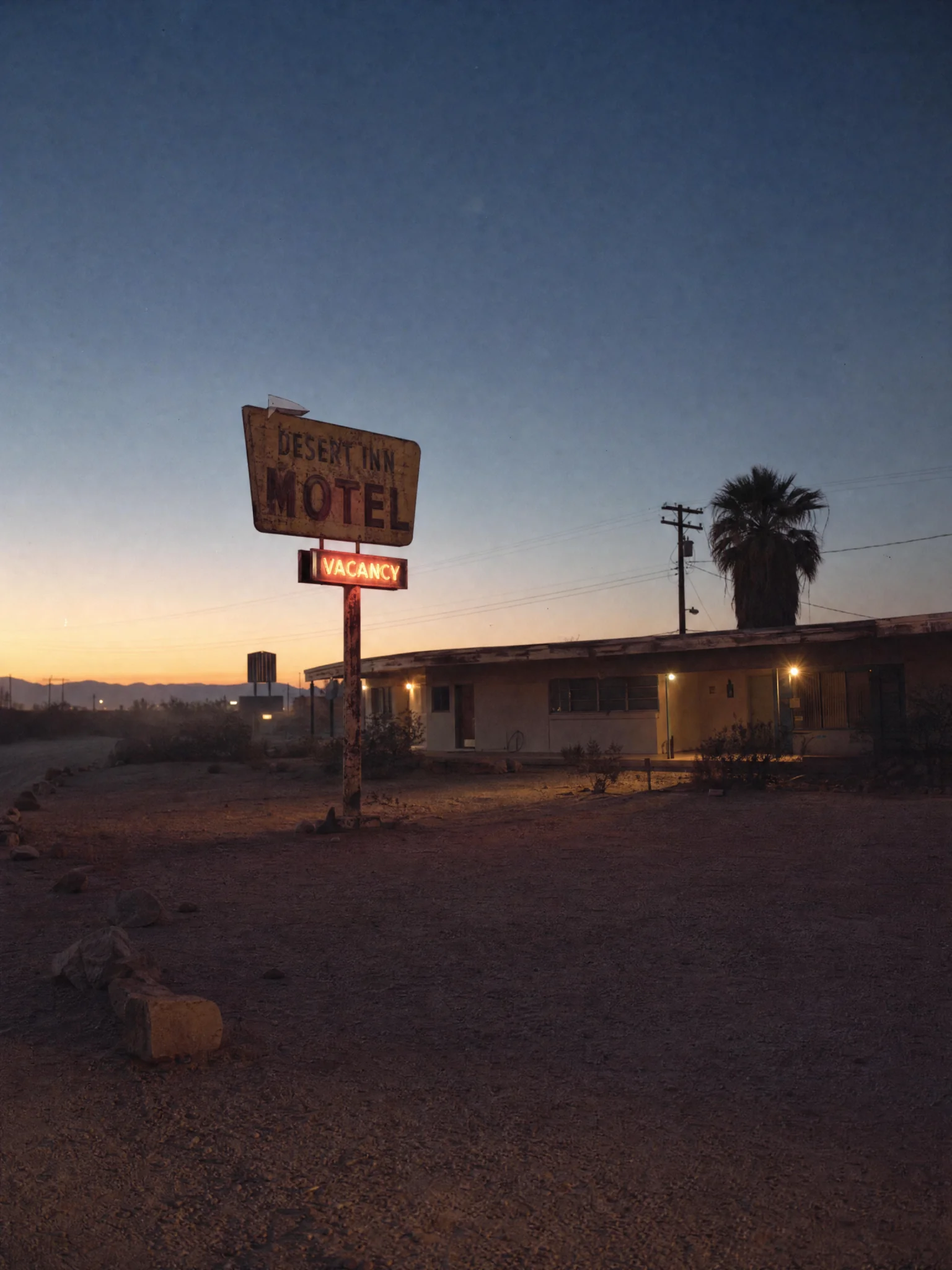 Straight into the workImages flow into Chatly pages, decks, docs and social formats. No download folder, no re-upload, no file named final_v3_reallyfinal.Try it now
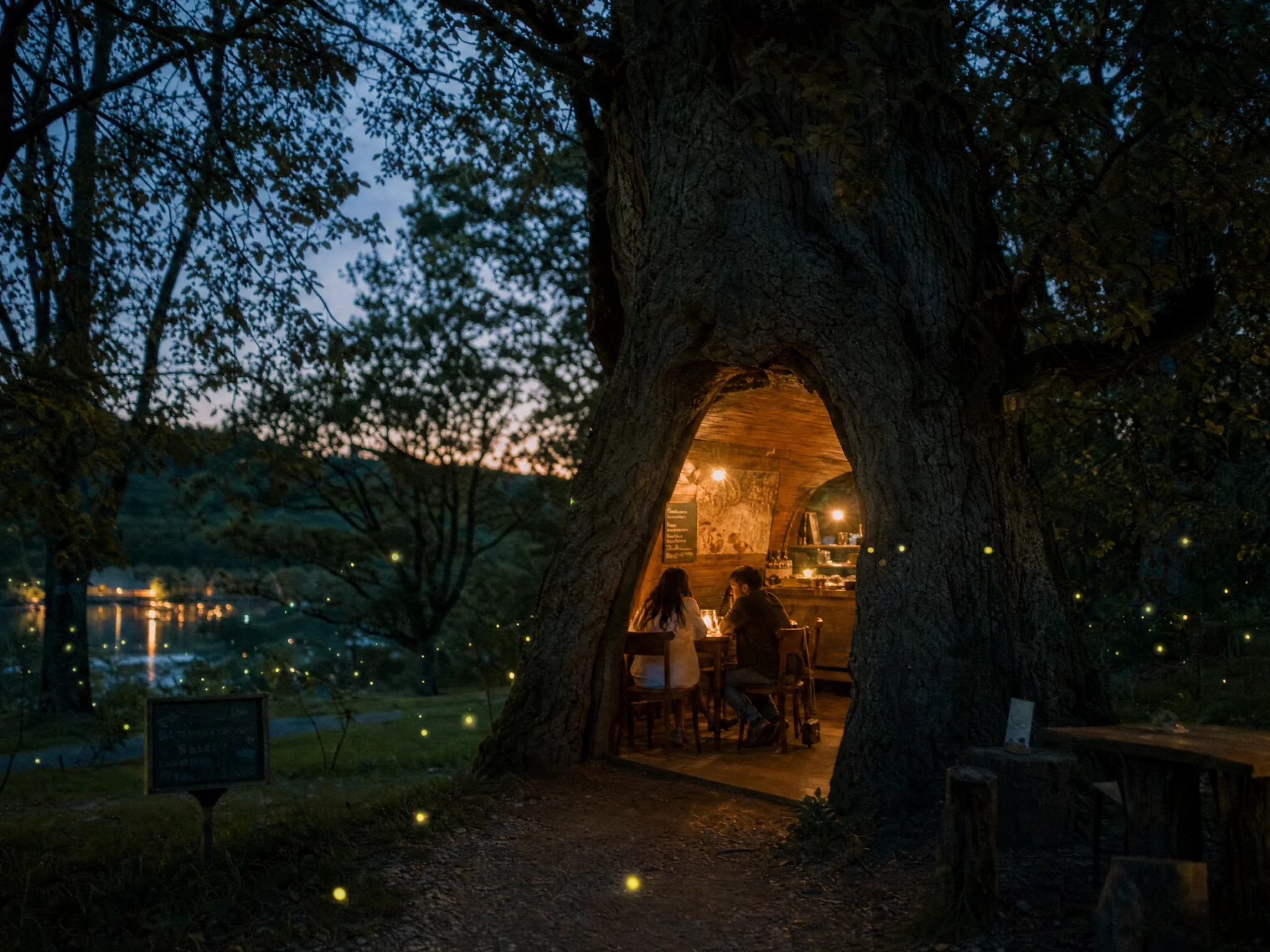
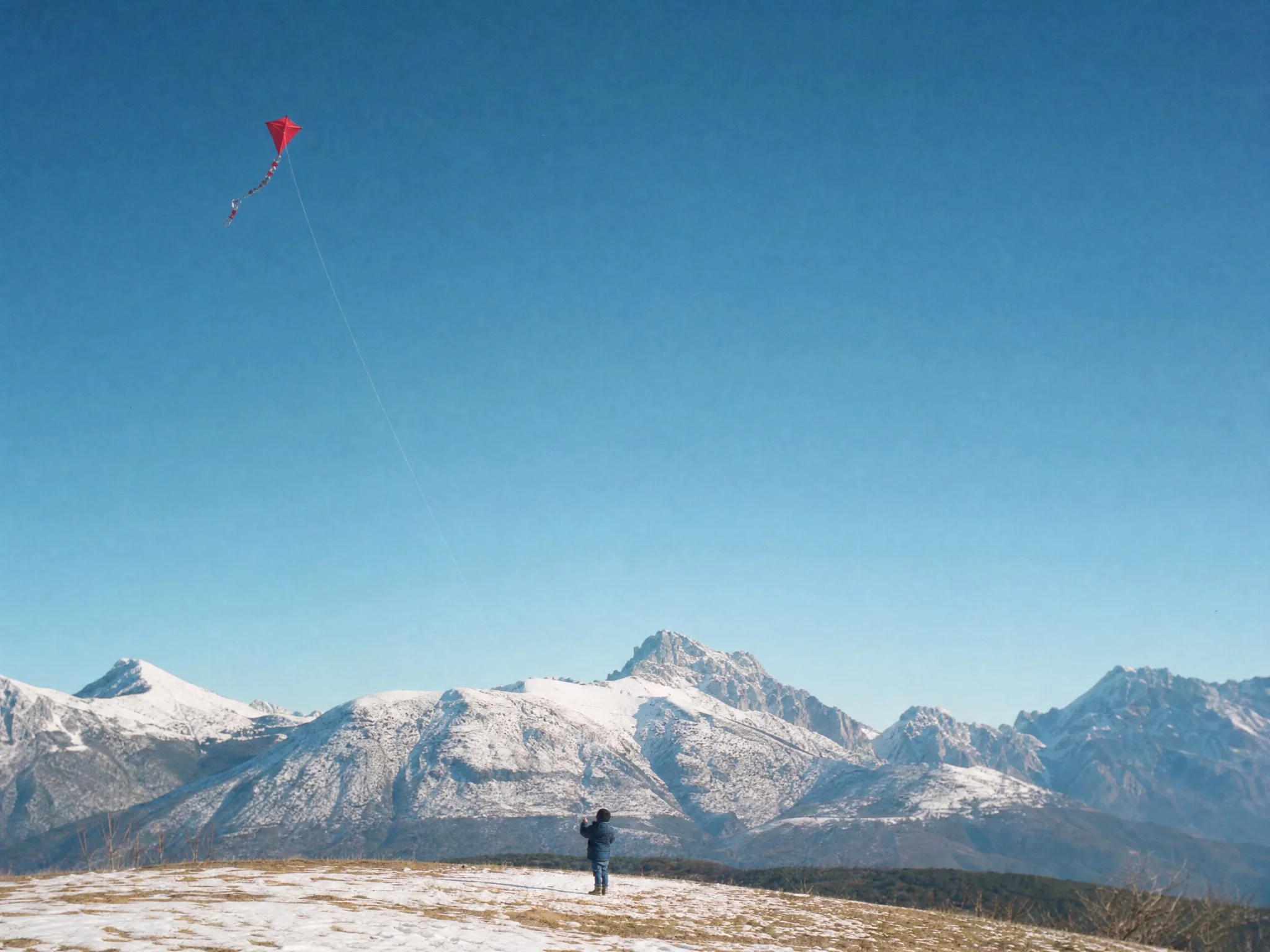
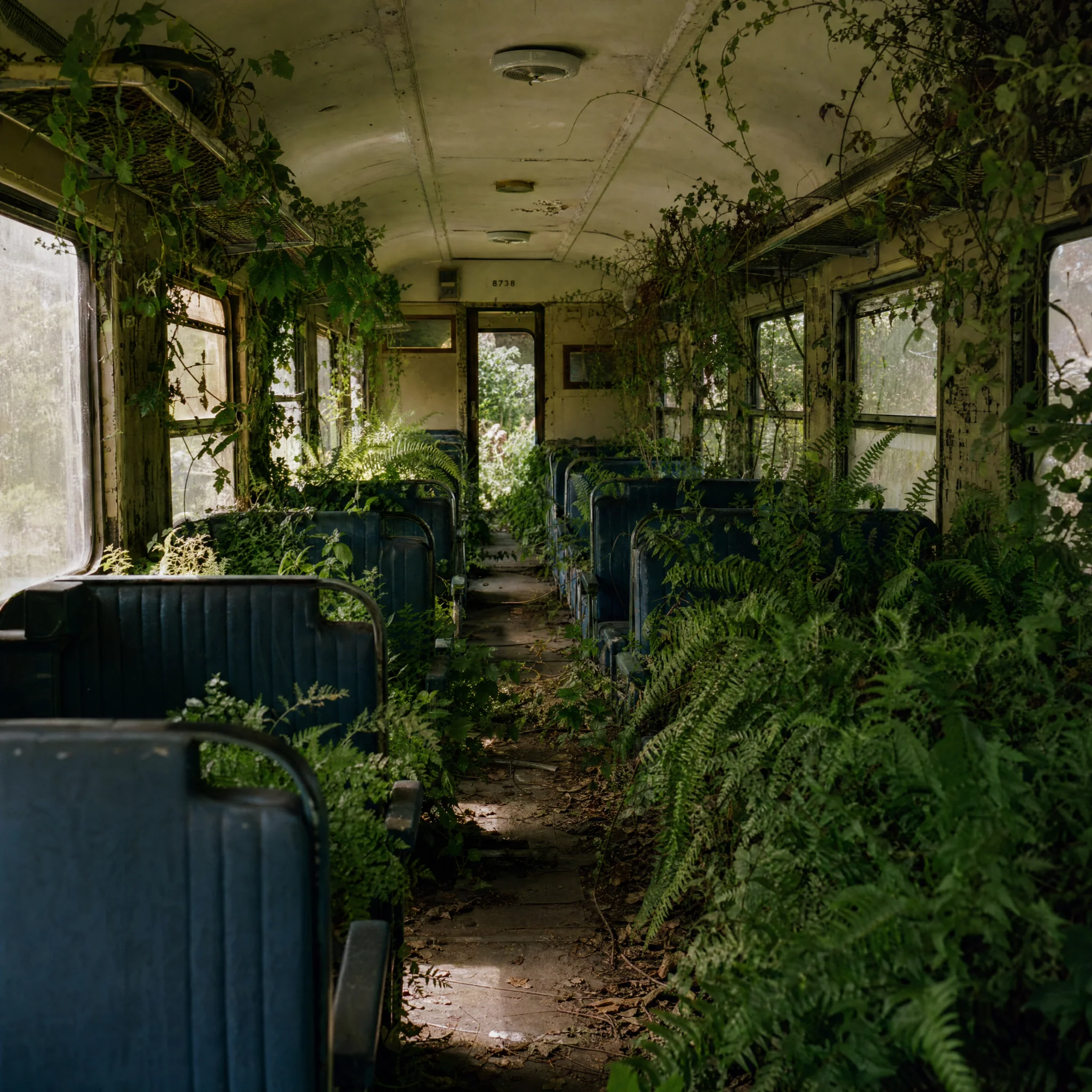
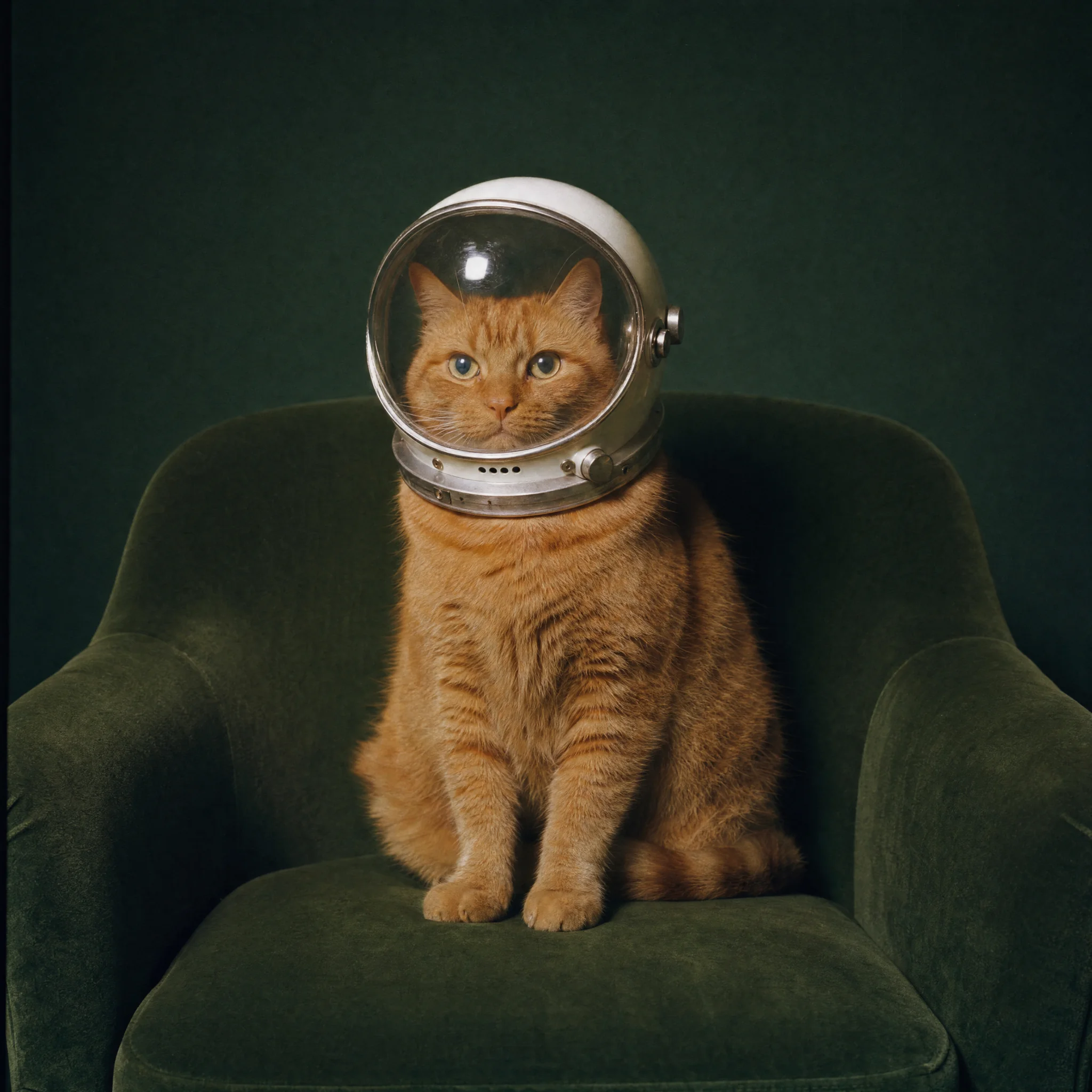
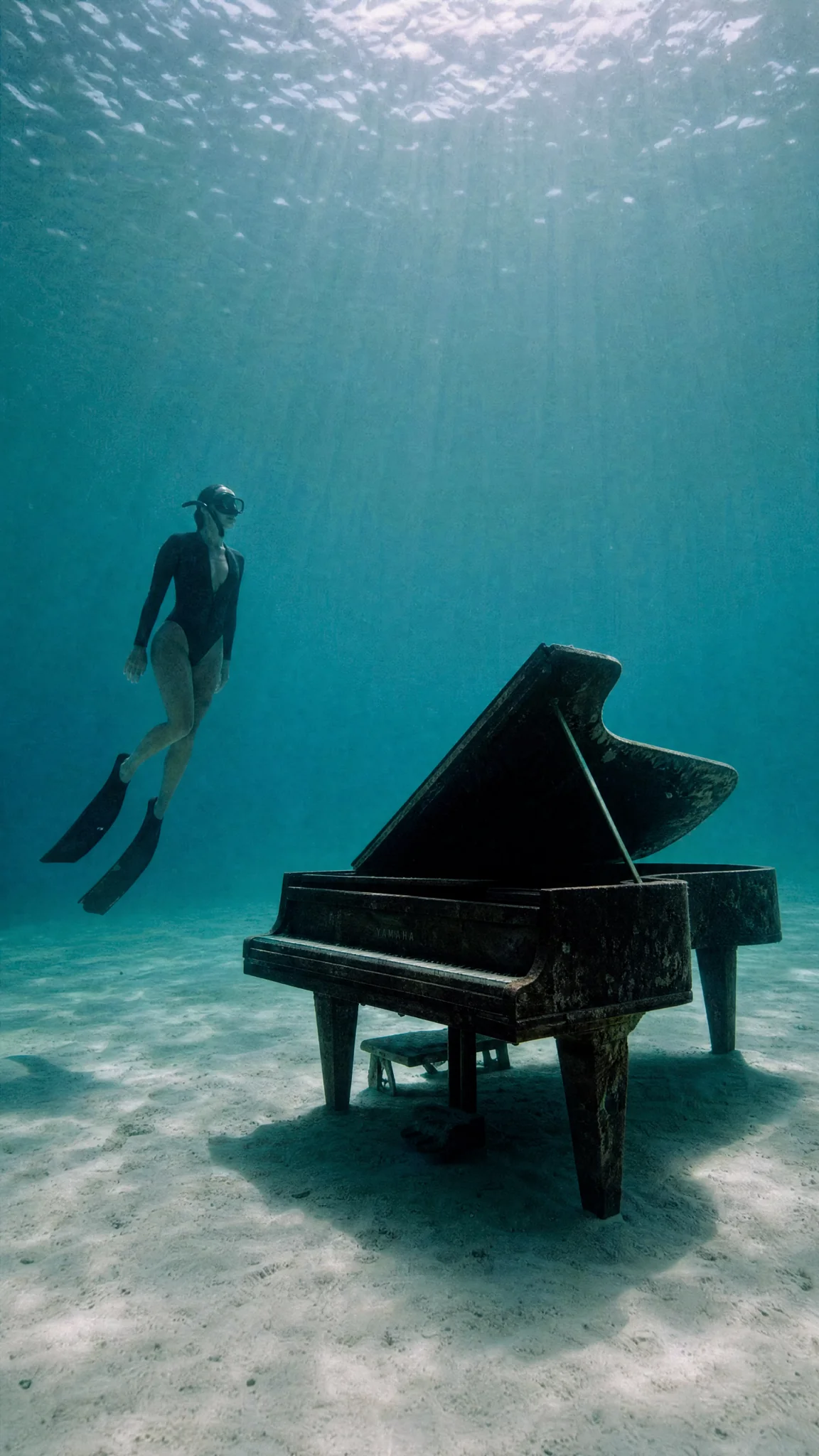
Start with a reference, or leave it open and generate from a prompt.
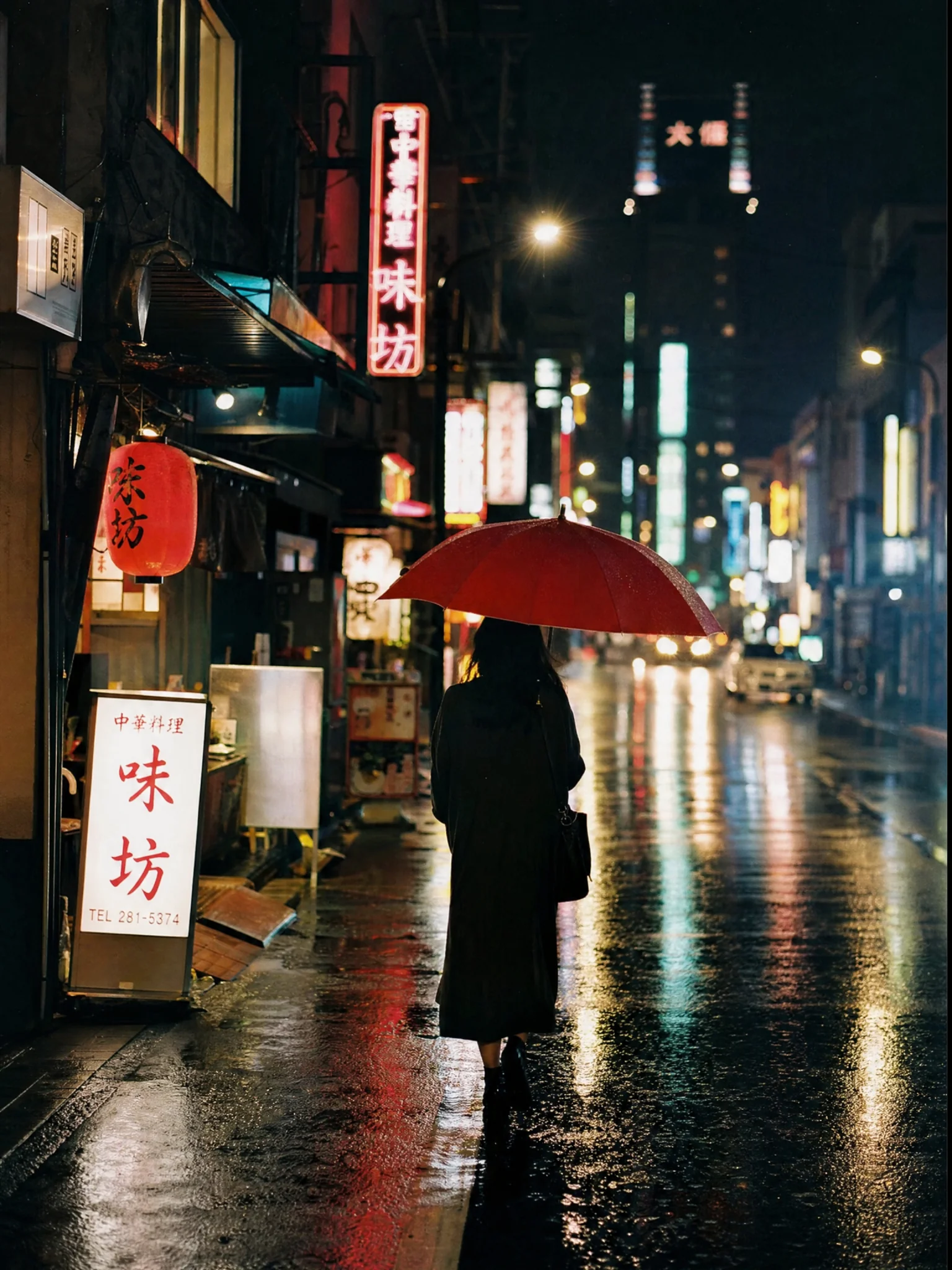
Neon-lit street at night, shot on 35mm, shallow depth of field
Grok ImagineName the subject, setting and light. One clear brief gets the idea moving.
Review the image, ask for another pass, and put the result to work.
Explore twenty directions in minutes before committing design time to one.
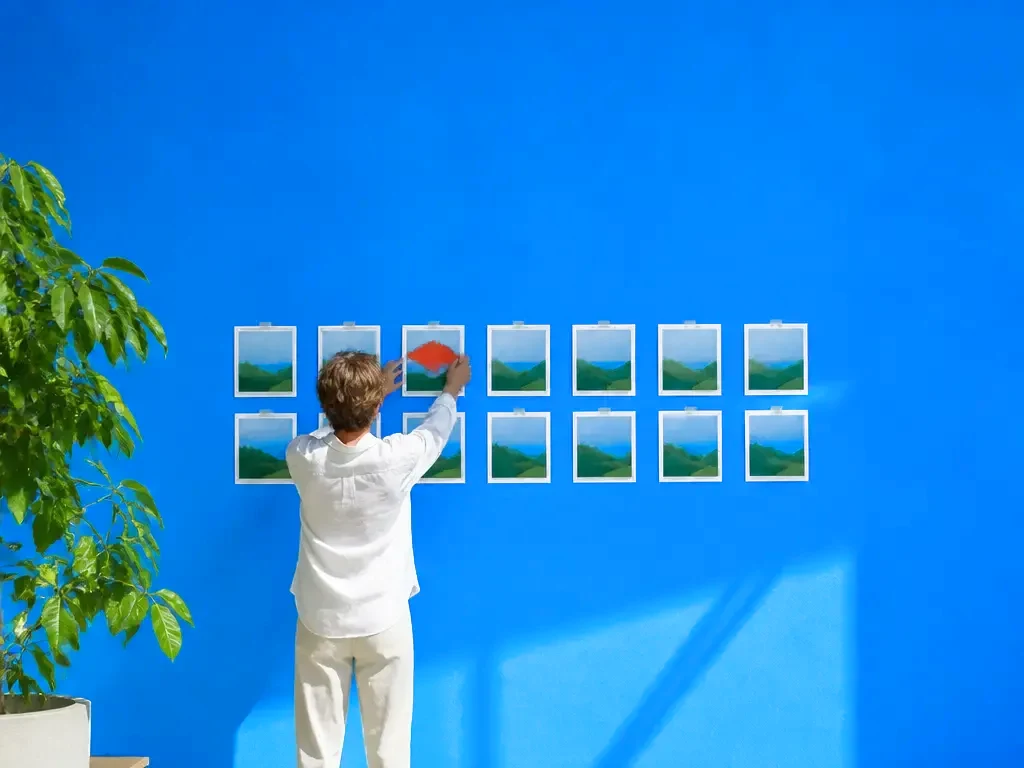
Generate, crop and caption for each platform's dimensions from a single source image.
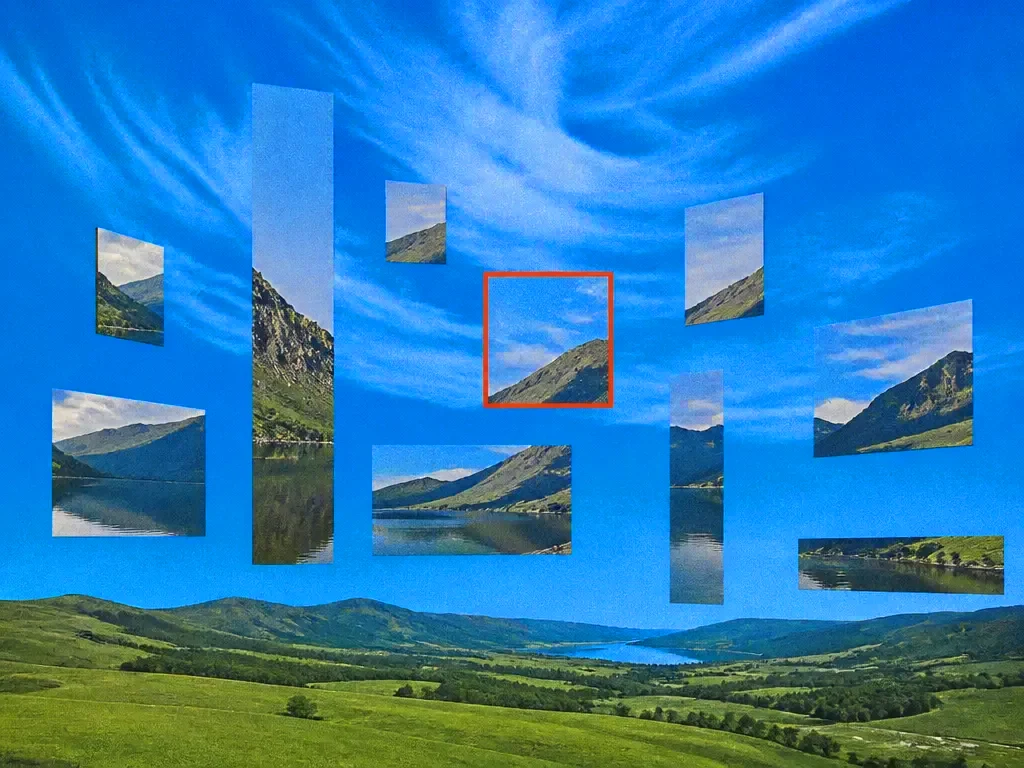
Fill a landing page with imagery built for that page, rather than stock photos that were built for nobody.
Start creating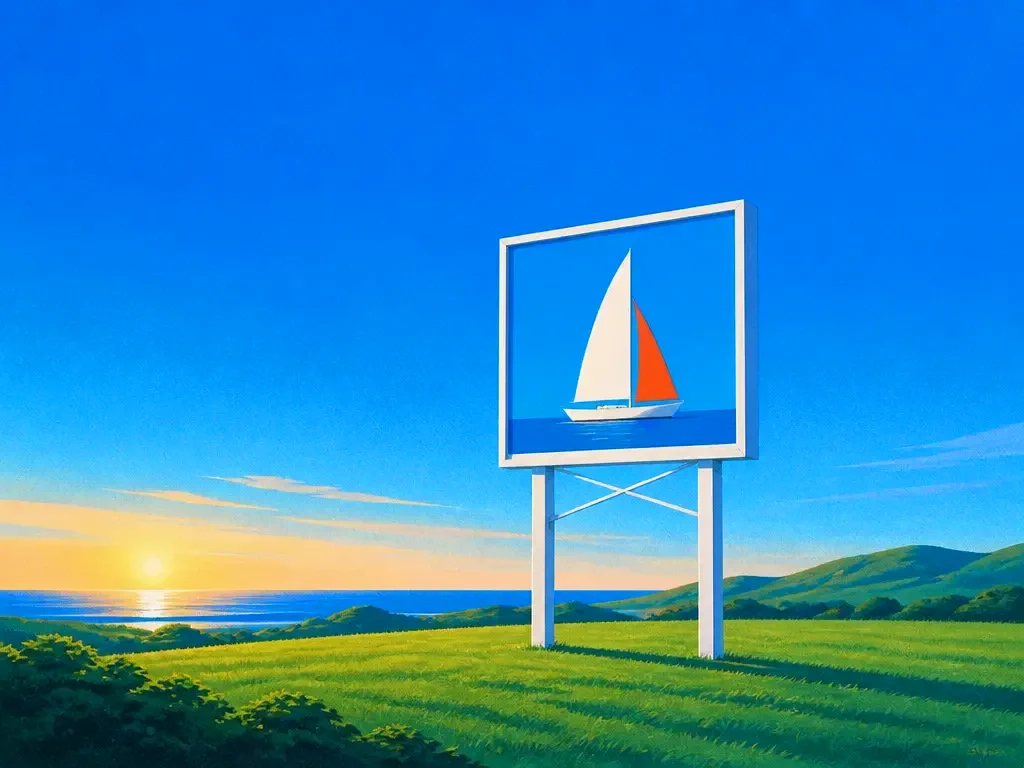
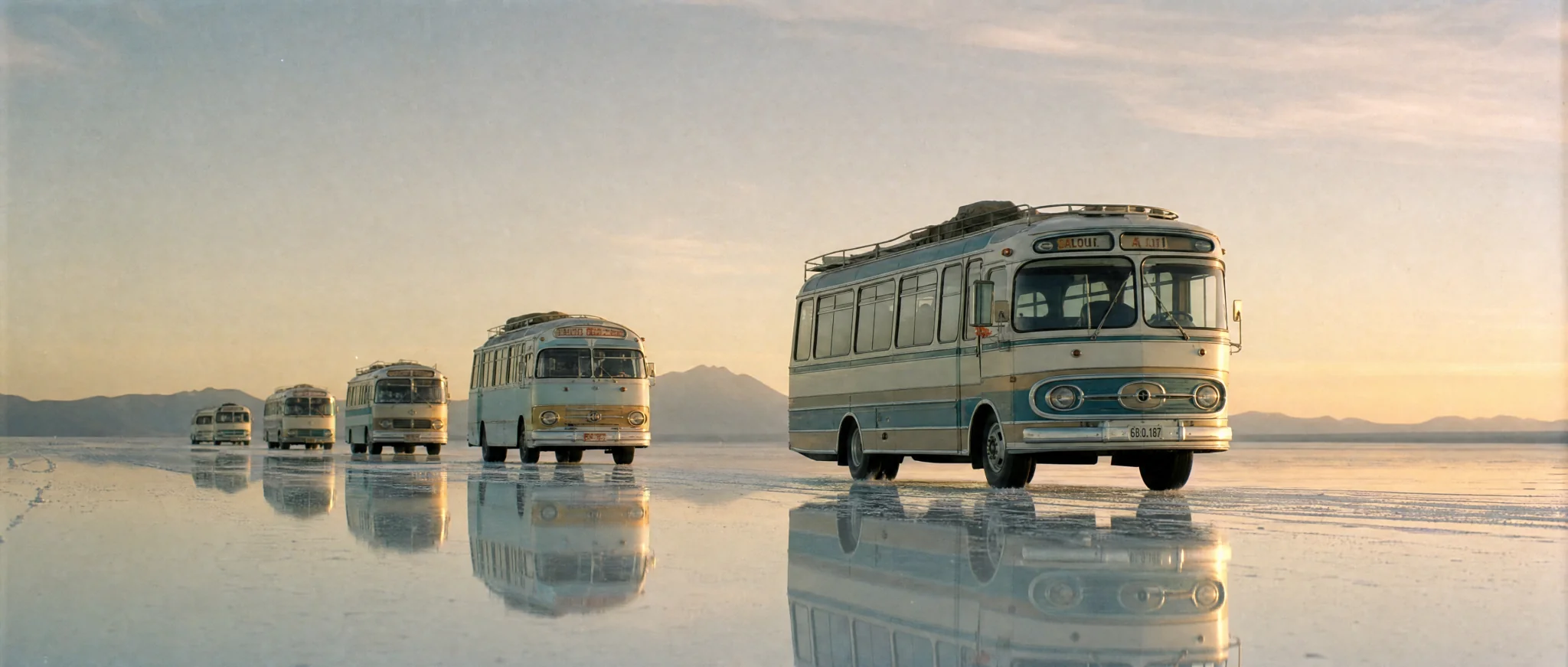
Explore the possibilities. Choose an image to see its prompt.
A convoy of pastel vintage buses crossing white salt flats at golden hour, mirror reflections, wide cinematic view
Bring your idea, shape the details and create something worth sharing.
Start generatingEvery plan runs the same agent. The difference is how much of it you use.
$18/ month, billed quarterly
Perfect for getting started with AI
Subscribe7K credits / month
$36/ month, billed quarterly
More credits, more room to create
Subscribe$183/ month, billed quarterly
Built for power users who never hit limits
SubscribePrices in US dollars; checkout shows yours in your currency. Chatly for Teams: pooled credits and shared seats, from three seats. Talk to us
No. Access runs through your Chatly plan, alongside the other image models, on one bill.
Yes, run one prompt across several models simultaneously and view the results side by side before choosing.
Images you generate are yours to use. Check the underlying model provider's terms for any restrictions that apply to their output.
They are stored in your run history with their settings so you can reproduce or fork any result later.
Yes. Generated images open in Chatly's photo editor for object removal, frame extension, relighting and per-placement crops.
Run one prompt across the frontier image models on the train, and pick the winner on your phone. Every image you make here is on your phone.
Download on the App StoreEvery image model on your desktop, with the references and brand files you already have to hand.
Download for macOSAvailable for desktop, Appstore & Playstore