Citation generator for APA, MLA and Chicago
Enter the source details and get a formatted citation in the style you need.
Examples
Three things people make with it.
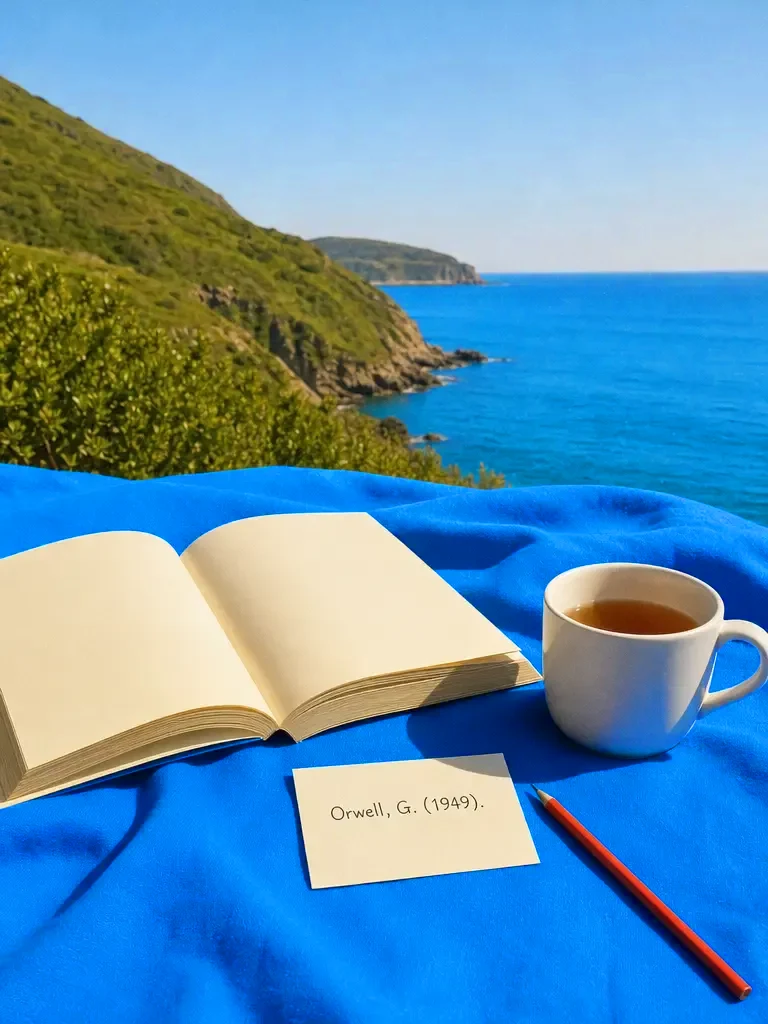
Cite the book 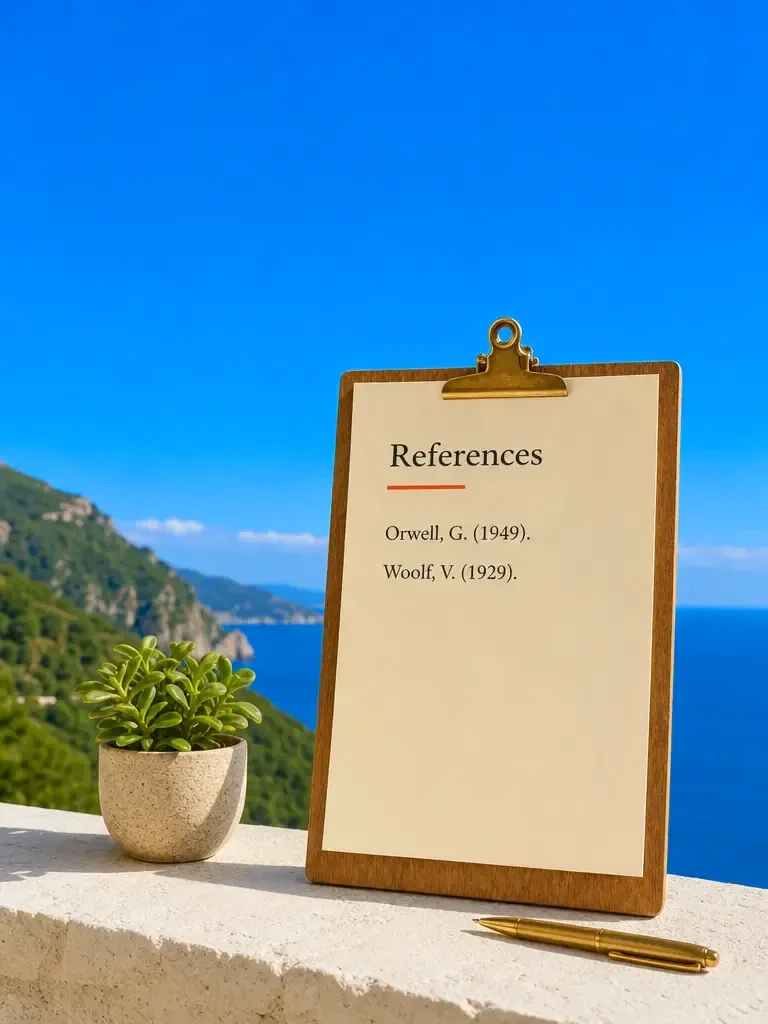
A reference list 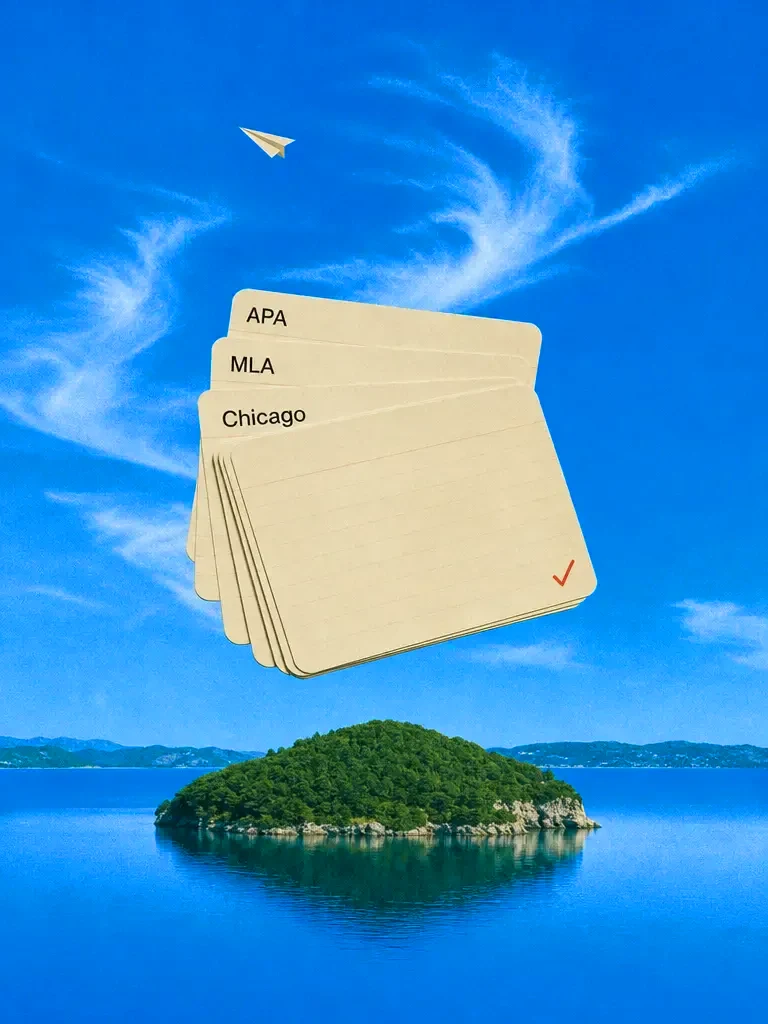
Every style
How it works
Give the source details
Enter the author, title, year, publisher or website and the URL. The more you give, the better the citation.
Pick the style
Choose APA, MLA, Chicago or Harvard, and say whether you need a reference list entry or an in-text citation.
Check and copy
Check the result against the style guide and the source, then copy it into your reference list.
Features
Majorstyles
Learn more about major stylesMany sourcetypes
Learn more about many source typesIn-text andfull entries
Learn more about in-text and full entriesWholelists
Learn more about whole listsConvertbetween styles
Learn more about convert between stylesExplained
Learn more about explained
Who it’s for
Essays and dissertations
Format a reference list quickly, then check it against your course guide.
Papers and reports
Convert a list from one journal's style to another.
Blog posts and articles
Add clean source credits to work that quotes research.
One source, three styles
The same book formatted as a reference list entry in three styles.
- APA 7
- Orwell, G. (1949). Nineteen eighty-four. Secker & Warburg.
- MLA 9
- Orwell, George. Nineteen Eighty-Four. Secker & Warburg, 1949.
- Chicago 17 (bibliography)
- Orwell, George. Nineteen Eighty-Four. London: Secker & Warburg, 1949.
What each style asks for
The pattern behind the entries, so you can check any citation yourself.
- APA 7, a web page
- Author. (Year, Month Day). Title of page. Site Name. URL
- MLA 9, a web page
- Author. "Title of Page." Site Name, Day Month Year, URL.
- APA 7, a journal article
- Author, A. A., & Author, B. B. (Year). Title of article. Journal Name, volume(issue), pages. DOI
Getting an accurate citation
Copy the details from the source, not from memory. The title page of a book, the header of an article and the About page of a site hold the author, the date and the publisher.
Name the style and the edition. APA 6 and APA 7 differ, and so do MLA 8 and MLA 9. Your course or journal says which one it wants. If you are unsure, check the assignment brief or the journal's author guidelines before you format a whole list.
Check against the guide. A citation generator saves time on typing and order, but the final check is yours. Compare one entry of each source type with the official guide, then trust the pattern for the rest. If your course gives its own examples, paste one and ask the generator to follow it exactly, because instructors sometimes accept small variations that the main guides do not.
Common citation mistakes
Mixing styles is the most common one. A list that uses APA for some entries and MLA for others will be marked down in either style, so pick one and convert everything to it.
Missing or wrong dates come next. A web page without a date takes "n.d." in APA, and a page that has been updated may need the date of the version you read. Check the page itself, not a search snippet.
Capitalisation and italics differ by style. APA uses sentence case for titles of articles and books, while MLA and Chicago use title case, and each style italicises different parts. A generator gets these right when it knows the style and the edition.
Finally, in-text citations must match the reference list. Every source you cite in the text needs an entry in the list, and every entry needs to be cited somewhere. Read the list once against the text before you submit.
Frequently asked questions
Which citation styles does it support?
APA, MLA, Chicago and Harvard, and others you can name. Say the edition, for example APA 7, because the rules change between editions.
Can it cite websites, books and videos?
Yes. Give the author or channel, title, date, site or publisher and the URL, and it formats the citation for that source type.
Is it free?
You can start for free. Paid plans add credits and features. Standard is $20 a month, or less when you pay quarterly or yearly.
Is the citation always correct?
Check it. AI can get a detail wrong or invent one if you leave it out, so supply the real details and compare the result with the style guide and the source before you submit your work.
Can it find the source details for me?
Do not rely on it for that. It can format what you give it, but it may guess missing details. Look up the author, date and publisher from the source itself.

One prompt in.
Real work out.
Enter the source details and get a formatted citation in the style you need.
Chatly on your Mac
Chatly for Mac
Docs on your desktop, with the contracts and CVs you already have to hand.
Download for macOS