AI anime video generator
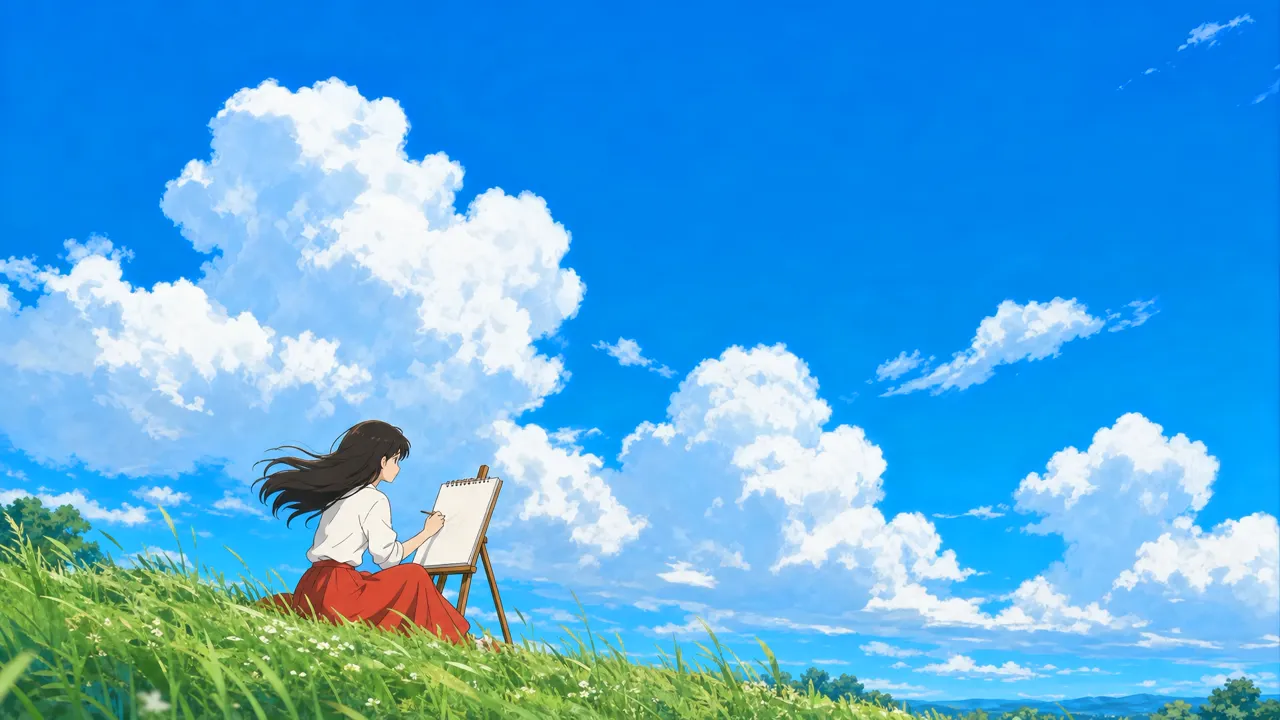
Characters that stay on-model from shot to shot.
Characters that stay on-model from shot to shot.
One prompt, one take
Add a reference
Describe the shotRooftop at dusk, my character from this sheet, wind in her hair, 8 seconds
Write the shot
Generate the video
Features
Character consistency
Hair, eyes, outfit and proportions are held to the reference across shots, the thing that breaks first when clips are generated one by one.
Style control
Clean cel shading, soft painterly backgrounds or bold graphic lines, described once and applied across the whole sequence.
Footage to anime
Film yourself acting out a scene and restyle it, keeping the timing and movement of the performance underneath.
Anime camera language
Dramatic push-ins, slow pans across backgrounds and held frames on a reaction, directed in the prompt rather than left to chance.
Sound and captions
Add dialogue, music and sound effects, with subtitles timed to the voice track.
A sequence, not a clip
Individual generations are short, so Chatly assembles them into scenes and episodes on a timeline where you can reorder and trim.
Who it’s for
Short-form series
Run a recurring character across episodes for a channel, with the same look every time they appear.
Animatics and pitches
Show how an animated project would look and move before committing to a full production.
Brand and social content
An anime version of a mascot or a campaign idea for audiences who respond to the style.
AI anime video generator at a glance
Characters that stay on-model from shot to shot.



Frequently asked questions
Can I use my own original characters?
Yes. Upload a character sheet or a few reference images and every shot is generated against them.
Can I turn a real video into anime?
Yes. Upload the footage and it is restyled with the movement and timing of the original kept intact.
Can I copy an existing anime's characters?
Describe the look you want in general terms, but use characters you created or have the rights to. Existing franchise characters are not yours to publish.
How long can a video be?
Each generated shot is short. Chatly sequences shots into longer scenes and episodes on its timeline.
What aspect ratios are supported?
Wide 16:9 for episodes, vertical 9:16 for short-form feeds and square for posts, set before generating so shots are framed correctly.
Chatly on your phone and your Mac
Chatly for iPhone
Brief the cut on the train, approve the plan, and watch it render. Every video you make here is on your phone.
Download on the App Store
Chatly for Mac
Video on your desktop, with the product photos and footage you already have to hand.
Download for macOS