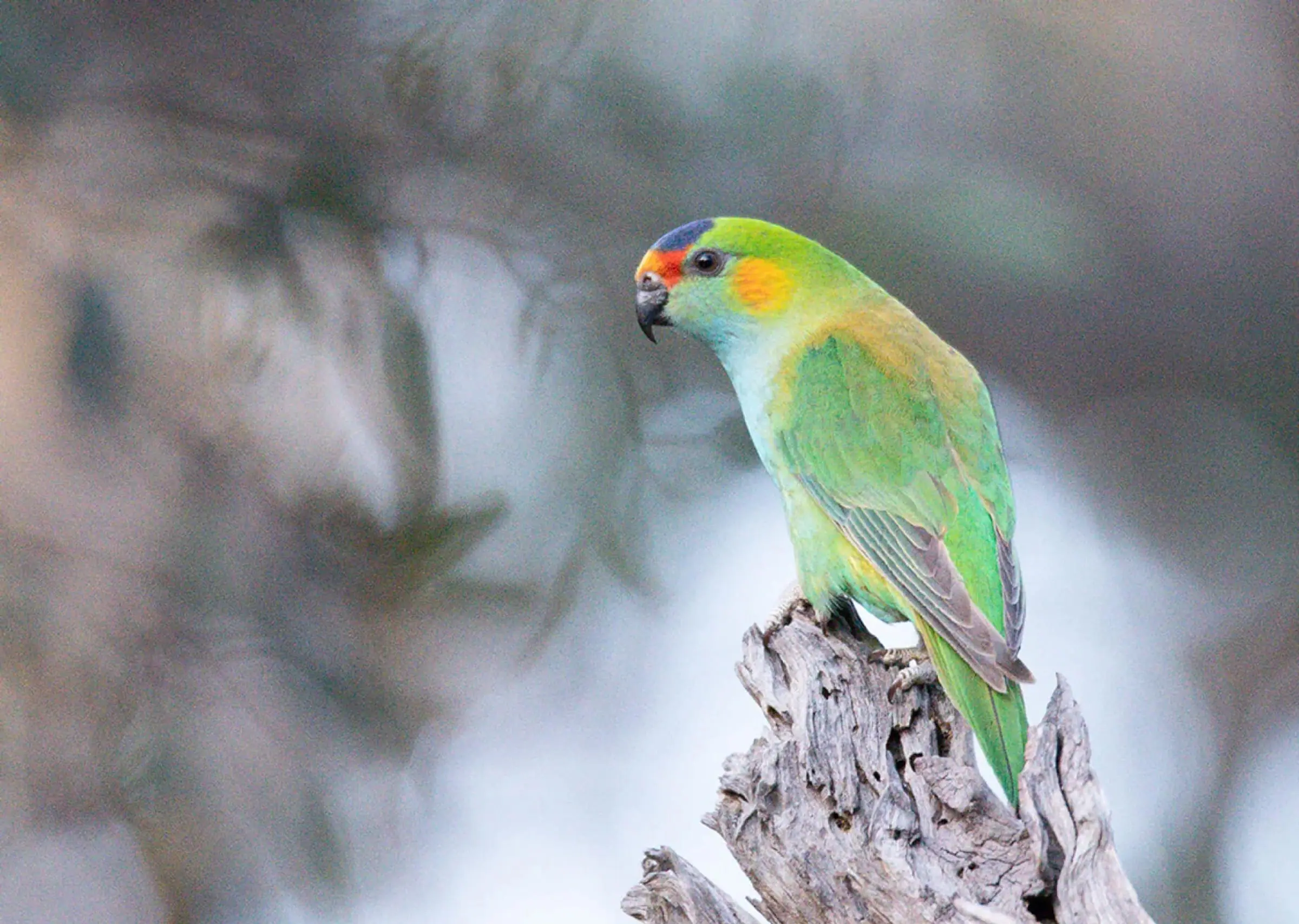
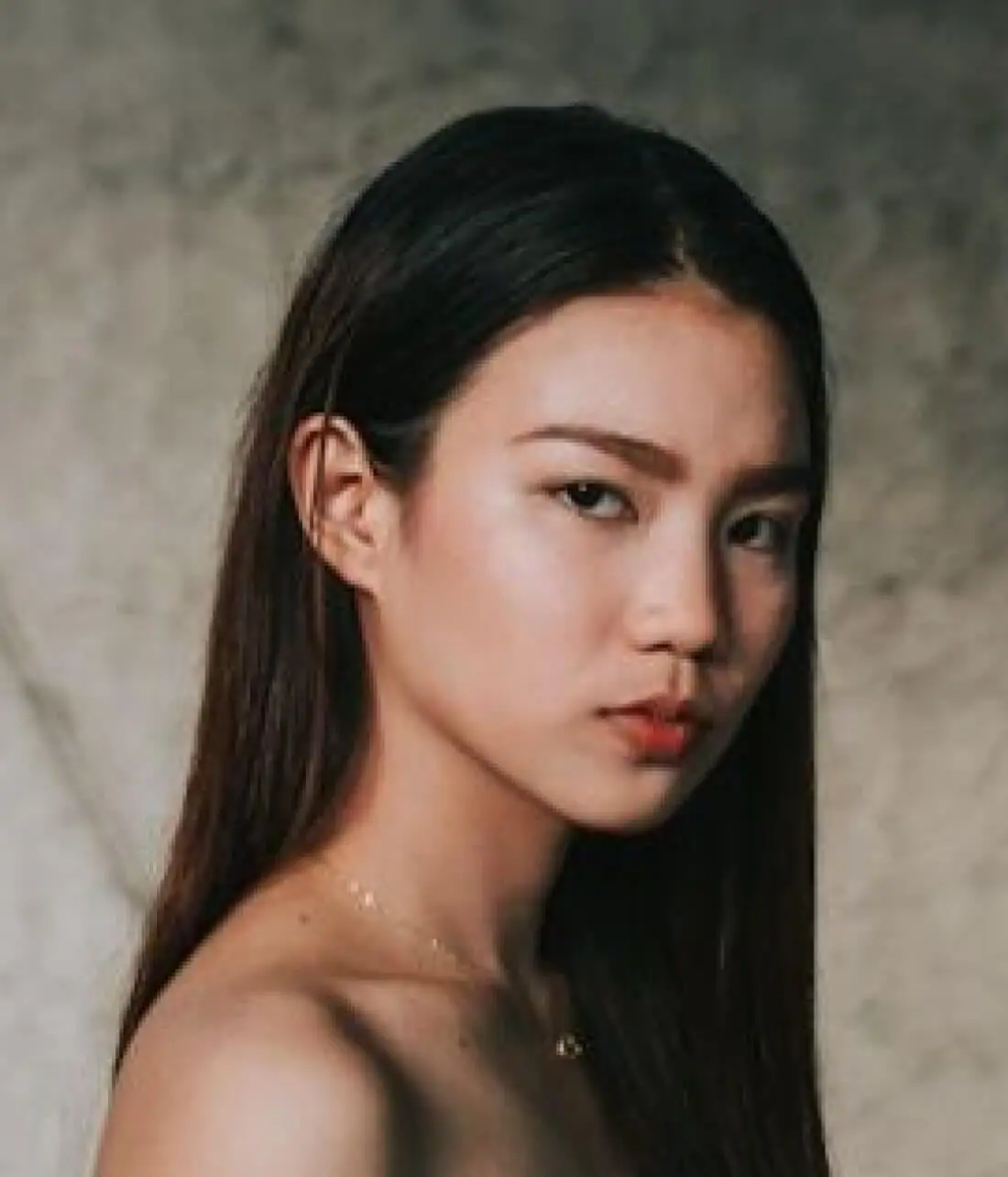
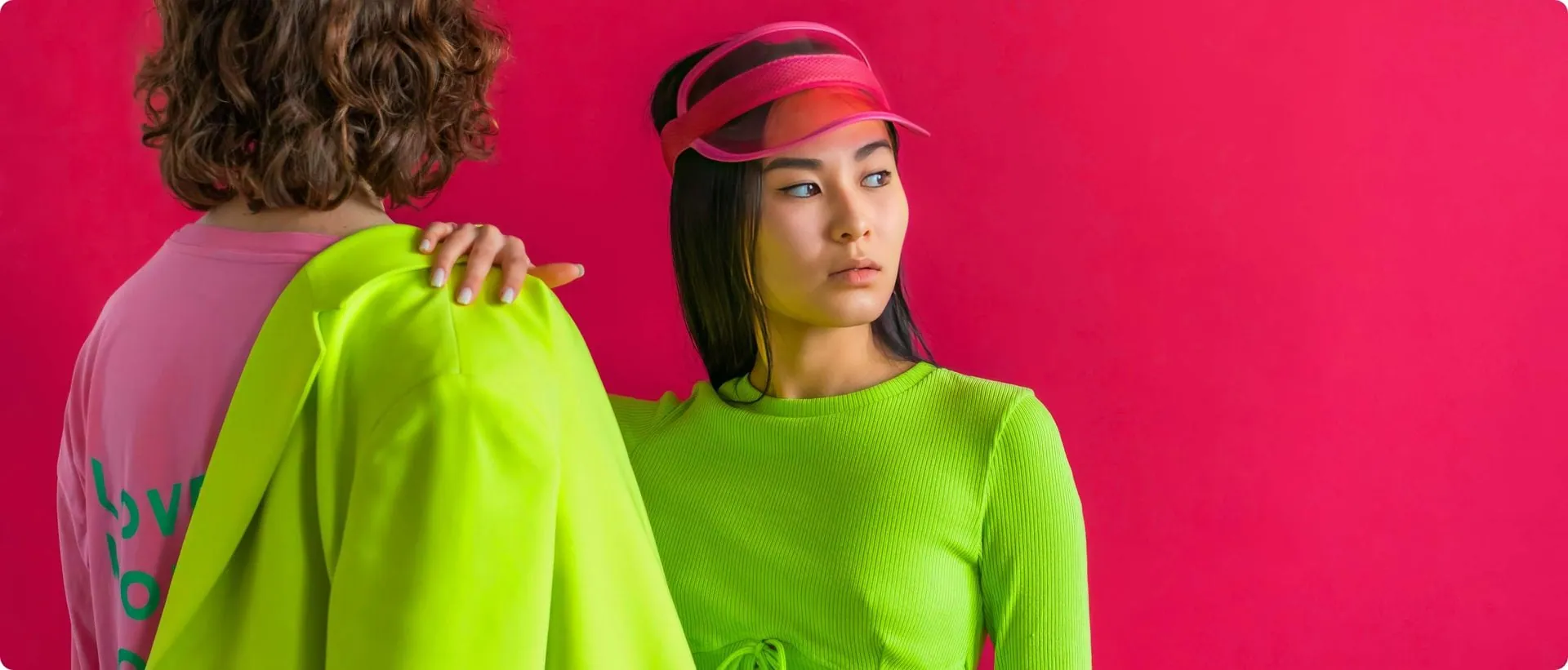
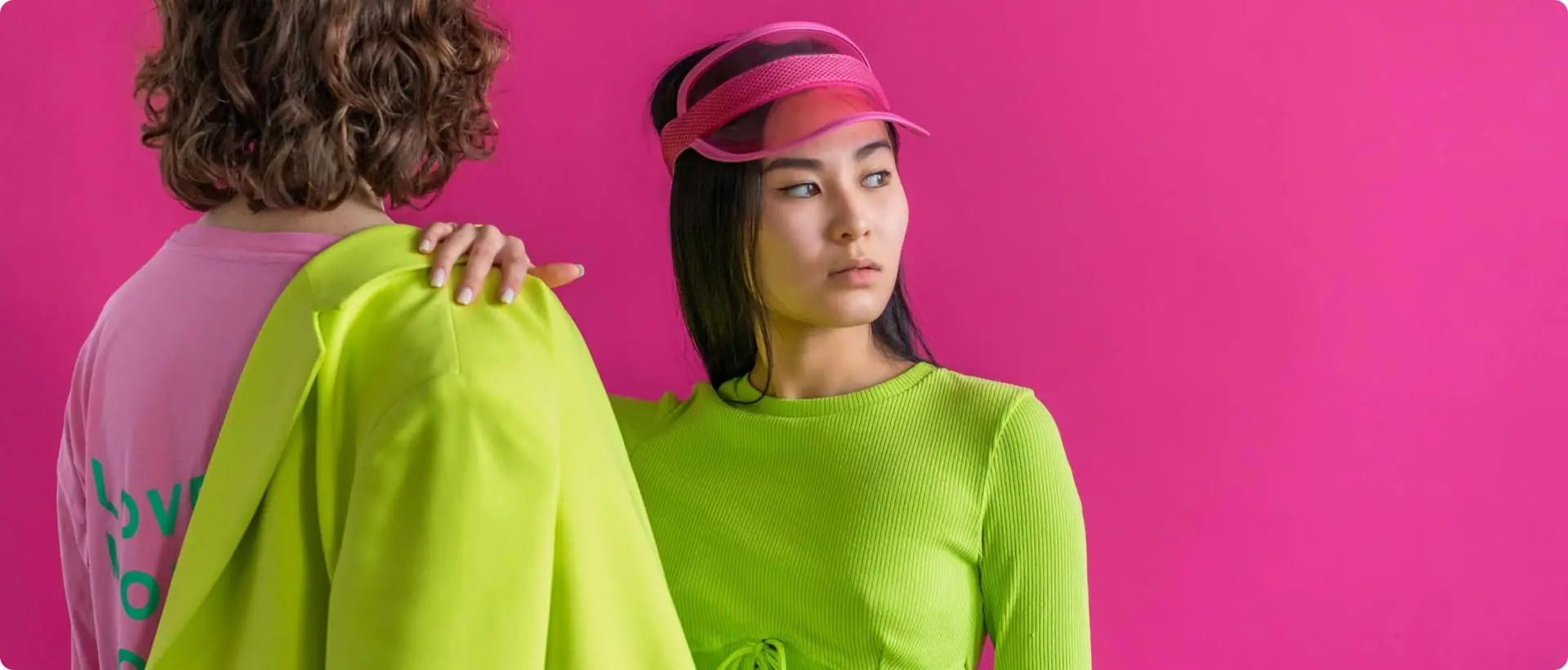
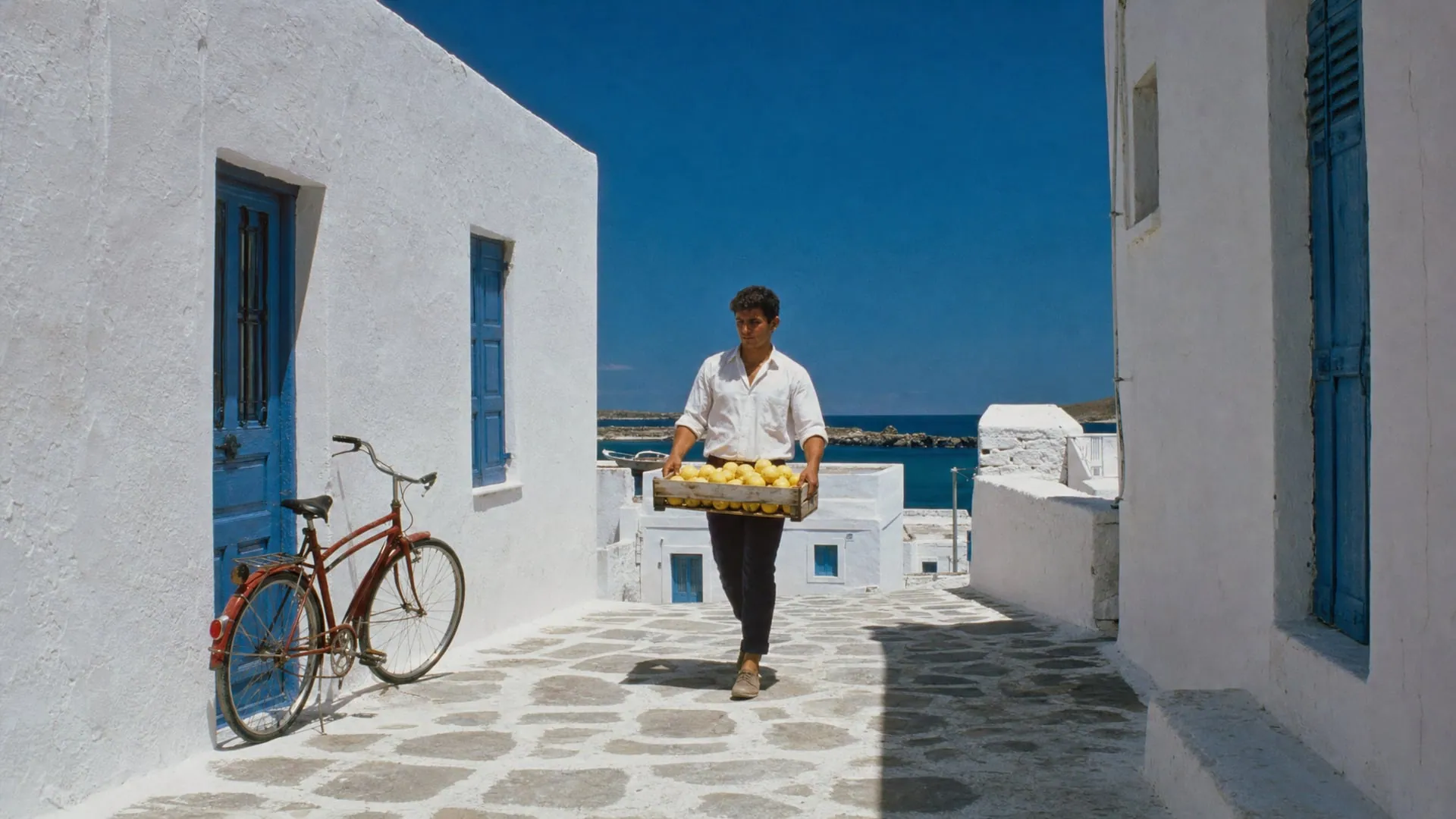
 Move to enhanceBefore and after: move the pointer over the photo, or press and hold, to see the enhanced version.
inside Chatly
Fix blur, noise and low resolution in one click. Topaz's Gigapixel upscaling models and image enhancement tools, through the Topaz API in your Chatly workspace.
Precision upscaling
for images
Topaz's Gigapixel models: essential image enhancement designed for quality, precision, and control. Precision models attempt to improve quality without changing the source characteristics.
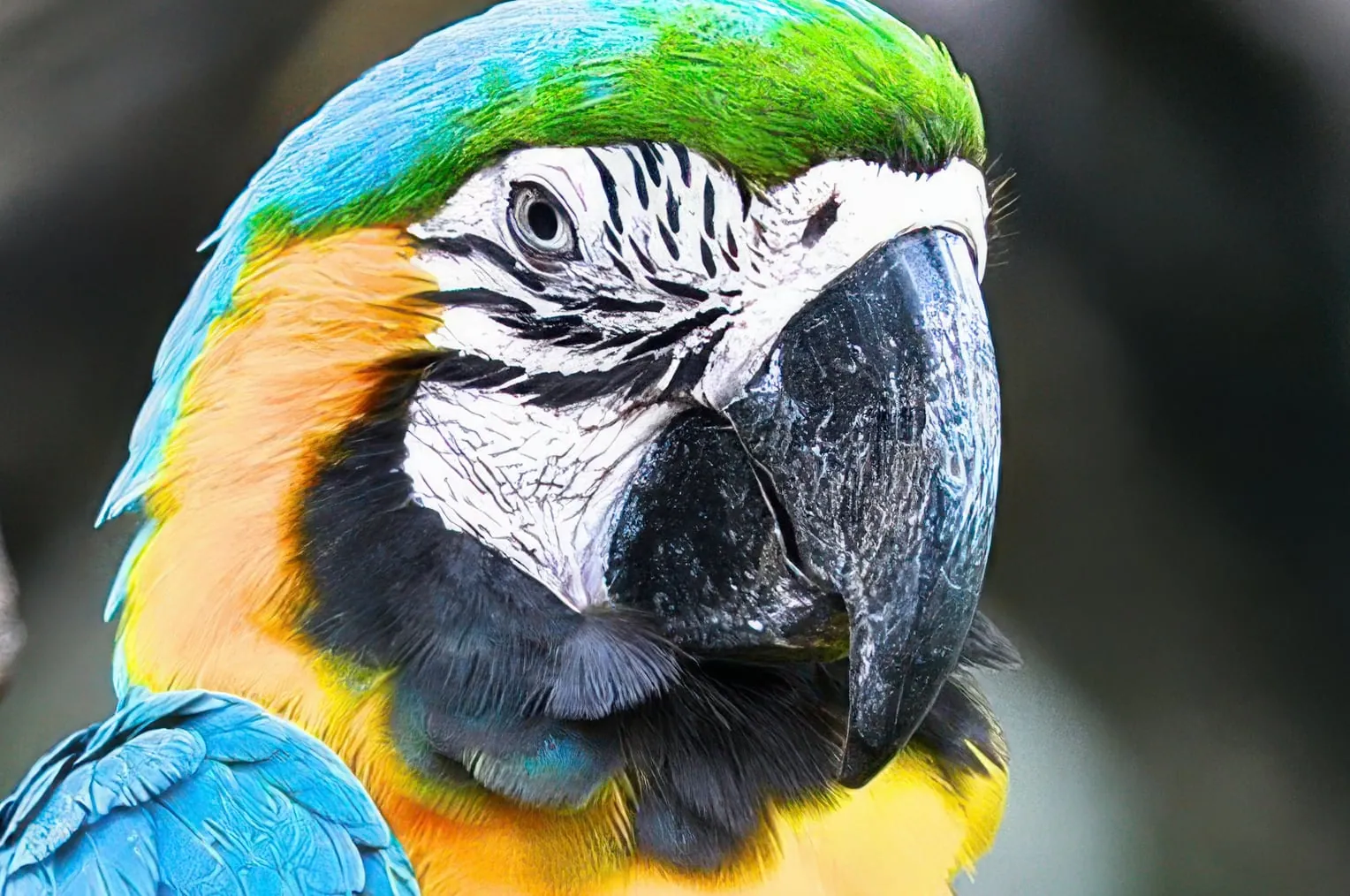
Standard V2. General-purpose model balancing detail, sharpness, and noise reduction.
Standard 2 is the general-purpose image upscaling model recommended for most photos and graphics.
- Best for
- Default. Works for most images
- Trusted, industry-standard image upscaling
- Preserves natural detail and texture
- Balanced model is the ideal default choice for photos, graphics, and print
Meet Topaz Photo
Topaz PhotoEach tool gets it closer to perfect.
The ultimate finishing step for every image. Fix issues. Restore focus. Remove noise. Enhance details. Crop in. Prepare for print. Topaz Photo is the last step before done. All using AI trained on millions of images.
Enhanced by Denoise
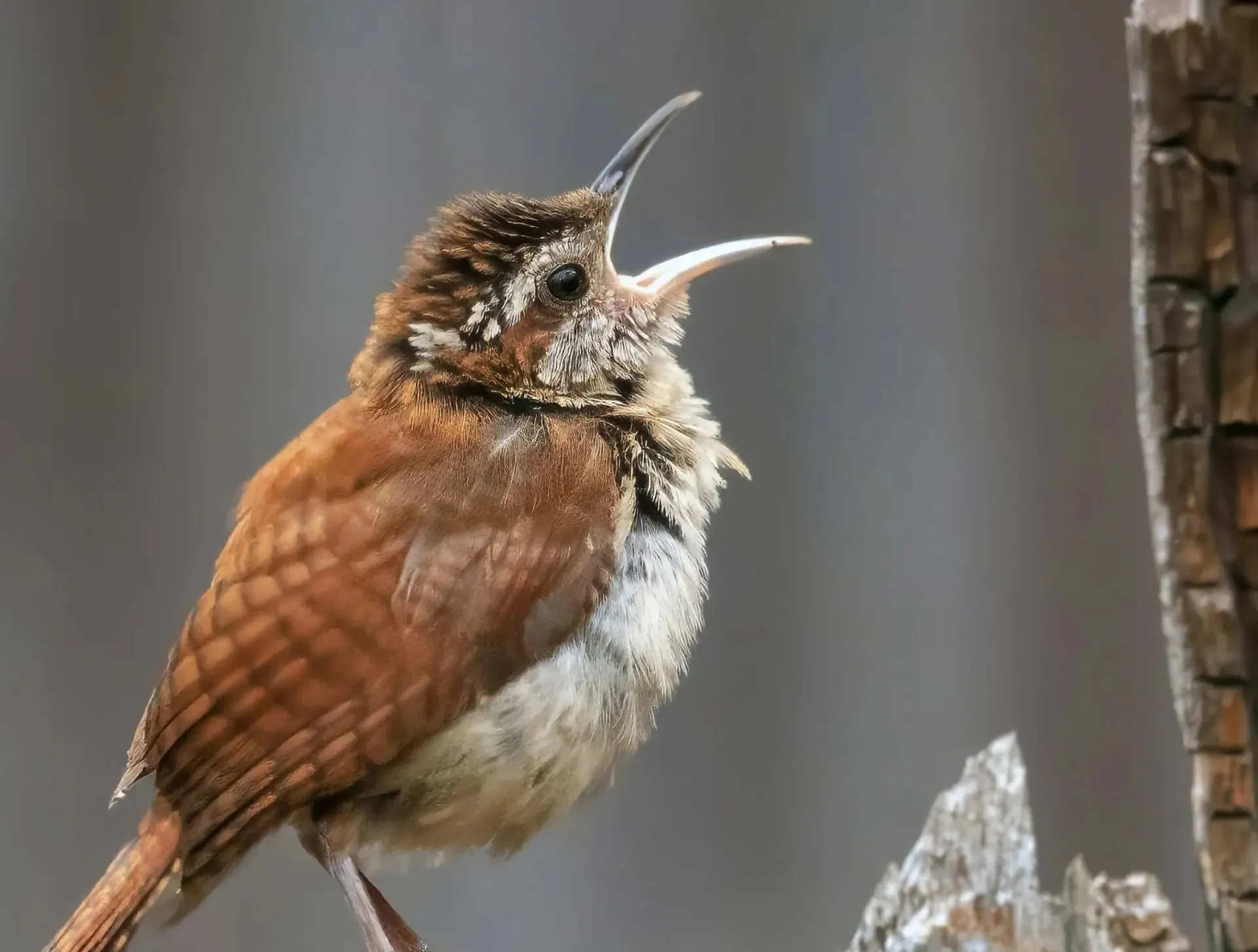
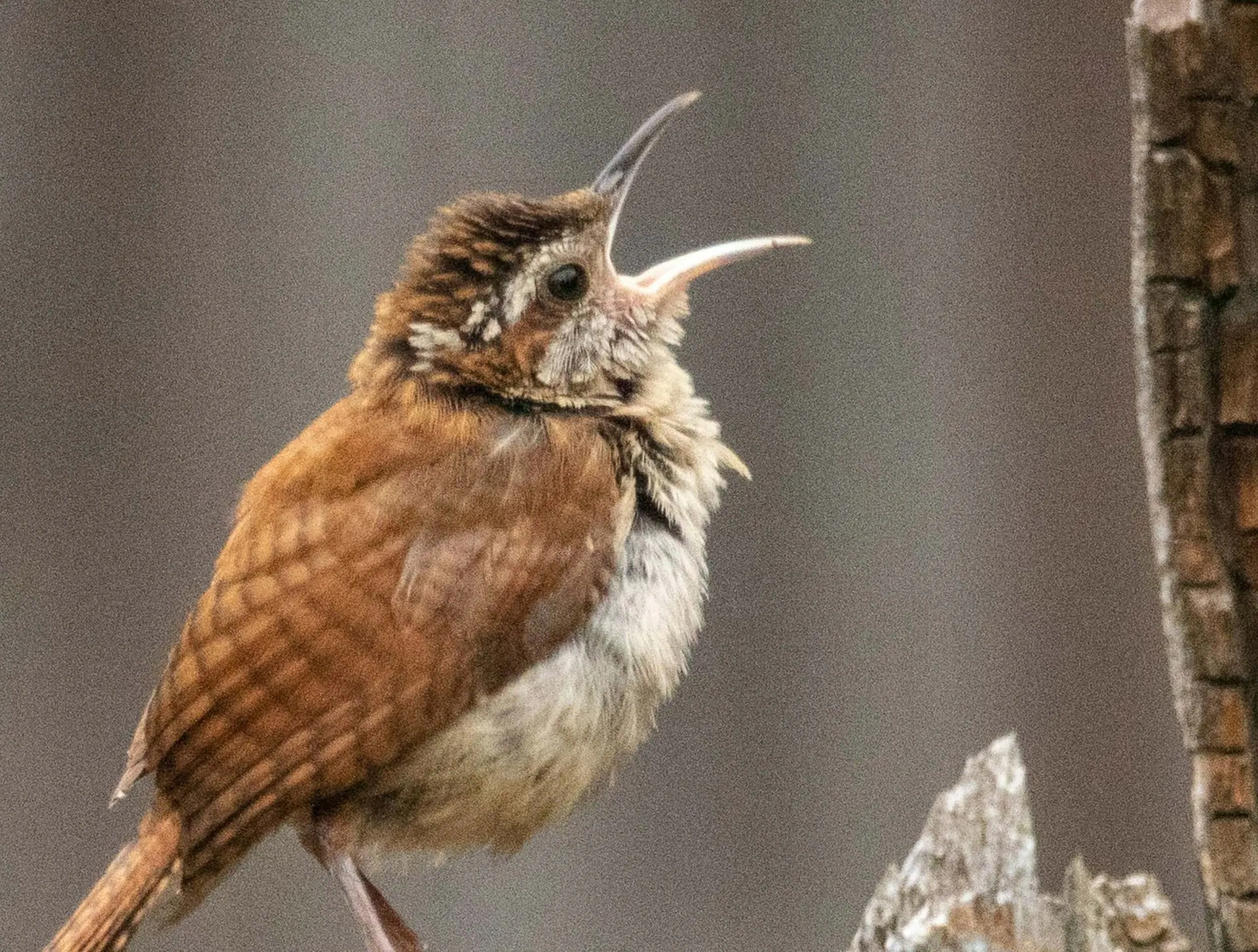
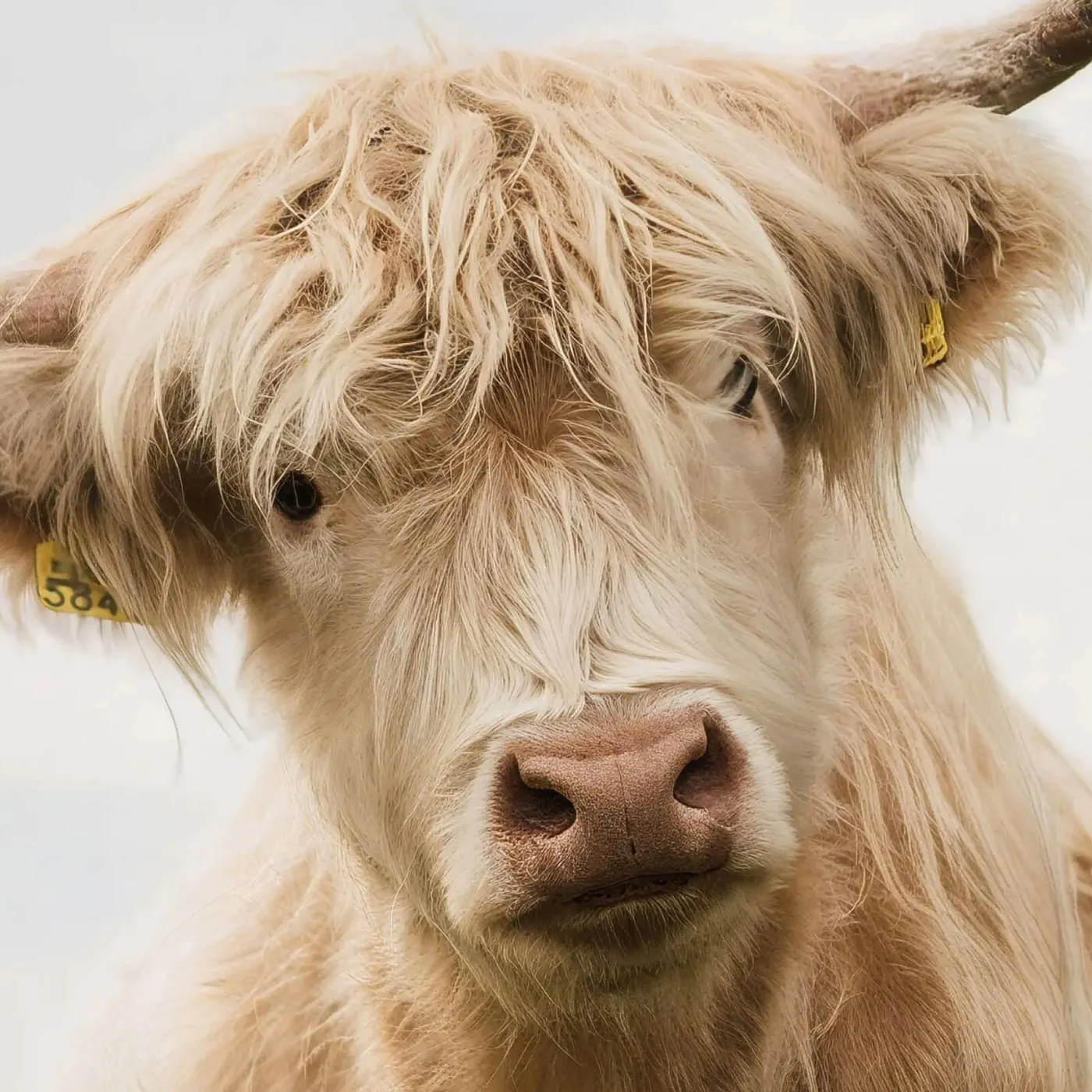
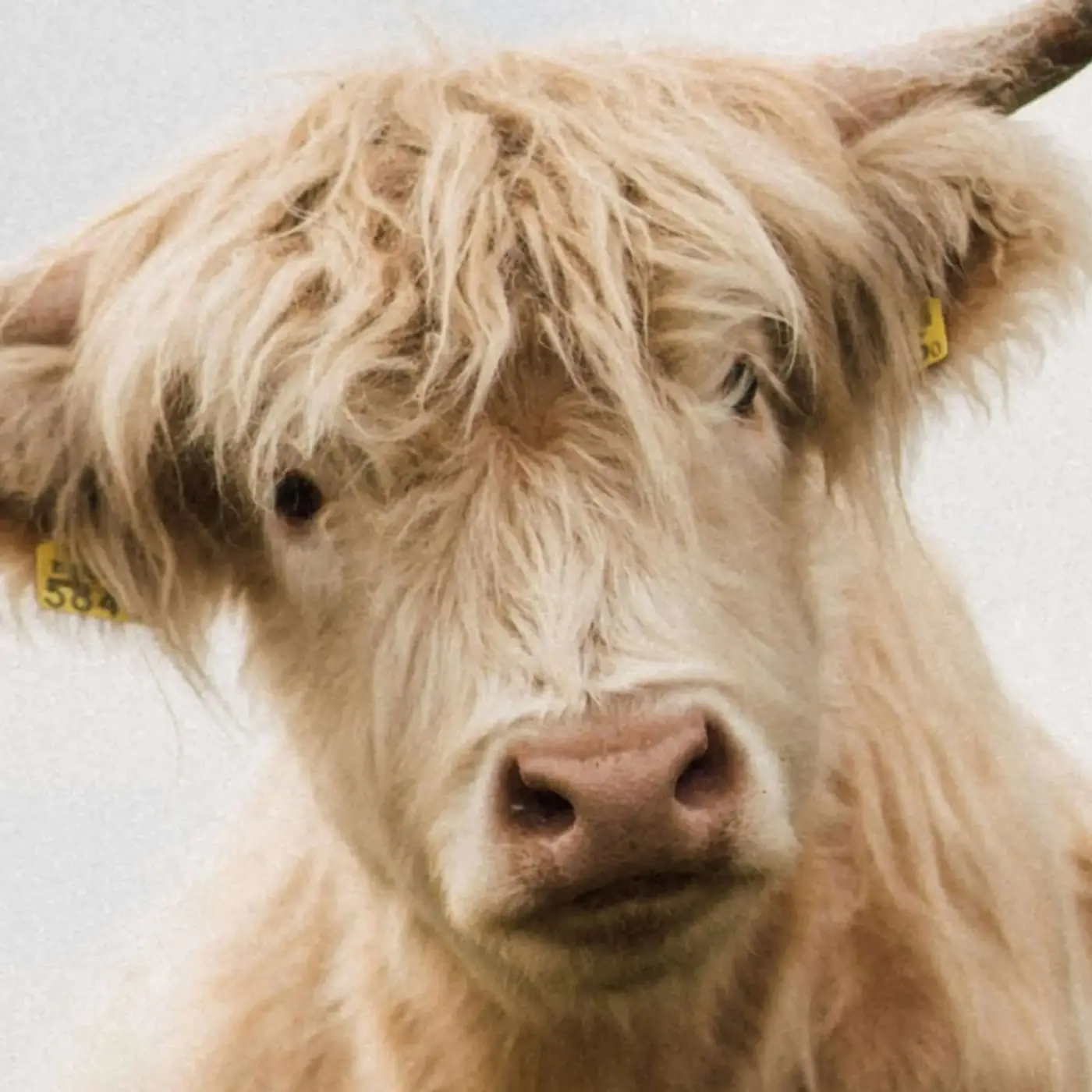
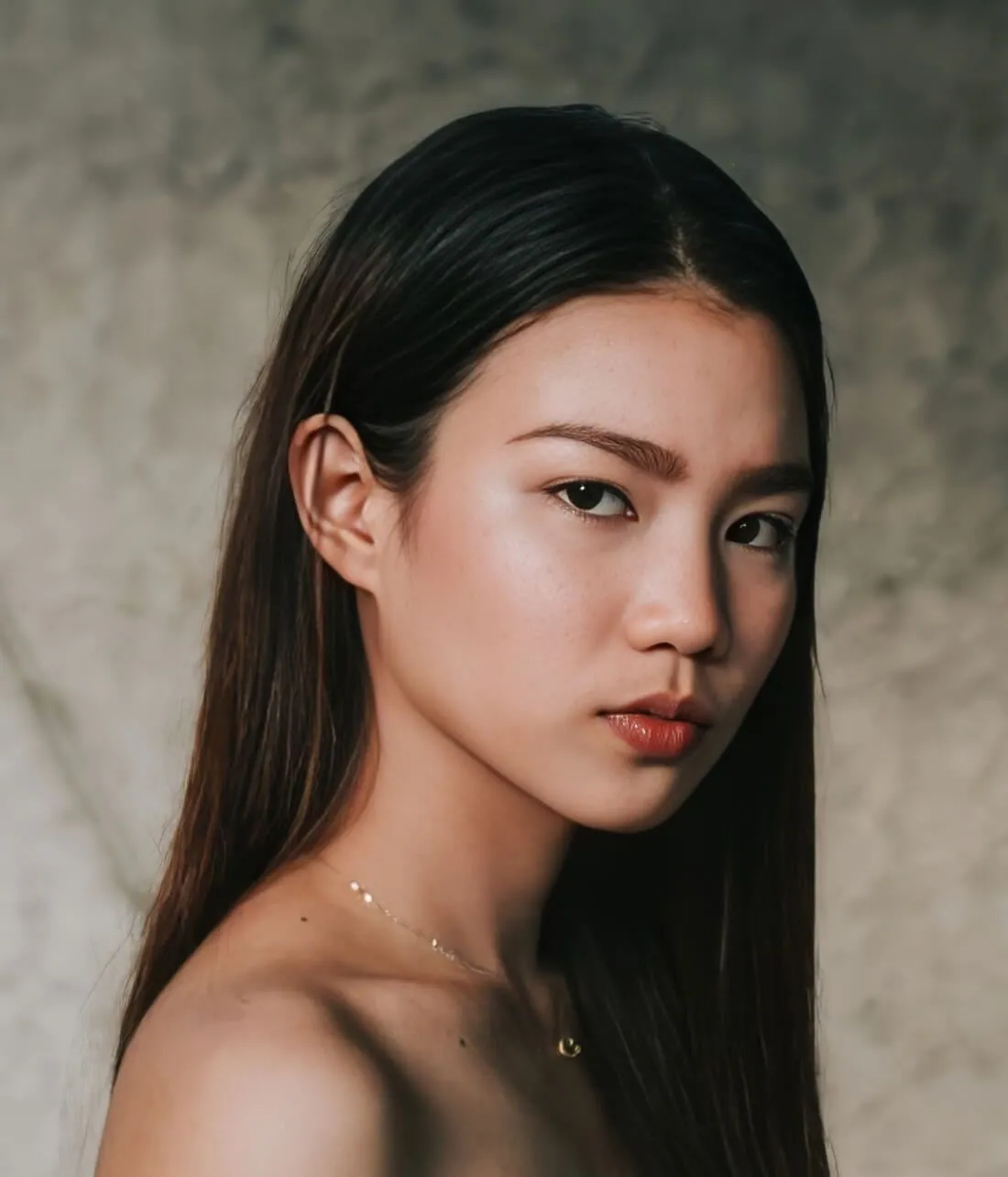
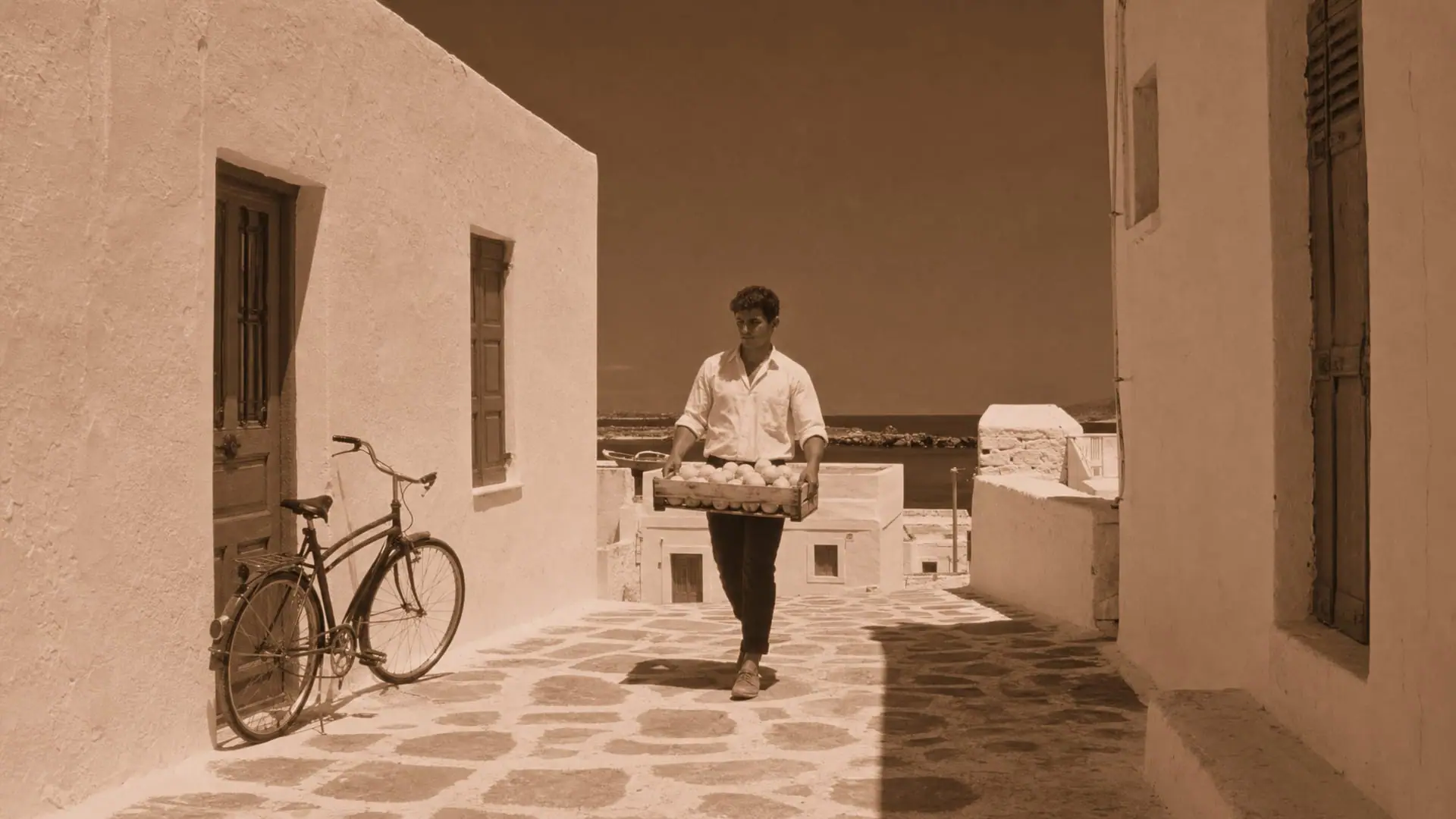
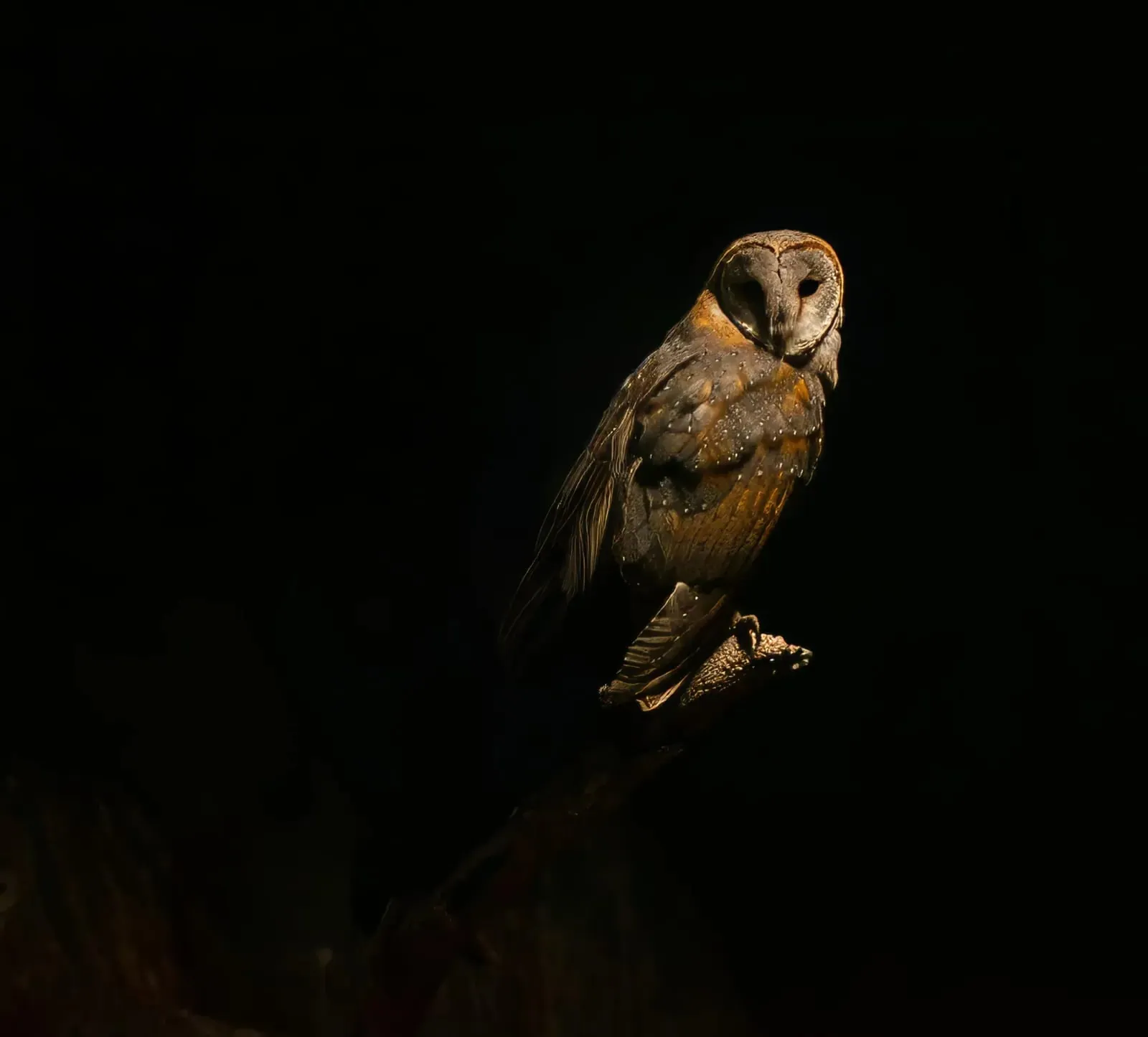
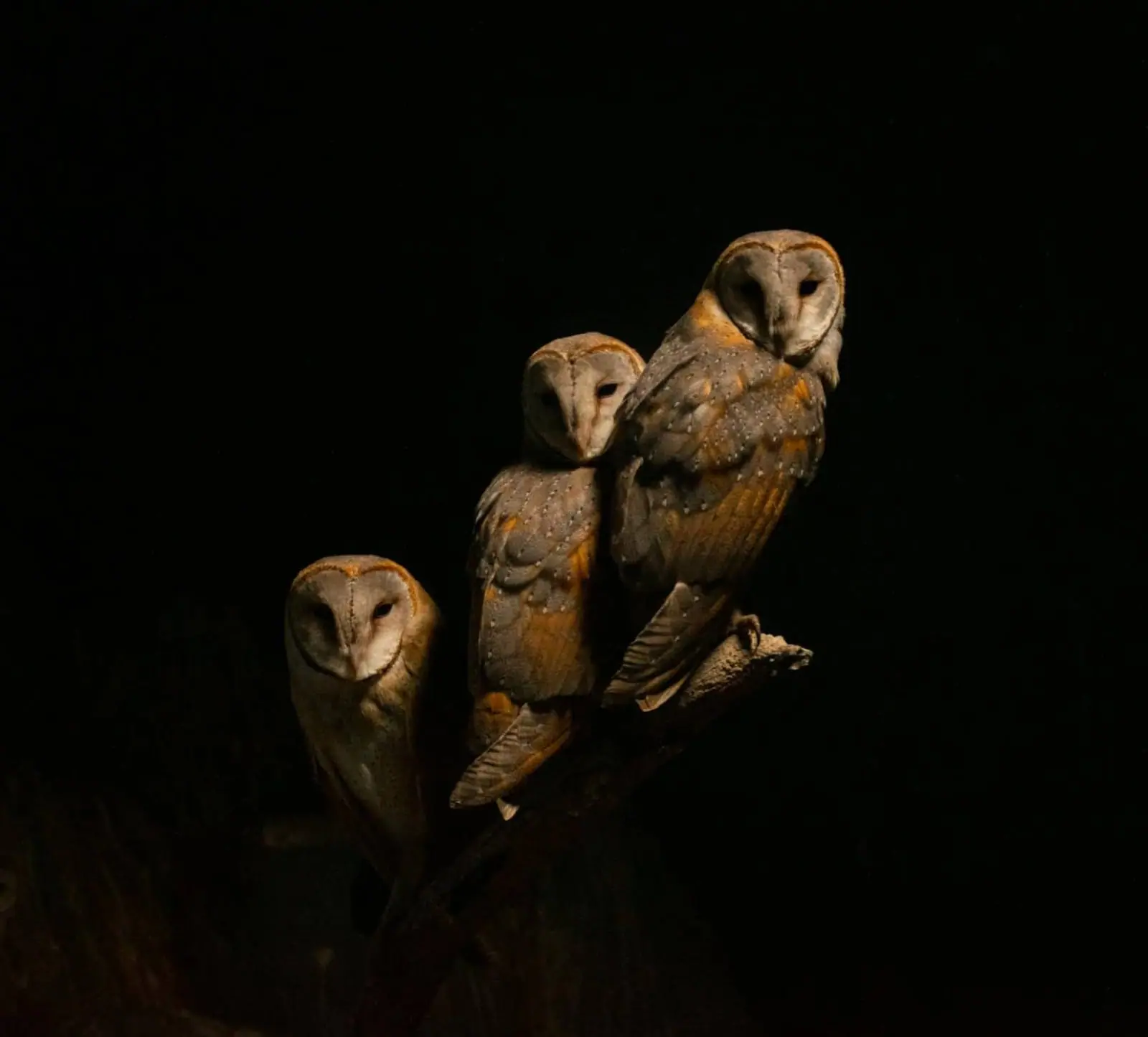
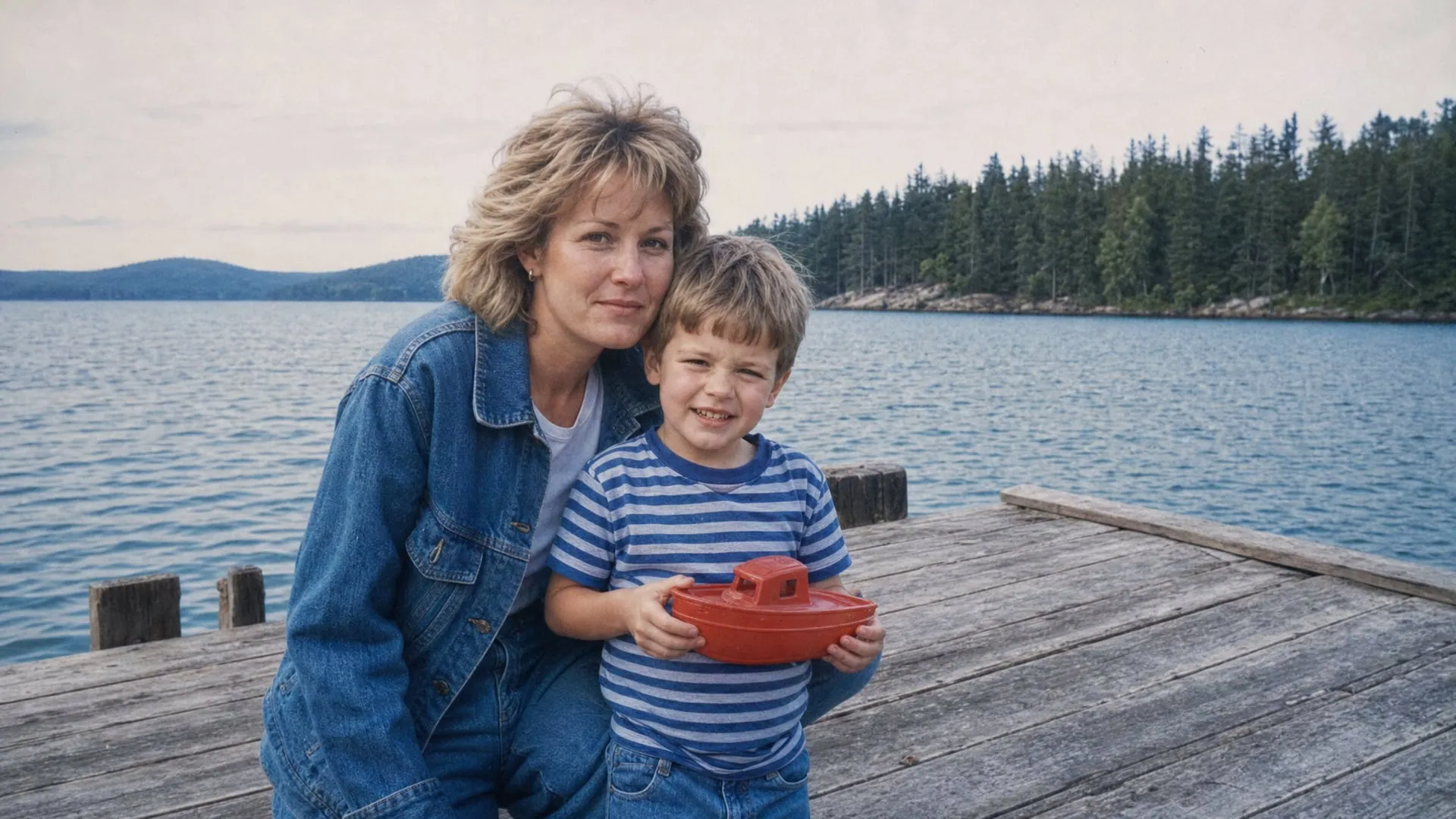
Unlimited cloud rendering.
Take the pressure off your hardware with cloud rendering. You'll get the fastest processing times with the latest AI models. Inside Chatly, that is how every Topaz job runs.
A seamless addition to your workflow.
Topaz Photo sits in the Chatly agent next to the other models you use, so an enhance is one prompt away from the rest of the job.
Start enhancingTwo decades of photo enhancement.
You're getting the culmination of two decades of photo enhancement technology, all in Topaz Photo. What started as standalone denoising and sharpening tools are now more advanced than ever, in an all-in-one application.
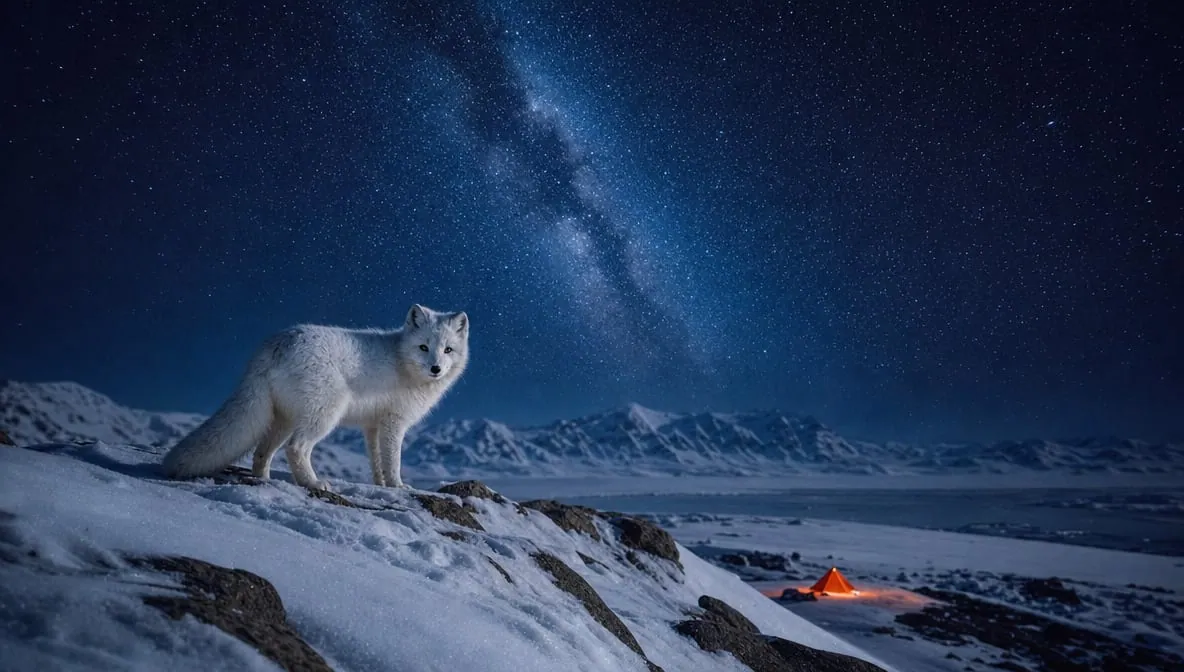
Wildlife & Astro Photography
Zoom in with lossless crop, sharpen details, and denoise high ISO shots captured in unpredictable conditions.
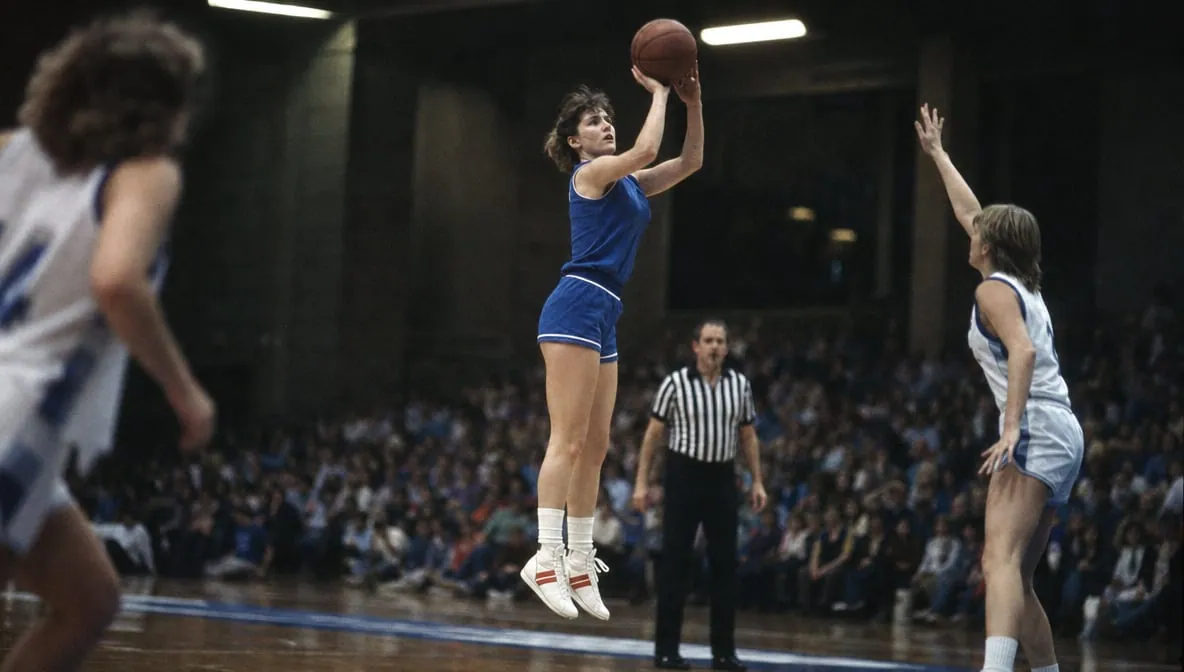
Sports Photography
Sharpen motion blur and denoise indoor shots with poor lighting.
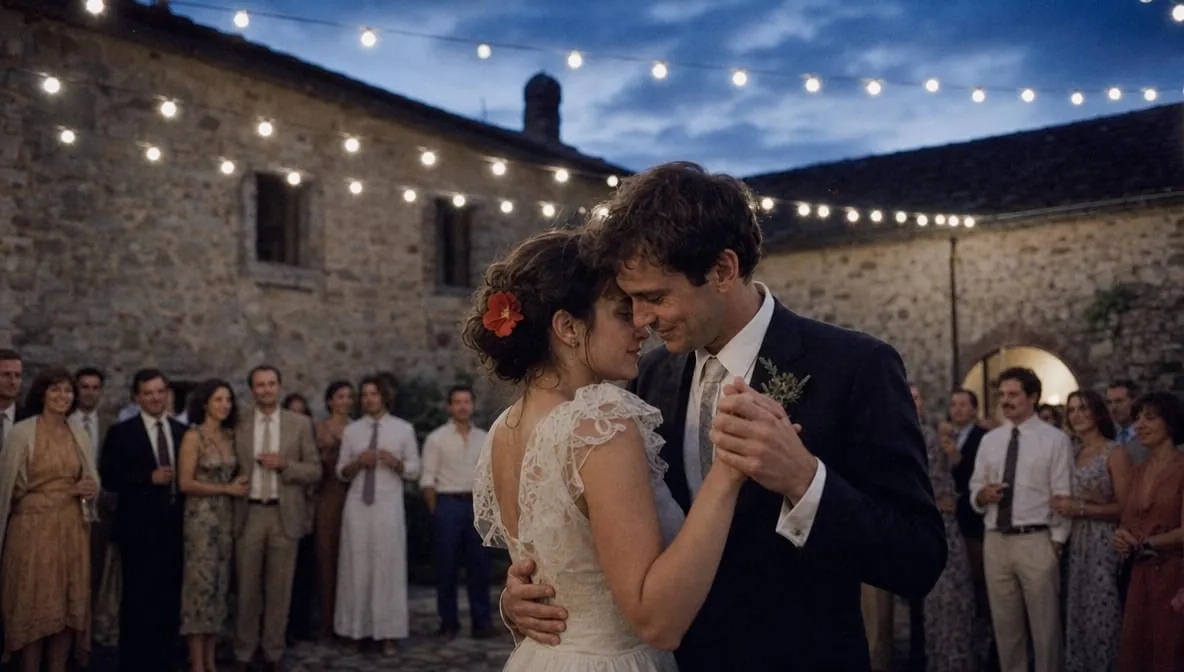
Events & Weddings
Never miss the important moment to low lighting or soft focus. Topaz Photo lets you fix the details without reshooting.
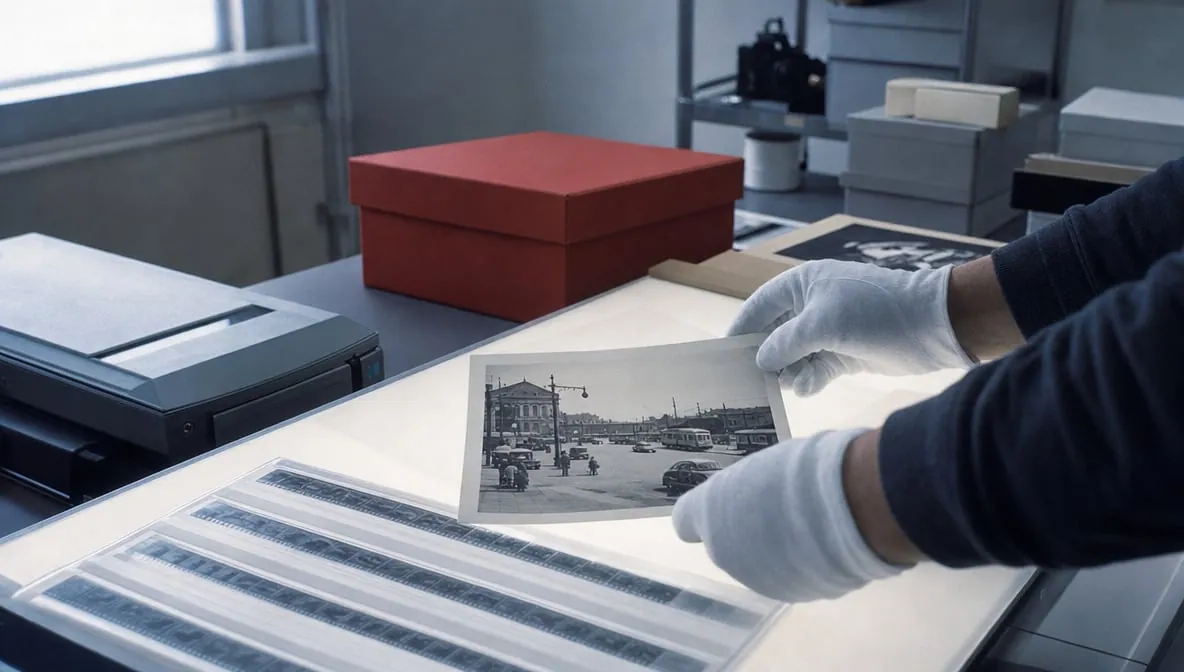
Archival Images
Remove dust and scratches, adjust lighting and color, and restore images to their original sharpness.
12 groundbreaking AI tools.
Trained on millions of images.
Plus, unlimited cloud rendering.
Upscale, denoise, sharpen and more
Start enhancingAll features
Dust and Scratch
Automatically identifies and removes blemishes from your entire photo. One click.
Denoise
Shoot confidently in low light, or save what you've already shot. Remove graininess. Preserve detail. Use Denoise on processed image formats, and Denoise (RAW) on RAW images.
Super Focus
Realistically restores lost detail and sharpness due to missed focus, blur, distance, or motion.
Sharpen
Feathers. Fur. Blades of grass. Zoom, upscale, and sharpen at any distance, without a loss of detail.
Remove
Remove everything from scratches to camera obstructions with the context-aware algorithm to seamlessly blend the patch into the rest of the image.
Recover Faces
Wisps of hair. Pores of skin. Wrinkles and eye reflections, all recovered instantly. Get double the resolution as previous versions, plus the ability to choose from Realistic or Creative options.
Adjust Lighting
Use sliders to correct the exposure, highlights, and shadows in each image.
Preserve Text
Recover letters and numbers, and other small details to get your result just right.
Balance Color
Topaz Photo analyzes the image, then corrects the brightness and contrast to create a more vivid image, instantly.
Upscale
Once you've perfected every pixel, upscale for printing to almost any size.
Frequently asked questions
Can I use Topaz's image models inside Chatly?
Yes. Chatly connects to Topaz Labs through its API, so you can run Topaz's Gigapixel upscaling models and Topaz Photo's enhancement tools from your Chatly workspace, alongside the other models you use there.
Which upscaling model should I pick?
Start with Standard V2, the default that works for most images. Pick High Fidelity for photos that are already high resolution, Low Resolution V2 for very small inputs, CGI for illustrations and renders, Text Refine for documents and screenshots, and Faces for portraits.
What is Topaz Photo?
Topaz Photo is an AI application for enhancing photos through noise reduction, sharpening, face recovery and upscaling.
Are my photos uploaded?
Inside Chatly, your image is sent to Topaz's cloud rendering through the API and the result comes back to your workspace. Topaz's own desktop app can also render locally; that option is not part of the API.
Which tools are included?
Denoise, Sharpen, Super Focus, Recover Faces, Upscale, Adjust Lighting, Balance Color, Remove, Dust and Scratch and Preserve Text, plus the Wonder and Standard MAX upscaling models.
What does the Wonder model do?
It upscales, sharpens and denoises in one click, with no settings to tune. It is made for photos with extremely low resolution.
Topaz Image, inside Chatly.
Fix blur, noise and low resolution in one click, one prompt away from the rest of the job.
Chatly on your phone and your Mac
Chatly for iPhone
Send the old photo on the train, and get it back sharp and print sized on your phone. Every upscale you make here is on your phone.
Coming soon to the App Store

Chatly for Mac
Upscaling on your desktop, with the photos and footage you already have to hand.
Download for macOS