Why PDFs Are Hard to Read, Search, and Understand
You have the document open. The answer is somewhere inside it. You search, get fourteen results across eleven pages, and still cannot find what you actually need. So you scroll, skim, re-read, lose track, and repeat. Twenty minutes later, the answer was on page six all along.
PDFs do one thing well: they preserve layout.
That reliability made them the standard for documents that need to look consistent. The problem is that visual consistency and practical usability are different things, and PDFs were built for the former.
That gap shows up in three consistent ways:
- Reading them is slower than it should be
- Searching them often fails to find what you actually mean
- Understanding what they contain requires more effort than the content itself demands
This article breaks down why, what makes some files significantly worse than others, and where AI tools improve the experience without pretending the limitations have disappeared.
What This Article Covers
- Why PDFs often feel harder to work with than other document formats
- Why built-in PDF search frequently fails at real retrieval tasks
- What makes some PDFs significantly worse than others
- Why structure, layout, and scan quality all matter
- Why understanding a PDF is often harder than simply locating text
- How AI improves the workflow without fully removing the limitations
What PDFs Are Good At
Before getting into the problems, it is worth being precise about what PDFs actually do well. They are not a bad format. They are a mismatched one for certain tasks.
PDFs preserve layout across devices and systems with high reliability. A document formatted on one machine renders the same on another, regardless of software, operating system, or screen size. They keep formatting stable for sharing, printing, and archiving.
They lock down the visual version of a document so it cannot be accidentally altered in transit.
For distribution, compliance, and formal publishing, those qualities are exactly what is needed. The issue is that the same properties that make PDFs reliable for presentation make them resistant to fast, flexible, meaning-based reading.
What PDFs Are Bad At
PDFs are weak at almost everything that makes working with a document efficient. Specifically:
- Flexible reading that adjusts to what the user actually needs
- Fast information retrieval without manual scanning
- Meaning-based search that understands intent, not just keywords
- Easy extraction of key details from dense or structured content
- Efficient navigation through long files without reading everything
These are not minor inconveniences. For anyone who regularly works with long, technical, or information-dense files, they add up to a significant and recurring cost.
Why PDFs Feel Hard to Read
PDFs often feel hard to read for a plethora of reasons. They are difficult to traverse and locate the information you need.
Fixed Layouts Slow Reading Down
PDFs are designed for stable presentation, not adaptive reading. The layout is locked. The text block is wherever the designer put it. For short documents that users read top to bottom, that is fine. For long documents where users need to move around, extract specific information, and hold context across sections, fixed layouts create real friction.
Long pages, narrow text columns, dense paragraph blocks, and rigid formatting all increase the cognitive effort of reading. The document does not adjust to the task. The reader has to adjust to the document.
Reading Is More Linear Than Most Tasks Require
That mismatch between how PDFs are structured and how people actually use them is one of the most persistent sources of frustration with the format.
Dense Files Create Fatigue Quickly
Some document types are particularly demanding. Research papers, business reports, technical manuals, contracts, policy documents, and compliance filings all tend to be long, dense, and written for completeness rather than readability. They contain a lot of information, most of which is not relevant to any given reader's specific need.
Reading through them looking for what matters is tiring. The format does not help the reader triage. It presents everything with equal visual weight and expects the reader to do the filtering.
Context Is Harder to Hold in Long Documents
In a long PDF, important information is rarely concentrated in one place. Definitions appear early. Findings appear in the middle. Caveats appear in footnotes or annexes. Recommendations appear at the end. To understand any one section fully, readers often need to hold in mind what was said three sections earlier.
That kind of cross-document context is hard to maintain through manual reading. It is one of the reasons that long, information-dense PDFs consistently take longer to work through than their page count might suggest.
Why Search Inside PDFs Often Fails
Built-in PDF search does exactly one thing – find the word you typed. It does not understand what you meant, and that gap between matching text and retrieving answers is where most of the frustration lives.
Keyword Search Finds Matches
The search function built into most PDF readers works on exact character matching. Type a word, get back every location where that word appears. The tool has no understanding of what the user is actually looking for. It matches strings, not intent.
This creates a consistent problem. Users often search for the idea they have in mind, using the language they would use. The document may express that idea using completely different terminology. The search returns nothing and it is not because the information is absent, but because the phrasing does not match.
Search Results Still Require Manual Review
In a dense document, this process is itself time-consuming. The search narrows the field. It does not answer the question.
Search Becomes Weaker in Long or Dense Files
This is one of the main reasons that keyword search feels adequate in short documents and genuinely inadequate in long ones. The problem scales with length.
Search Does Not Answer the Question
This is the most fundamental limitation. Built-in PDF search points to locations. It does not explain, summarize, compare, or retrieve the answer directly. A user who wants to know what a contract says about termination notices gets a list of pages where the word "termination" appears. They do not get the answer to their question. They get the coordinates of where they might find it.
That distinction matters. It is the difference between a search tool and a retrieval tool, and most PDF readers only offer the former.
Why Some PDFs Are Much Worse Than Others
Not all PDFs create equal difficulty. The format has real internal variation, and some document types are significantly harder to work with than others.
Scanned PDFs
A scanned PDF is not a text document. It is an image of a document. The words visible on screen are not readable as text unless optical character recognition has been applied, and the quality of that OCR determines almost everything about how usable the file is.
Poor scans produce poor text extraction. Blurry pages, skewed images, low-resolution scans, and inconsistent lighting all degrade OCR accuracy. When text extraction fails, search fails. When search fails, any downstream analysis including AI-assisted reading also suffers. The quality of the source file is not a minor technical detail. It is the foundation everything else depends on.
Multi-Column Layouts
Newspaper-style and academic journal layouts present columns of text that run in parallel down the page. For human readers who understand the visual structure, this is manageable. For tools that process text linearly, it creates a sequencing problem.
Tables, Footnotes, and Embedded Formatting
Tables are one of the most common places where important information lives in professional documents such as financial figures, performance metrics, comparison data, compliance thresholds. They are also consistently harder for both search tools and AI systems to parse reliably than plain paragraph text.
Footnotes and embedded formatting create similar problems. Information presented outside the main flow of body text is frequently missed, misattributed, or stripped during extraction. For documents where those elements carry critical detail, that is a significant gap.
Poor Document Structure
These structural problems compound every other difficulty. A well-structured document is easier to read, easier to search, and easier to analyze with AI tools. A poorly structured one is harder in every direction.
Why Are PDFs Hard to Understand, Not Just Hard to Search?
There is a meaningful difference between locating information and understanding it. PDFs are often difficult on both counts, but the understanding problem is distinct and worth addressing separately.
Information Is Often Buried
Key facts in a PDF may be technically present but practically invisible without sustained, careful reading. A critical assumption in a research paper may appear in the methodology section. A liability clause may sit in the middle of a long contract annexe. A revenue caveat may be buried in a footnote below a summary table.
Locating these details manually requires not just searching, but knowing where to look, and knowing what to look for before you have read the document. That is a difficult position to start from.
Context Is Scattered
Definitions, findings, caveats, and recommendations are rarely collected in one place in professional documents. They are distributed across sections according to the logic of the document's structure, not the logic of the reader's question.
To fully understand a clause, a finding, or a recommendation, users often need to connect material from multiple sections. That synthesis is hard to do through linear reading and nearly impossible through keyword search alone.
Dense Writing Increases the Burden
Many PDFs are written for completeness, compliance, or formal publication rather than readability. They use passive constructions, technical vocabulary, and elaborate sentence structures that require careful reading to parse correctly. The information is in there. Getting to it takes real effort.
Meaning Depends on Surrounding Language
This is particularly relevant for contracts, research claims, and technical specifications. A clause read in isolation can mean something different from the same clause read in context. A finding stripped from its methodology section loses the qualifications that determine how much weight it should carry.
PDFs present content in a fixed sequence, but they do not help readers understand which parts of that sequence are load-bearing for any given question. That work falls entirely on the reader.
Where This Becomes a Real Problem
These difficulties are not abstract. They show up in specific, recurring ways across the document types that professionals, researchers, and students work with most.
- Research papers scatter findings, methods, and limitations across sections written in specialist language. First-pass reading is slow and context-intensive.
- Business reports distribute metrics, caveats, and recommendations across executive summaries, body sections, and appendices. Getting a complete picture requires reading across multiple parts of a long document.
- Contracts and policy documents are specifically designed to be precise, which means clauses read in isolation are easy to misinterpret. Context is not optional, yet it is required for accurate understanding.
- Manuals and technical documentation are organized by the logic of the product or system, not the logic of the user's problem. The answer to a specific question may exist in three different sections, none of which is where the user first looks.
Why Traditional PDF Workflows Are So Slow
The standard approach to working through a PDF looks like this: open the file, scroll to where the relevant content might be, search for a keyword, click through results, skim the surrounding text, realize the context is in a different section, go back, re-read, lose track, and repeat.
The PDF format places the entire interpretive burden on the reader. The document presents a fixed body of text. The reader must locate, filter, connect, and interpret everything manually. For short, simple documents, that is manageable. For long, dense, or complex ones, it is genuinely slow and cognitively expensive.
Why OCR Matters More Than Most People Realize
OCR – optical character recognition – is the process of converting scanned images of text into machine-readable characters. For text-based PDFs, this step is unnecessary because the text is already embedded. For scanned documents, it is the step that determines whether the file is usable at all.
Weak OCR produces errors that cascade through every subsequent operation. Search returns incomplete or incorrect results. AI tools analyze corrupted text and produce unreliable outputs. Summaries miss or misstate content that was illegible to the extraction layer.
The specific culprits are familiar to anyone who has worked with older document archives: blurry pages from aging originals, skewed scans from hasty digitization, low-resolution images captured on inadequate equipment, and inconsistent text recognition across mixed document types.
Clean, text-based PDFs consistently perform better across every operation such as search, analysis, summarization, and AI-assisted reading. When the source file is poor, no downstream tool compensates fully for that.
How AI Changes the Workflow (and The Game)
AI does not fix the PDF format. It improves how users interact with it, and the improvement is meaningful.
From Keyword Search to Question-Based Retrieval
Instead of typing a term and getting back a list of locations, users can ask what the document says about a topic and receive an answer drawn from the actual content. The tool interprets intent, not just string matches. For complex questions with multiple relevant sections, that difference is significant.
From Linear Reading to Selective Exploration
AI tools let users move through a document by task, section, or question rather than by page order. Users who need the findings from section four, the risk factors from section seven, and the recommendations from the conclusion can access all three without reading the sections in between.
From Full Reading to First-Pass Triage
One of the most practical uses of AI with PDFs is deciding what deserves careful reading before committing to it. A quick AI-generated summary of a 90-page report tells users whether the document is relevant, where the key content lives, and which sections need direct human review.
From Manual Hunting to Guided Summarization
Rather than reading an entire document to get the main points, users can ask for a summary and get an overview in seconds. That overview is not a substitute for careful reading in high-stakes situations, but it is a significant improvement over starting blind.
What AI Still Does Not Fix (Yet)
Honest use of AI for PDF work requires knowing where the improvement stops.
- Bad source files still produce bad outputs. A poorly scanned document with weak OCR will return unreliable answers regardless of how good the AI layer is. Garbage in, garbage out remains true.
- Complex formatting remains a challenge. Tables, footnotes, multi-column layouts, and embedded visual elements are still harder for AI systems to parse reliably than clean paragraph text.
- Ambiguous questions produce weak answers. Asking "what does this say?" about a 100-page report is not a useful prompt. Precision in the question produces precision in the answer.
- High-stakes interpretation still requires human judgment. Legal clauses, financial figures, medical information, compliance requirements, and research findings that inform consequential decisions should always be verified against the source document. AI tools surface information. They do not certify it.
- Overconfident outputs are a real risk. AI-generated answers can sound more certain than the underlying content supports. A response that misses a qualifying clause or misreads a table can appear entirely plausible. Verification is not optional for anything that matters.
What Actually Helps in Practice
Given all of the above, a few practical adjustments consistently improve the experience of working with PDFs.
- Start with better source files. Where possible, use clean, text-based PDFs rather than scanned images. The improvement in search quality and AI analysis is substantial.
- Ask focused questions. Specific prompts produce stronger answers than vague ones. "What does section 4 say about liability?" is better than "summarize this." "What risks are mentioned in the executive summary?" is better than "what are the risks?"
- Use summaries to orient, not to replace reading. An AI-generated summary is a useful starting point. It shows where the content lives and which sections are worth reading carefully. It is not a substitute for direct review when precision matters.
- Verify important details directly. Clauses, financial figures, research findings, technical specifications, and compliance-related content should always be checked against the source text. Use AI output as a pointer, not as a final answer.
- Use AI to reduce reading load, not to replace judgment. The best use of AI with PDFs is faster orientation, more efficient retrieval, and better first-pass understanding. The judgment about what to do with what the document contains still belongs to the reader.
Where Chat PDF by Chatly Fits In
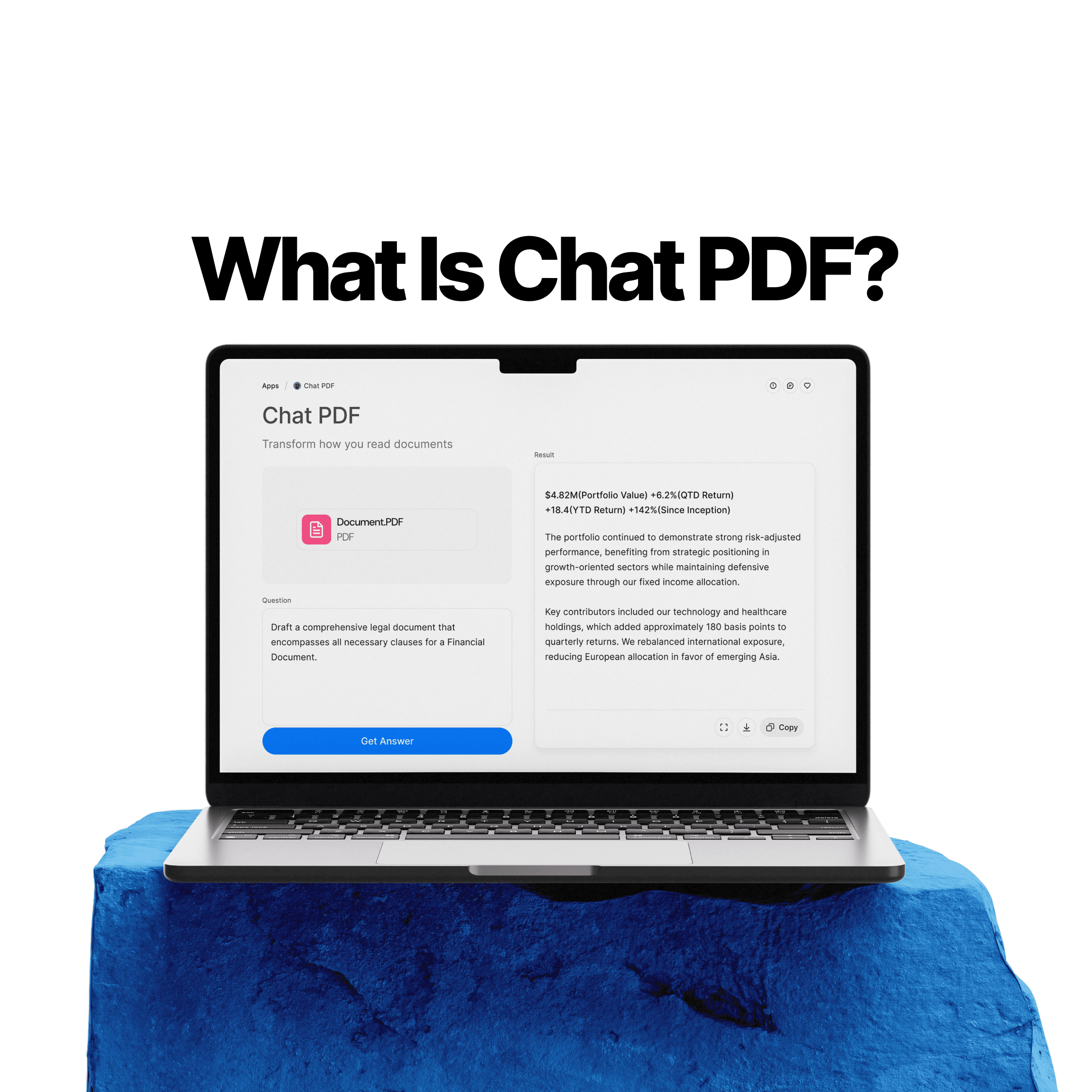
Chat PDF by Chatly is built around the practical reading tasks that PDFs make difficult. Users can upload a file, ask targeted questions, request summaries, and move through long documents by topic and section rather than by page order.
For research papers, business reports, technical manuals, contracts, and policy documents – the file types where PDF friction is highest – the tool reduces the time spent on first-pass orientation and focused retrieval.
Conclusion
PDFs are effective for what they were designed to do: preserve layout, maintain formatting, and create stable documents for sharing and archiving. They are inefficient for what most people actually need to do with them: find specific information quickly, understand dense content without reading everything, and extract answers without manual hunting.
AI improves that gap meaningfully, however it does not close it entirely. The source file still matters. What AI does is move the starting point going from slow, manual, page-by-page reading to faster, question-based, retrieval-led interaction with the same document.
That is a real improvement. It is just not a complete solution.
Frequently Asked Question
Here is everything else you might need to know to understand PDFs.
More topics you may like
10 Different Ways You Can Use Chatly AI Chat and Search Every Day

Faisal Saeed

24/7 Customer Support with AI Chat: Benefits, Examples and More

Muhammad Bin Habib
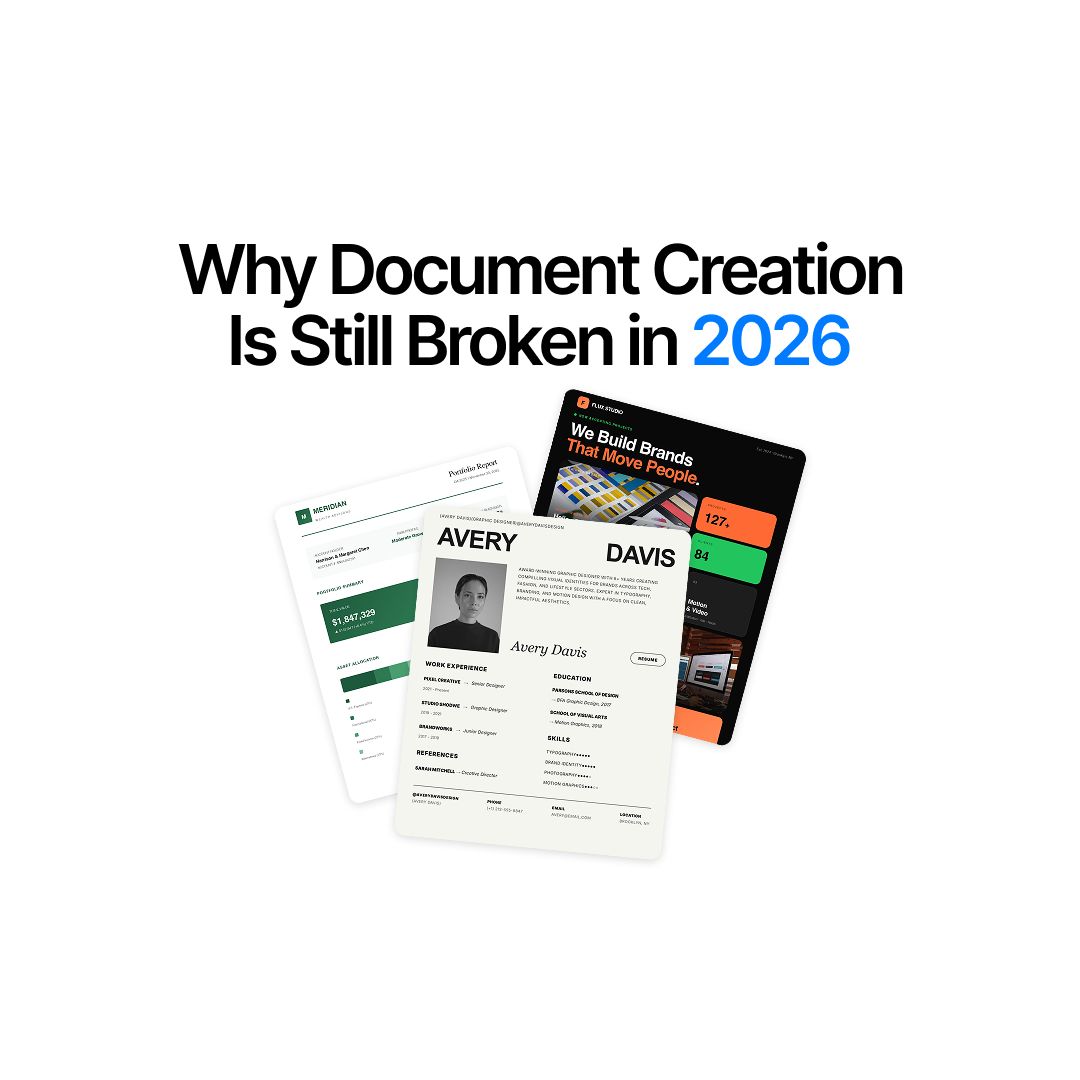
Why Document Creation Is Still Broken in 2026 — How AI Document Generators Are Fixing It
Faisal Saeed
What Is Chat PDF? How to Chat With PDFs, Summarize Files, and Find Answers Faster

Elena Foster
We Asked AI to Explain One of the Most Important and Complex Research Papers. Here's What Happened.

Daniel Mercer